

TL;DR
Build a source-to-video REST integration in about 10 minutes, then handle the real asynchronous render with persisted job state, safe polling, and retries.
This text-to-video API tutorial turns one public source URL into a 30-second, 16:9 English motion-graphics job with TapVid. The integration itself is short: upload material, create a job, poll status, and request a signed download URL. The render is asynchronous and is not guaranteed to finish in 10 minutes. The controlled test took much longer, which is exactly why the production code below persists the job ID and survives transient network failures.
Review TapVid API and MCP access
01
What a text to video API means in this tutorial
“Text to video” covers several different products. Some APIs turn a short prompt into a five-second cinematic clip. Others animate an image, place a digital presenter over a script, or assemble stock footage. TapVid handles a different job: transform creator-owned source material into a structured, multi-scene information video. In this tutorial the input is not a vague visual prompt. It is the public TapVid API and MCP page plus a brief that defines audience, duration, aspect ratio, message, and prohibited claims. The output target is a complete 30-second information video rather than one isolated shot. For agencies and small businesses, prompt-based scene editing also means one scene can be regenerated while the rest stays intact.
The phrase “build it in 10 minutes” refers to integrating the four REST operations, not promising a 10-minute render. Video generation is asynchronous. The create endpoint returns `202 Accepted` immediately, status may remain unchanged for long periods, and export preparation can continue after generation reports completed. A truthful client separates request latency from generation latency. It shows that the job was accepted, stores the ID, reports current status, and resumes later. It never replaces an active job with a duplicate just because a browser tab or network connection disappeared.
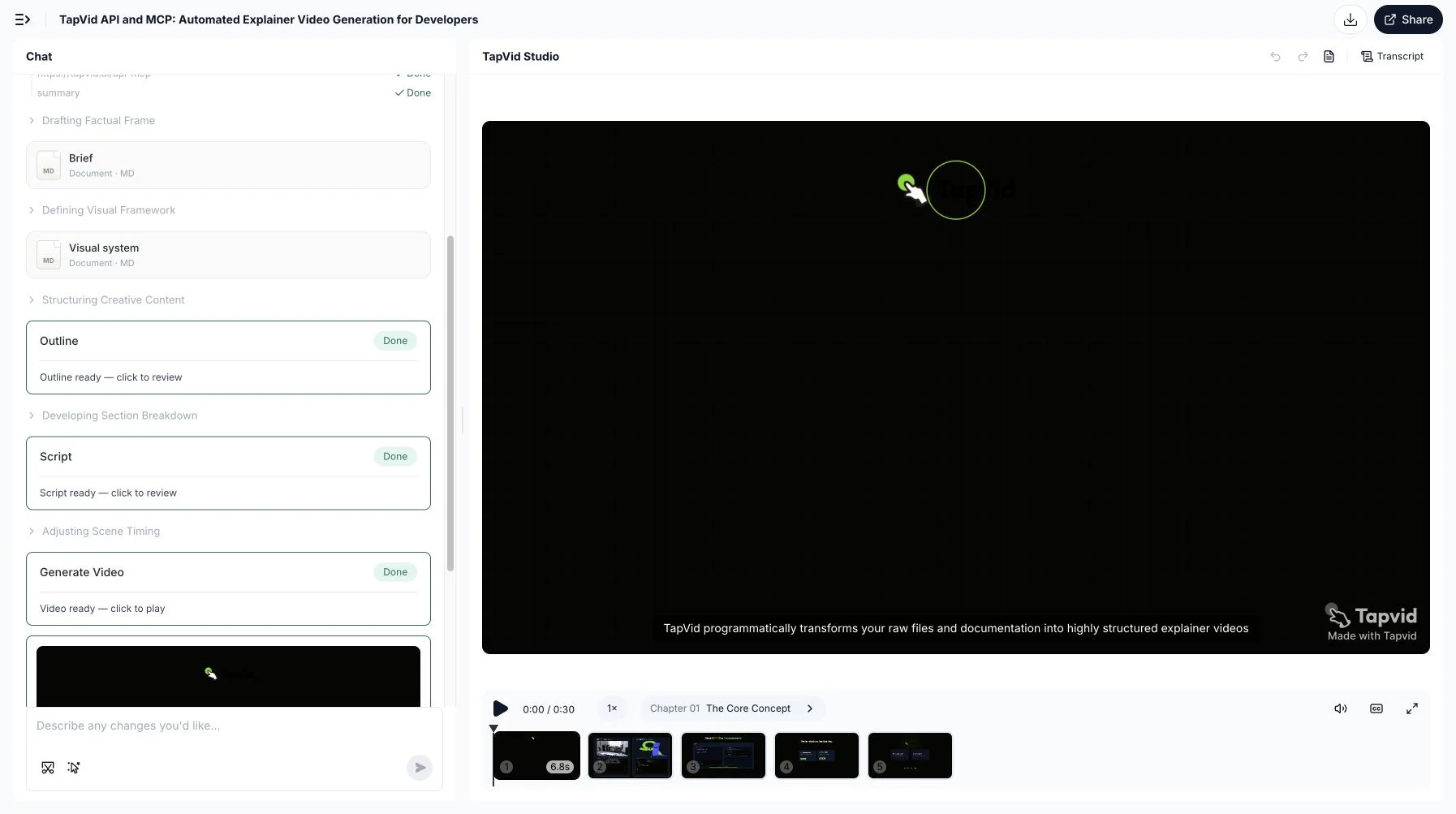
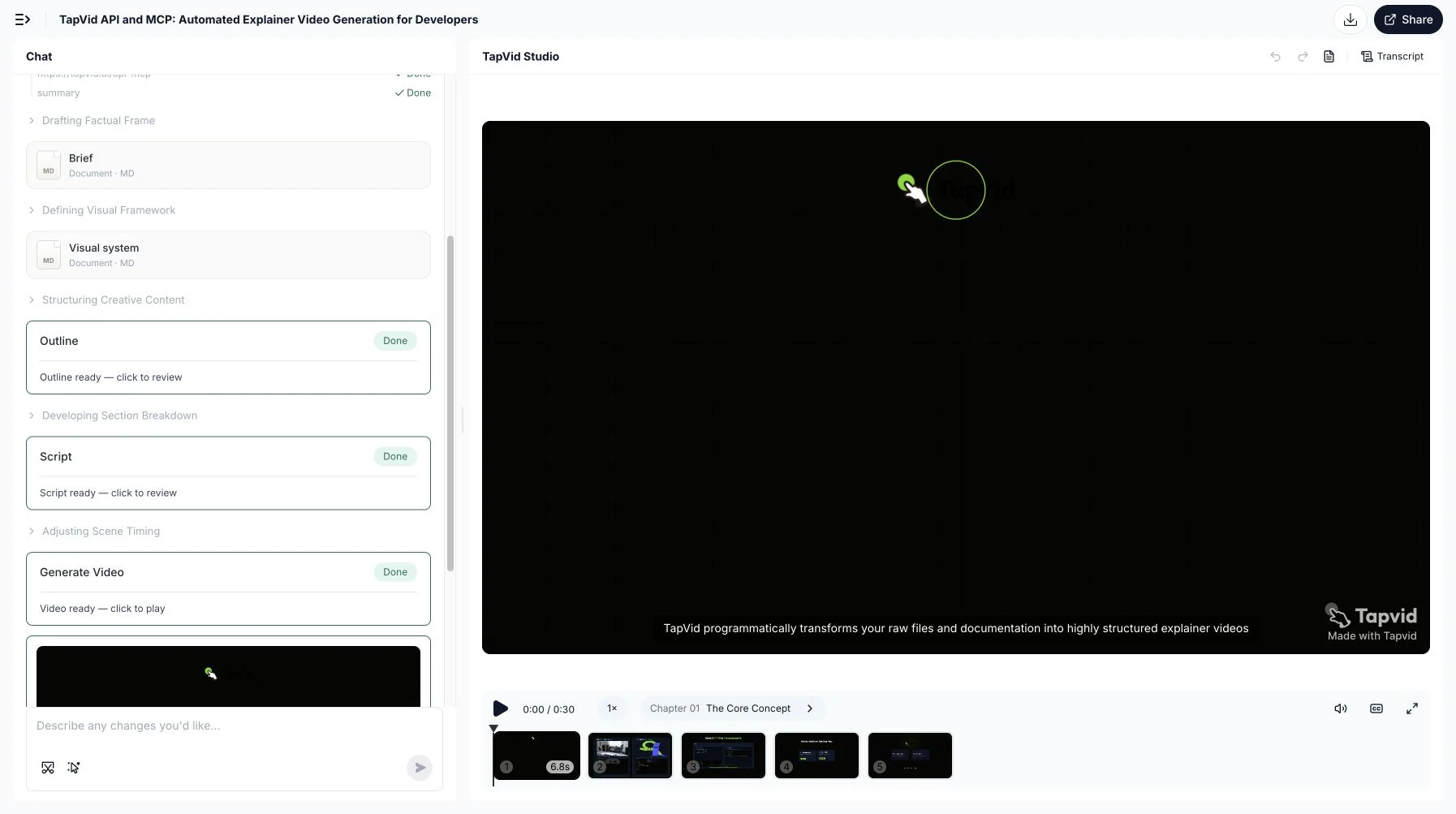
This is the actual 30-second TapVid output made from the public API and MCP page with the brief used in this tutorial. We verified the completed five-scene project in TapVid Studio, played the full result, and downloaded this local MP4. It proves the source-to-finished-video workflow and the downloadable output. It does not retroactively turn the earlier interrupted REST poll into a completed REST benchmark.
02
Know the contract before writing code
The current official gateway is `https://api.tapvid.ai/api/public/v1`, and every request uses `Authorization: Bearer YOUR_KEY` over HTTPS. Create the key at TapVid API Keys and expose it to local code as `process.env.TAPVID_API_KEY`. Do not hard-code it into the script shown in a blog, repository, frontend bundle, screenshot, or client-side application. The create flow accepts one to 30 material IDs, a required prompt, optional title, `16:9` or `9:16`, durations from `30s` through `5m`, and an optional language. These are wire values, so spelling and punctuation matter.
- Use the public REST base `https://api.tapvid.ai/api/public/v1` over HTTPS.
- Load the key from `process.env.TAPVID_API_KEY` on the server, never from frontend code.
- Upload exactly one HTTPS URL or one multipart file per material request.
- Persist `materialId`, then persist `videoId` immediately after the HTTP 202 create response.
- Poll with the returned `pollAfterSeconds` and keep an overall resumable timeout.
| Field or resource | Current documented constraint | Implementation note |
|---|---|---|
| File | 100 MB per file | Use multipart form data |
| URL | HTTPS, up to 4,096 characters | No internal hosts |
| Materials | Up to 30 per video | Persist every returned material ID |
| Prompt | Up to 12,000 characters | Keep it specific and source-grounded |
| Aspect ratio | `16:9` or `9:16` | Omit only when automatic choice is acceptable |
| Duration | `30s`, `60s`, `2m`, `3m`, `4m`, or `5m` | Choose a wire enum exactly |
03
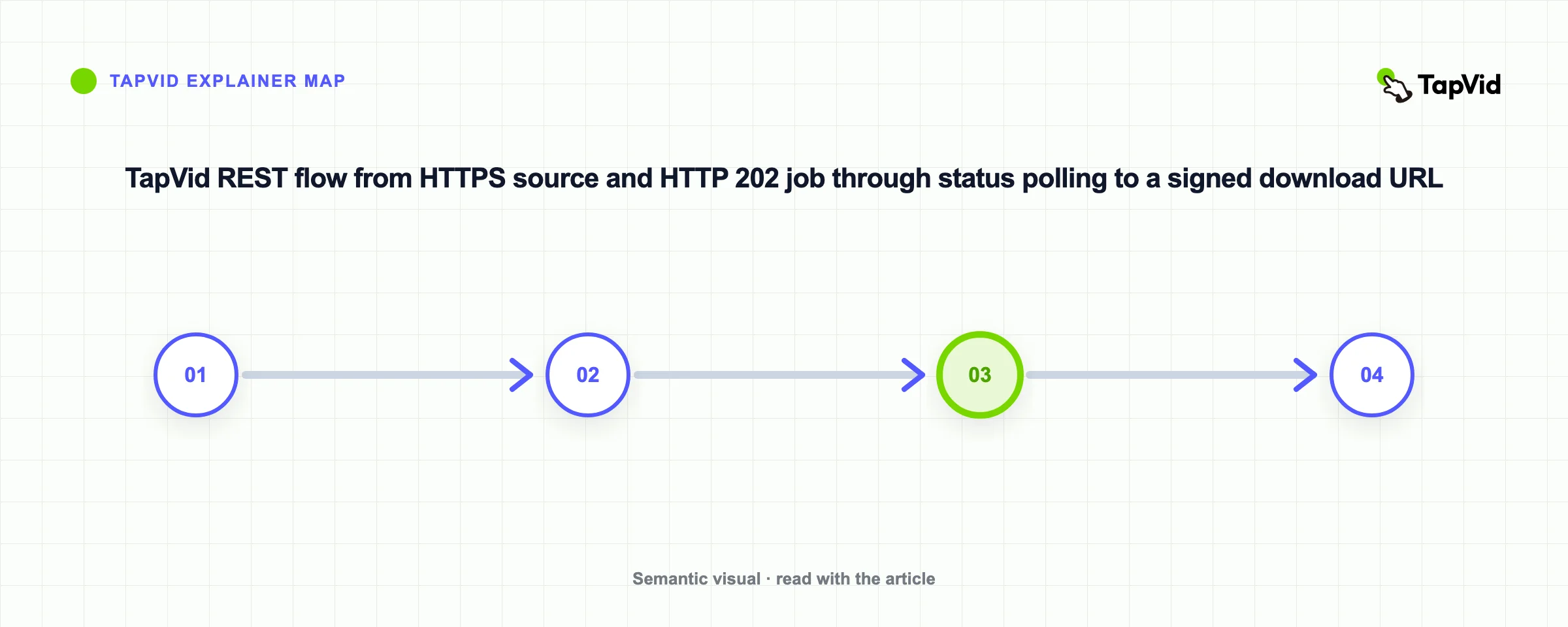
Step 1: upload a public URL or file
Start by uploading exactly one source form. For a URL, send JSON with an HTTPS `url`. For a file, send multipart form data with one file no larger than 100 MB. URL strings can be up to 4,096 characters and cannot target internal hosts. The example uses `https://tapvid.ai/api-mcp` because it is public, stable enough for this test, and describes the service being explained. The upload response returns `materialId`. Treat it as private application state. It is not a human-readable slug and does not belong in analytics labels or public logs.
export TAPVID_API_KEY="replace-with-your-local-secret"

curl -X POST https://api.tapvid.ai/api/public/v1/materials \
  -H "Authorization: Bearer ${TAPVID_API_KEY}" \
  -H "Content-Type: application/json" \
  -d '{ "url": "https://tapvid.ai/api-mcp" }'
The cURL example sets an environment variable only to make the request easy to follow. In a shared machine or CI system, use the platform secret store instead of exporting a long-lived value into a shell history. The JSON response should contain `materialId` and `type`. Save both with the job record you are about to create. If upload fails with `payload_too_large`, changing the create prompt will not help. Fix the material. If the URL is rejected, verify HTTPS, length, reachability, redirects, and whether the source is allowed to be fetched.
04
Step 2: create the asynchronous video job
Create the video only after the source upload succeeds. The required `userPrompt` can contain up to 12,000 characters, but length is not a substitute for a testable brief. State the audience, source boundary, intended duration, aspect ratio, language, mandatory sequence, and forbidden claims. The example requests 30 seconds and 16:9 explicitly instead of relying on automatic choices. The response arrives as HTTP 202 with `videoId`, `status`, and `createdAt`. The official HTTP Semantics specification defines 202 as accepted for processing, not completed. It does not mean the video is downloadable or approved.
curl -X POST https://api.tapvid.ai/api/public/v1/video/create \
  -H "Authorization: Bearer ${TAPVID_API_KEY}" \
  -H "Content-Type: application/json" \
  -d '{
    "materialIds": ["MATERIAL_ID_FROM_UPLOAD"],
    "userPrompt": "Create a concise 30-second English explainer for developers. Stay faithful to the supplied source and do not invent claims.",
    "title": "TapVid API developer explainer",
    "aspectRatio": "16:9",
    "duration": "30s",
    "language": "en"
  }'
Persist `videoId` before the next network call. This one line is the most important production change identified by the controlled test. A process can crash after create and before its first status response. If the ID exists only in memory, the application cannot resume and may create a second paid job. Store the ID beside your own request ID, material IDs, prompt revision, requested settings, and user. The status endpoint expects the query parameter `video_id`, while the create response uses camel-case `videoId`. Copy the current official wire names exactly instead of normalizing them from memory.
05
Step 3: persist, poll, and request the download
Poll `GET /video/status` using the accepted ID and respect `pollAfterSeconds`. The documented terminal states are `completed` and `failed`; intermediate states include `queued` and `running`. Progress is a fraction from 0 to 1, not an estimated time remaining. Once completed, poll once more if `creditsUsed` is still null because settlement can follow the terminal update. Then request `GET /video/download` with resolution, watermark, and subtitle options. The signed `downloadUrl` expires in about one hour. Store the durable video ID, not the signed URL, and refresh the URL when a user needs it again.
import { writeFile } from 'node:fs/promises'

const apiKey = process.env.TAPVID_API_KEY
if (!apiKey) throw new Error('TAPVID_API_KEY is required')

const base = 'https://api.tapvid.ai/api/public/v1'
const headers = { Authorization: `Bearer ${apiKey}` }

async function request(path, init = {}, { attempts = 1 } = {}) {
  let lastError
  for (let attempt = 1; attempt <= attempts; attempt += 1) {
    try {
      const response = await fetch(`${base}${path}`, {
        ...init,
        headers: { ...headers, ...init.headers },
      })
      const data = await response.json()
      if (response.ok) return { response, data }
      if (response.status !== 429 && response.status < 500) {
        const error = new Error(`HTTP ${response.status}: ${data.code ?? 'unknown'}`)
        error.retryable = false
        throw error
      }
      lastError = new Error(`retryable HTTP ${response.status}`)
    } catch (error) {
      if (error?.retryable === false) throw error
      lastError = error
    }
    if (attempt === attempts) break
    await new Promise((resolve) => setTimeout(resolve, attempt * 1000))
  }
  throw lastError
}

const { data: material } = await request('/materials', {
  method: 'POST',
  headers: { 'Content-Type': 'application/json' },
  body: JSON.stringify({ url: 'https://tapvid.ai/api-mcp' }),
})

const { response: createResponse, data: video } = await request('/video/create', {
  method: 'POST',
  headers: { 'Content-Type': 'application/json' },
  body: JSON.stringify({
    materialIds: [material.materialId],
    userPrompt: 'Create a concise 30-second English explainer for developers. Stay faithful to the source.',
    title: 'TapVid API developer explainer',
    aspectRatio: '16:9',
    duration: '30s',
    language: 'en',
  }),
})

if (createResponse.status !== 202) throw new Error('Expected 202 Accepted')

// Persist before the next network call. A lost poll must not cause a duplicate create.
await writeFile('.tapvid-job.json', JSON.stringify({ videoId: video.videoId }))

let status
for (let poll = 0; poll < 180; poll += 1) {
  const result = await request(
    `/video/status?video_id=${encodeURIComponent(video.videoId)}`,
    {},
    { attempts: 4 },
  )
  status = result.data
  if (status.status === 'completed' || status.status === 'failed') break
  await new Promise((resolve) =>
    setTimeout(resolve, Math.max(status.pollAfterSeconds ?? 5, 5) * 1000),
  )
}

if (!status) throw new Error('No status received')
if (status.status === 'failed') throw new Error(status.error?.code ?? 'generation_failed')
if (status.status !== 'completed') throw new Error('Polling timeout; resume with the saved videoId')

const query = new URLSearchParams({
  video_id: video.videoId,
  resolution: '1080P',
  watermark: 'true',
  subtitle: 'false',
})
const { data: download } = await request(`/video/download?${query}`, {}, { attempts: 4 })
console.log({ status: download.status, expiresAt: download.expiresAt })
The Node.js example wraps reads in bounded retries and writes the accepted video ID to disk before polling. In a real service, replace the local JSON file with a database row and use a queue worker. The helper retries network errors, HTTP 429, and server errors. It does not retry a normal 400 or 401 as if time will repair bad arguments or credentials. The 180-poll ceiling creates a clear terminal condition for the worker. If that ceiling is reached, the code keeps the ID and reports a resumable timeout instead of submitting another create request.
06
What the live REST test revealed
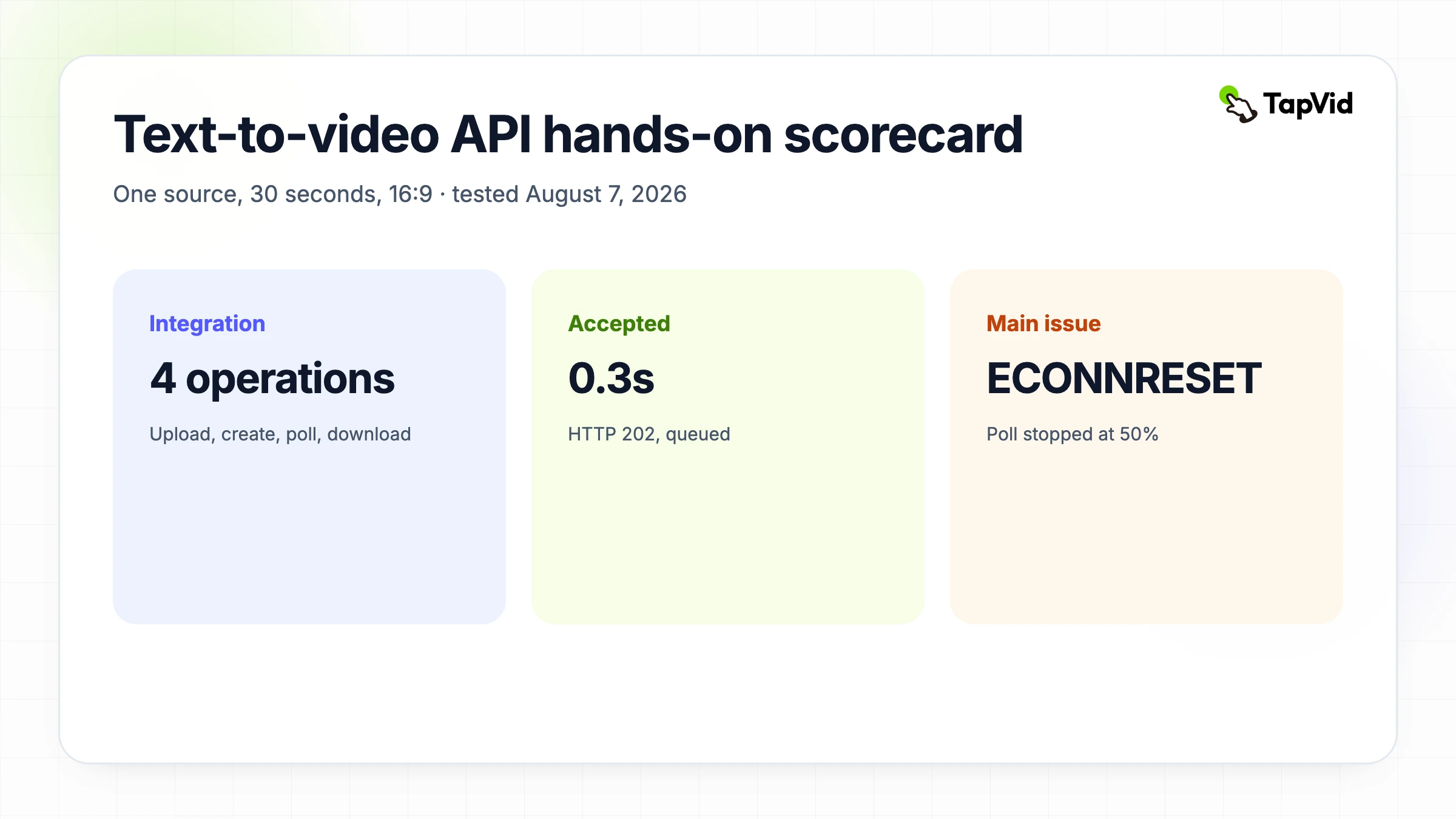
The August 7, 2026 REST test used the same source, prompt, 30-second duration, 16:9 ratio, and English language as the MCP test. Material upload returned HTTP 200 in about 1.4 seconds. Create returned HTTP 202 and queued in about 0.3 seconds. The first running state appeared at about 81 seconds. At about 331 seconds the job still reported running at 50 percent. The local Node process then received `ECONNRESET` before a TLS connection was established. That was a polling-client failure, not a documented video-job failure.
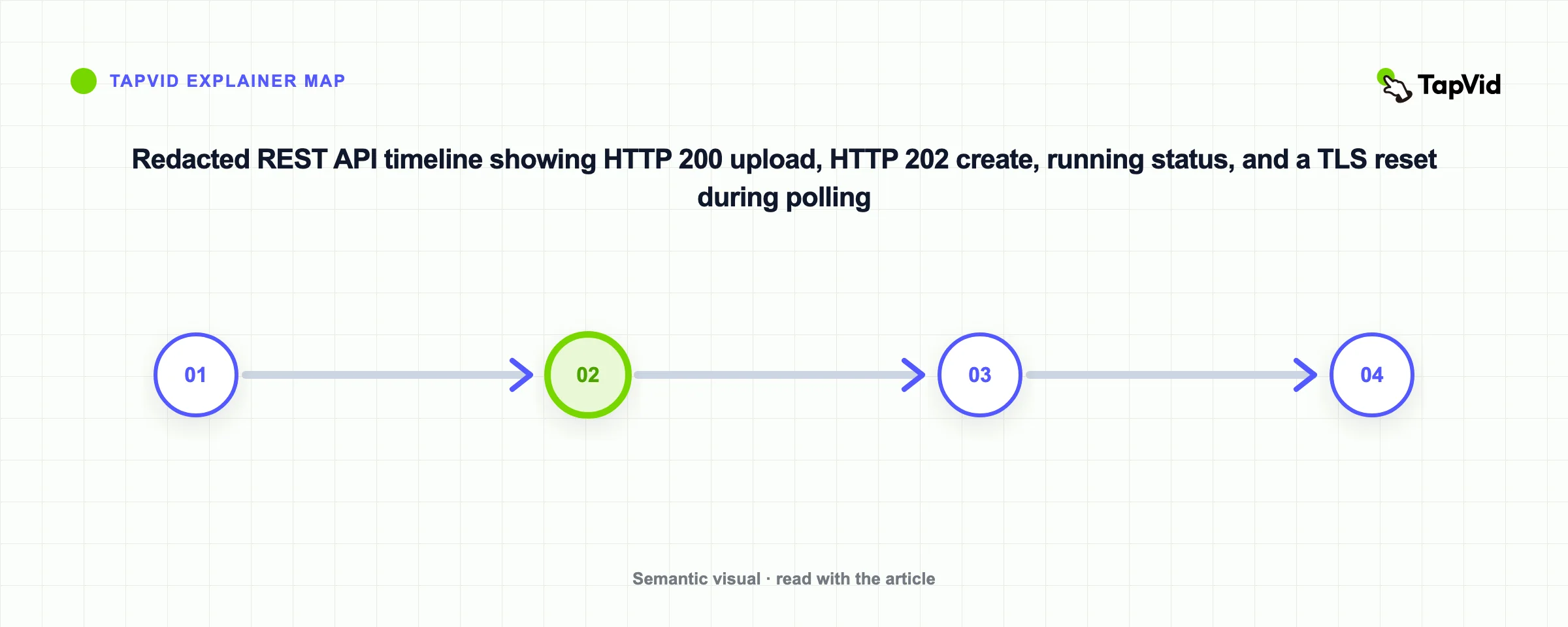
The first test script kept the private video ID only in process memory, so after the process exited it could not resume the accepted job. No duplicate job was created. The account usage counter had already increased from 90 to 180 credits across the MCP and REST runs, matching 90 credits per create and the approved total ceiling. This is why the final sample persists the ID before polling and gives GET requests bounded retry. It is also why this article does not claim that the REST run produced a downloadable file in 10 minutes. The evidence supports fast request acceptance, not a fixed render-time promise.
07
Handle API errors without duplicating spend
Handle errors according to what they mean. `unauthorized` calls for checking or revoking the key. `invalid_request` calls for correcting fields. `payload_too_large` calls for reducing materials. `insufficient_credits` calls for stopping and getting authorization before changing a limit. `rate_limited` calls for honoring `Retry-After`. `internal_error` and transport failures can receive bounded retry. `invalid_state` on download usually means generation or export is not ready. A duplicate create within five seconds may be rejected, but that is not a complete idempotency strategy for crashes that occur later.
| Code or condition | Retry? | Correct response |
|---|---|---|
| `unauthorized` | No | Fix or revoke the key |
| `invalid_request` | No | Correct the request body or enum |
| `insufficient_credits` | No | Stop and request spending authority |
| `rate_limited` | Yes | Honor `Retry-After` and back off |
| `internal_error` or network reset | Bounded | Retry the safe read and preserve job state |
| Lost response after create | Do not recreate | Resume status with the persisted video ID |
08
Production checklist for a reliable integration
A reliable integration needs more than a working happy-path snippet. Store secrets server-side. Persist accepted IDs atomically. Record status transitions, request latency, generation latency, credits, and safe error codes. Add a maximum poll window and a resumable state. Separate source upload permission, generation-spend permission, export permission, and publication permission. Refresh signed URLs rather than storing them as permanent assets. Test both 429 and network resets. Show users the last confirmed state. Finally, review the generated explainer for source fidelity, actual duration, scene order, caption readability, audio, rights, and brand before external release.
- API key stays in a server-side secret store and never enters client bundles or logs.
- Material and video IDs are written atomically before the next network request.
- Create, status, and download requests have separate latency and error metrics.
- Polling honors `pollAfterSeconds`, has jittered backoff for failures, and has a resumable timeout.
- The worker distinguishes retryable reads from credit-spending duplicate writes.
- Signed download URLs are refreshed on demand and not treated as permanent storage.
- Credits and terminal status are recorded without secrets or private URLs.
- A person reviews factual fidelity, duration, rights, brand, and final publication.
09
Use the API for finished explainers, not random clips
Use this text to video API when the job is to turn approved content into a coherent explainer with multiple scenes, narration, motion, and a downloadable output. Do not describe it as a raw model benchmark or promise the visual behavior of a cinematic prompt-to-clip engine. If you want to explore the prompt conversationally, the companion Claude and TapVid MCP tutorial shows the same source and brief through MCP. If you want durable application control, keep the REST flow here and review the current TapVid API and MCP overview before shipping.
10
Frequently asked questions
Will the finished video always be ready in 10 minutes?
No. The four-operation integration can be built quickly, but generation and export are asynchronous. The controlled MCP run took about 28 minutes to reach completed, and the REST poller lost its connection before terminal status.
What does HTTP 202 mean?
It means the create request was accepted for asynchronous processing. Persist the returned videoId and poll status; it does not mean the video is complete.
How often should I poll?
Use the pollAfterSeconds value returned by status. Add bounded retry for transient failures and an overall timeout that can resume from the stored video ID.
How long does the download URL last?
The current documentation says approximately one hour. Request a fresh signed URL when needed instead of treating it as permanent storage.
Can I remove the watermark?
The export option defaults to watermark on. Removing it requires an active subscription according to the current documentation.