
TL;DR
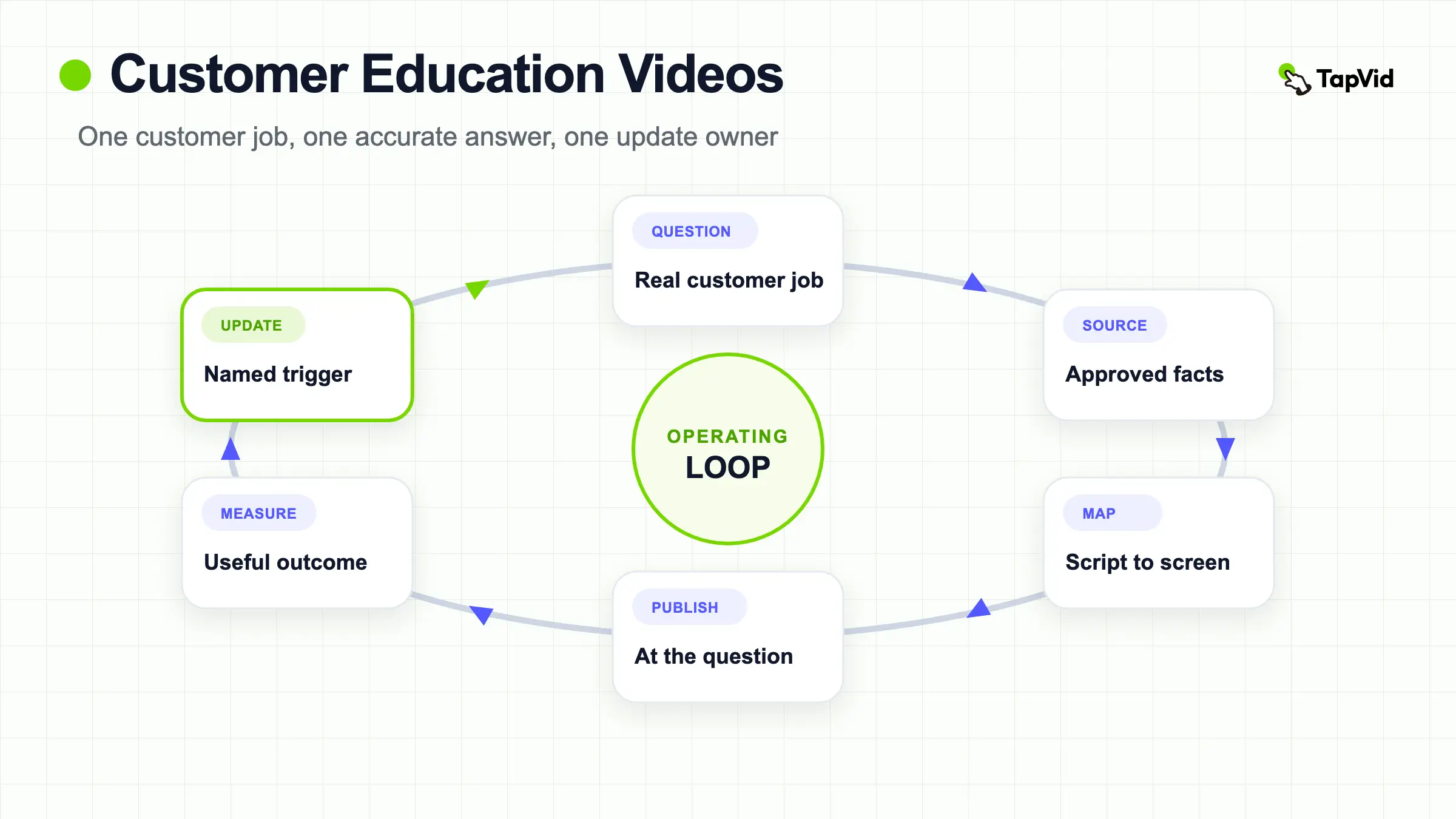
Start with a customer job, not a feature list. Give every video one observable outcome, lock the approved source material, show the exact product state that supports each statement, publish it where the question occurs, and assign an update trigger. Measure whether customers can find and use the answer rather than claiming an unsupported lift in completion, retention, or support deflection.
Customer education videos help existing customers complete a task, understand a product decision, or solve a recurring problem. A useful library is not a pile of feature recordings. It is a maintained system that connects one customer question to one accurate, findable answer.
Turn an approved customer workflow into a structured tutorial video
01
What customer education videos are, and what they are not
A customer education video is made for someone who already uses, evaluates, or supports a product and needs to perform a specific job. It might explain how to configure a permission, interpret a report, migrate data, choose between settings, or recover from a common error. The finish state should be observable. “Know the platform” is too broad; “invite a teammate with the correct role and verify the invitation” gives the writer, editor, and reviewer something concrete to protect.
This is different from employee onboarding, which prepares staff for an internal role, and from a broad brand explainer, which builds category understanding. It can overlap with a product demo, but the primary job differs. A demo usually reduces purchase uncertainty. Customer education helps a customer succeed after or during adoption. When a single video tries to sell, onboard, document every feature, and troubleshoot edge cases, the viewer has to search inside the video instead of receiving a direct answer.
02
Map the customer questions before choosing a video format
Begin with evidence from the customer journey: support conversations, implementation notes, product-search terms, call transcripts, onboarding checklists, and repeated questions from customer success. Group questions by customer job, not by the order of your navigation. A billing administrator and a daily operator may touch the same page but need different explanations. The map should state the audience, trigger, starting state, desired outcome, risk if done incorrectly, and the source owner who can approve the answer.
Then choose the smallest format that resolves the job. A 30-second annotated clip may be enough to point out a changed control. A two-minute screen tutorial can show a linear setup. A narrated diagram is better when the customer needs a mental model before touching the interface. A longer webinar is useful for discussion, but it should not become the only answer to a recurring task. Extract focused chapters or companion videos so the customer does not scrub through an event recording for one setting.
Turn the question map into a prioritized backlog before anyone opens an editor. A useful priority score combines frequency, customer risk, workflow criticality, answer stability, and the cost of being wrong. Keep the score directional rather than treating it as a universal formula. A frequent, low-risk navigation question may justify a short clip, while a less frequent permissions or billing task may rank higher because a wrong answer creates a larger recovery burden. Record the evidence, date, and owner behind each score. Revisit the list when a release changes the workflow or support reports a new failure pattern, so production follows a reasoned queue instead of the most recent request.
03
Create a source of truth pack before scripting
Every video should point back to approved source material. Build a compact source-of-truth pack with the current help article or procedure, product screenshots, exact interface labels, policy wording, model names, prices if needed, and a named reviewer. Mark text that must stay verbatim. If a statement is not supported by the source pack, remove it or send it back for approval. This prevents a polished edit from quietly introducing an outdated label, an invented capability, or an attractive but unsupported shortcut.
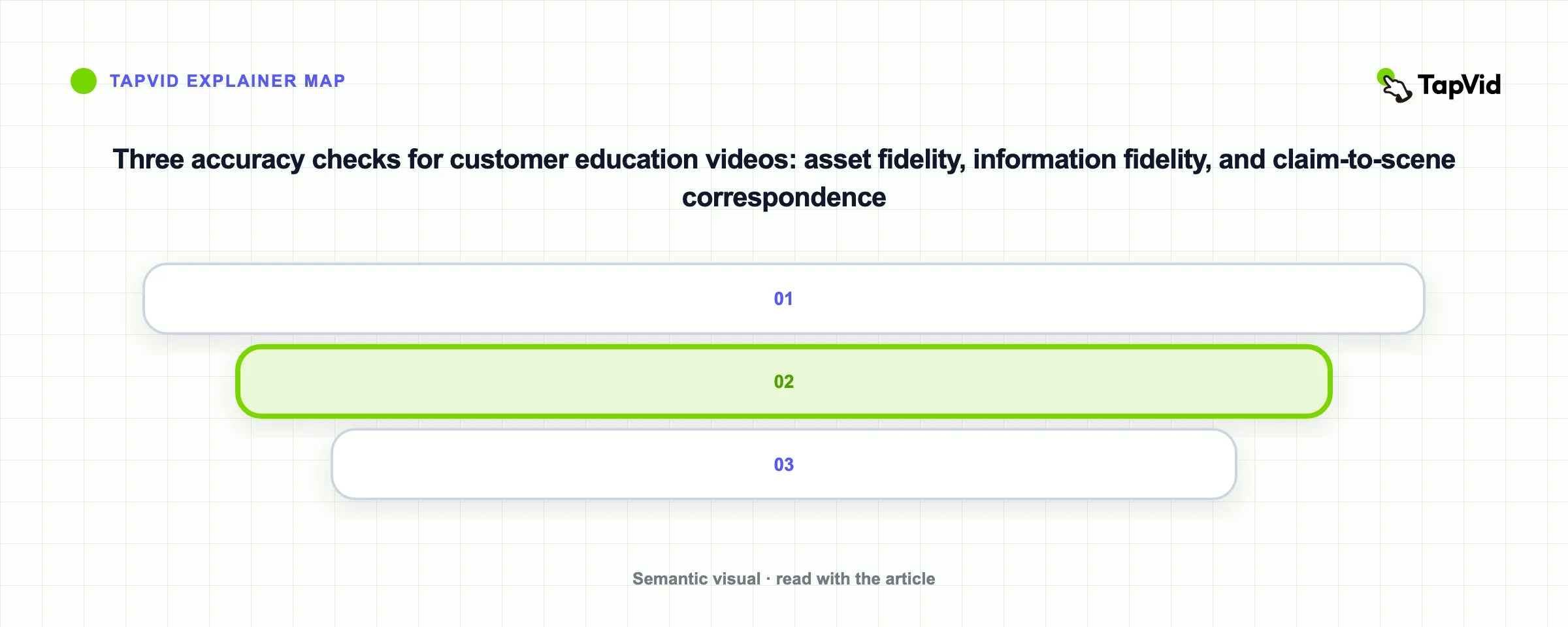
Review accuracy in three layers. Asset fidelity asks whether the supplied screenshot, product image, logo, or footage remains the intended source rather than a redrawn substitute. Information fidelity asks whether approved wording, numbers, settings, and conditions remain exact. Correspondence asks whether the visual on screen matches the product, feature, or step being discussed at that moment. These checks do not promise perfect output; they make errors visible early enough to correct.
04
Write for the action and map every statement to a screen
A practical script starts by naming the result, confirms prerequisites, shows the shortest valid path, pauses on the proof state, and explains one next action. Narration should add meaning rather than read every visible label. Avoid cuts that hide a required selection. When the script says “choose the administrator role,” the frame should show that role, not a generic dashboard. This claim-to-screen mapping is the production contract between the writer, subject-matter reviewer, and editor.
Keep modules independent when the product changes often. Put durable concepts in one video and volatile interface steps in another, or use scenes that can be replaced without rewriting the full story. A feature introduction can link to a separate setup tutorial. A troubleshooting branch can start from the error state instead of replaying the happy path. In TapVid, approved copy and assets can be reviewed before output, and a changed line or image can be handled at the relevant scene while preserved versions remain available. Verify the actual output before delivery.
For a public industry example, watch Ahrefs’ official tutorial, “How to use Ahrefs to Improve SEO”. Its teaching sequence moves from a recognizable question to the product input, a visible result, and a next action the viewer can take. This is an external Ahrefs example, not a TapVid output and not proof of performance; use it to inspect the instructional structure, not to infer customer outcomes.
Write an Education brief before recording. Name the customer role, trigger question, starting state, observable finish state, prerequisites, approved sources, protected wording, screen or asset for every claim, known branches, reviewer, distribution location, and update trigger. Convert it into six script beats: outcome, prerequisite, action, proof state, recovery path, and one next step. A workspace invitation lesson should show the required role before the click, the invitation state after submission, and what to check when the email does not arrive. State what the video does not cover. This blocks plausible but unapproved instructions and gives reviewers and future owners a finite, traceable checklist.
05
Publish the answer where the question occurs
A strong video cannot help if customers cannot find it. Place the answer in the help article, onboarding checklist, in-product guidance, email, or support reply where the question already appears. Use a literal title that includes the object and task, such as “Change a workspace owner” rather than “Take control of your workspace.” Add a short text summary, prerequisites, related links, and the last reviewed date so customers can judge whether the answer applies before pressing play.
Make the video usable without relying on audio alone. The W3C explains that captions provide synchronized text for speech and necessary non-speech audio, and that automatic captions need accuracy review: W3C caption guidance. For longer videos, chapters can create distinct sections and make specific parts easier to rewatch, as described in YouTube’s chapter guidance. Chapters improve navigation; they do not repair a video that mixes unrelated jobs.
06
Build an update workflow before the first change arrives
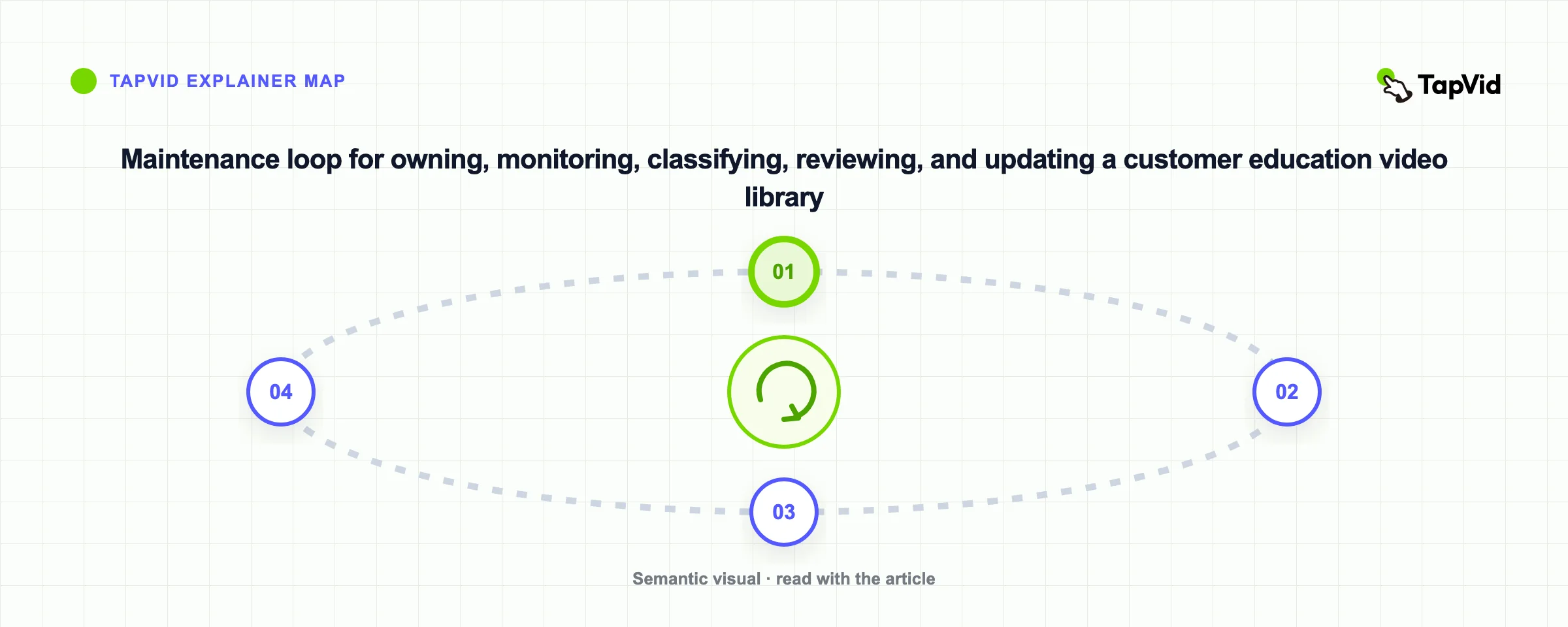
Treat every customer education video as a maintained product asset. Record its owner, source documents, affected product area, locale variants, distribution locations, and update triggers. Triggers might include a renamed control, changed policy, new plan boundary, altered workflow, replaced screenshot, or repeated support confusion. A quarterly review date can catch slow drift, but event-based triggers are faster when a release changes the customer’s path immediately.
When a change arrives, classify it before editing. A wording-only correction may affect one scene and its captions. A changed workflow may require a new branch or a replacement video. A new visual style alone is rarely a reason to invalidate accurate instruction. Preserve the previous approved version until the replacement passes review, then update every embed and help-center reference. Do not silently overwrite files called final.mp4; use a version identifier, approval date, and change note that a reviewer can trace.
Define a retirement rule as carefully as the update rule. Retire a video when the customer job disappears, the authoritative procedure moves, the workflow splits into incompatible branches, or a reviewed replacement reaches every known embed. Remove the old answer from discovery without erasing its record. Keep the prior file, approval date, sources, replacement URL, and reason in the library index under the applicable retention rules. Add a temporary warning when a known-bad answer cannot be replaced immediately. Check help articles, onboarding emails, saved support replies, in-product links, translations, and partner portals before closing the change. This trail prevents an obsolete file from returning later.
07
Measure usefulness without inventing a success story
Choose measures that match the customer job. Discovery measures include search exits, zero-result searches, and clicks from the relevant help page. Use measures include starts, meaningful progress, chapter jumps, rewatches around a difficult step, and visits to the linked procedure. Outcome measures require stronger design: task completion in usability testing, successful configuration events, reduced repeat contacts for the same issue, or a short question asking whether the answer solved the problem. Define the window and denominator before comparing periods.
Do not claim that customer education automatically improves retention, completion, or support deflection. Those outcomes depend on audience, product design, distribution, measurement, and many other changes. Use a baseline, release one focused answer, and compare the relevant behavior while noting confounders. Qualitative evidence matters too. A support agent saying “customers still fail at step three” is not a performance statistic, but it is a specific signal that the screen, prerequisite, or branch needs revision.
Report discovery, use, and outcome as separate layers. Discovery asks whether the intended customer found the answer: relevant help-page impressions, search terms, zero-result searches, and clicks into the lesson. Use asks what happened inside the video: starts, meaningful progress, chapter jumps, rewatches, and exits near a required step. Outcome asks whether the stated job was completed or the same issue returned within a defined window. Set the denominator, observation window, and exclusion rules before launch. Compare the new answer with an appropriate baseline and record product releases, campaigns, support staffing changes, or tracking gaps that could affect the result. A high play rate cannot prove task success, and a lower contact count cannot by itself prove that the video caused the change. The measurement plan should help the team decide to keep, revise, redistribute, or retire the lesson, not manufacture a success story.
08
Customer education video checklist and FAQ
Before publishing, ask a person who matches the intended customer to start from the stated prerequisite and follow the video without coaching. Check the exact labels, pointer visibility, timing, captions, audio, links, and finish state. Compare every supplied asset with its output frame and every protected phrase with the approved source. Test the embed on the page where customers will encounter it. Record limitations, including plan, role, product version, language, and branches that the video does not cover.
TapVid fits when a team has approved product assets and a prepared script that must remain visible and reviewable through production. It can help turn those inputs into an explainer or tutorial, keep the script-to-scene relationship inspectable, and rerun a relevant scene when copy or an image changes. It does not remove the need for a source owner, subject-matter approval, accessibility review, or customer testing. The deliverable is ready only after those people verify the actual video.
How long should a customer education video be?
Long enough to complete one customer job without hiding a required step. A narrow UI answer may take under a minute; a conditional setup can take longer. Split unrelated outcomes instead of choosing a runtime first.
Are customer education videos the same as onboarding videos?
Not exactly. Onboarding is one phase of the customer journey. Customer education also covers adoption, advanced workflows, troubleshooting, changes, and recurring decisions after onboarding.
Should a video replace the help article?
Usually no. Keep an authoritative written procedure for scanning, accessibility, search, and fast updates. Use video when motion, sequence, screen state, or demonstration materially improves the answer.
How often should the library be reviewed?
Use event-based triggers for product, policy, price, and workflow changes, plus a periodic review for slow drift. High-risk or high-use answers deserve a shorter review interval.