TapVid

Create your motion videos from anything

Turn prompts, ideas, or source materials into structured, motion videos with visuals, voice, and clear explanations.

Log in
    TapVid
    HomeAPI & MCPPricingBlogAbout

    Blog to Video AI: Turn Blog Posts Into Explainer Videos

    Add your own blog URL or paste the article. TapVid turns its ideas into a structured explainer video with purposeful motion, without making you learn After Effects.

    No credit card required. Start free.

    Create better videos with the TapVid community

    Tutorials

    Step-by-step workflows

    Good cases

    See what works

    Support

    Get answers

    Join Discord→

    What is blog to video AI?

    Blog to video AI turns an article you already own into a script, scene plan, and visual explanation. The source stays your argument; the video makes that argument easier to follow.

    TapVid focuses on explainer videos with purposeful motion. It does not simply pair sentences with random stock clips, and this page does not publish or generate anything before you sign in.
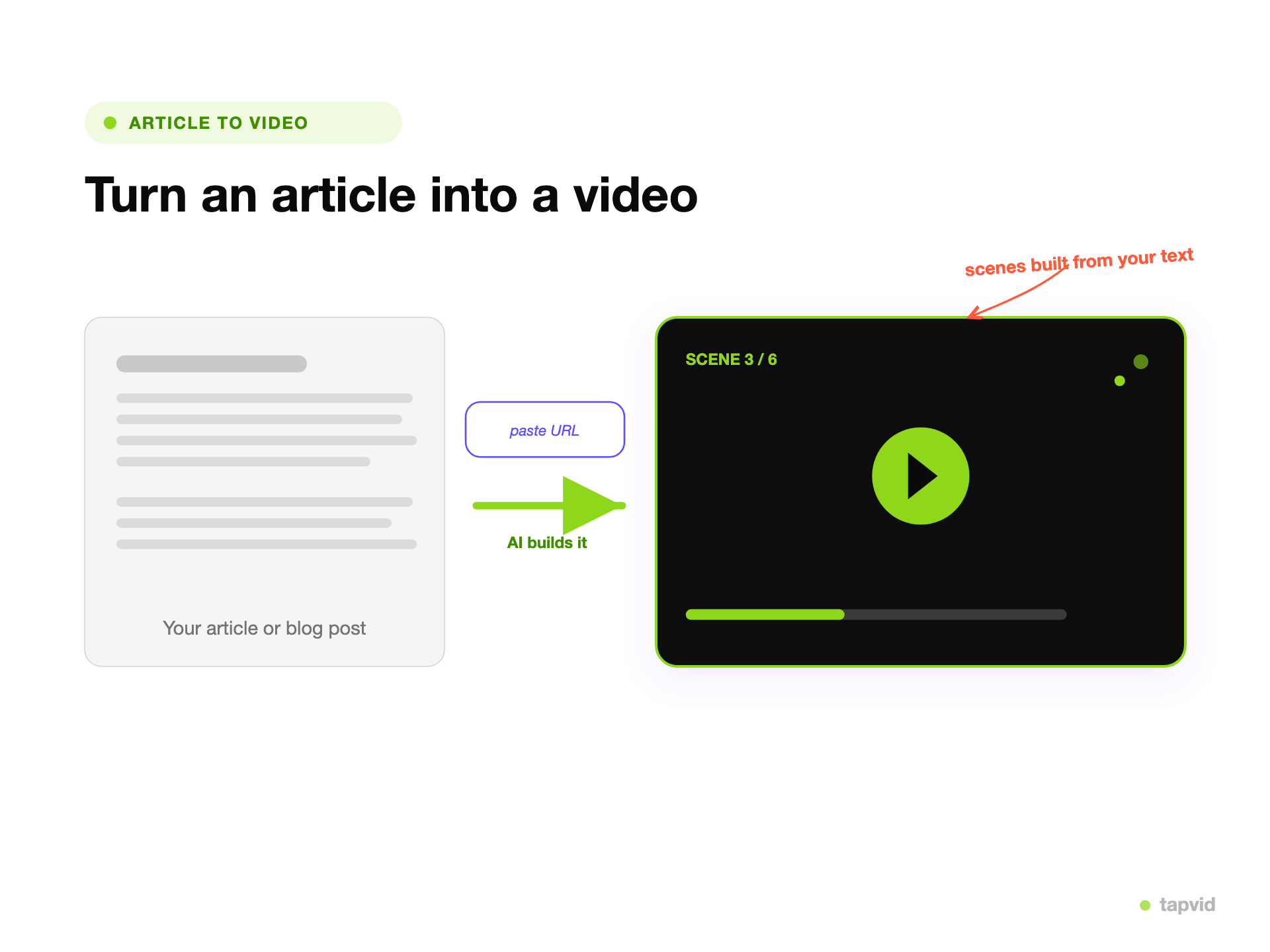
    From blog post to structured explainer

    Blog content prepared as the source for a TapVid explainer video

    Start with your published post

    Use the URL of a blog you own, or paste the article when you want direct control over the source.
    • URL or pasted text
    • Your ideas stay the source
    A blog argument organized into a sequence of explainer video scenes

    Shape the argument into scenes

    TapVid organizes the key point, supporting details, and sequence into a video people can follow.
    • Structured scene plan
    • Clear explanatory flow
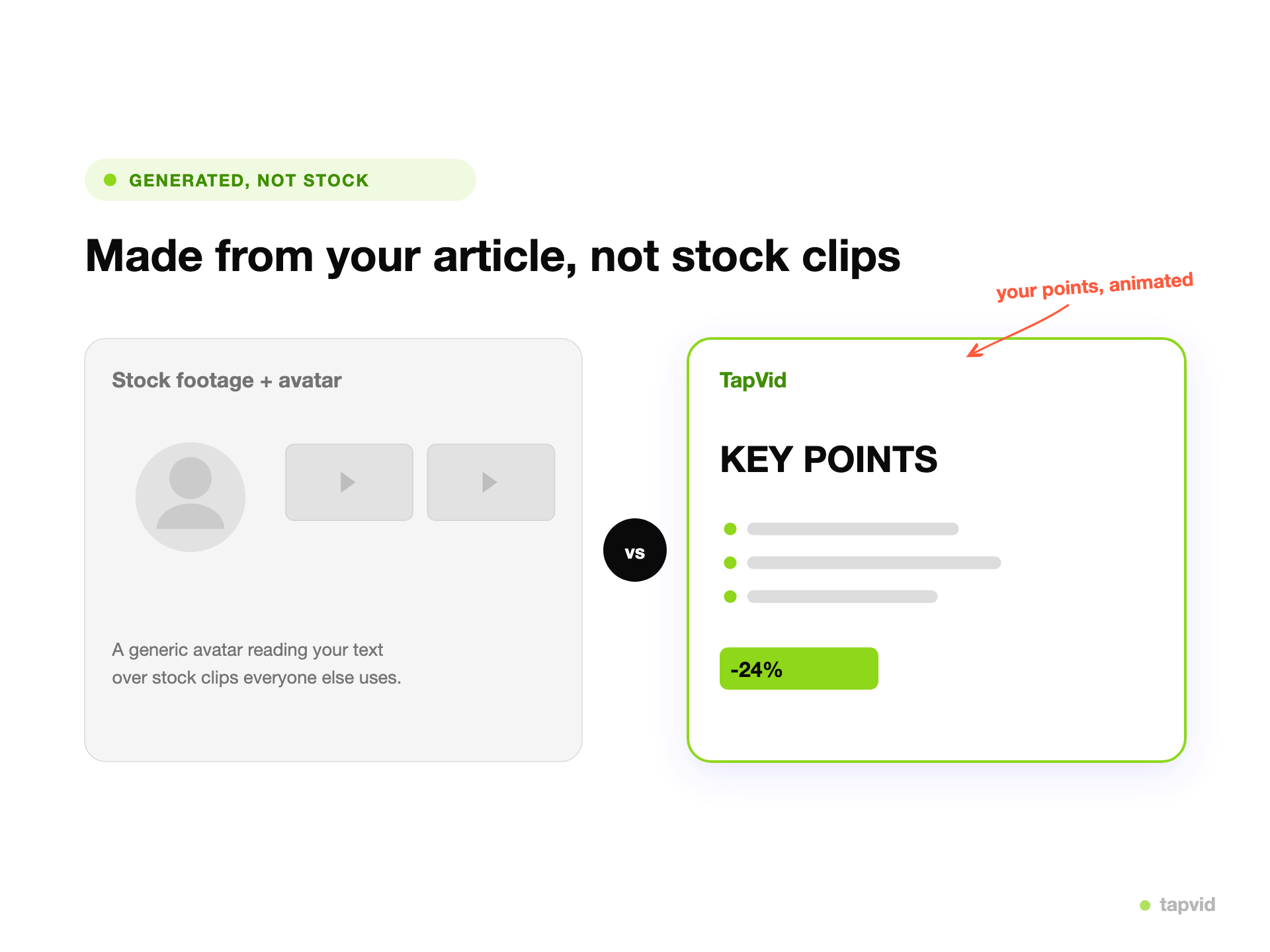
    A TapVid explainer using motion graphics to visualize ideas from a blog post

    Explain with purposeful motion

    Animated text, diagrams, and transitions support the meaning instead of covering it with unrelated footage.

    • Motion tied to meaning
    • Refine after sign-in

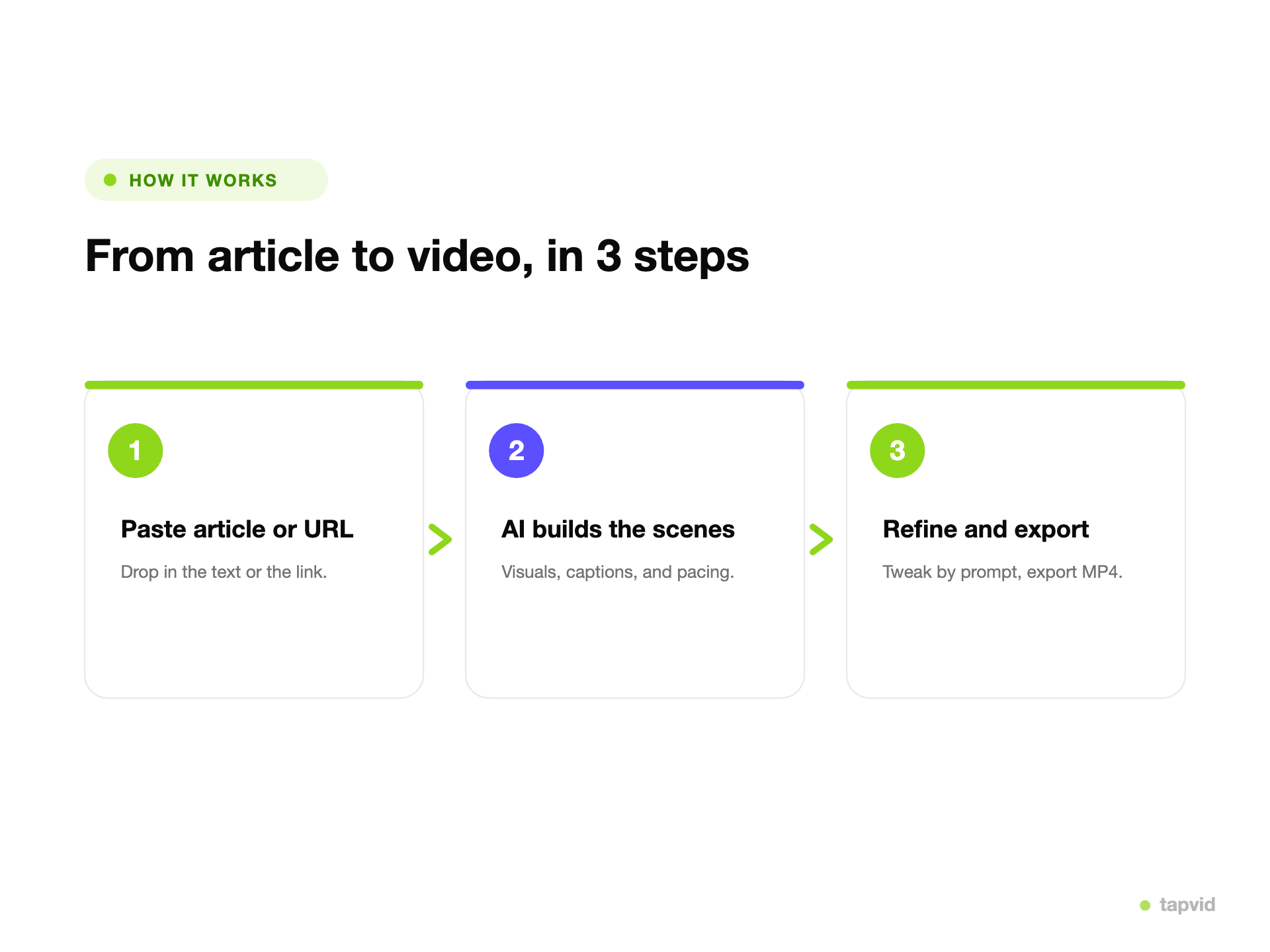
    How it works

    1

    Add your blog

    Paste your own blog URL or the article text.

    2

    Build the explanation

    Turn the argument into a script, scene order, and visual plan.

    3

    Generate and refine

    Sign in to generate, adjust the emphasis, and prepare the video to publish.

    What you can make from a blog post

    Reuse one well-researched post across the video formats your audience already watches.

    Educational summaries

    Turn a long tutorial or guide into a focused visual explanation.

    Thought-leadership clips

    Give one strong argument a clear, shareable video structure.

    Product explainers

    Visualize a launch post, feature story, or technical walkthrough.

    Social repurposing

    Create a shorter video angle from an article without starting from a blank timeline.

    Why use TapVid for blog to video AI

    Your content stays central

    The article supplies the argument. TapVid turns it into a visual explanation instead of replacing your ideas.

    Motion follows the logic

    Text, diagrams, and transitions are planned around what each scene needs to explain.

    No stock-footage hunt

    Build around the article's meaning without manually matching every sentence to a generic clip.

    No After Effects learning curve

    Start from content you already wrote and refine the result in plain language after signing in.

    Explainer videos made with TapVid

    Verified TapVid outputs that show how structured ideas become visual explanations.

    Blog to video AI approaches compared

    Choose based on what the audience needs to understand, not only how quickly clips can be assembled.

    TapVidStock-footage toolsManual editing
    Starting pointYour blog's argumentArticle keywordsA blank timeline
    Visual methodPurposeful motionMatched stock clipsEditor-built scenes
    Explains abstract ideasDesigned for itDepends on available clipsDepends on editor time
    WorkflowGenerate, then refineSwap clips and voiceoverScript, design, animate

    Who repurposes blogs into video

    Professional creators

    Turn an existing research and writing workflow into more video output.

    New creators

    Start with ideas you can already explain, without mastering a video timeline first.

    Content marketers

    Give evergreen posts a video format for distribution and landing pages.

    Independent builders

    Turn launch notes and technical posts into product explanations without waiting for an animation team.

    Frequently Asked Questions

    Yes. Choose the Blog URL tab for a post you own, or Paste text when you want to provide the exact article copy. Generation begins after you sign in.

    More ways to turn content into video

    • Article to Video→
    • URL to Video→
    • AI Explainer Video Generator→
    • PDF to Video→
    • Document to Video Guide→
    • Pricing→

    Simple, credit-based pricing

    3 credits = 1 second, so you only pay for what actually renders. Start free, upgrade anytime.

    Basic

    $19/mo

    900 credits / mo

    Most Popular

    Pro

    $39/mo

    2,000 credits / mo

    Max

    $99/mo

    6,000 credits / mo

    Ultra

    $199/mo

    14,000 credits / mo

    See full plans & pricing →

    Need help making a better video?

    Follow tutorials, study good cases, or ask TapVid support.

    Join Discord→

    Ready to create your first video?

    Join thousands of product teams using AI to create professional videos in minutes.

    Your first video in under 5 minutes →Book a demo →
    Tapvid

    TapVid turns prompts, docs, and scripts into production-ready videos with AI. No editor, no crew, no timeline.

    TikTokInstagramXDiscordYouTube

    TapVid

    Features

    AI Explainer Video GeneratorAI Motion Graphics GeneratorAI Product Demo Video GeneratorText to Video AIText to Motion GraphicsAnimated Video MakerAnimated Explainer Video MakerKinetic Typography GeneratorAnimated Chart MakerAnimated Collage MakerFree AI Video Generator

    Convert to Video

    Image to VideoPDF to VideoPPT to VideoArticle to VideoBlog to VideoURL to VideoScript to VideoGoogle Slides to VideoWord to Video

    Use Cases

    SaaS Explainer VideoProduct Launch Video MakerAI Ad Video GeneratorDocumentary Video MakerAnimated Social Media Video MakerInfographic Video MakerWhiteboard Animation MakerEducational VideoTutorial VideoCustomer OnboardingHelp Center VideoAPI Docs Video

    Alternatives

    HeyGen AlternativesSynthesia AlternativesInVideo AlternativesPictory AlternativesVidnoz ReviewVEED AlternativesHera AlternativesJitter AlternativesAfter Effects Alternatives

    Solutions

    Explainer VideoProduct Demo VideoMeeting Recap VideoWebinar ClipsMarketing VideoFeature AnnouncementCompetitive ComparisonNewsletter VideoLanding Page VideoInvestor Pitch Video

    Company

    All FeaturesAboutBlogPricing

    © 2026 TapVid. All rights reserved.

    Privacy
    Terms of Service