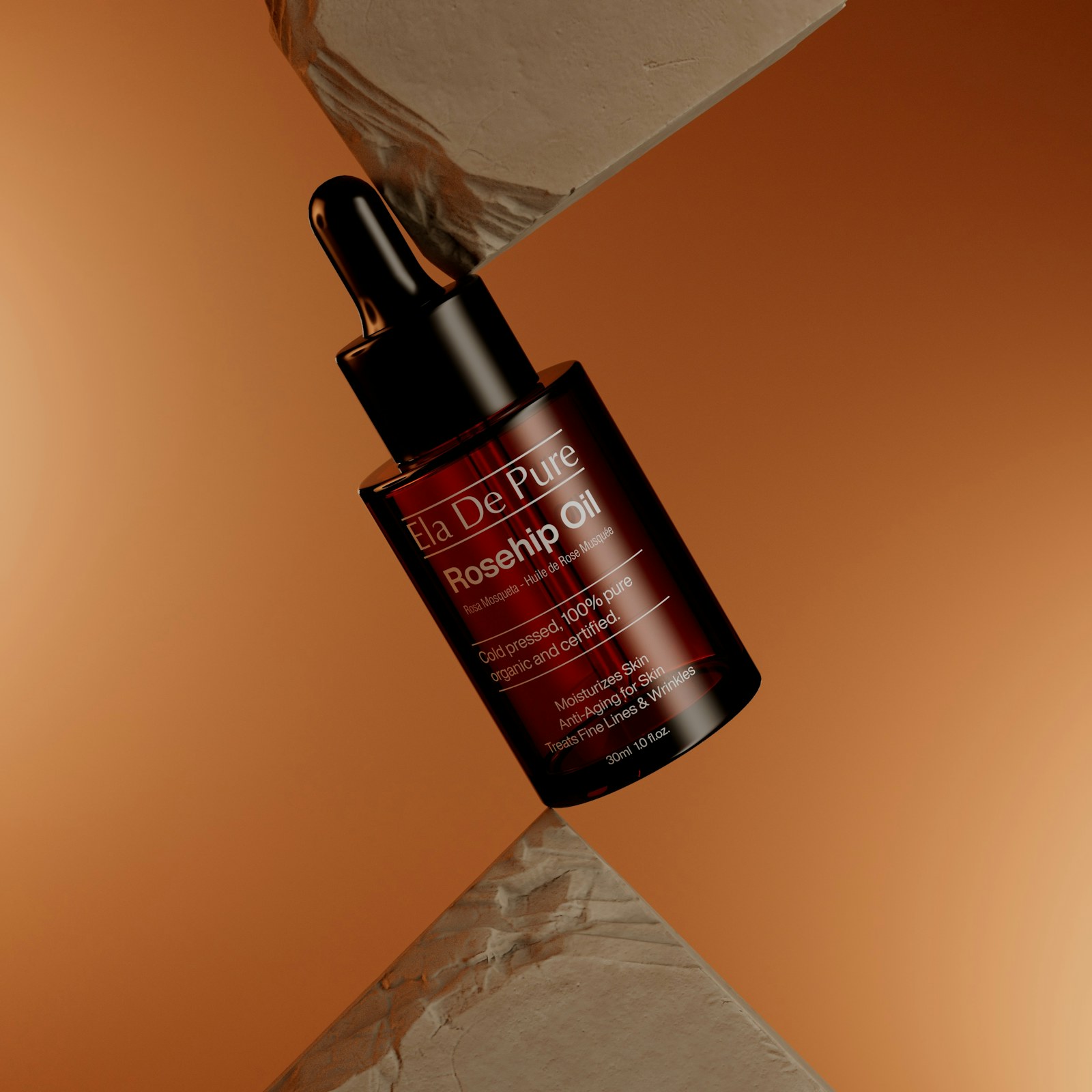
Ready to adapt
Full prompt
Create a polished 8-second 4:5 video about [SUBJECT]. Use [SUBJECT], [BRAND_COLOR], [KEY_MESSAGE], [MATERIAL] as production context and narrative intent, never as words to render in-frame. Reveal [SUBJECT] from darkness using one shaped light that travels across the material. Show a macro detail, a controlled three-quarter hero angle, and a brief packaging lockup. Preserve exact proportions and surface finish from the references; elegance comes from restraint, not particle overload. Use a 90mm macro feel for the detail, then transition to a stable 50mm hero shot with a very slow pedestal rise. Build a clear visual hierarchy around the meaning of [KEY_MESSAGE], using [BRAND_COLOR] as a controlled accent rather than flooding the frame. Maintain stable object identity, coherent lighting, abstract interface geometry with no microcopy, and physically plausible motion across every cut. Settle the product on a tactile plinth with a soft reflection, accurate edges, and generous copy space above. Reserve clean negative space for post-production titles, captions, calls to action, and user-supplied branding. No generated readable text, labels, dates, numbers, interface copy, testimonials, or unsupported claims. No logos or invented brand marks. Avoid random scene changes, warped interfaces, duplicated objects, floating artifacts, aggressive flicker, and generic stock-footage styling.
Variables
Replace only what you can verify. Keep brackets visible when an input is still unknown.
- [SUBJECT]
- Subject
- Example: your product, idea, or campaign
- Name the single product, concept, or campaign the video must keep visually consistent.
- [BRAND_COLOR]
- Brand color
- Example: #78d701
- Use one controlled accent color; add readable brand copy later in post-production.
- [KEY_MESSAGE]
- Key message
- Example: the one point viewers must remember
- Use this as narrative intent only. Do not ask the model to render the words in-frame.
- [MATERIAL]
- Hero material
- Example: brushed aluminum and smoked glass
- Specify the surface qualities the lighting and macro shot must preserve.
Reference plan
- 1Reference 1: a clean subject or product image that establishes shape, material, and identity.
- 2Reference 2: a brand-board frame showing color, typography, spacing, and intended visual mood.
Timing map
0–2s
Establish the subject and visual question with one readable focal point.
2–6s
Reveal the core transformation or information in two controlled beats.
6–8s
Resolve on the key message and a clean, brand-ready end frame.
Guardrails
- Keep the subject visually consistent across all shots and transitions.
- Generate no readable text or logos; reserve clean safe zones for post-production copy and branding.
- Prioritize legibility and controlled motion over spectacle or excessive camera movement.
Evidence ledger
- Model
- Dreamina Seedance 2.5
- Release source checked
- 2026-08-07
- Prompt status
- Editorially reviewed; not yet benchmarked by TapVid.
- Release source
- Official Seedance 2.5 page