Product · Brand Kit
Set your brand once. Every video stays on it
Create your Brand Kit for free with your logo, colors, and fonts. Select the saved kit in Brand Style when setting up a video, then review the result.
Used by people at


Why it matters
Brand drift happens one video at a time
Every video starts from zero
Colors, logos and fonts get set up again for each new video, and small differences add up across a series.
Many people, many versions
Marketing, product and agency partners each read the brand guide a little differently.
Names get mispronounced
Product and brand names get read the wrong way in the voiceover, and each fix means another render.
See it in the product
From your website to every video
Import
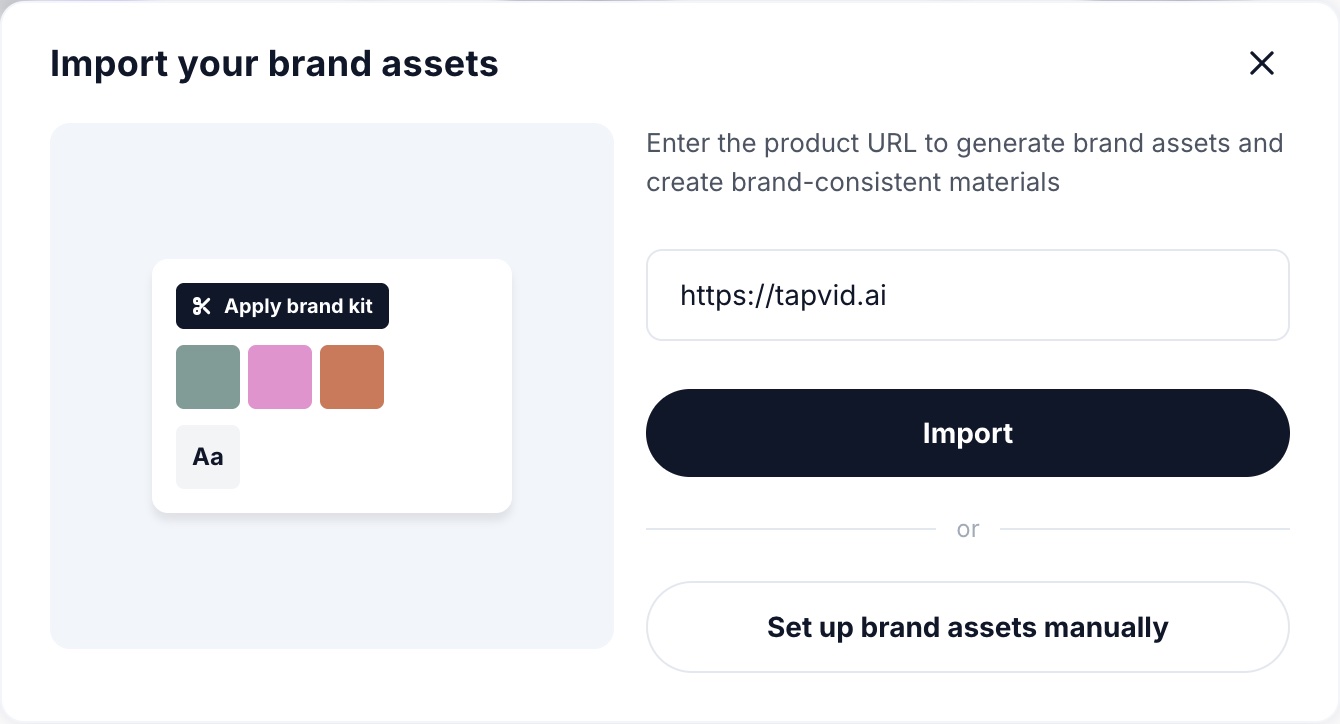
Paste your website, get a Brand Kit
Enter your site's URL and TapVid starts the kit with the colors, fonts and logos it finds on the page. Check them, adjust anything, or set everything up by hand instead.
Logo
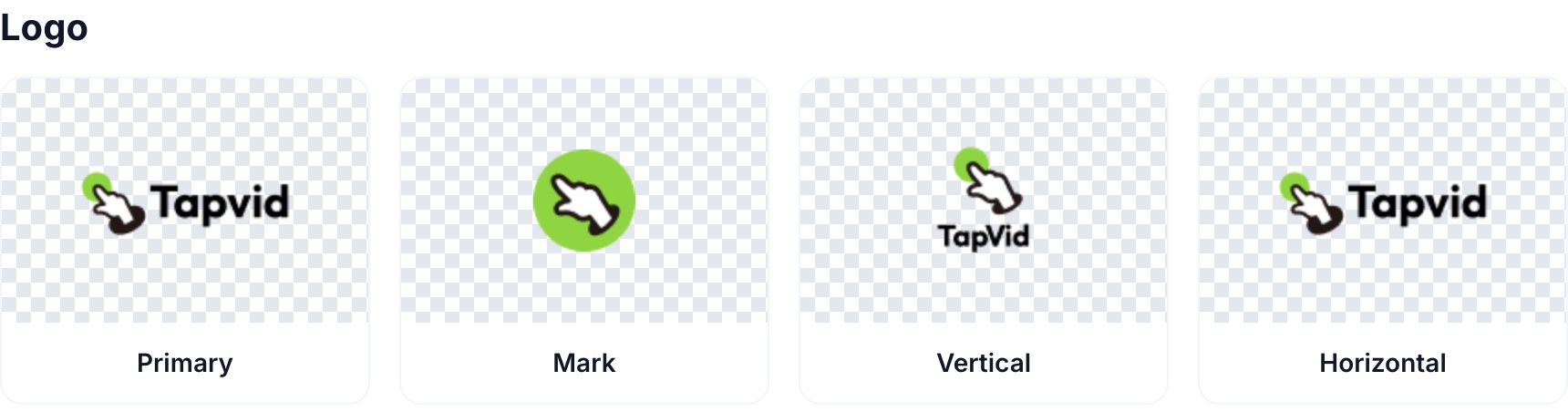
The right logo for every frame
Keep four versions together: a primary logo for openings and endings, a mark for corners, a vertical version for 9:16 and square, and a horizontal one for banners and widescreen.
Color
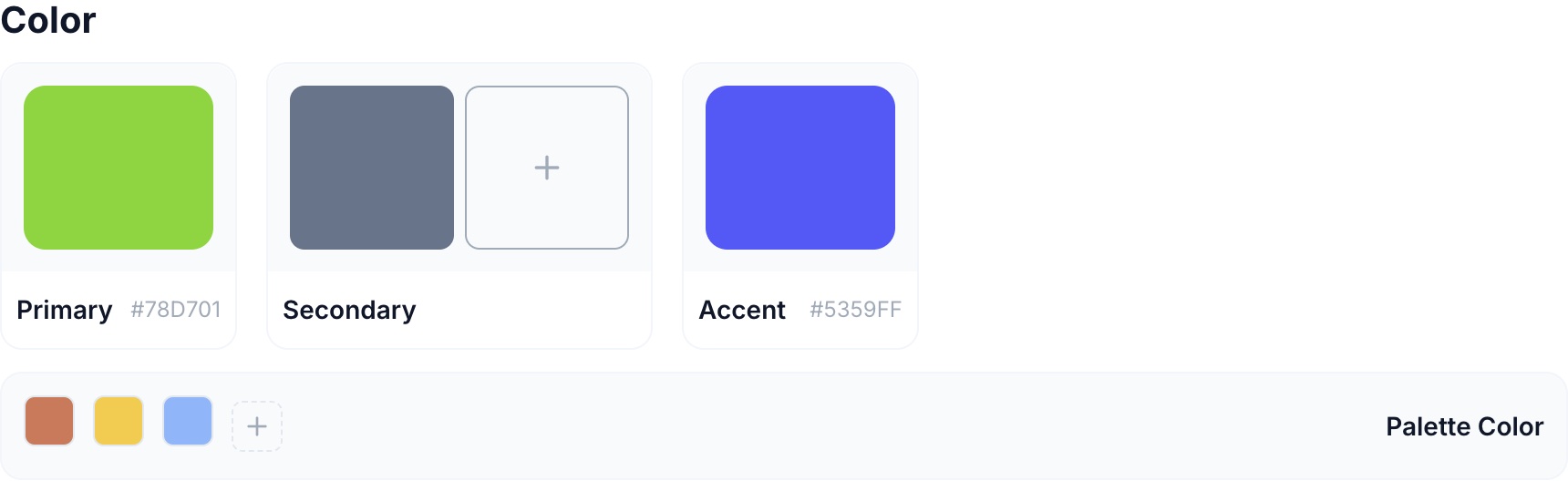
Your exact brand colors
Primary, secondary and accent colors are stored with their hex codes, plus a wider palette for charts, highlights and backgrounds.
Font
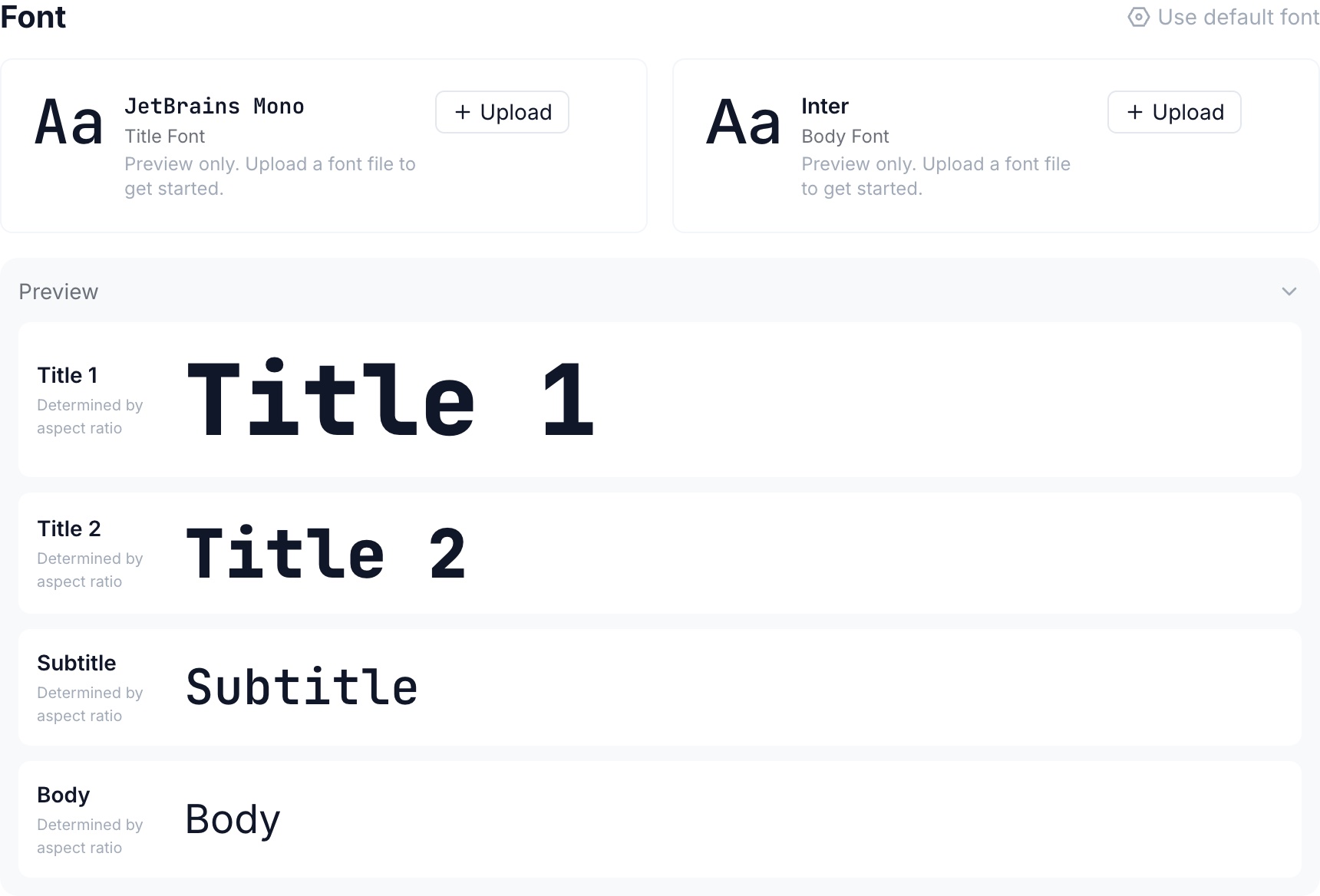
Type that matches your site
Set a title font and a body font, preview the full type scale, or upload your own font files.
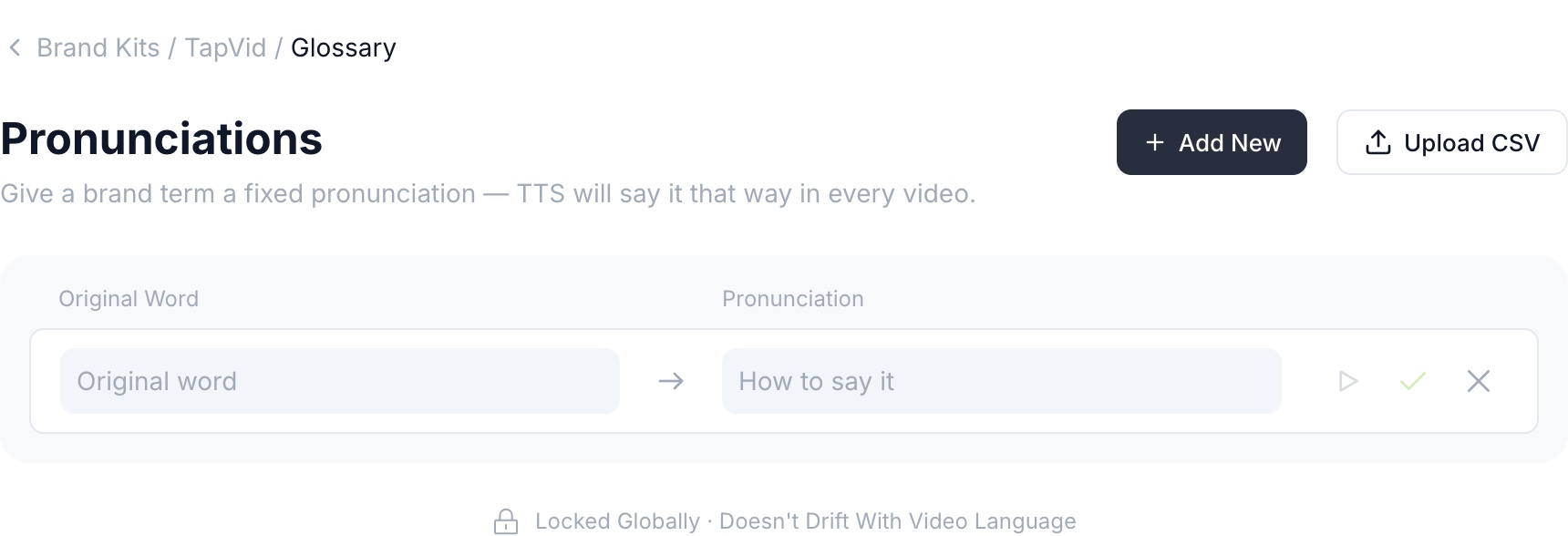
Pronunciation
Brand names, said the right way
Add each product or brand term with how it should sound. The voiceover says it that way in every video, whatever the video's language.
Create
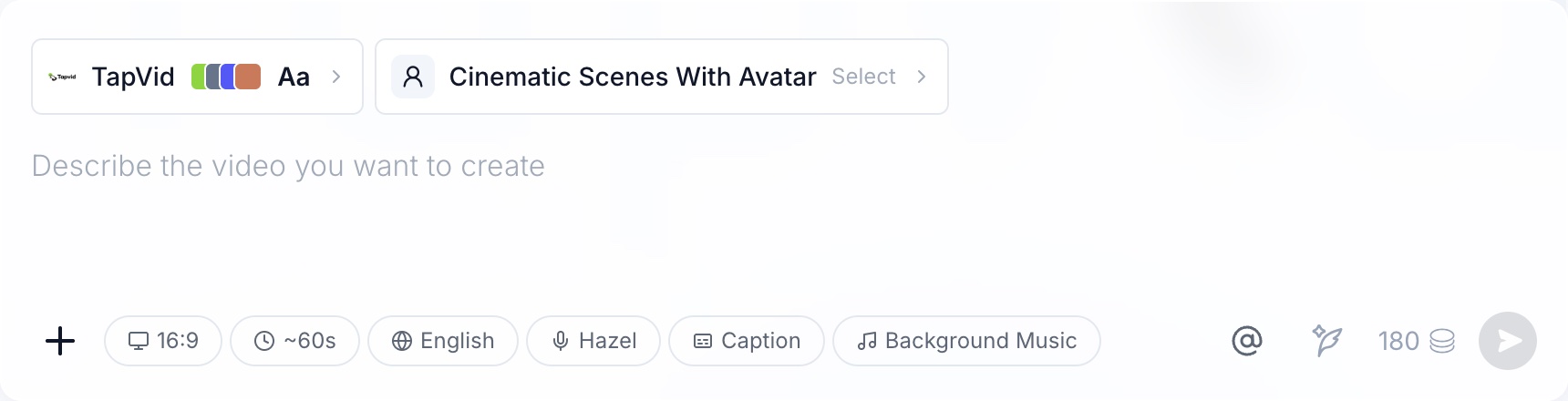
Attach it when you create
Pick your Brand Kit in the composer before you write the prompt, or set one as your default. Every scene of the video follows it.
What Brand Kit does
Your brand rules, applied automatically

Accurate
Your exact assets
Logos and brand images go on screen as you uploaded them, and colors are used by hex code, not approximated.
 Assets and colors as supplied

Editable
You set the rules
Review what the import found, change any color, font or logo, and update the kit in one place when the brand evolves.
One place to update
Consistent
Applied to every video
Every video made with the kit uses the same logos, colors, fonts and pronunciations, across series, teams and languages.
Every series, every language
How it works
Set up Brand Kit in three steps
Step 1
Import or set up
Paste your website URL to start the kit automatically, or add your logos, colors and fonts by hand.
Step 2
Review and refine
Check the colors, fonts and logos, upload brand images and videos, and add pronunciations for your brand terms.
Step 3
Create on brand
Attach the kit in the composer, or set it as your default. Every new video follows it.
Made with TapVid
One brand, carried across three videos
Use it for
Where teams rely on Brand Kit
Works with
Brand Kit works across TapVid
- Assets to Video
- Storyboard review
- Precise editing
- AI voiceover
- Multilingual video
- Auto Match

Less setup per video
Stop re-entering brand details for every project.

Fewer brand reviews
Reviewers check the message, not the hex codes.

Same brand in every language
Pronunciations and visuals hold when you make other language versions.
Your brand assets stay yours
Your logos and brand visuals go on screen as uploaded, and your pronunciations are applied as you set them. Failed renders aren't charged, and data use follows your Terms.
 Assets applied as-is
- Wording stays verbatim
- Failed renders not charged
- No training on your data
FAQ
Brand Kit questions
Up to four logo versions, primary, secondary and accent colors plus a wider palette, a title font and a body font, a library of brand images and videos, and a pronunciation list for your brand terms.
Paste your website address and TapVid reads the page to start your kit with the colors, fonts and logos it finds. It usually takes under a minute. Review the result and fill in anything it missed.
Yes. Create one per brand, product line or client, pick the right one for each video, and set the one you use most as your default.
Add each term to the kit's pronunciation list with how it should sound. The voiceover uses that pronunciation in every video, whatever the video's language.
Choose Auto Match and TapVid picks a look that fits the video. Your Brand Kit is only applied when you attach it or set it as your default.
Team plans include Brand Kit collaboration, so everyone creates from the same kits. Get in touch if you need this for a larger organization.
Have another question? Get in touch →

Paste your website. See your Brand Kit in under a minute.
Then every video you make carries your logos, colors, fonts and pronunciations.

Check the plan before it renders

One video or a whole batch

Failed renders aren't charged