Product · AI Avatar
Your own presenter, from one photo
Upload a clear photo, confirm consent, and TapVid creates an avatar you can put in front of any explainer, training or launch video.
Used by people at


Why it matters
A face on camera is hard to keep booking
Filming takes everyone's time
Every video needs someone on camera, a quiet room and a few takes, and the calendar decides when it ships.
Updates mean reshoots
When a policy, price or feature changes, the person who presented it has to record again.
Faceless videos feel distant
Training and product explainers land better when a consistent person walks viewers through them.
See it in the product
From one photo to your presenter
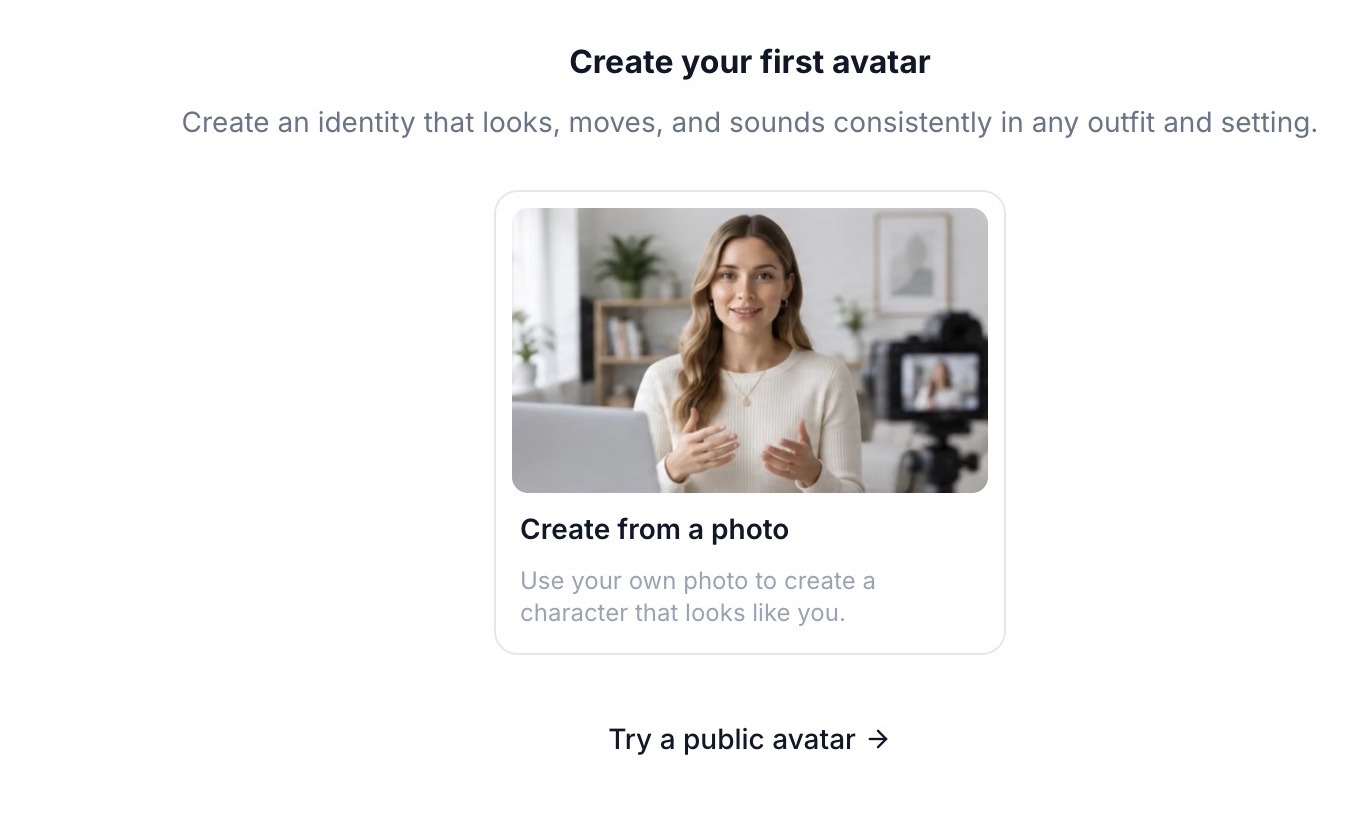
Upload
Start from one photo
Drop in a clear, front-facing photo of one person. JPG, PNG or WebP up to 10 MB is all it takes.
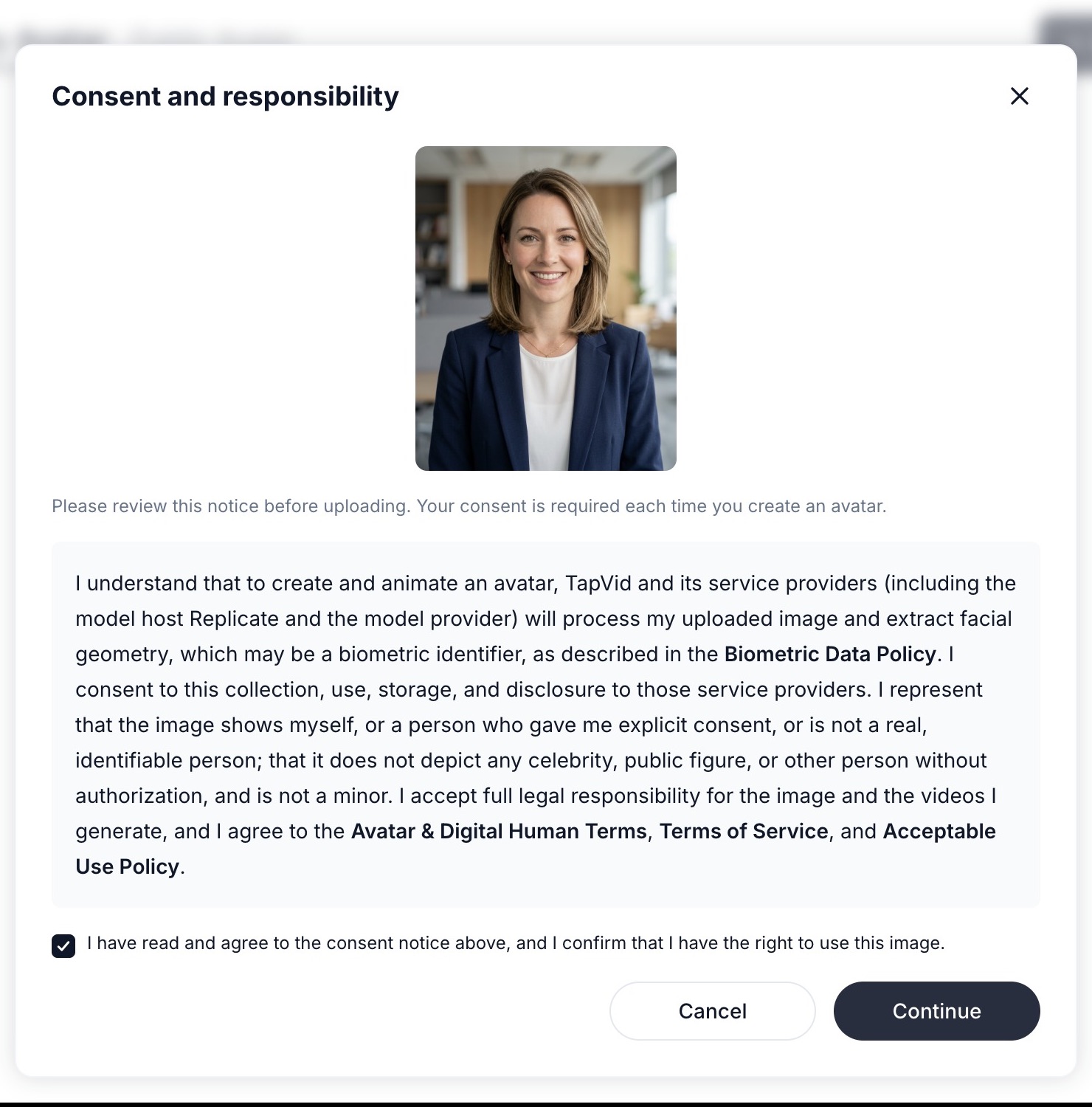
Consent
Consent comes first, every time
Before anything is processed, you confirm you have the right to use the image. The notice explains exactly how the photo is handled, and it is required for every new avatar.
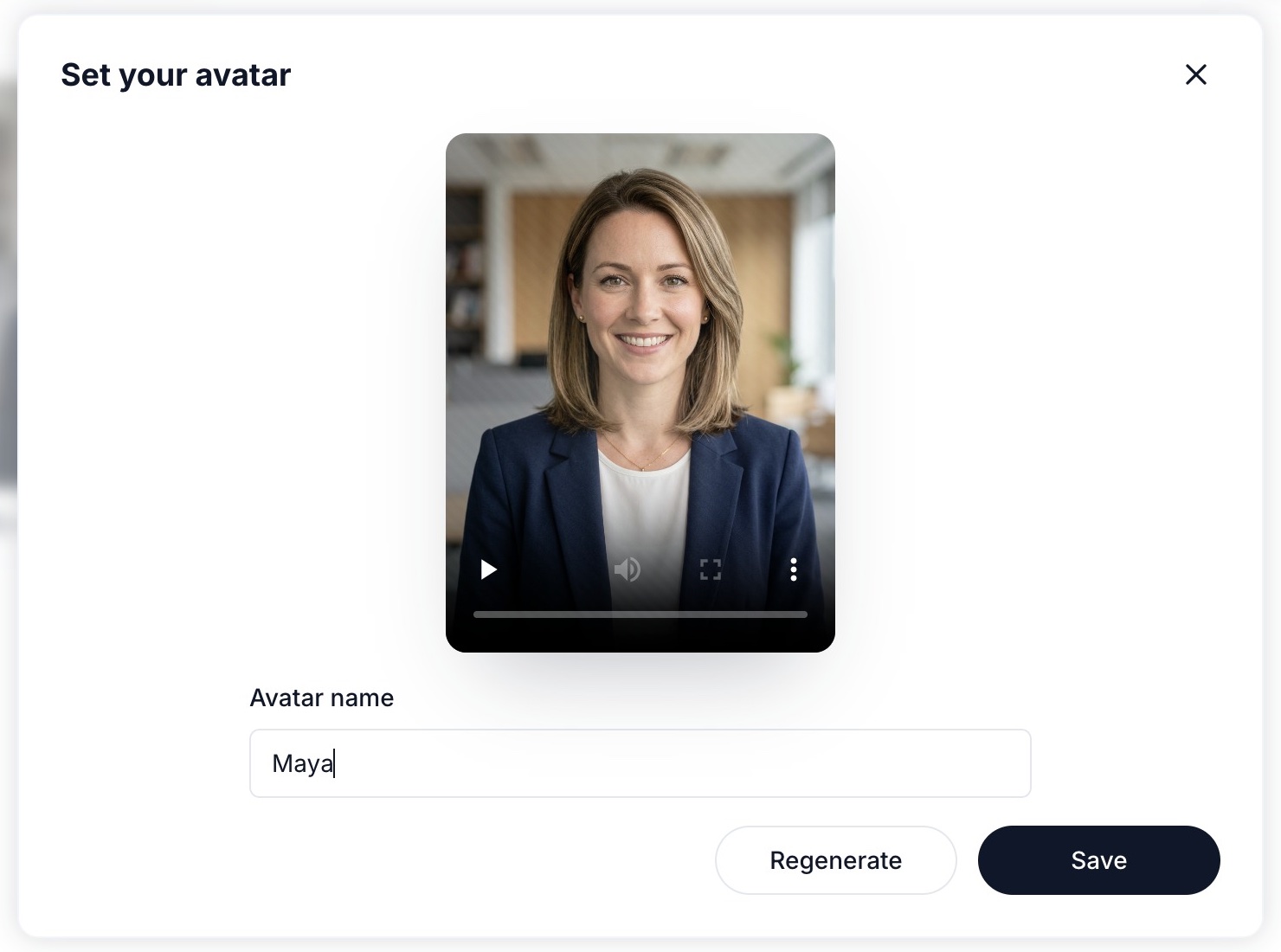
Review
Name it, preview it, or regenerate
Watch the preview, give your avatar a name your team will recognize, and regenerate if you want another take.
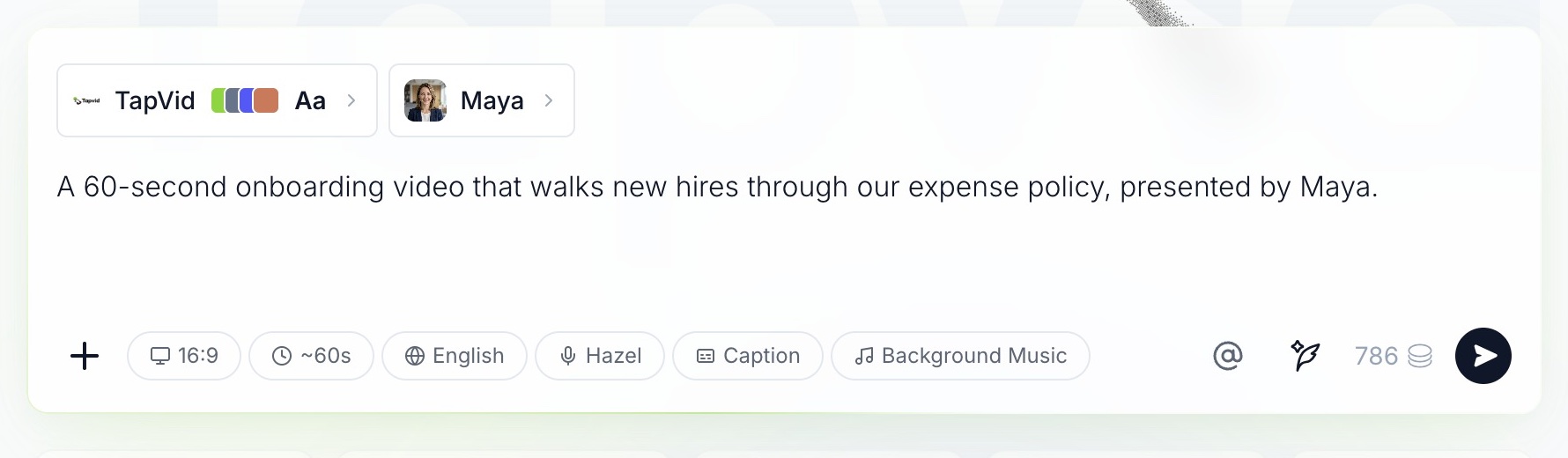
Create
Put it in front of any video
Choose Create video and your avatar is attached in the composer, alongside your Brand Kit and voice. Describe the video and it presents.
Public avatars
No photo yet? Start with a ready-made presenter
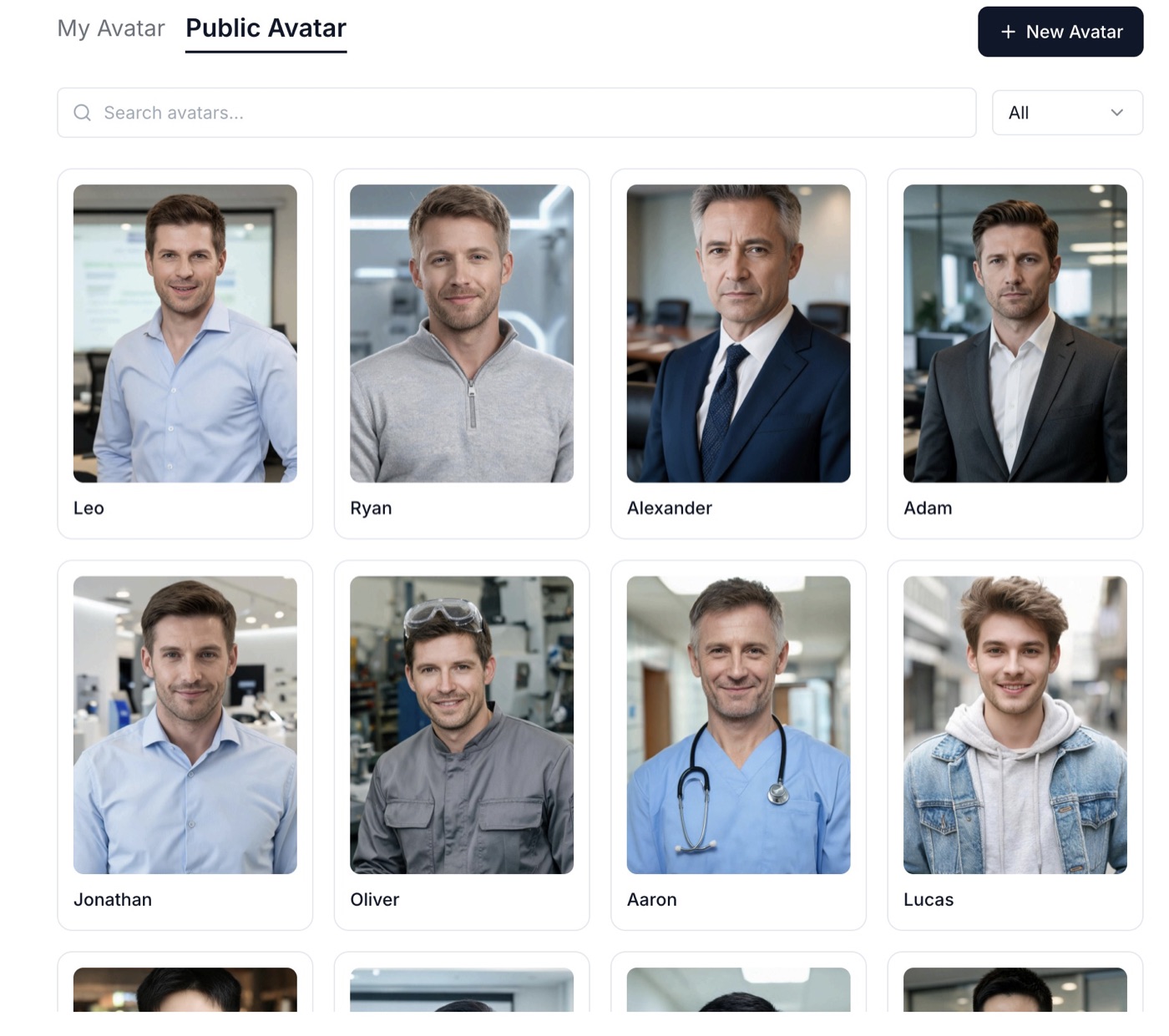
Browse the public avatar library, filter by gender, and hover any card to see it speak.
What AI Avatar does
A presenter you can trust on every video

Accurate
Built from your photo
Your avatar is created from the photo you approved, so it looks like the person your viewers already know.
 One approved photo

Editable
Consent and checks built in
Consent is confirmed for every avatar, and every photo is checked before anything is generated.
Consent every time
Consistent
The same presenter everywhere
Use one avatar across a whole course, product series or onboarding library, and every video feels like part of the set.
One face across a series
How it works
Create your avatar in three steps
Step 1
Upload and consent
Choose New Avatar, add one clear photo, and confirm you have the right to use it.
Step 2
Check and generate
TapVid checks the photo, then generates your avatar in the background.
Step 3
Name and use it
Name your avatar, preview it, and choose Create video to put it in front of your next explainer.
Use it for
Where a presenter makes the difference
Works with
AI Avatar works across TapVid
- Prompt to Video
- Script to Video
- Brand Kit
- AI voiceover
- Precise editing
- Public avatar library

No shoot to schedule
Make the next video without booking a person, a room or a camera.

Update without reshooting
Change the script and generate again instead of recording a new take.

One face, many videos
Keep the same presenter across a whole series.
Your likeness, handled responsibly
Consent is required for every avatar, photos of public figures and minors are turned away, and how photos are processed is set out in our Avatar & Digital Human Terms. Failed renders aren't charged, and data use follows your Terms.
 Assets applied as-is
- Wording stays verbatim
- Failed renders not charged
- No training on your data
FAQ
AI Avatar questions
A clear, well-lit, front-facing photo of one person, with the face easy to see. JPG, PNG or WebP up to 10 MB.
Yourself, or someone who has given you explicit consent. Photos that appear to show a celebrity, public figure or someone under 18 are not accepted.
The check looks for exactly one clear face and a photo that passes our safety review. The message tells you what to fix, such as using a sharper photo or a photo of one person.
Usually a few minutes. It generates in the background, so you can close the window and keep working.
Yes. Pick a ready-made presenter from the public avatar library and use it in any video.
Yes. Rename it at any time, regenerate it for another take, or delete it so it can no longer be used in new videos.
AI avatars are included in the Pro, Max and Ultra plans. Pro lets you create 3 custom avatars, Max 5 and Ultra 10.
Have another question? Get in touch →

Upload one photo. Meet your presenter in a few minutes.
Then put it in front of any explainer, training or launch video.

Check the plan before it renders

One video or a whole batch

Failed renders aren't charged