
TL;DR
Quick winners by use case: Motion graphics: TapVid. 2D characters: Vyond. Avatars: Synthesia. Generative video: Runway. Text to video: InVideo AI. The best choice depends on what you need to animate, not one overall score.
Search "best AI animation generator" and you get lists that rank fifteen tools one to ten. That ranking hides the real problem: those fifteen tools are not doing the same job. A tool that makes a talking avatar and a tool that turns a script into moving motion graphics are not competing for the same slot. They solve different problems for different people.
Create motion-graphics animation with TapVid
01
The five kinds of AI animation generator
So this guide ranks the best AI animation generators in 2026 by category, then picks a winner inside each one. Find the row that matches the video in your head, and skip the rest. Pricing changes often, so treat every number here as a starting point to confirm on the vendor's page before you buy.
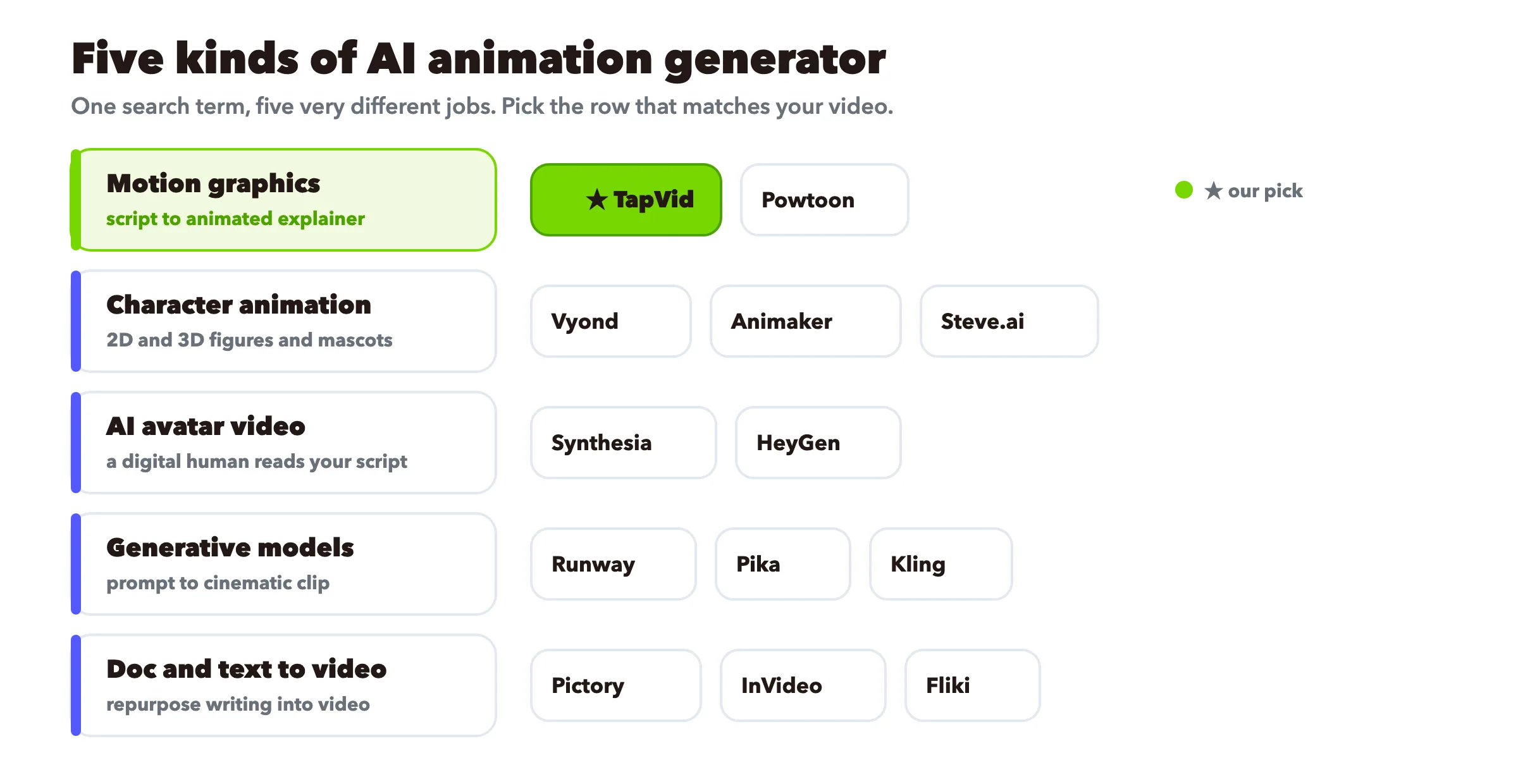
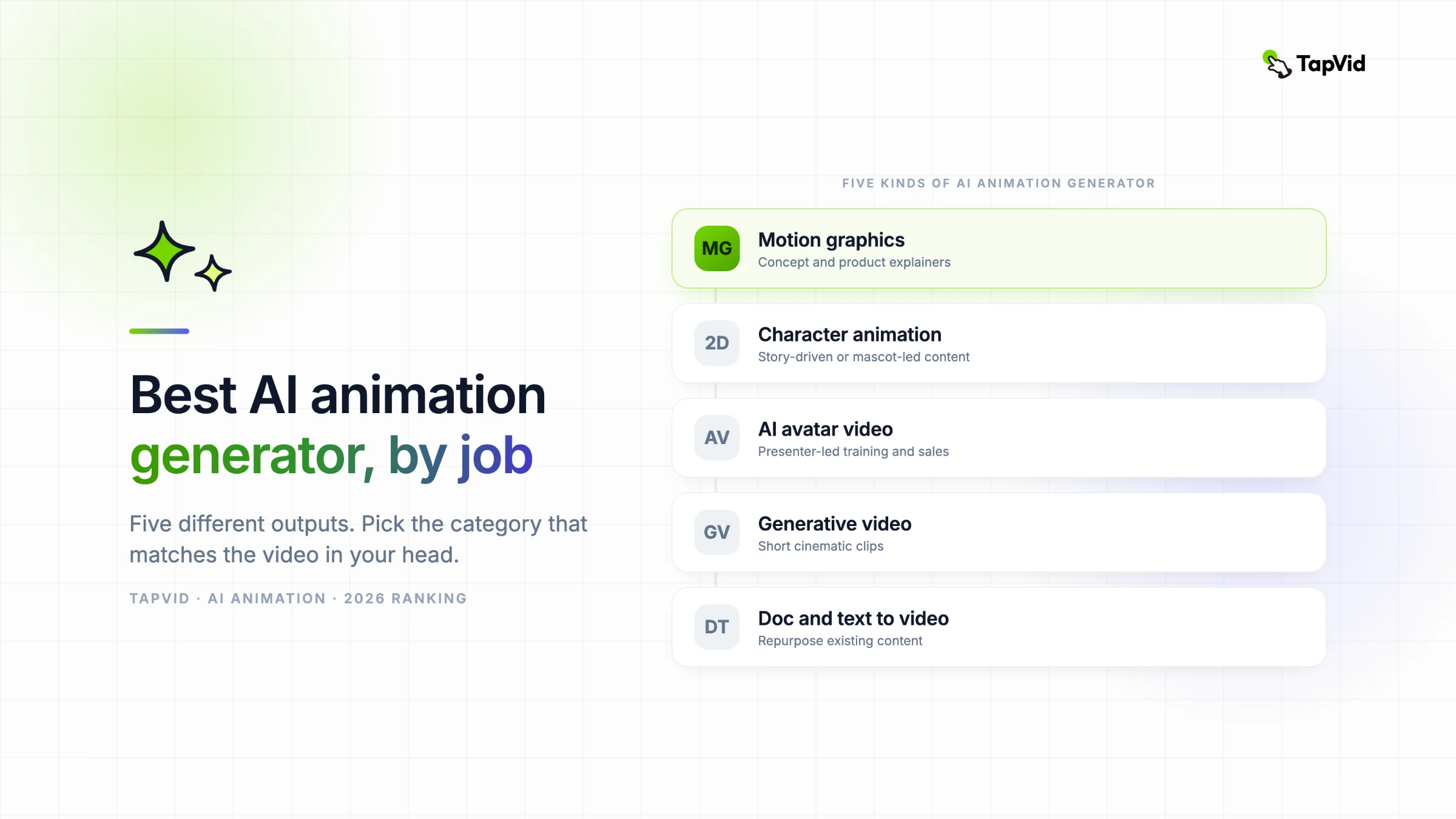
Before any ranking, sort the tools by output. Almost every "best AI animation generator" list on the web mixes these five into one pile, which is why they feel impossible to compare.
- Motion graphics and explainer animation. You write a script or a prompt, the tool builds moving text, shapes, icons, and illustration with narration. No camera, no presenter, no character rig. Best for making an idea click.
- Character animation (2D and 3D). You animate a character or figure through poses and movement, sometimes drag-and-drop, sometimes with AI physics. Best for story-driven or mascot-led content.
- AI avatar video. A digital human reads your script on screen, often in many languages. Best when a face adds trust, like training or a sales pitch.
- Generative video models. You give a text prompt or an image and the model dreams up a short cinematic clip. Best for striking, film-style shots, weakest on precise control.
- Doc and text to video. You paste an article, script, or slides and the tool assembles stock footage plus voiceover. Best for repurposing content you already have.
TapVid, which I work on, lives in the first group. I will be straight about where it fits and where I would send you elsewhere, because a list that pretends one tool wins every category is the fastest way to waste your money.
02
Quick comparison
| Tool | Category | On-screen style | Best for | Free tier |
|---|---|---|---|---|
| TapVid ★ | Motion graphics | Animated graphics, text, icons | Concept and product explainers | Check current plan |
| Vyond | Character (2D) | Business characters | Corporate storytelling | Check current plan |
| Powtoon | Character (2D) | Cartoon and presentation | Presentation-style explainers | Check current plan |
| Steve.ai | Character (2D) | Cartoon and live-video | Fast script to cartoon | Check current plan |
| Animaker | Character (2D) | Multi-style templates | Budget teams needing variety | Check current plan |
| Synthesia | AI avatar | Talking head | Multilingual training | Check current plan |
| HeyGen | AI avatar | Talking head | Realistic presenter at scale | Check current plan |
| Runway | Generative model | Cinematic clip | Creative, film-style shots | Check current plan |
| Pika | Generative model | Cinematic clip | Fast creative experiments | Check current plan |
| Kling | Generative model | Photoreal motion | Realistic human movement | Check current plan |
| Pictory | Doc to video | Stock footage | Repurposing long articles | Check current plan |
| InVideo AI | Text to video | Stock plus templates | Quick social video | Check current plan |
| Fliki | Text to video | Stock plus voice | Fast voiceover explainers | Check current plan |
★ marks the tool I work on. Read the sections below for the honest version, including where each one falls short.
03
Motion graphics and explainer animation
This is animation that carries an idea, not a character. Moving text, icons, charts, and illustration set to a voiceover. It is the default for product explainers, concept videos, and anything where you want a viewer to understand something rather than watch a story.
TapVid: best for turning a script into a motion-graphics explainer
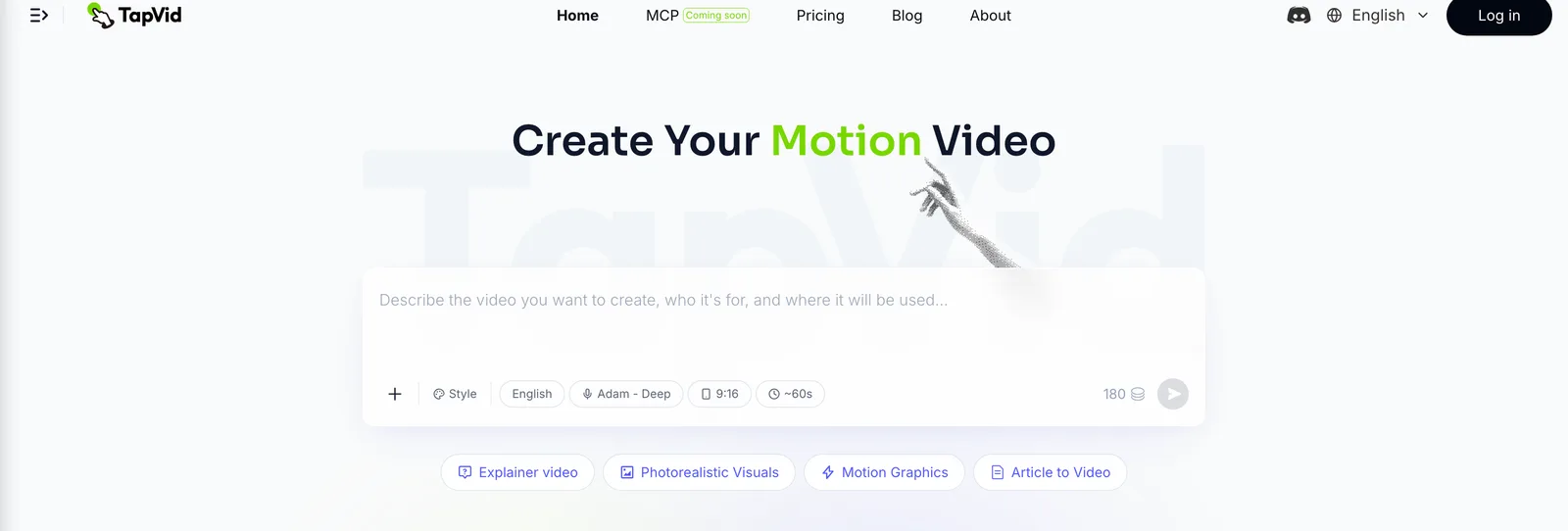
Best for: concept and product explainers where you want energy, motion, and a clean branded look without opening After Effects.
You write a prompt or a script, and TapVid builds the explainer with animated graphics, captions, and narration. There is no timeline to learn and no presenter to direct. For a SaaS product demo, a concept that has not shipped yet, or a social cut that needs to grab attention in three seconds, motion graphics carry the message better than a talking head, because motion can actually show how a thing works. If you are weighing another script-first product, our Motion.so alternatives comparison shows where each workflow fits. If your idea leans on text and rhythm, TapVid also handles kinetic typography, and it covers clean whiteboard-style animation when that fits the topic.
Where it does not fit, and I would point you elsewhere:
- You need a human presenter on camera. Use an avatar tool like Synthesia or HeyGen.
- You want frame-by-frame character animation or anime. TapVid does not rig or animate characters pose by pose. Read our AI anime generator guide for tools built for that.
- You want a photoreal cinematic clip from a prompt. That is a generative model job, covered below.
TapVid prices, credits, export resolution, watermark terms, and clip limits can change. Check the current pricing page before you quote them. Start on the AI motion graphics generator or see the full animated video maker if you want the broader toolset.
Vyond: best for corporate character storytelling
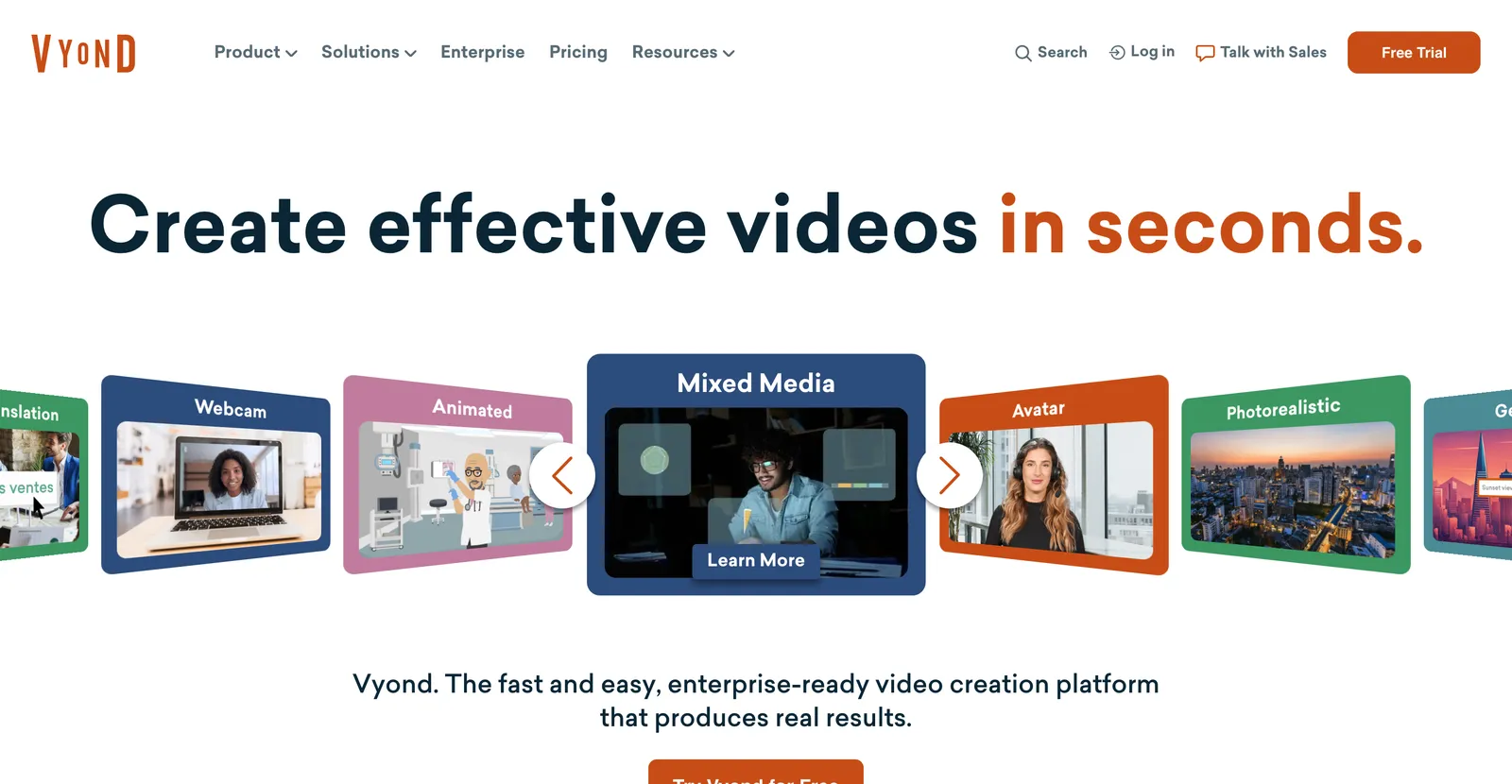
Best for: business teams that want animated characters acting out a scenario, like HR training or a sales narrative.
Vyond is a mature drag-and-drop studio with a large library of business characters, props, and scenes, plus an AI script-to-video mode. It is character animation, not motion graphics, so if your video is really a scripted talk between characters, it fits. If your video is an abstract concept, it is more effort than you need. Evidence refresh (2026-08-31): check Vyond's official pricing page and original user-review page. This entry was not rerun on a paid plan for this refresh, so test one representative project before buying.
Powtoon: best for presentation-style explainers

Best for: slide-driven explainers with a cartoon or infographic feel, often for internal comms.
Powtoon sits between a slide tool and an animation tool. Good when you want something clearly animated without a big time budget. Evidence refresh (2026-08-31): check Powtoon's official pricing page and original user-review page. This entry was not rerun on a paid plan for this refresh, so test one representative project before buying.
Steve.ai: best for fast script to cartoon
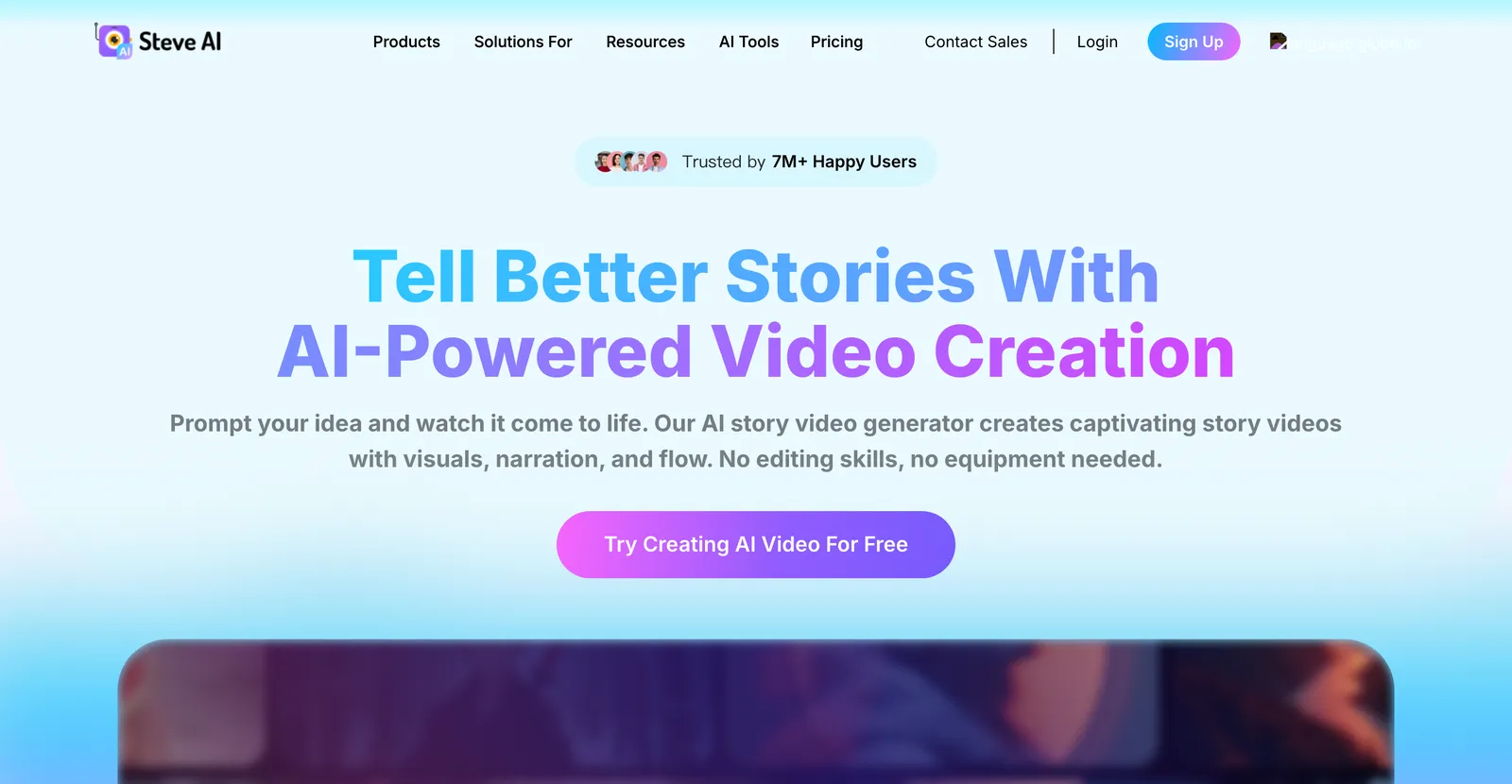
Best for: turning a blog post or script into a cartoon or live-style video quickly.
Steve.ai leans on speed. Paste text, pick a style, get a rough animated video in minutes. Evidence refresh (2026-08-31): check Steve.ai's official pricing page and original user-review page. This entry was not rerun on a paid plan for this refresh, so test one representative project before buying.
Animaker: best for budget teams that need variety
Best for: small teams that want 2D, whiteboard, and template styles in one affordable tool.
Animaker is the generalist. It covers several animation styles, has a usable free plan, and is friendly to beginners. A solid starting point if you are not sure what style you need. If free is your main filter, we compare the no-cost options in our free AI animation generator review. Evidence refresh (2026-08-31): check Animaker's official pricing page and original user-review page. This entry was not rerun on a paid plan for this refresh, so test one representative project before buying.
04
AI avatar animation
Strictly, an avatar reading a script is closer to synthetic video than to animation. But these tools rank on every "AI animation generator" list and people compare them directly, so here they are. Reach for this category when a human face adds trust.
Synthesia: best for multilingual training video
Best for: corporate training, onboarding, and internal video that needs a consistent presenter in many languages.
Synthesia is the category benchmark for avatar video, with support for 140-plus languages and a large stock avatar library. It cannot animate a concept the way a motion tool can, because the output is a person talking. If you like the format but not the tool, weigh alternatives before you commit. Evidence refresh (2026-08-31): check Synthesia's official pricing page and original user-review page. This entry was not rerun on a paid plan for this refresh, so test one representative project before buying.
HeyGen: best for realistic avatars at scale
Best for: sales, marketing, and localized video where avatar realism matters.
HeyGen competes with Synthesia and pushes harder on avatar realism and voice cloning. Same core caveat as Synthesia: it is a presenter, not an animator of ideas. Evidence refresh (2026-08-31): check HeyGen's official pricing page and original user-review page. This entry was not rerun on a paid plan for this refresh, so test one representative project before buying.
05
Generative video models
These are the tools people picture when they hear "AI video" in 2026. You give a prompt or an image, the model generates a short cinematic clip. They produce the most jaw-dropping single shots and give you the least precise control, which is the trade you are making.
Runway: best for creative, film-style shots
Best for: filmmakers and creative teams who want cinematic, generative clips and are comfortable iterating.
Runway is the creative leader here, with strong image-to-video and editing features. Beautiful for a hero shot, frustrating for a structured explainer. If you want to test the same short-clip job inside X, our Grok AI video generation guide covers the workflow and limits. Evidence refresh (2026-08-31): check Runway's official pricing page and original user-review page. This entry was not rerun on a paid plan for this refresh, so test one representative project before buying.
Pika: best for fast creative experiments
Best for: creators who want quick, playful generative clips for social.
Pika is fast and fun for short, stylized clips. Great for experiments, weak when you need an exact message on screen. Evidence refresh (2026-08-31): check Pika's official pricing page and original user-review page. This entry was not rerun on a paid plan for this refresh, so test one representative project before buying.
Kling: best for realistic human motion
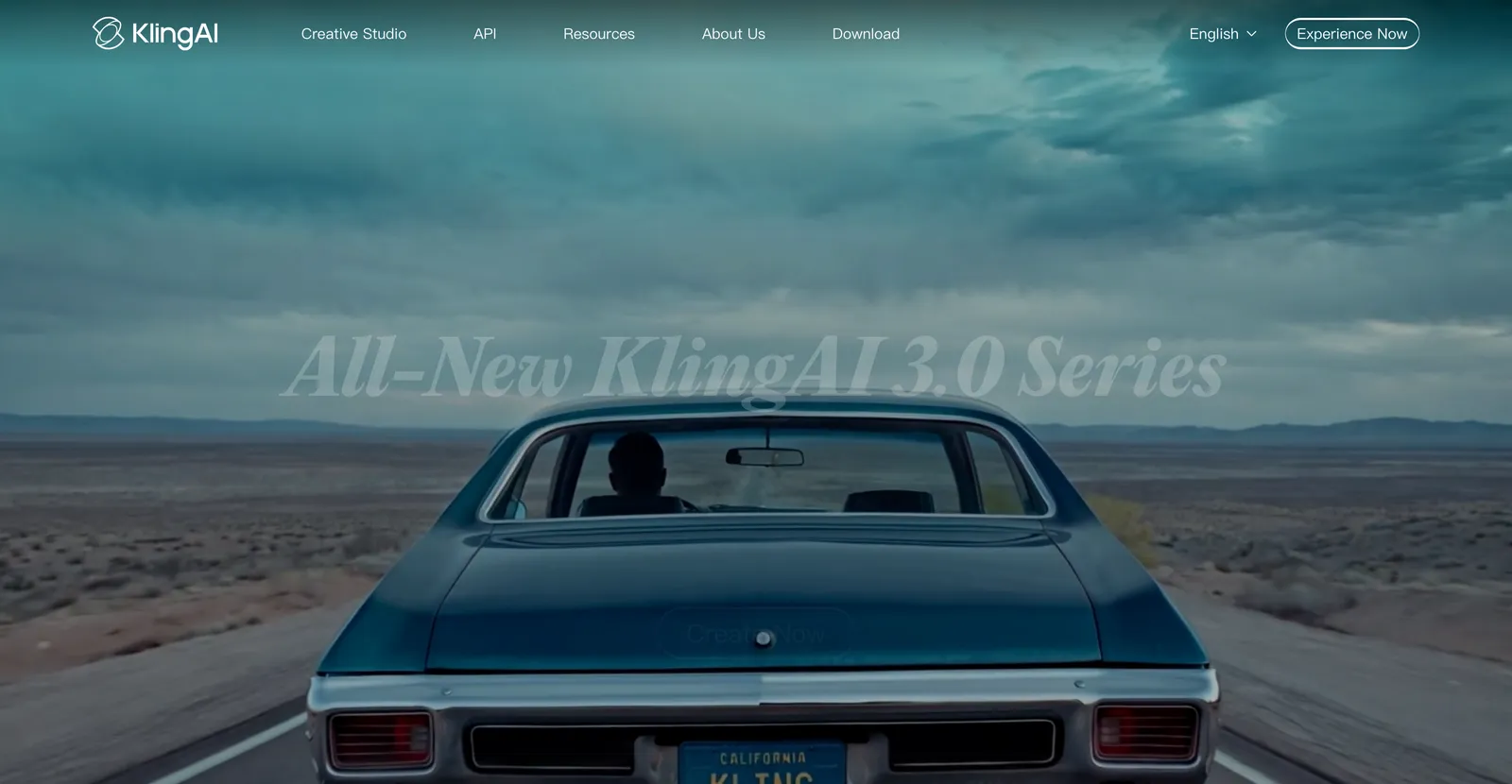
Best for: shots that need believable human movement and physics.
Like every generative model, it trades that realism for precise control, and character consistency across multiple clips is still a real limitation. Kling is available globally through kling.ai. Evidence refresh (2026-08-31): check Kling's official pricing page and original user-review page. This entry was not rerun on a paid plan for this refresh, so test one representative project before buying.
06
Doc and text to video
These tools repurpose content you already have. Paste an article or a script and they assemble stock footage, captions, and a voiceover. Not animation in the strict sense, but they land on these lists and often solve the real underlying task: turn writing into a watchable video fast.
Pictory: best for repurposing long articles
Best for: marketers turning blog posts and scripts into stock-footage videos at volume.
Pictory maps text to relevant stock clips and adds AI voiceover. Evidence refresh (2026-08-31): check Pictory's official pricing page and original user-review page. This entry was not rerun on a paid plan for this refresh, so test one representative project before buying.
InVideo AI: best for quick social video
Best for: fast text-to-video from a prompt, with stock footage, music, and templates.
InVideo AI takes a prompt and returns an editable draft with footage and music. It is quick to a first cut and lighter on a distinct visual identity. Good for social volume, less so for a signature brand look. Evidence refresh (2026-08-31): check InVideo AI's official pricing page and original user-review page. This entry was not rerun on a paid plan for this refresh, so test one representative project before buying.
Fliki: best for fast voiceover explainers
Best for: creators who want a text-to-video draft with strong AI voices quickly.
The animation is minimal, so it suits voice-forward explainers more than visually rich ones. If your video is mostly narration over simple visuals, it is efficient. Evidence refresh (2026-08-31): check Fliki's official pricing page and original user-review page. This entry was not rerun on a paid plan for this refresh, so test one representative project before buying.
07
What AI animation still cannot do in 2026
Most "best AI animation generator" lists sell the dream and skip the ceiling. Here is the reality check, because knowing the limits saves you a wasted afternoon.
- True frame-by-frame character animation. No AI tool replaces a skilled 2D or 3D animator for expressive, hand-crafted character acting. The AI-first tools template it; the pro tools still need a human animator.
- Consistent characters across scenes. Generative models still struggle to keep the same face, outfit, and style across multiple clips. If your story needs a recurring character, expect manual fixes.
- Anime and hand-drawn styles on demand. Dedicated anime tools exist, but a general animation generator will not reliably produce clean, on-model anime. See our AI anime generator guide for the specialist options.
- Precise control from a pure text prompt. Generative models give you a look, not a layout. When you need exact words, timing, and brand elements on screen, a motion-graphics tool beats a prompt-only model every time.
- A finished video with zero editing. Every tool here produces a draft. The script still needs a human edit, or the video feels generic no matter which tool you picked.
If you want the underlying mechanics of how these tools generate motion, we break it down in how AI animation software works, and there is a plain-language primer in our AI animation generator explained post.
08
How to choose the best AI animation generator for you
Checklist
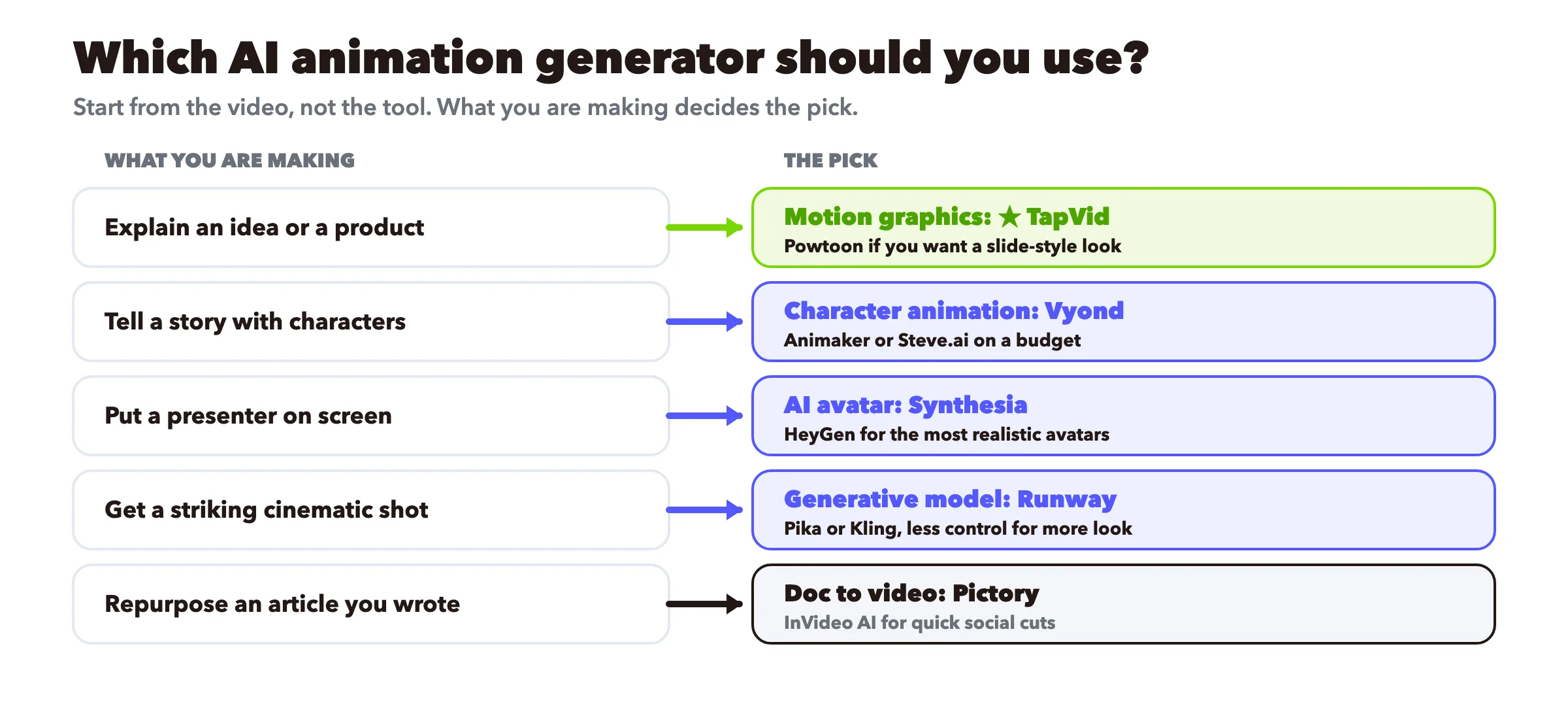
- Explain an idea or a product. Motion graphics: TapVid, with Vyond or Powtoon if you want characters carrying it.
- Tell a story with characters. Character animation: Vyond for business, Animaker or Steve.ai on a budget.
- Put a trusted presenter on screen. AI avatar: Synthesia for multilingual training, HeyGen for realism.
- Get a striking cinematic shot. Generative model: Runway, Pika, or Kling, knowing you trade control for looks.
- Repurpose an article you already wrote. Doc to video: Pictory or InVideo AI.
- Not sure and watching budget. Pick two free tools from different categories, make the same 30-second script in both, and keep the one that felt right. Our free AI video generator is a no-cost place to try the motion-graphics route.
Start from the video, not the tool. What you are actually making decides the category, and the category narrows you to two or three real options.
For teams that need to standardize this across a content pipeline, we cover the workflow in animation generator professional use.
09
Independent user-review evidence to check before choosing
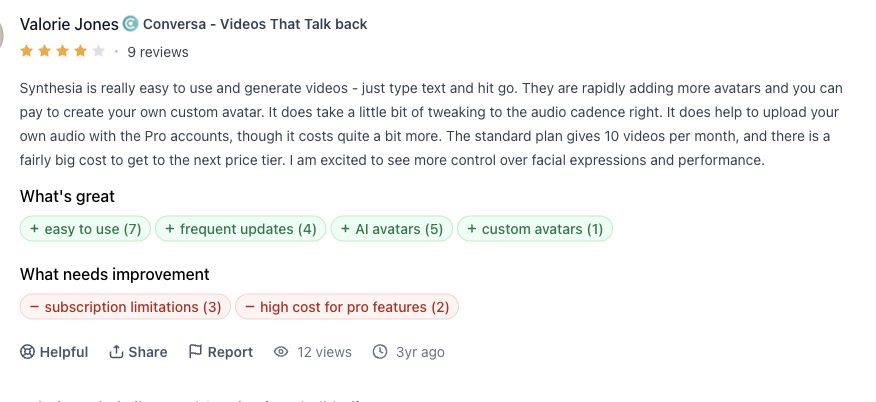
Synthesia review evidence
Product Hunt reviewer Valorie Jones found text-to-video creation easy, while noting audio-cadence work and plan constraints. Read the original review.
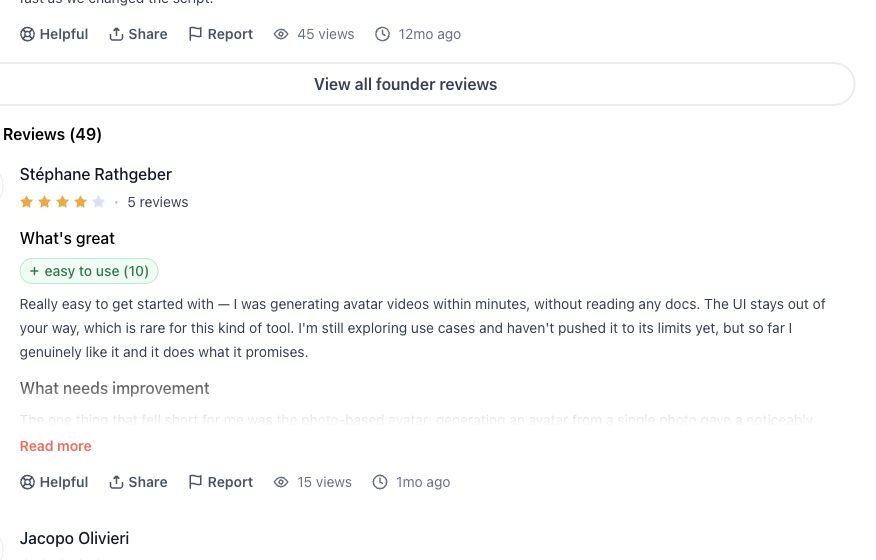
HeyGen review evidence
Product Hunt reviewer Stéphane Rathgeber reported fast onboarding and a quality gap between photo-based and video-based avatars. Read the original review.
Runway review evidence
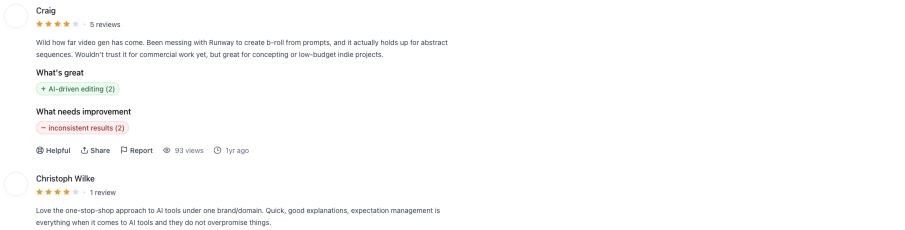
Product Hunt reviewer Craig found Runway useful for abstract B-roll and concepting, but not yet dependable for commercial delivery. Read the original review.
InVideo review evidence
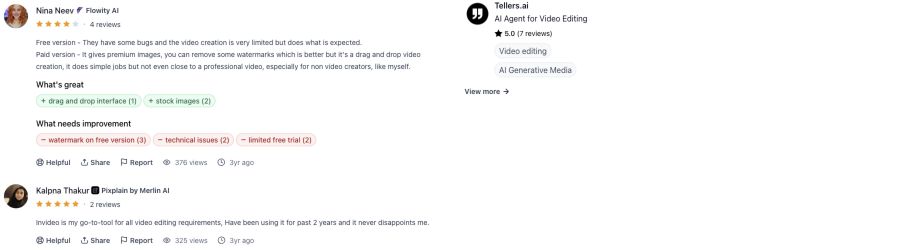
Product Hunt reviewer Nina Neev described a workable drag-and-drop path for simple jobs while flagging free-plan, watermark, and technical limits. Read the original review.
10
Frequently asked questions
What is the best AI animation generator in 2026?
There is no single best, because the tools do different jobs. For motion-graphics explainers, TapVid. For business character animation, Vyond. For multilingual avatar training, Synthesia. For cinematic generative clips, Runway. Match the tool to what you are animating.
Can AI generate animation from text?
Yes. Motion-graphics tools like TapVid build animated video from a script or prompt, and generative models like Runway create clips from a text description. The output style differs a lot, so pick the category that matches your goal.
What is the best free AI animation generator?
Animaker, InVideo, Fliki, and TapVid all have free tiers. Free exports usually carry a watermark, so check the terms before you publish. We compare the free options in detail in our free AI animation generator review.
What is the difference between AI avatar video and AI animation?
An avatar tool puts a digital human on screen reading your script. Animation, in the motion-graphics or character sense, moves graphics or characters to carry an idea, with no presenter. Both get called "animation" online, but they solve different problems.
Which AI animation generator is best for beginners?
For a fast, low-learning-curve start, TapVid, Animaker, and Fliki are the friendliest. You write a prompt or paste a script and get a draft, with no timeline to learn.
How much do AI animation generators cost?
Most sit between roughly $10 and $60 per month for individual and small-team plans, with enterprise avatar tools climbing higher per seat. Free tiers exist across categories but usually watermark exports. Confirm current pricing on each vendor's page, since it changes often.
Can AI animation replace a professional animator?
Not for expressive, hand-crafted character work. AI tools are excellent for explainers, social video, and fast drafts. For high-end character acting and bespoke style, a human animator still leads, often using AI to speed up parts of the process.
11
The takeaway
The best AI animation generator is the one whose category matches your video. Animate an idea with motion graphics, tell a story with character tools, put a face on screen with an avatar tool, chase a cinematic look with a generative model, and repurpose writing with a doc-to-video tool. Ignore any list that pretends one tool wins all five jobs. To try the motion-graphics route on your own idea, start with the AI motion graphics generator, or compare plans on pricing.