
Grok shipped video generation, and search interest spiked overnight. Most of what gets written about it since then is either breathless hype or a copy-paste of the spec sheet. Neither tells you the thing you actually need to know: what job Grok's video feature is good at, and when you are better off with a different kind of tool.
01
What is Grok video generation?
I build motion-graphics videos for a living, so I care about this distinction more than most. Here is the straight version. Grok Imagine is xAI's model for turning text, an image, or a voice note into a short, cinematic clip with sound. It is fast and genuinely fun. It is also not an explainer engine, and using it like one is how people waste an afternoon. Let me walk through what it does, the real numbers, and where it fits.
Grok video generation runs on a model xAI calls Grok Imagine, built into the Grok assistant on the web and in the mobile apps. You give it a prompt or an image, and it returns a short video. The part that sets it apart from most models is that it generates the audio at the same time as the picture, so music, sound effects, and ambient noise come baked in rather than added later.
The model reads more than the literal subject of your prompt. It picks up on the camera move you describe, the lighting, the mood, and the style, then renders a clip that tries to match all of it at once. You are not assembling scenes on a timeline. You are describing a moment and letting the model invent the footage for it.
That framing matters, because it tells you what Grok is for. It is a creative clip generator. It is closest in spirit to Sora, Kling, and Veo, not to the explainer and demo tools people often confuse it with.
02
How it works: three ways in
Grok Imagine takes three kinds of input, and each one suits a different starting point.
- Text to video. Describe a scene in a sentence or two and get a clip. This is the fastest way in and the one most people try first.
- Image to video. Upload a still and let the model animate it, adding camera motion and life to a frame you already have. This is the mode creators seem to reach for most, because it gives you more control over the look.
- Voice to video. Speak the idea instead of typing it. Useful on mobile, where talking is faster than thumbing out a prompt.
All three land in the same place: a short clip with generated audio. There is also an API through xAI for developers who want to call the model programmatically rather than through the app.
03
Grok Imagine specs at a glance
The numbers below reflect what xAI and third-party writeups reported at the time of writing. Grok's specs move quickly, so treat this as a snapshot and confirm against the xAI docs before you build anything on top of it.
| Spec | Grok Imagine |
|---|---|
| Inputs | Text, image, voice |
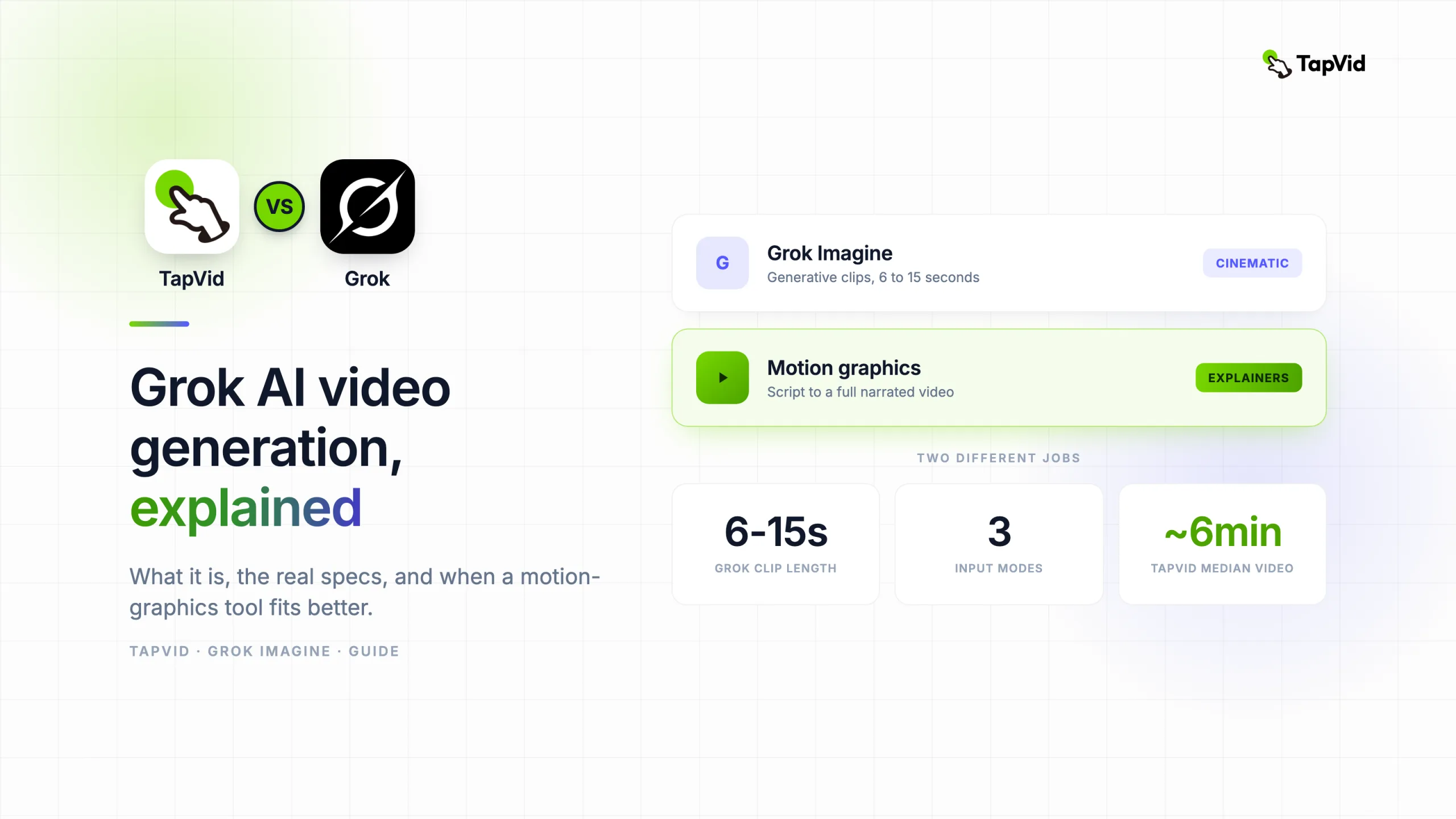
| Clip length | About 6 to 15 seconds |
| Speed | Standard clips in roughly 5 to 20 seconds, complex ones under 30 |
| Frame rate | 24 fps |
| Resolution | Up to 1080p |
| Aspect ratios | 16:9, 9:16, 1:1 |
| Audio | Native audio and video, generated together |
Two of these numbers matter more than the rest. The speed is the headline: a clip in seconds means you can iterate a dozen times in the time an older model takes to render once, and fast iteration changes how you work. The clip length is the quiet catch. Six to fifteen seconds is a single moment, not a story. Anything longer means stitching clips together yourself, and that is where the "just use Grok for everything" plan falls apart.
The native audio deserves a mention too. Most models hand you a silent render and leave the sound to you. Grok generates both together, which saves a step and, from the clips I have seen shared publicly, mostly holds up. I have not run a controlled test on audio sync across a batch, so take that as an impression, not a benchmark.
04
What Grok video is genuinely good at
I want to be fair to the tool, because it is good at real things.
- Cinematic and stylized clips. A dramatic shot, a surreal scene, a mood piece. When you want something that looks like a frame from a film, Grok delivers.
- Bringing a still to life. The image-to-video mode is the strongest use I have seen. Feed it a good frame and it adds motion without you touching editing software.
- Speed that changes the workflow. Because a clip lands in seconds, you stop treating each generation as precious. You try ten prompts, keep one, and move on. That loop is the real advantage.
- Social experiments. Short, eye-catching cuts for a feed, where the whole video is under fifteen seconds anyway and a striking visual is the entire point.
If your output is a short creative clip and the look is the message, Grok is a strong pick, and I would not talk you out of it.
05
Where Grok video falls short
The limits are not bugs. They are what a generative clip model is, and they matter the moment your goal shifts from "look cool" to "explain something."
- No structured narration. Grok will not take a full script and build a paced, multi-scene explainer where a voiceover follows your points in order. It makes a moment, not an argument.
- Short clips only. The six-to-fifteen-second ceiling means any real explainer or demo becomes a stitching job, and stitched generative clips rarely feel like one coherent video.
- Loose control over the message. Generative video is great at a vibe and weak at "say exactly these three things in this order." If the wording and sequence carry your point, you fight the model the whole way.
- Not built for product demos. It will not walk a viewer through what your product does and why it matters. That is a different kind of video with a different shape.
None of this is a knock. Grok is a creative tool doing creative-tool things well. It is simply not an explainer or demo engine, and no amount of prompting turns it into one.
06
Grok vs a motion-graphics tool: two different jobs
Here is the confusion I see most often. Someone needs a product explainer or a launch video, they hear Grok makes video, and they try to prompt their way to a demo. It does not work, and they blame the prompt. The real problem is category. Grok generates cinematic footage. An explainer needs structured motion graphics, which is a different craft entirely.
Motion graphics build a video from your script into animated text, icons, and illustration that follow your points from the first line to the call to action. That is the job TapVid is built for. You write a script or a prompt, and it produces a narrated, captioned video with a beginning, middle, and end, not a single dreamlike moment.
The honest tradeoff is speed. Grok returns a clip in seconds. A structured motion-graphics video takes longer, because it is assembling a whole video rather than one shot. To put a real number on it: across TapVid's own product analytics, the median new user gets their first finished video in about six minutes, with the slower tail closer to fifteen. That is minutes for a complete, narrated explainer, versus seconds for a single cinematic clip. Different outputs, different clocks.
07
When to use which
You do not have to pick a favorite. You have to match the tool to the video in front of you. This is the decision I run through:
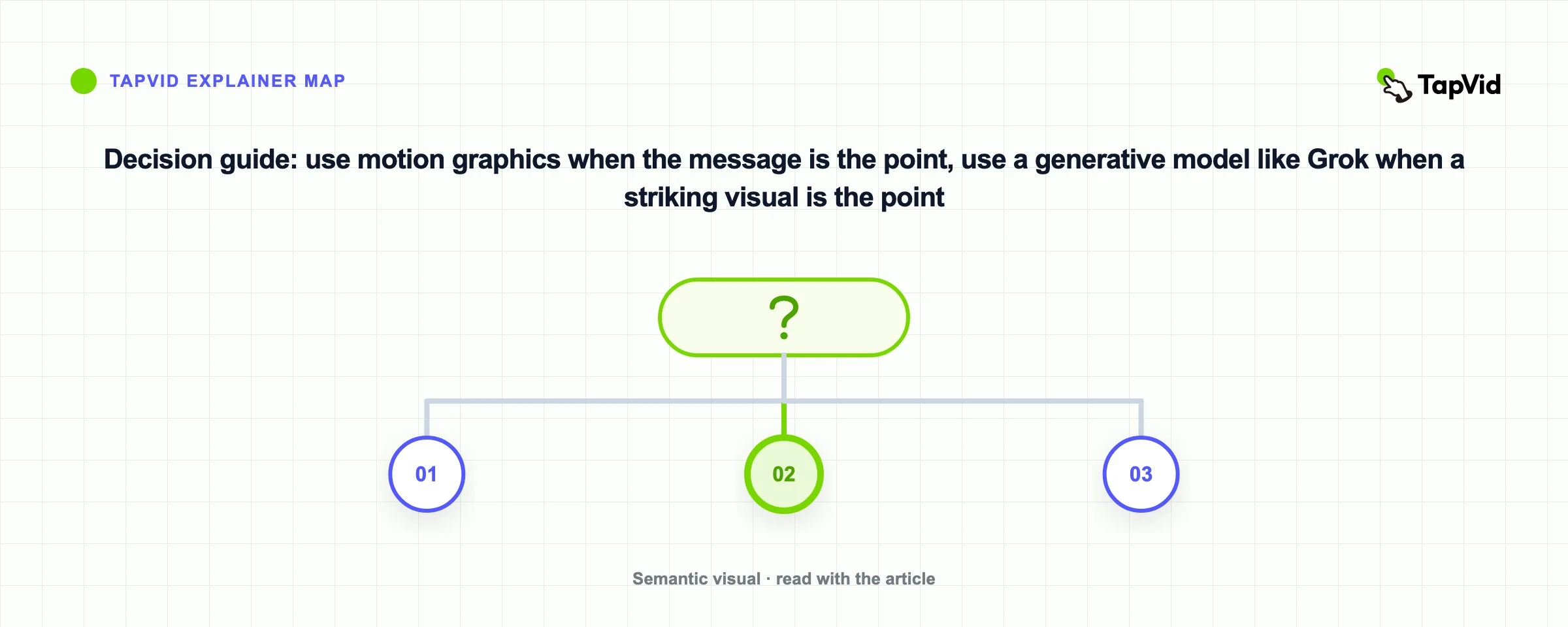
- The message is the point. You need to explain, teach, or demo, and the words and order matter. Use motion graphics, and see the TapVid guides on making an explainer video or a product demo video.
- A striking visual is the point. You want a mood, a stylized shot, a scroll-stopping moment under fifteen seconds. Use Grok, or another generative model like Sora, Kling, or Veo.
- You need both. Plenty of launches do. A generative clip for the hero shot, a motion-graphics explainer for the part that actually sells the product. Nothing says you run the whole thing through one tool.
08
The takeaway
Grok video generation is a fast, creative clip maker with native audio, and it is genuinely good at that. It is not an explainer or a demo tool, and it does not pretend to be. Reach for Grok when you want a short cinematic moment. Reach for a motion-graphics generator when you need a full, narrated explainer or product demo.
09
Frequently asked questions
Is Grok video generation free?
You can try Grok on the web and in the apps at no cost, with limits on how much you can generate. Confirm current pricing and quotas on xAI's site, because they change often.
How long are Grok Imagine videos?
Clips run roughly 6 to 15 seconds. For anything longer you combine multiple clips, which is doable but rarely feels like one continuous video.
Does Grok generate audio with the video?
Yes. Grok Imagine creates synchronized audio, including music and sound effects, at the same time as the picture, so you do not score the clip separately.
Can Grok make an explainer or product demo video?
Not really. It makes short creative clips, not narrated, multi-scene explainers. For those, a motion-graphics tool like TapVid fits the job, because it builds a full video from your script.
What are good Grok Imagine alternatives?
For cinematic generative clips, Sora, Kling, and Veo play in the same space. For structured explainers and demos, a motion-graphics tool like TapVid is the alternative, because it solves a different problem than Grok does.
How fast is Grok compared to other AI video tools?
Speed is its strength. Standard clips generate in seconds, which is faster than most cinematic models. The catch is length, since those fast clips top out around fifteen seconds.