
"AI motion video" gets used for two different things, and the mix-up sends people to the wrong tool. I see it constantly in creator forums: someone wants an animated explainer for their product, signs up for a generative video model, and ends up with a beautiful five-second clip of nothing in particular. Then they conclude AI video "isn't there yet," when really they just walked into the wrong aisle.
01
What is an AI motion video?
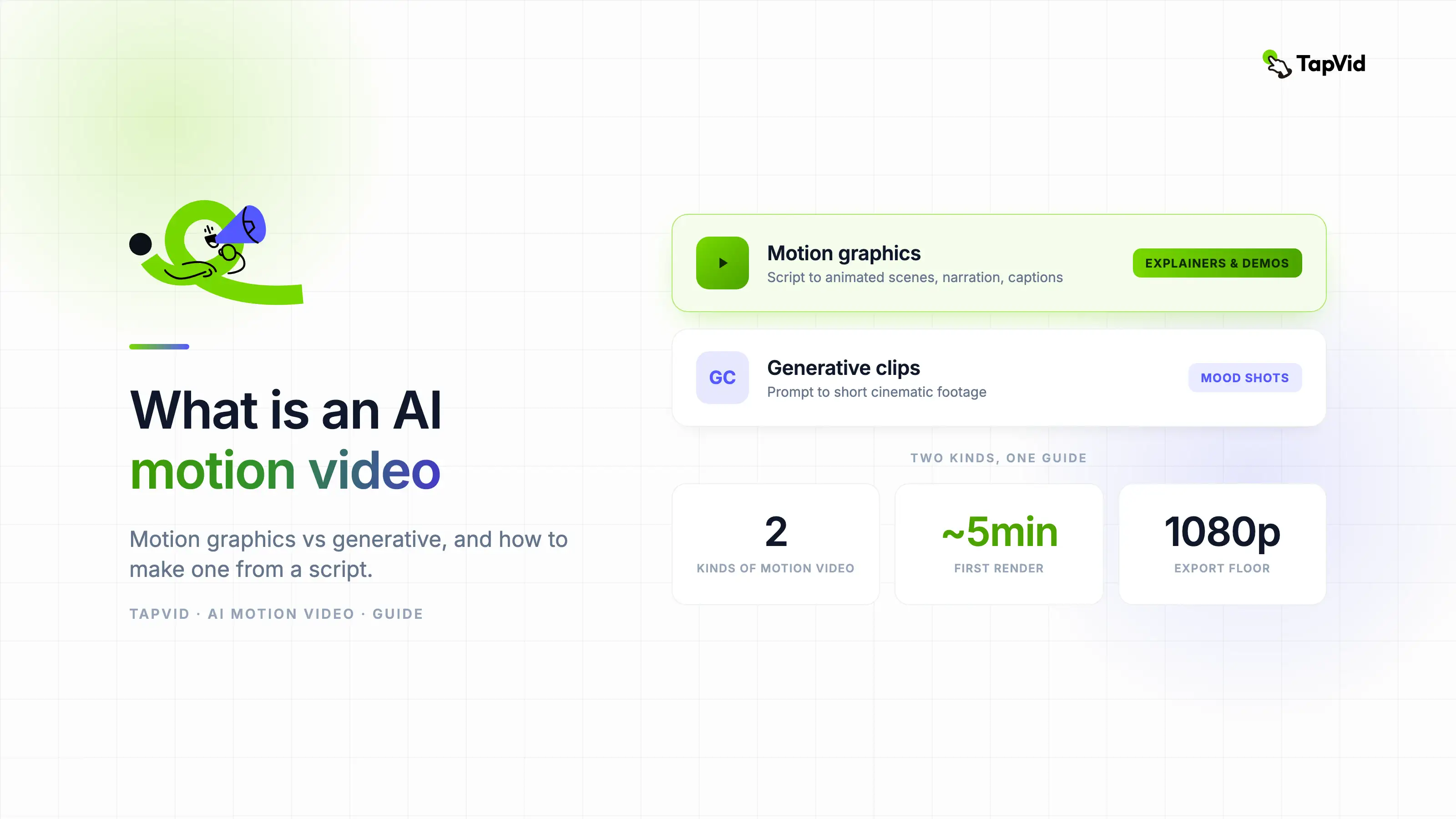
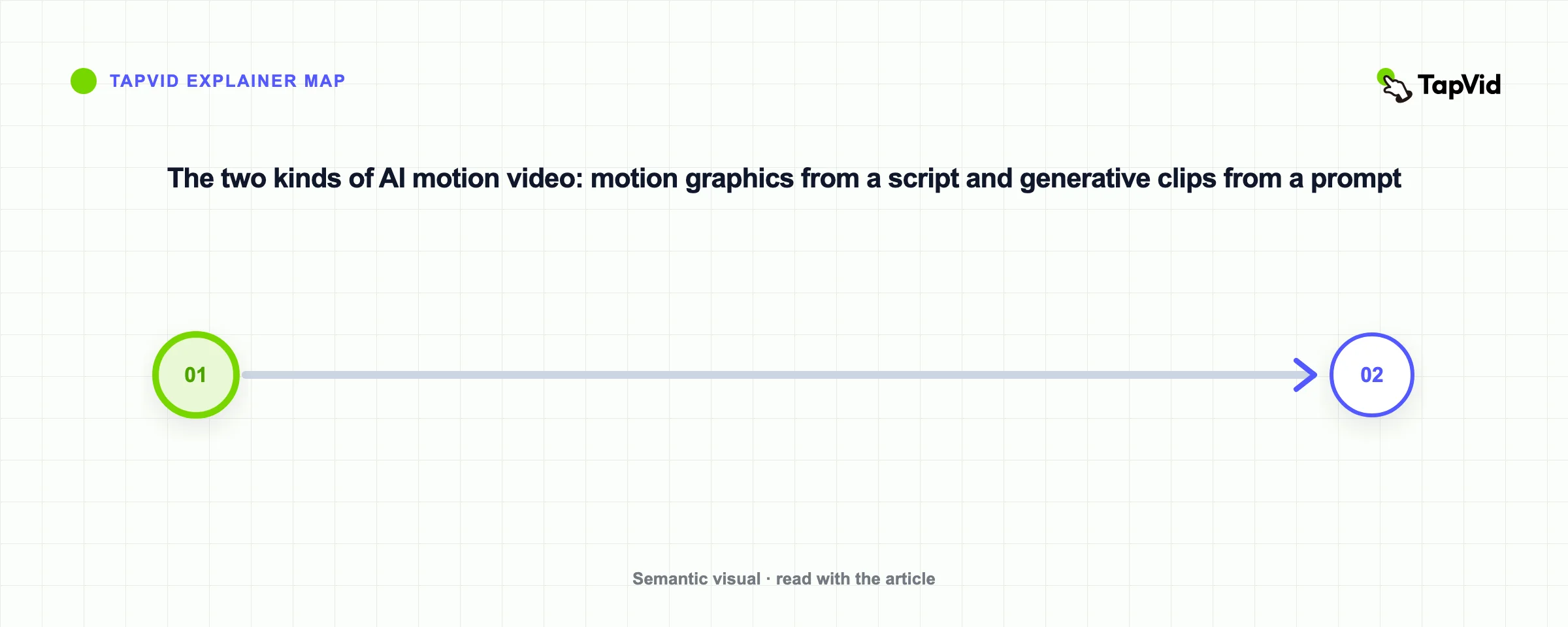
One meaning is motion graphics: animated text, shapes, and illustration built from a script, the style you see in explainers and product videos. The other is generative video: cinematic clips a model dreams up from a prompt. Both are "motion video." They are not the same product, they don't cost the same, and they fail in completely different ways.
This guide sorts out the two, then walks through making the motion-graphics kind, which is what most people mean when they want to explain or sell something. I'll use my own workflow as the running example, including the parts where my first attempts came out wrong.
An AI motion video is a video where movement is generated or assembled by AI rather than filmed or animated by hand. In practice it splits into two camps.
- Motion graphics: the AI turns a script or prompt into animated scenes, kinetic text, icons, illustration, and transitions, with narration and captions. The point is to communicate a message clearly. A 60-second explainer with a voiceover walking through your product is the classic case.
- Generative clips: the AI invents footage from a prompt, aiming for realistic or cinematic motion. The point is a striking visual. Think of a drone shot over a neon city that no drone ever filmed.
The confusion is understandable because tool marketing blurs the line. Plenty of products call themselves "AI motion video generators" whether they animate your script or hallucinate footage from scratch. The test I use: does the tool ask for a script, or just a prompt? Script in, structured multi-scene video out means motion graphics. Prompt in, one short clip out means generative. If you are comparing script-first products in the first group, our Motion.so alternatives guide separates them by workflow and output.
If you want to explain a concept, launch a feature, or demo a product, you want motion graphics. If you want a dramatic few-second shot, you want a generative model. The rest of this guide is mostly about the first, with a section on when the second actually earns its keep.
02
Motion graphics vs generative video
| Motion graphics | Generative clips | |
|---|---|---|
| Built from | Your script or prompt | A prompt |
| Look | Animated text, icons, illustration | Realistic or cinematic footage |
| Length | Full video, multi-scene | Short clips, seconds |
| Best for | Explainers, demos, ads with a message | Creative and cinematic moments |
| Narration | Scripted voiceover and captions | Usually none, or generated audio |
| Editing | Change the text, regenerate the scene | Re-prompt and hope |
| Cost pattern | Flat plans or per-video credits | Per-second credits, burns fast on retries |
| Example tools | TapVid, motionvid.ai, Hera | Sora, Kling, Veo |
Neither is better in general. They are built for different jobs. A launch explainer needs structure and a script, so motion graphics wins. A moody establishing shot needs realism, so a generative model wins.
The row that matters most in practice is editing. With motion graphics, the script is the source of truth: if the voiceover says the wrong price, you edit one line and regenerate that scene. With generative clips, there is no script to edit. You change the prompt, spend more credits, and get a different clip that may or may not fix the thing you cared about. I've burned an embarrassing number of generations trying to get a generative model to keep the same character across two shots. For anything with a message and a sequence, that lottery gets expensive.
The cost row follows from the same difference. Generative models typically charge by the second of output, and you rarely keep the first take. Motion-graphics tools charge closer to per-video, because the AI is assembling designed elements rather than dreaming pixels, so a retry costs seconds instead of another pile of credits.
03
How to make an AI motion video
Here is the motion-graphics path, start to finish. The whole loop, script to exported video, takes me about 20 to 30 minutes for a 60-second piece, and most of that is script rewrites.
04
1. Write a short script
Lead with the problem or hook, explain one idea at a time, end with a single next step. Keep it under 90 seconds of narration, which is roughly 200 to 220 spoken words.
My rule after watching my own retention numbers: one sentence per scene beat. When I crammed three ideas into one paragraph, the generated scene tried to illustrate all three at once and looked like a junk drawer. Short declarative sentences give the tool clean scene boundaries.
A shape that works for product explainers:
- Hook: the pain, in one line ("Your onboarding video took three weeks and it's already outdated.")
- Problem: two or three lines on why the old way hurts.
- Solution: what your product does, one capability per line.
- Proof: a number, a customer, or a before-and-after.
- CTA: one action ("Try it free at...").
05
2. Generate the video
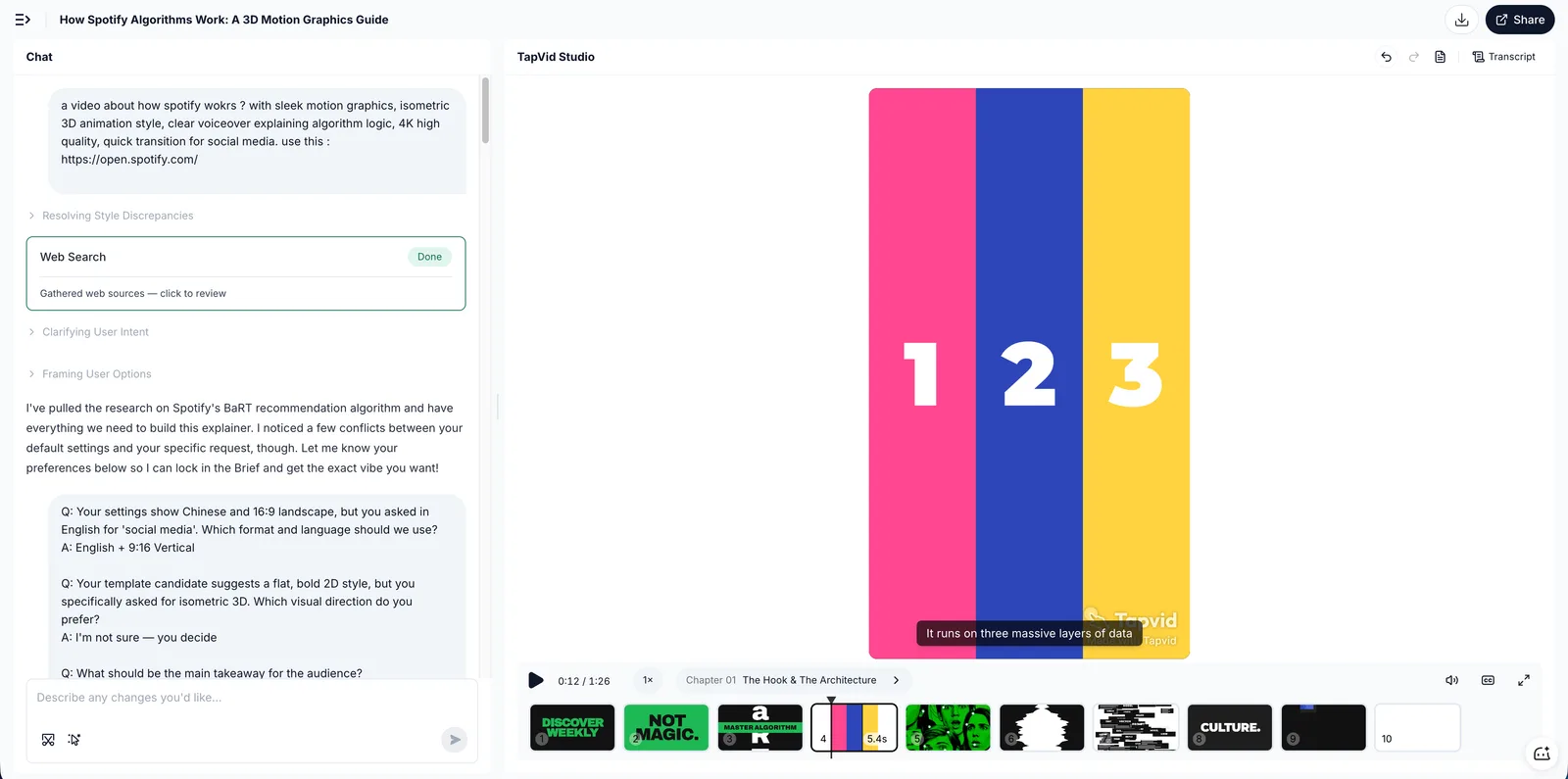
Paste the script into a motion-graphics tool. With TapVid it builds the animated scenes, adds an AI voiceover, and burns in captions in one pass. First render takes about 5 minutes for a script of that length.
Two things I learned to check on the first render before touching anything else:
- Pacing: if a scene lingers on a short line, the voiceover and animation drift apart. Splitting or merging script lines fixes this faster than fiddling with timing controls.
- Emphasis words: the tool picks which words to animate as kinetic text. If it emphasizes "the" instead of your product name, rewrite the line so the important word carries the sentence.
06
3. Edit and export
Adjust the wording, scenes, or voice, then export. Because nothing is filmed, every change is a text edit. This is the part that still feels slightly unfair compared to my old workflow: a client asking "can we change the second line" used to mean re-recording a voiceover; now it means retyping the second line.
Check the export terms before public use. Free tiers on most tools, TapVid included, watermark the export; paid plans remove it. Also check resolution: 1080p is the floor for anything going on a landing page.
07
When the generative route is the right call
I don't want to strawman generative video. There are jobs where it's the only sane option.
- Establishing shots and b-roll: a cinematic five-second opener for an ad, the kind that used to mean stock footage licensing or a shoot. Models like Sora, Kling, and Veo are genuinely good at this now. For a current example of turning an idea into clips, see our hands-on guide to Grok AI video generation.
- Impossible footage: product floating in space, city made of chocolate. There's no filming alternative.
- Style frames for pitches: selling a creative direction before committing budget.
The catches, based on my own runs and a lot of r/aivideo threads: clips are short (mostly 5 to 10 seconds), dialogue and narration are weak or absent, text on screen comes out mangled, and consistency across cuts is a known unsolved problem. People who ship generative video professionally treat it as a b-roll factory and do the storytelling in an editor. If your video's job is carrying a message for 60 seconds, you'd be stitching a dozen clips and fighting every seam.
The hybrid pattern is underrated: generate your explainer as motion graphics, then drop in one generative clip as the opening mood shot. You get the cinematic hook and keep the editable, narrated spine.
08
Where AI motion videos are used
- Explainers: make a concept click with animation instead of a wall of text. The classic 60 to 90 second "what is X and why should I care" piece. See how to make an AI explainer video.
- Product demos: show what a product does when the UI alone is not the story, or when the UI changes so often that screen recordings rot in a month. Animated demos survive redesigns because you regenerate instead of re-recording. See how to make an AI product demo video.
- Ads and social: short, high-motion cuts that hold attention in the first three seconds. Motion graphics also sidestep the actor and location problem entirely.
- Education: turn a lesson into an animated, narrated video. Teachers I've talked to like that regenerating next semester's version costs nothing but the script edit.
- Internal comms: policy changes and onboarding, the videos nobody budgets for. This is where "cheap to update" matters most, since the content changes quarterly.
09
What trips people up the first time
A few failure modes I hit myself or see constantly:
- Writing an essay instead of a script. Spoken language is shorter. Read your script aloud once; anywhere you stumble, the voiceover will too.
- Skipping the watermark check. Exporting on a free tier, posting the video, then noticing the watermark in the corner of your own launch post. Check before you publish, not after.
- Expecting a generative model to hold a narrative. Covered above, but it's the single most common mismatch.
- Over-editing scene by scene. These tools reward script-level edits. If a scene is wrong, fix the sentence that produced it before reaching for manual timeline controls.
- One video, one platform. The same script exports to 16:9 for YouTube and 9:16 for Shorts. Generating both takes minutes; plan the aspect ratios before you export, not after.
10
Frequently asked questions
What is an AI motion video?
A video where AI generates or assembles the motion. It covers two styles: motion graphics built from a script, and generative cinematic clips built from a prompt.
What is the difference between motion graphics and generative video?
Motion graphics animate text and illustration to carry a message, and run a full video. Generative clips invent realistic footage and run a few seconds. Different jobs, different tools, different cost structures.
How do I make an AI motion video for free?
Write a short script, generate it in a motion-graphics tool with a free tier like TapVid, then export. Free exports usually include a watermark, and paid plans start cheap enough that most people upgrade once the format proves itself.
Can AI make motion graphics from text?
Yes. Tools like TapVid turn a script or prompt into animated motion graphics with narration and captions, no manual animation, no After Effects.
How long does it take to make an AI motion video?
Budget 20 to 30 minutes for a 60-second video: 10 to 15 on the script, about 5 for the first render, the rest on wording tweaks and re-renders. The script is the long pole, and that's the part worth the time.
Do I need editing skills or After Effects?
No. That's the point of the motion-graphics category: the script does the work of the timeline. If you can write a clear paragraph, you can produce a finished, narrated video.
11
The takeaway
An AI motion video is either motion graphics or a generative clip, and picking the right one starts with your goal. Want to explain or sell something? Use motion graphics built from a script, and put your time into the script itself. Want a cinematic moment? Use a generative model, and keep it to moments. To make the motion-graphics kind from your own script, start with the AI video generator.