

TapVid
    API & MCPPricingBlogAbout
    Blog›Video Animation Pipeline: How to Balance Speed, Clarity, and Conversion
    Back to Blog

    Video Animation Pipeline: How to Balance Speed, Clarity, and Conversion

    A practical video animation pipeline for marketers, product teams, and educators using TapVid.

    Workflow
    Yibo WangYibo WangApril 16, 2026 · 11 min readApr 16, 2026 · 11 min readDiscord
    Yibo WangYibo WangCPO & Head of Product Design, TapVid

    Connect with the author, meet other video creators, and watch hands-on tutorials.

    Join our Discord
    April 16, 202611 min read
    A modular video animation pipeline balancing speed, clarity, and conversion
    Summarize with6 assistants
    ChatGPTPerplexityTapVidvideoClaudeGeminiGrok
    Create videos from your AI agentConnect TapVid API & MCP→

    In this article

    1. 01Why most video animation pipelines break
    2. 02A production model that scales
    3. 03How to measure pipeline health
    4. 04Feature path for growth-oriented teams
    Summarize withAPI & MCP →
    ChatGPTPerplexityTapVidClaudeGeminiGrok

    Teams searching "video animation" usually need one thing: a workflow that can scale. Random tool switching and unstructured feedback are the two biggest blockers. This tutorial shows how to design a pipeline that protects both speed and quality.

    01

    Why most video animation pipelines break

    Pipeline failures are usually operational, not creative. Teams skip intent alignment, then overcompensate with visual complexity. The result is slower production and weaker conversion.

    A stable pipeline starts with one source of truth for narrative structure and one shared review standard across roles.

    02

    A production model that scales

    Build your process around modular scenes: hook, context, mechanism, proof, CTA. This model works across product education, marketing, and internal enablement.

    Use TapVid for first-draft assembly and iterative scene replacement, keeping approved assets locked while improving weak sections.

    • Create a reusable shot list for each content category.
    • Define timing ranges per scene type to keep pacing consistent.
    • Run review checkpoints at script stage and rough-cut stage.
    • Archive post-launch performance by scene pattern.

    03

    How to measure pipeline health

    Track cycle time from brief to publish, revision rounds per asset, and post-launch retention. Together, these metrics reveal whether your process is both efficient and effective.

    When metrics drop, fix structure before style. Most performance issues come from unclear narrative progression, not insufficient visual polish.

    04

    Feature path for growth-oriented teams

    If your core use case is competitive positioning, pair your workflow with https://tapvid.ai/feature/competitive-comparison-video to make differences clear and actionable.

    05

    Frequently asked questions

    What is the ideal production cadence? Weekly cycles work best for most content teams because feedback and performance data stay fresh.

    How do you reduce revision rounds? Approve structure first, then style, then motion polish.

    Can one pipeline serve multiple channels? Yes, if your base narrative is modular and channel adaptations happen at the final stage.
    Yibo Wang

    Written and edited by

    Yibo Wang

    CPO @TapVid | Building the AI video tools creators deserve | Product strategy · Design systems · Creator economy

    Yibo Wang invites you to join the conversation with fellow video creators on Discord.

    Join Yibo on Discord →

    Use the materials you already have

    From yourfilesfilesto a ready-to-publish video

    WEB→ VIDEOPPT→ VIDEOPDF→ VIDEOASSETS→ VIDEOAUDIO→ VIDEOVIDEO→ VIDEOTALKING HEAD→ VIDEOWEB→ VIDEOPPT→ VIDEOPDF→ VIDEOASSETS→ VIDEOAUDIO→ VIDEOVIDEO→ VIDEOTALKING HEAD→ VIDEO

    Keep reading

    Related stories

    Animation Video Production Pipeline
    Workflow·12 min read

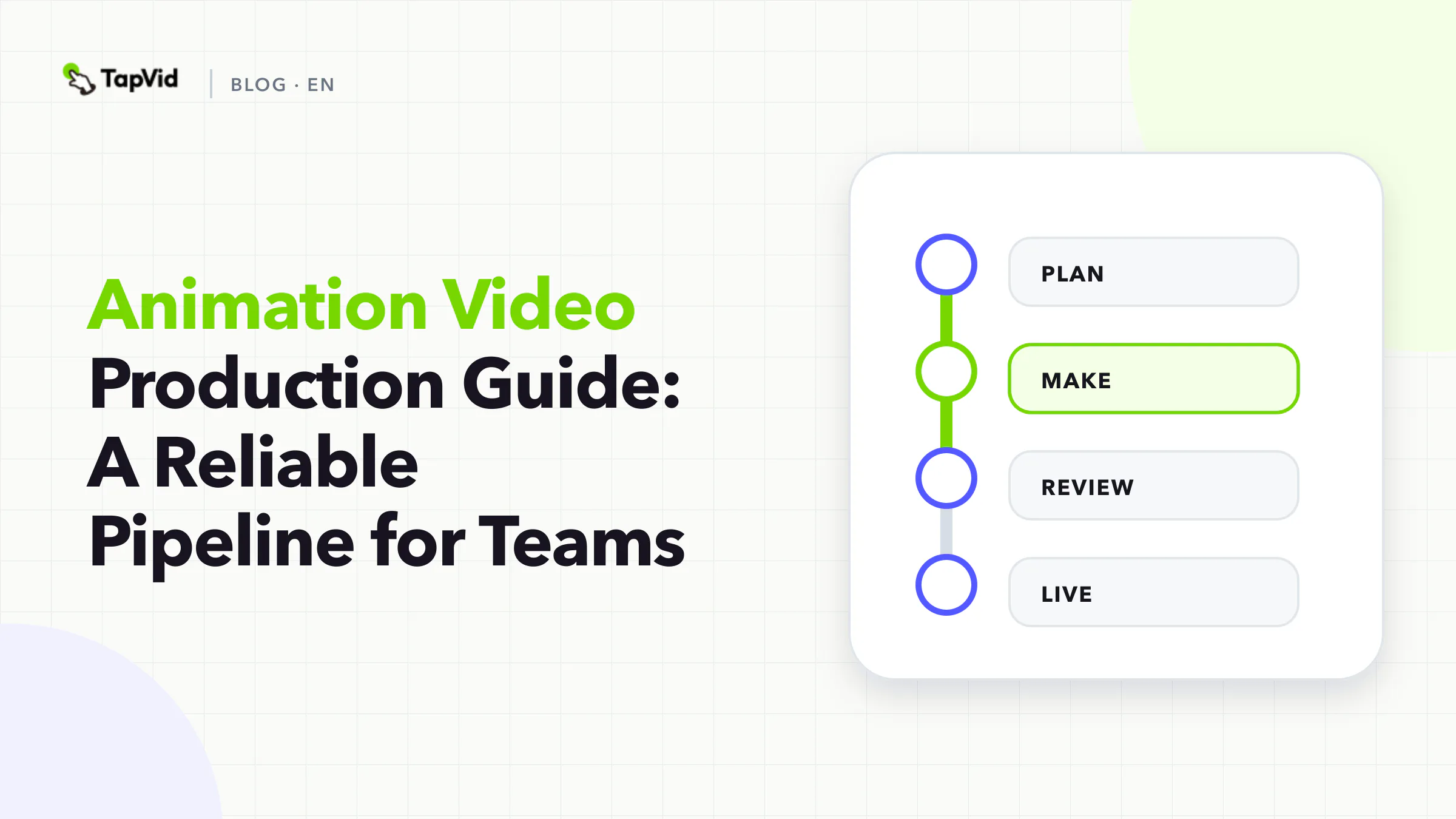
    Animation Video Production Guide: A Reliable Pipeline for Teams

    A production-first guide to animation video planning, execution, and optimization for modern teams.

    Apr 15, 2026

    Storyboard App Workflow Plan Before You Animate
    Workflow·11 min read

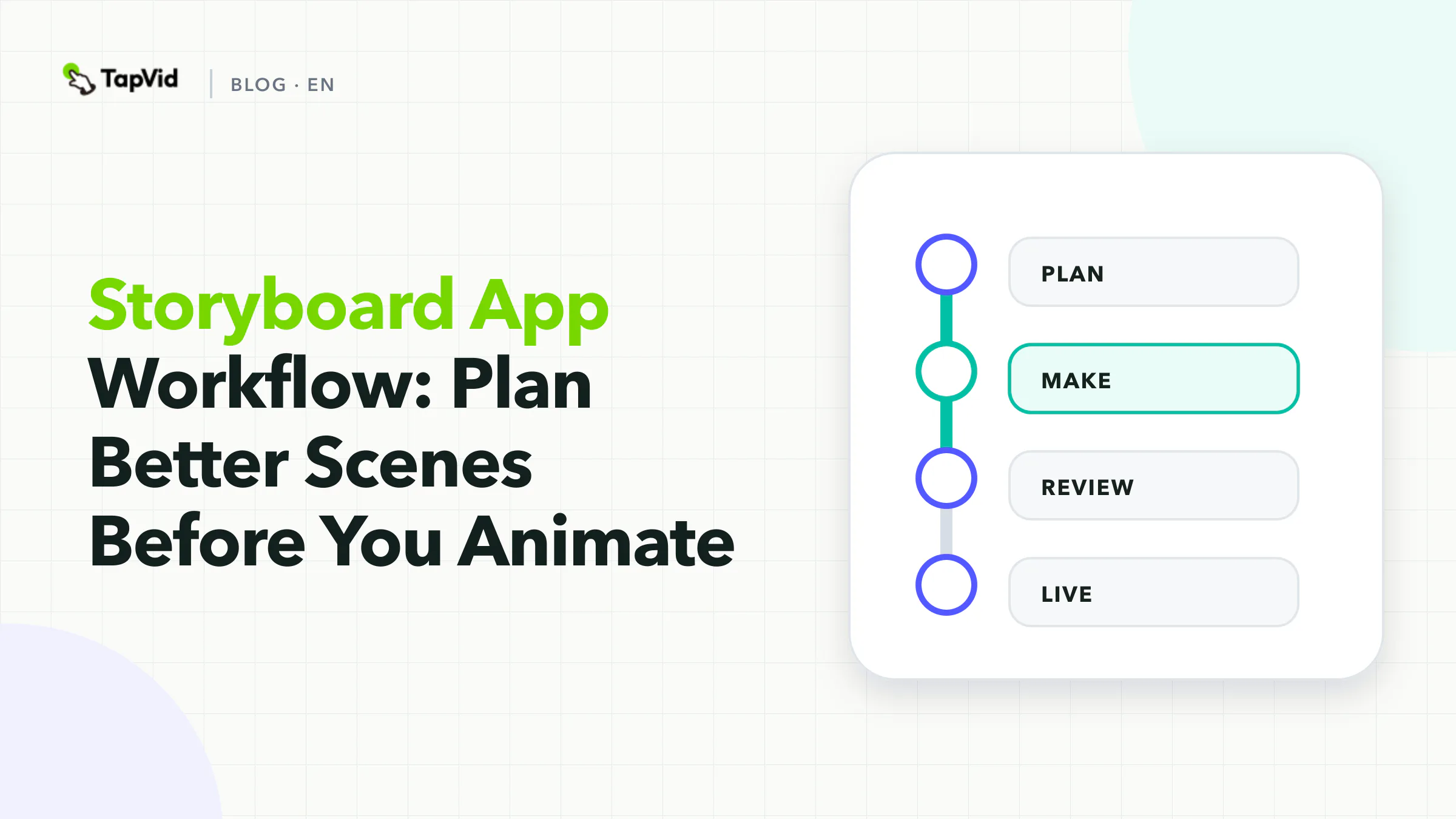
    Storyboard App Workflow: Plan Better Scenes Before You Animate

    A storyboard app workflow that helps teams move from concept to production with less rework.

    Apr 15, 2026

    Create a SaaS explainer video from source brief to reviewed render
    How-to·12 min read

    How to Create a SaaS Explainer Video: 7-Step Workflow

    A hands-on 7-step workflow for creating a SaaS explainer video, reviewing render failures, and writing revisions that protect product truth.

    Aug 7, 2026

    Ready to create your first video?

    Join thousands of product teams using AI to create professional videos in minutes.

    Your first video in under 5 minutes →Book a demo →
    Tapvid

    TapVid turns the materials your business already has into an accurate video that explains the job clearly and is ready to publish.

    TikTokInstagramXDiscordYouTube

    TapVid

    Features

    AI Explainer Video GeneratorAI Motion Graphics GeneratorAI Product Demo Video GeneratorProduct Demo Video MakerExplainer Video TemplatesVideo Production Plan TemplateVideo Creative Brief TemplateCorporate Video TemplateVideo Sales Letter TemplateVideo Production Proposal TemplatePromo Video TemplateVideo Production TemplateAI Product Video GeneratorAI B-Roll GeneratorTalking Head EditingClone VideoPrompt to VideoText to Video AIText to Motion GraphicsAnimated Video MakerAnimated Explainer Video MakerKinetic Typography GeneratorAnimated Chart MakerAnimated Collage MakerFree AI Video Generator

    Convert to Video

    Screenshot to VideoImage to VideoAssets to VideoAudio to VideoVideo to Video AIPDF to VideoPPT to VideoArticle to VideoBlog to VideoURL to VideoScript to VideoGoogle Slides to VideoWord to Video

    Use Cases

    AI Study Video MakerSaaS Explainer VideoAI Video AutomationSaaS Video ProductionIndustrial Video ProductionProduct Launch Video MakerAI Ad Video GeneratorDocumentary Video MakerAnimated Social Media Video MakerInfographic Video MakerPodcast to VideoWhiteboard Animation MakerWhiteboard Explainer VideoEcommerce Video AdsStartup Explainer VideoEducational VideoTutorial VideoCustomer OnboardingHelp Center VideoAPI Docs Video

    Solutions

    Explainer VideoProduct Demo VideoMeeting Recap VideoWebinar ClipsMarketing VideoFeature AnnouncementCompetitive ComparisonNewsletter VideoLanding Page VideoInvestor Pitch Video

    Featured Guides

    Video Prompt LibraryMiniMax H3 Prompt LibraryBest Faceless YouTube NichesCollage Animation Guide

    Company

    All FeaturesAboutBlogPricingGet in Touch

    © 2026 TapVid. All rights reserved.

    Privacy
    Terms of Service