
TapVid
    API & MCPPricingBlogAbout
    Blog›Animation Video Production Guide: A Reliable Pipeline for Teams
    Back to Blog

    Animation Video Production Guide: A Reliable Pipeline for Teams

    A production-first guide to animation video planning, execution, and optimization for modern teams.

    Workflow
    Yibo WangYibo WangApril 15, 2026 · 12 min readApr 15, 2026 · 12 min readDiscord
    Yibo WangYibo WangCPO & Head of Product Design, TapVid | Formerly at ByteDance

    Connect with the author, meet other video creators, and watch hands-on tutorials.

    Join our Discord
    April 15, 202612 min read
    Animation Video Production Pipeline
    Summarize with6 assistants
    ChatGPTPerplexityTapVidvideoClaudeGeminiGrok
    Create videos from your AI agentConnect TapVid API & MCP→

    In this article

    1. 01The production truth behind high-performing animation video
    2. 02Phase-by-phase workflow
    3. 03Quality signals to monitor after launch
    4. 04Feature path for production teams
    Summarize withAPI & MCP →
    ChatGPTPerplexityTapVidClaudeGeminiGrok

    The keyword "animation video" has broad intent, but most teams need a practical answer: how to ship useful animations on schedule. This guide breaks the process into phases that are easy to assign, review, and optimize.

    01

    The production truth behind high-performing animation video

    Strong animation video output usually comes from disciplined pre-production, not last-minute design heroics. Teams that define message hierarchy early spend less time in expensive visual revisions.

    The goal is to convert strategy into scene-level decisions quickly: what each scene must communicate, how long it should run, and where the viewer should focus.

    02

    Phase-by-phase workflow

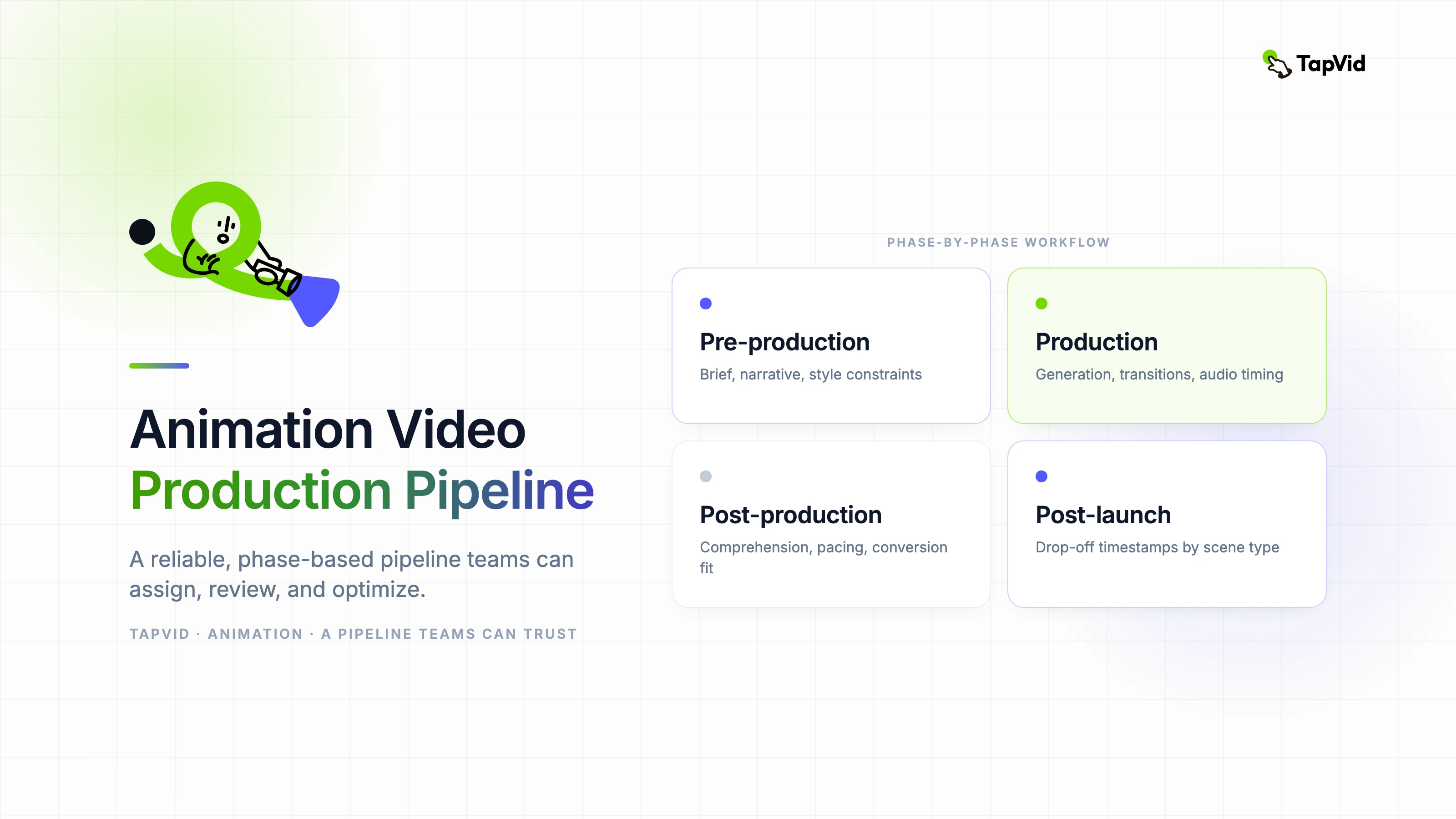
    Pre-production covers brief alignment, narrative structure, and style constraints. Production handles generation, transition logic, and audio timing. Post-production validates comprehension, pacing, and conversion fit.

    When these phases are separated clearly, team coordination improves and approval cycles shrink.

    • Set scene count before visual generation starts.
    • Assign one owner for pacing decisions.
    • Check each cut in both desktop and mobile viewing contexts.
    • Use a final compliance review for claims, data, and brand language.

    03

    Quality signals to monitor after launch

    Watch completion tells you if pacing is appropriate. CTR and downstream conversion indicate whether your message sequence creates intent, not just attention.

    Track drop-off timestamps and map them back to specific scene types so your next production round gets smarter.

    04

    Feature path for production teams

    For narrative assets built around decisions and next steps, use https://tapvid.ai/feature/meeting-recap-video to transform raw notes into structured, shareable video.

    If your flow starts from documents and specs, connect with https://tapvid.ai/feature/api-documentation-video for technical clarity without manual screen recording.

    05

    Frequently asked questions

    How many revision rounds are healthy? Two rounds is a practical target for most teams with a clear brief.

    Should teams animate every idea in the brief? No. Prioritize the one or two points that directly influence user action.

    What is the first optimization lever? Improve opening clarity in the first 5 to 10 seconds.
    Manually reviewed by the author: Yibo Wang

    Editorial record

    Basis: TapVid's editorial publishing record for this articleEvidence: Author attribution, publication history, and source links where external claims require them

    Article versionApril 15, 2026

    About the authorYibo Wang

    CPO & Head of Product Design, TapVid | Formerly at ByteDance

    CPO @TapVid | Building the AI video tools creators deserve | Product strategy · Design systems · Creator economy

    View all 51 articles →

    Yibo Wang invites you to join the conversation with fellow video creators on Discord.

    Join Yibo on Discord →

    Use the materials you already have

    From yourfilesfilesto a ready-to-publish video

    WEB→ VIDEOPPT→ VIDEOPDF→ VIDEOASSETS→ VIDEOAUDIO→ VIDEOVIDEO→ VIDEOTALKING HEAD→ VIDEOWEB→ VIDEOPPT→ VIDEOPDF→ VIDEOASSETS→ VIDEOAUDIO→ VIDEOVIDEO→ VIDEOTALKING HEAD→ VIDEO

    Keep reading

    Related stories

    A modular video animation pipeline balancing speed, clarity, and conversion
    Workflow·11 min read

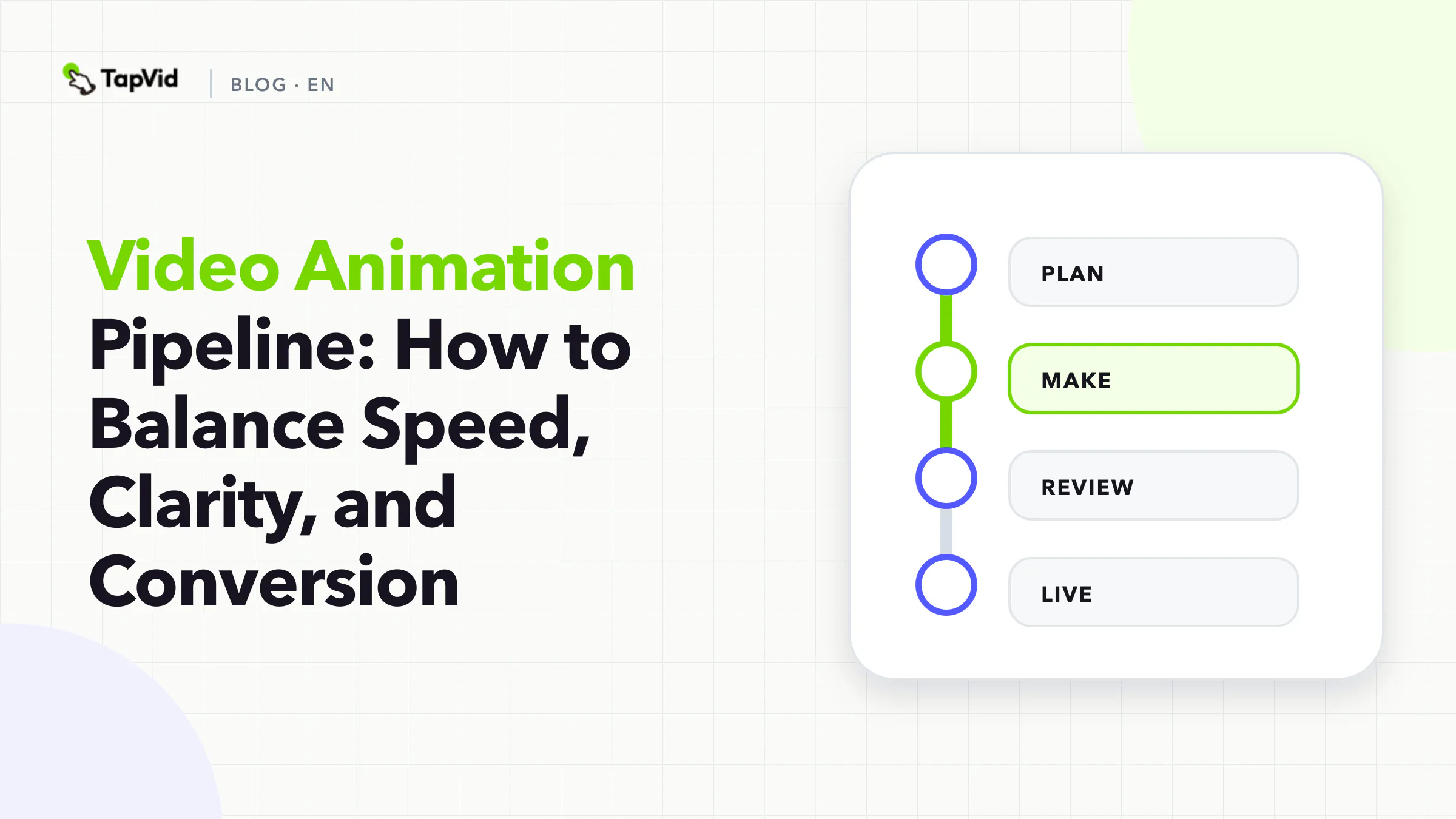
    Video Animation Pipeline: How to Balance Speed, Clarity, and Conversion

    A practical video animation pipeline for marketers, product teams, and educators using TapVid.

    Apr 16, 2026

    Validate scenes before production
    Workflow·10 min read

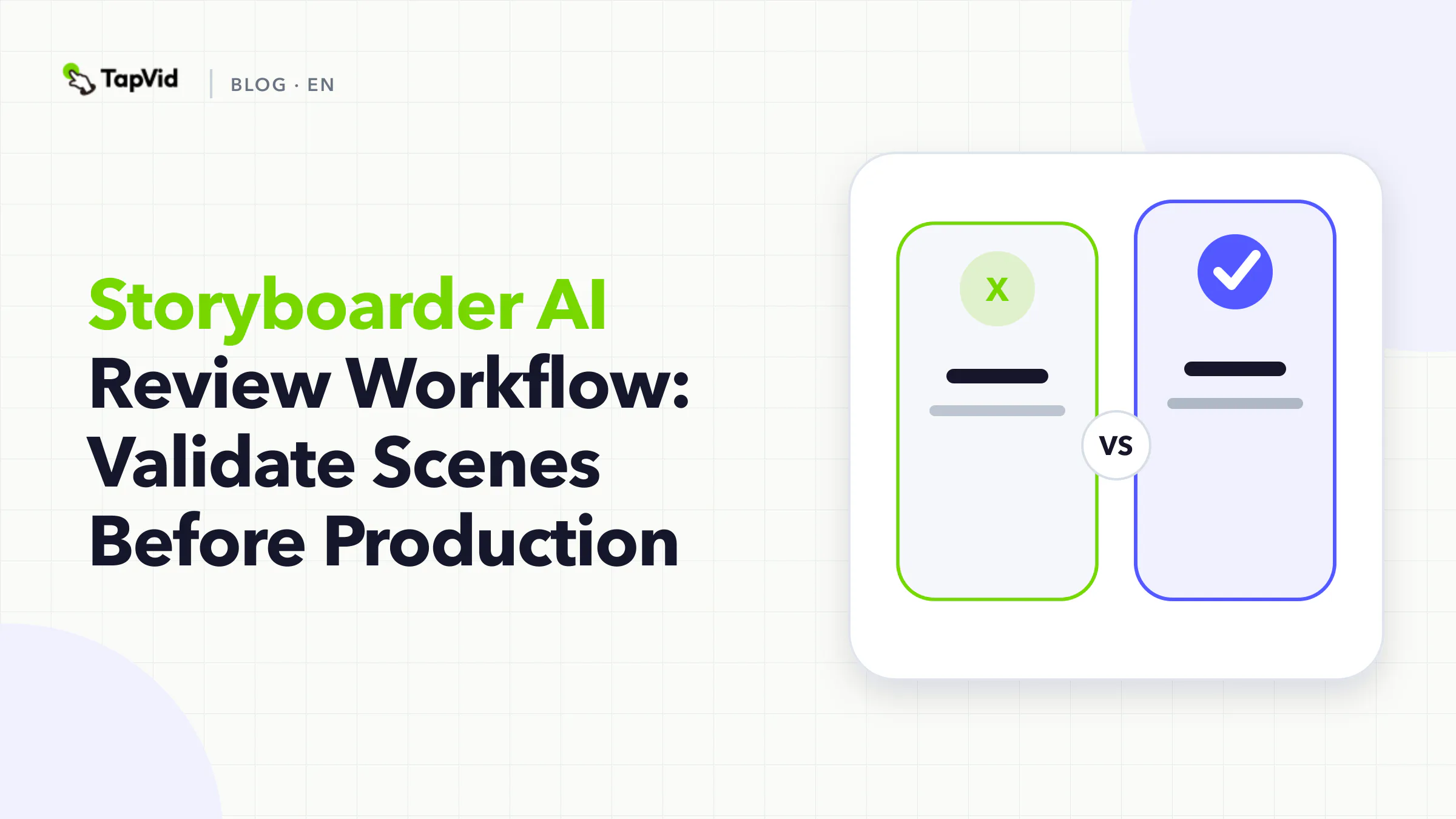
    Storyboarder AI Review Workflow: Validate Scenes Before Production

    A review-first storyboarder AI workflow to improve scene quality before animation starts.

    Apr 16, 2026

    Motion Graphics Designer Workflow
    Workflow·12 min read

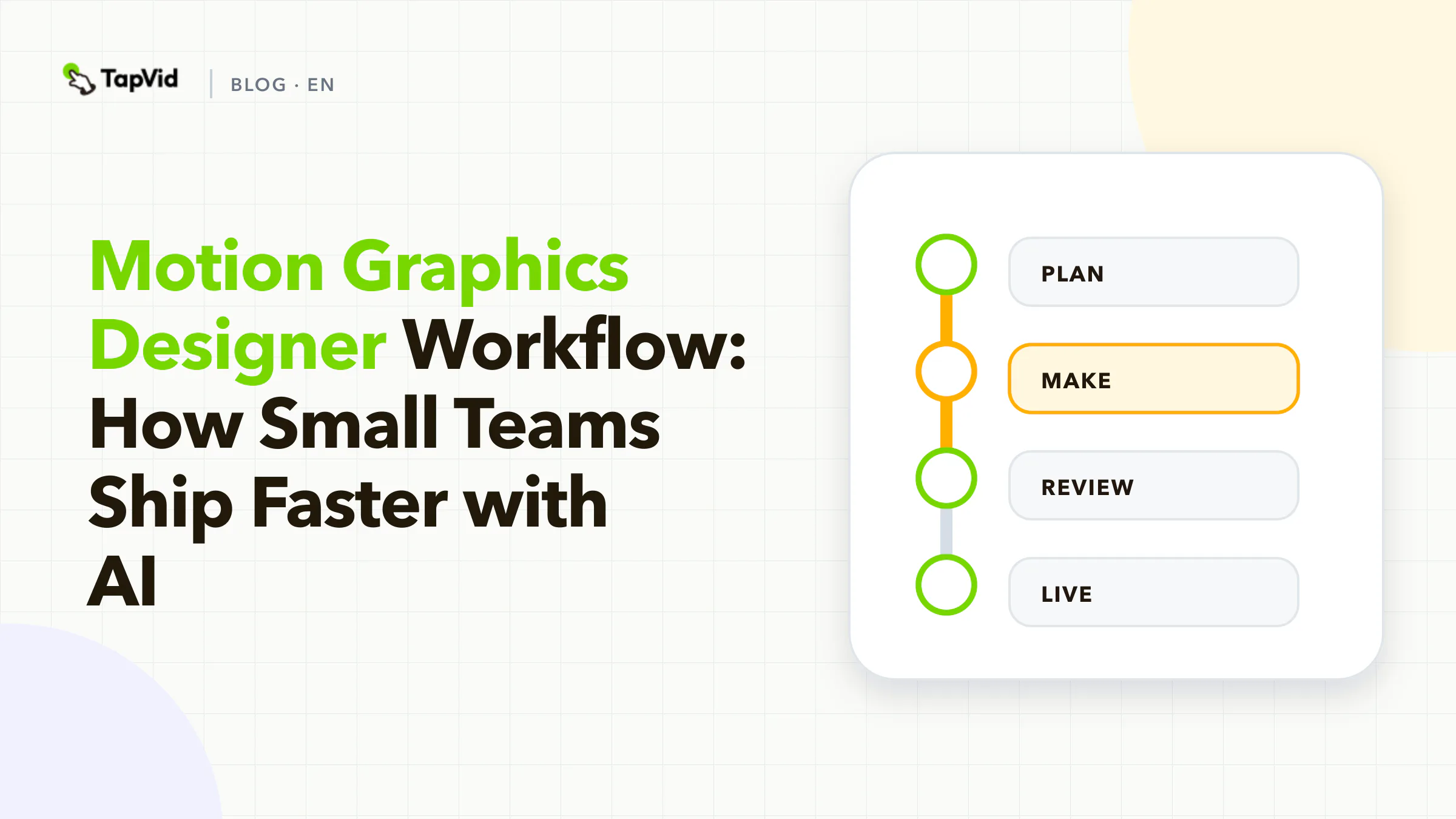
    Motion Graphics Designer Workflow: How Small Teams Ship Faster with AI

    A practical, SEO-focused guide for teams that want a repeatable motion graphics designer workflow using TapVid.

    Apr 15, 2026

    Turn Any Prompt Into Motion Graphic Explainer Videos In Minutes.

    What you see is your product: nothing redrawn, nothing rewritten.

    Start FreeBook Demo
    Tapvid

    TapVid turns the materials your business already has into an accurate video that explains the job clearly and is ready to publish.

    TikTokInstagramXDiscordYouTube

    Ask AI about TapVid.

    ✦G

    TapVid

    Motion Graphics

    Kinetic Typography GeneratorAI Motion Graphics GeneratorAnimated Chart MakerAnimated Collage MakerInfographic Video MakerLogo Animation Maker

    Explainer Videos

    Video Presentation MakerAI Explainer Video GeneratorWhiteboard Animation MakerAI Study Video Maker

    Product & Ad Videos

    Product Demo VideosEcommerce Product VideosProduct Launch VideosVideo Ads

    Creative Videos

    Free AI Video GeneratorDocumentary Video MakerAnimated Social Media Video MakerAI B-Roll GeneratorAnimated Video MakerIntro and Outro Video Maker

    Convert to video

    URL to VideoPDF to VideoImage / Assets to VideoPPT to VideoArticle to VideoScript to VideoSOP to VideoWord to Video
    More convert to video
    Google Slides to VideoText to Video AIAudio to VideoPodcast to VideoVideo to Video AI

    Industries

    SaaSEcommerceEducationManufacturingReal Estate Video Maker

    Prompt & Templates

    Gemini Omni 1.1 Flash Prompt LibraryMiniMax H3 Prompt LibrarySeedance 2.5 Prompt LibraryExplainer Video TemplatesVideo Production Plan TemplateVideo Creative Brief TemplateVideo Production Proposal Template

    Compare

    HeraMotion.soVEEDLeaddeCreatifySynthesia
    More comparisons
    HeyGenMotionvid AITapNowPictoryInVideoFlikiLumen5

    Company

    PricingAboutGet in TouchMCPBlog

    © 2026 TapVid. All rights reserved.

    Privacy
    Terms of Service