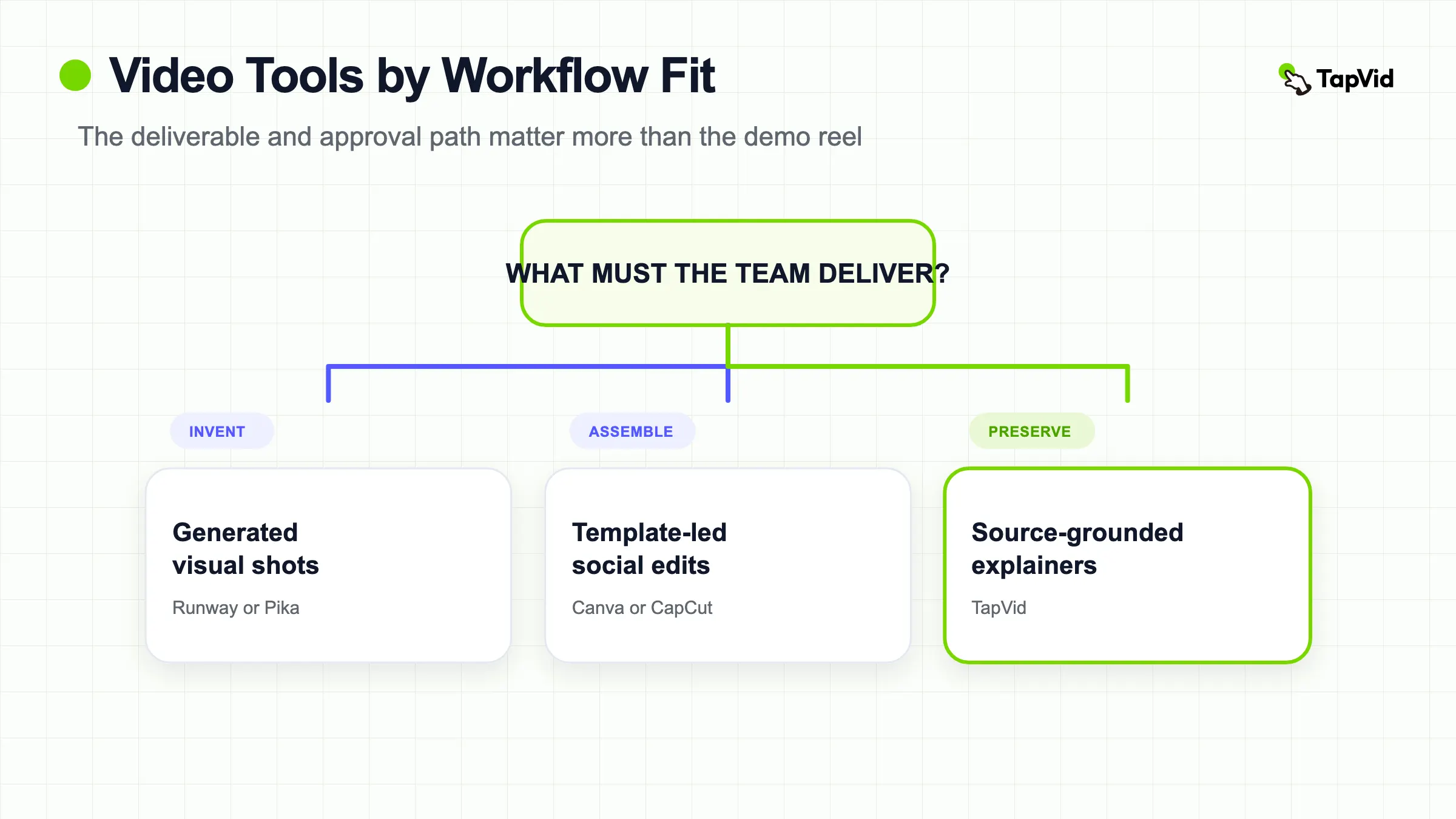

An AI video maker for content teams should fit the source material, review process, and final deliverable. There is no honest universal ranking: Runway and Pika focus on generated shots, Canva and CapCut support template-led editing, InVideo assembles script-led drafts, Lumen5 and Pictory repurpose existing content, and TapVid handles source-grounded explainers. This guide shows how to choose with one representative brief instead of a demo reel.
01
How to evaluate an AI video maker for content teams
An AI video maker for content teams should be evaluated as part of a production system, not as a prompt demo. Start with the source of truth. A product launch may begin with approved screenshots and exact release copy; a social concept may begin with a mood board; a webinar repurposing job begins with recorded footage; an avatar update begins with a script and presenter. A tool that is excellent for one input can create extra review work for another.
Use five decision fields: input fidelity, output type, edit boundary, approval path, and cost per approved video. Input fidelity asks whether the system preserves required assets, wording, numbers, and product identity. Output type separates cinematic clips, avatar presentations, template-led social edits, long-form repurposing, and source-grounded explainers. The edit boundary reveals whether a correction affects one scene or forces a broader regeneration. The approval path covers comments, versions, reviewer access, and export ownership. Cost per approved video includes failed attempts and human review, not only the subscription price.
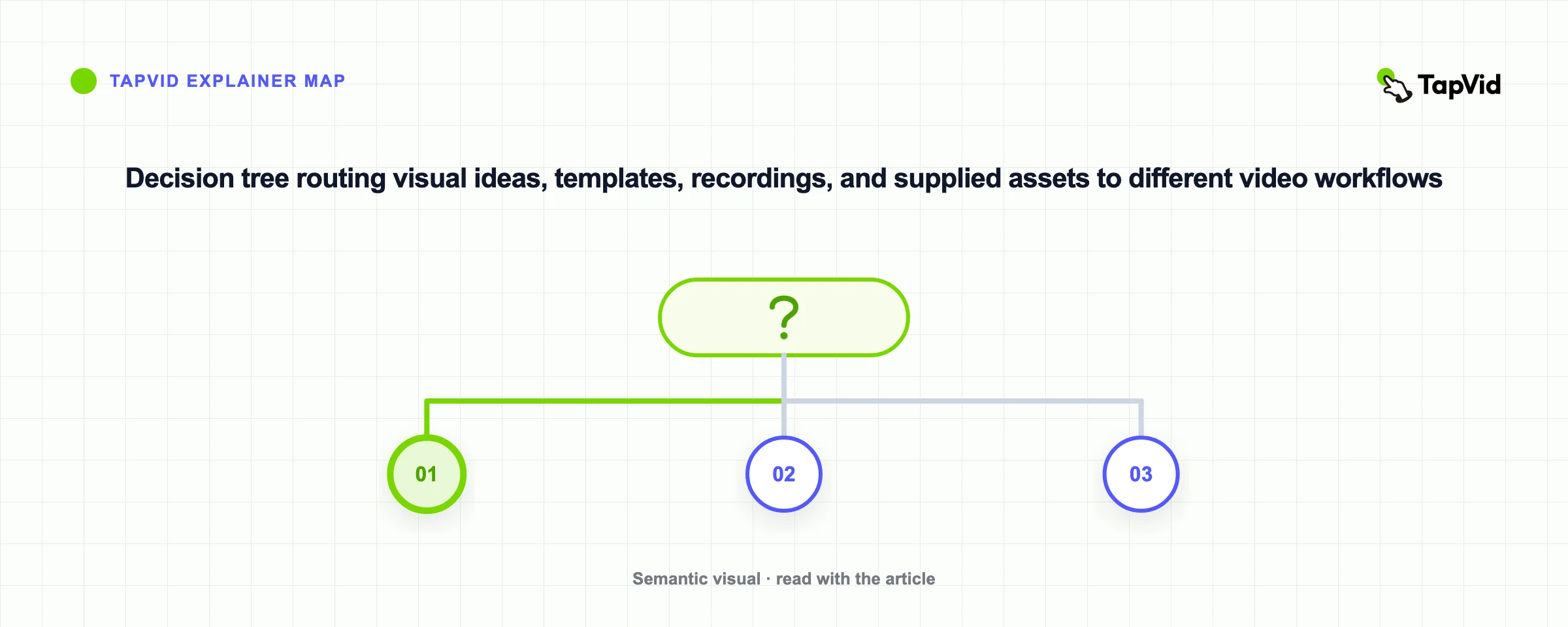
Do not score collaboration from a “team plan” label. Open the current product documentation and verify the exact workflow your team needs: shared projects, roles, brand controls, comments, version history, reusable templates, or API access. A shared folder may be sufficient for a two-person team and inadequate for an agency with client approval. Security, commercial rights, training use, retention, and deletion policies also need current official or contractual confirmation before sensitive assets are uploaded.
02
Seven AI video tools mapped to seven production jobs
Checklist
- Runway fits teams that need generative shots, reference-led experiments, and a workspace for visual iteration. Evaluate it with the hardest shot in your brief, then measure how many generations and editing steps are required before the clip can enter a real timeline. Do not treat a strong hero shot as proof that it can manage an entire approval workflow.
- InVideo AI fits script-to-video drafts that combine narration, stock media, and assembled scenes. It is most relevant when speed from a written topic to a reviewable first cut matters more than frame-level art direction. Test source attribution, script edits, watermark and export rules, and the effort needed to replace a mismatched scene.
- Canva Video fits teams already managing templates and brand assets in Canva. Its useful constraint is a shared design system that helps non-editors assemble recurring formats. Confirm which brand controls, approvals, premium assets, and AI features belong to the plan you are considering rather than assuming every Canva workspace has the same permissions.
- Pika fits short, effect-led social clips and visual experiments. Judge it on reference control, aspect ratio, text legibility, and the number of attempts needed for a usable moment. It is a shot generator, not a complete content-operations layer, so plan where captions, approvals, audio, and final assembly happen.
- CapCut fits template-led social editing, captions, resizing, and fast handoffs around short-form content. It is strongest when the team already knows the target format and needs an editing surface. Verify current workspace, storage, brand, rights, and regional feature terms before standardizing a client process.
- Lumen5 fits article-to-video and repeatable business-content repurposing. Test whether its scene selection represents the source accurately, whether important claims survive the summary, and how quickly a reviewer can replace stock media or edit a sentence. The key metric is approved drafts per source item, not how quickly the first automated storyboard appears.
- Pictory fits transcript-led clipping and repurposing from webinars, podcasts, and long recordings. Evaluate transcript accuracy, clip boundaries, caption correction, speaker handling, and the handoff to a reviewer. It solves a different job from text-to-video generation, so compare it with other repurposing workflows rather than cinematic model demos.
03
Build the workflow before choosing the tool
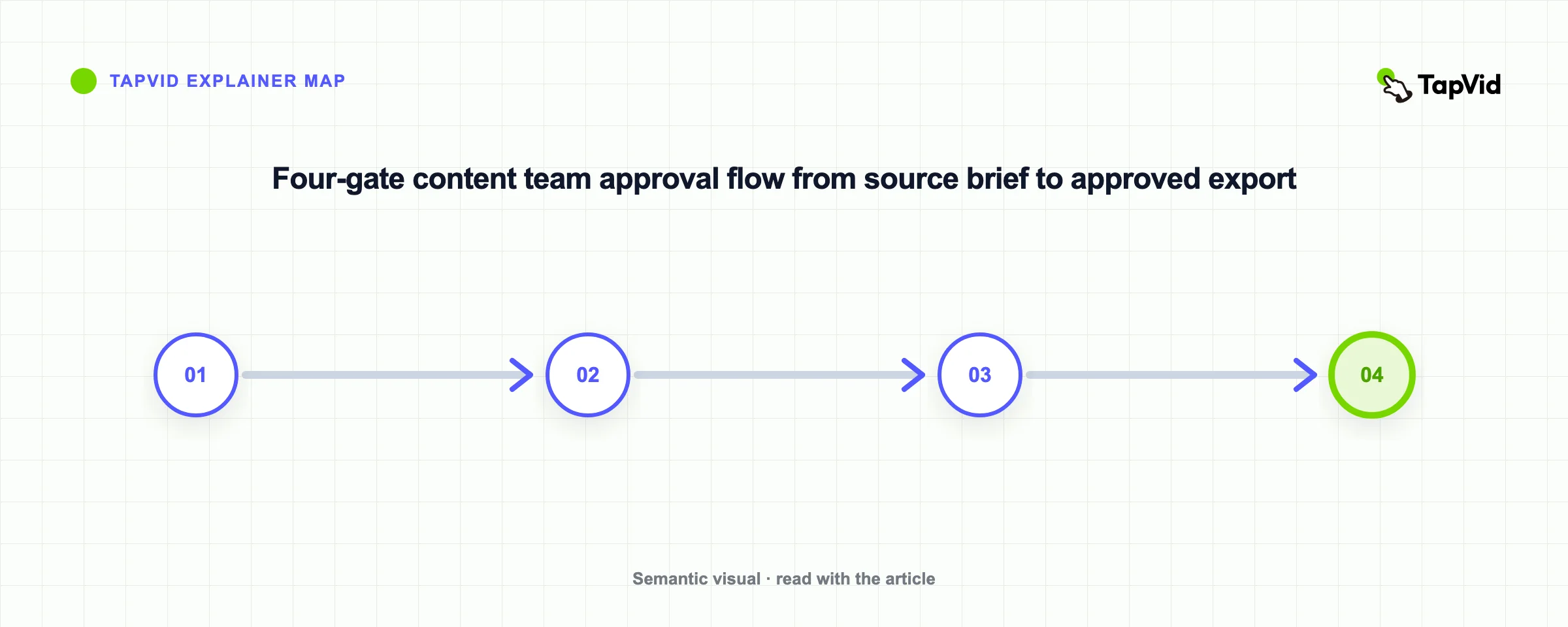
A practical content-team workflow has four controlled stages. First, lock the brief: audience, destination, required claims, approved assets, forbidden changes, aspect ratio, deadline, and owner. Second, create a reviewable draft. Third, run separate content and visual reviews. Content review checks names, numbers, prices, product correspondence, captions, and calls to action. Visual review checks crops, identity, motion, pacing, safe areas, and brand rules. Fourth, export only after one accountable owner records approval.
Keep generated suggestions outside the approved source layer. If the system rewrites a claim, label the result as a proposed draft until a person verifies it. When a product screenshot, logo, UI state, legal sentence, or price must remain literal, use a workflow that preserves that material rather than asking a model to recreate it from a description. This distinction reduces the most expensive kind of revision: a polished video that communicates the wrong fact or shows the wrong product.
TapVid is an Explainer Video Engine for the source-grounded branch of this workflow. It turns supplied product assets and a supplied script into a reviewable explainer, with asset fidelity, information fidelity, and correct correspondence as the accuracy foundation. It is relevant when the information and real assets are the product of the video. It is not the first choice for an open-ended cinematic scene or a recurring fictional character. See the broader AI video generator comparison when the desired output category is still undecided.
04
Run a one-brief pilot with an approval scorecard
Use one representative brief, not a generic sample prompt. Include the real asset types and constraints that create review work: a logo, two product screenshots, one exact number, one required sentence, one scene that needs a local correction, and the final aspect ratio. Give every candidate the same deliverable and stop condition. Record the first reviewable draft, not the most attractive frame produced after unlimited retries.
Score the pilot on source accuracy, usable-scene rate, correction scope, reviewer minutes, export readiness, and evidence quality. Source accuracy asks whether required facts and assets survived. Usable-scene rate is the number of accepted scenes divided by generated scenes. Correction scope records whether a change can stay local. Reviewer minutes measures the human bottleneck. Export readiness includes resolution, watermark, captions, rights, and file delivery. Evidence quality asks whether the team can trace what was supplied, generated, edited, and approved.
The scorecard prevents a common buying error: selecting the tool with the most impressive demo even though another candidate reaches an approved file with less rework. Keep the pilot small enough to finish in a day, but complete the export. If a paywall, rights question, or approval gap appears, that is a result, not an inconvenience to exclude from the test.
05
Calculate cost per approved video, not cost per generation
Use a simple equation: subscription allocation plus generation credits plus reviewer time plus external editing and asset costs, divided by approved videos. Track failed generations and discarded scenes because they consume both credits and attention. A low monthly price can still produce a high approved-video cost if reviewers repeatedly repair captions, replace stock, rebuild product screens, or regenerate an entire sequence for one local change.
Separate pilot economics from steady-state economics. The first week includes setup, prompt discovery, template creation, and permissions. A recurring workflow may become faster after those assets stabilize. Conversely, a tool can feel inexpensive in a short demo and become costly when volume exposes queue limits, storage boundaries, approval friction, or plan-specific export gates. Use current official pricing and your own measured review time; do not import somebody else’s production volume as your forecast.
06
Which AI video maker should your content team choose?
Choose by the deliverable. Use a generative-shot workspace when visual invention is the hard part. Use an avatar system when a presenter and language localization are central. Use a template editor when recurring social formats and fast assembly dominate. Use a repurposing tool when the source is recorded or long-form content. Use a source-grounded explainer video workflow when approved assets and exact information must remain connected through script, scene, voiceover, and export.
Before committing, verify one complete production path with the people who will brief, edit, review, approve, and publish. The best AI video maker for a content team is not the one that removes every human step. It is the one that makes responsibility visible, keeps required material accurate, and reduces repetitive production work without hiding new review costs.
Document the decision as a dated workflow choice, not a permanent category winner. Record the selected job, tested plan, evidence links, known limits, approval owner, and the condition that would trigger reevaluation. Video products and plan boundaries change quickly; a short decision record keeps the next review grounded in what the team actually needed and observed.