
TapVid
    API & MCPPricingBlogAbout
    Blog›AI Video Creator Playbook: How Content Teams Publish More with Less Rework
    Back to Blog

    AI Video Creator Playbook: How Content Teams Publish More with Less Rework

    An AI video creator playbook for teams that need higher publishing velocity and stable quality control.

    AI Tools
    Demi TanDemi TanApril 15, 2026 · 12 min readApr 15, 2026 · 12 min readDiscord
    Demi TanDemi TanGTM Lead, TapVid

    Connect with the author, meet other video creators, and watch hands-on tutorials.

    Join our Discord
    April 15, 202612 min read
    AI Video Creator Team Playbook
    Summarize with6 assistants
    ChatGPTPerplexityTapVidvideoClaudeGeminiGrok
    Create videos from your AI agentConnect TapVid API & MCP→

    In this article

    1. 01What high-performing AI video creator teams do differently
    2. 02A publishable weekly cadence
    3. 03Where teams usually burn time
    4. 04Feature path for faster content operations
    Summarize withAPI & MCP →
    ChatGPTPerplexityTapVidClaudeGeminiGrok

    The keyword "ai video creator" reflects one core demand: faster output without a drop in quality. Teams usually fail here because they optimize generation speed but ignore review design. This playbook focuses on the full pipeline from brief to publish.

    01

    What high-performing AI video creator teams do differently

    Winning teams separate ideation from production. They do not open generation tools until script intent, target channel, and CTA are fixed in one page of planning notes.

    They also run short feedback loops. Instead of collecting broad comments after a full draft, they validate message clarity in early scene previews and adjust direction before style polish.

    02

    A publishable weekly cadence

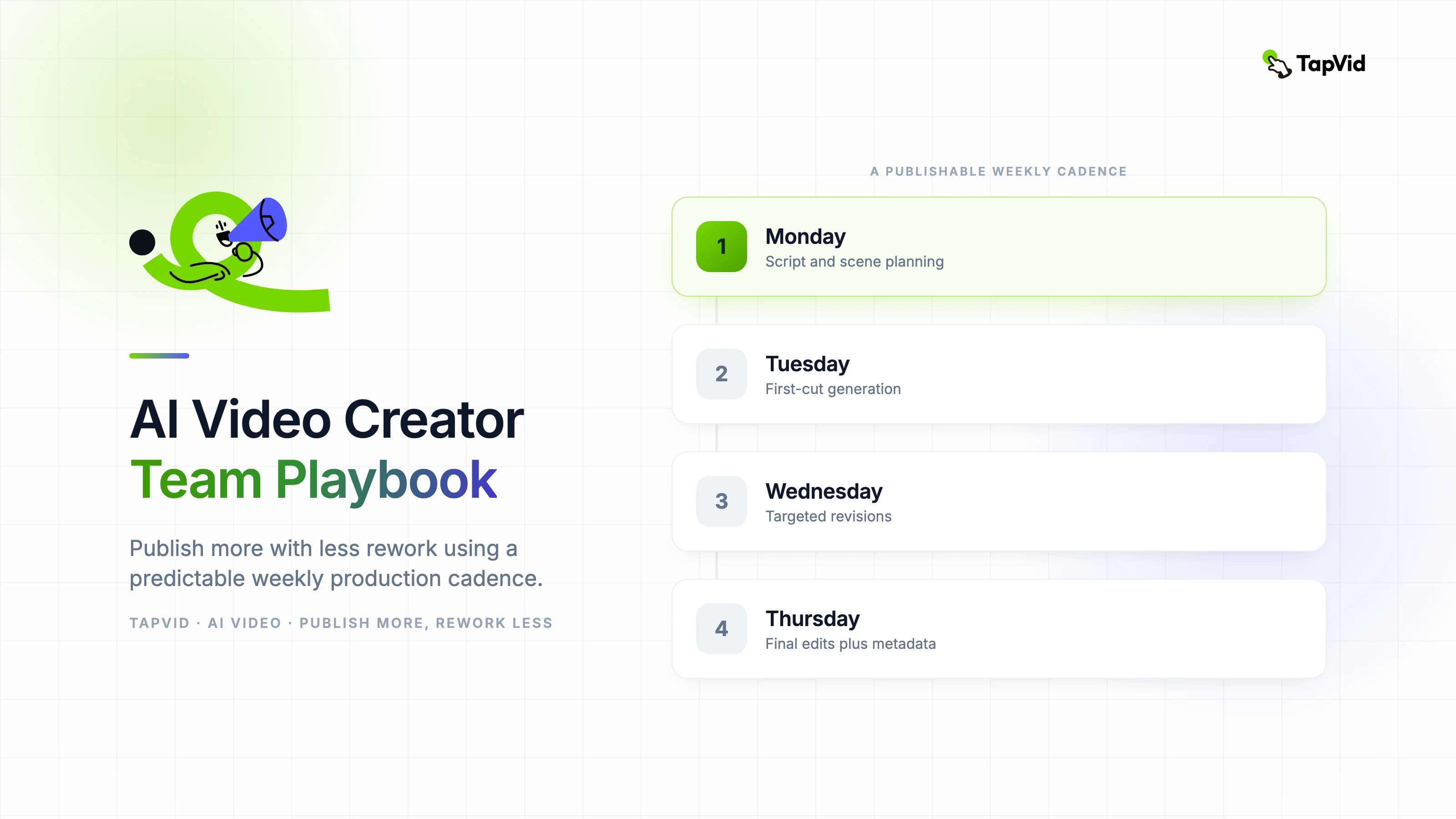
    Use Monday for script and scene planning, Tuesday for first-cut generation, Wednesday for targeted revisions, and Thursday for final edits plus metadata. This cadence keeps work predictable and prevents end-of-week panic revisions.

    In TapVid, keep source documents versioned. When product messaging changes, regenerate only affected scenes and preserve approved segments.

    • Map each video to one intent: educate, compare, or convert.
    • Store reusable hooks and CTA variants by channel.
    • Use one owner for final approval to avoid conflicting edits.
    • Track output per hour and completion rate together.

    03

    Where teams usually burn time

    Most delays come from unclear ownership. If script, scene flow, and visual style are approved by different stakeholders at different times, timeline drift is inevitable.

    Another common issue is channel mismatch. A video that works for a webinar recap usually fails in paid social unless its opening and pacing are rebuilt for feed behavior.

    04

    Feature path for faster content operations

    For repeat social and campaign production, start with https://tapvid.ai/feature/marketing-video to align scripts with channel-ready formats.

    If your team runs long sessions and needs repurposed clips, add https://tapvid.ai/feature/webinar-clips to convert one source into multiple short assets.

    05

    Frequently asked questions

    Is an AI video creator tool enough without editors? No. Human editorial review is still required for narrative logic, brand tone, and factual accuracy.

    How many videos can one small team publish weekly? A two-to-three person team with a stable process can usually deliver 5 to 12 short-form pieces per week.

    What should be automated first? Scene regeneration and format adaptation are high-ROI automation points.
    Demi Tan

    Written and edited by

    Demi Tan

    GTM @TapVid | Found by humans & machines | SEO · GEO · Creators

    Demi Tan invites you to join the conversation with fellow video creators on Discord.

    Join Demi on Discord →

    Use the materials you already have

    From yourfilesfilesto a ready-to-publish video

    WEB→ VIDEOPPT→ VIDEOPDF→ VIDEOASSETS→ VIDEOAUDIO→ VIDEOVIDEO→ VIDEOTALKING HEAD→ VIDEOWEB→ VIDEOPPT→ VIDEOPDF→ VIDEOASSETS→ VIDEOAUDIO→ VIDEOVIDEO→ VIDEOTALKING HEAD→ VIDEO

    Keep reading

    Related stories

    Video marketing automation workflow from campaign brief through human review, channel packaging, release, and measurement
    Workflow·13 min read

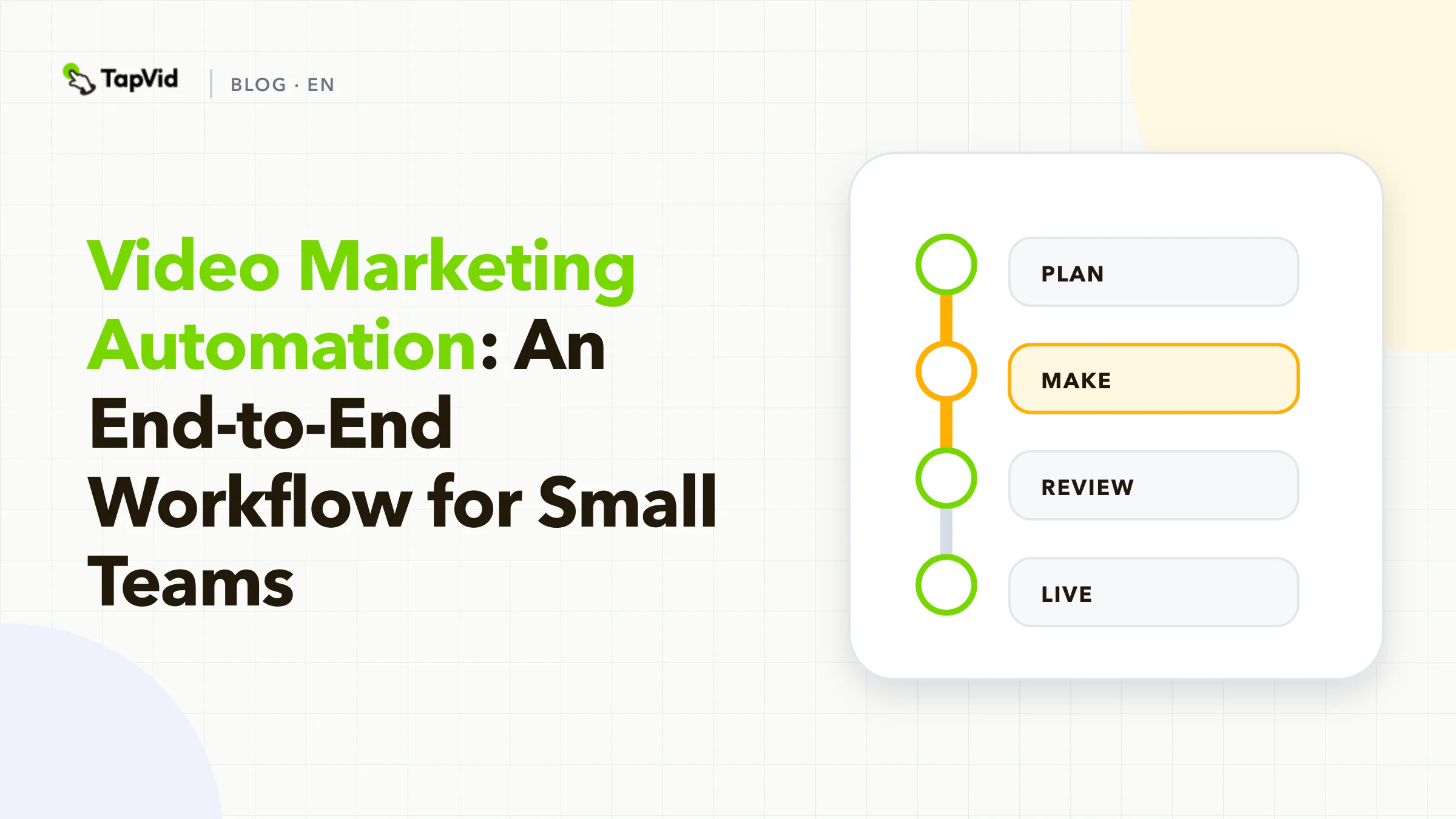
    Video Marketing Automation: An End-to-End Workflow for Small Teams

    A practical operating model for automating video marketing without losing control of claims, approvals, reruns, distribution, or measurement.

    Aug 20, 2026

    Build clarity-first content that converts
    How-to·12 min read

    Explainer Video Maker Team Guide: Build Clarity-First Content That Converts

    A practical explainer video maker guide focused on message clarity, production efficiency, and conversion outcomes.

    Apr 15, 2026

    Decision tree choosing AI video tools by the content team deliverable and approval workflow
    AI Tools·11 min read

    AI Video Maker for Content Teams: 7 Workflow Fits

    A workflow-based guide to seven AI video tools for content teams, covering source accuracy, approvals, correction scope, and cost per approved video.

    Apr 13, 2026

    Ready to create your first video?

    Join thousands of product teams using AI to create professional videos in minutes.

    Your first video in under 5 minutes →Book a demo →
    Tapvid

    TapVid turns the materials your business already has into an accurate video that explains the job clearly and is ready to publish.

    TikTokInstagramXDiscordYouTube

    TapVid

    Features

    AI Explainer Video GeneratorAI Motion Graphics GeneratorAI Product Demo Video GeneratorProduct Demo Video MakerExplainer Video TemplatesVideo Production Plan TemplateVideo Creative Brief TemplateCorporate Video TemplateVideo Sales Letter TemplateVideo Production Proposal TemplatePromo Video TemplateVideo Production TemplateAI Product Video GeneratorAI B-Roll GeneratorTalking Head EditingClone VideoPrompt to VideoText to Video AIText to Motion GraphicsAnimated Video MakerAnimated Explainer Video MakerKinetic Typography GeneratorAnimated Chart MakerAnimated Collage MakerFree AI Video Generator

    Convert to Video

    Screenshot to VideoImage to VideoAssets to VideoAudio to VideoVideo to Video AIPDF to VideoPPT to VideoArticle to VideoBlog to VideoURL to VideoScript to VideoGoogle Slides to VideoWord to Video

    Use Cases

    AI Study Video MakerSaaS Explainer VideoAI Video AutomationSaaS Video ProductionIndustrial Video ProductionProduct Launch Video MakerAI Ad Video GeneratorDocumentary Video MakerAnimated Social Media Video MakerInfographic Video MakerPodcast to VideoWhiteboard Animation MakerWhiteboard Explainer VideoEcommerce Video AdsStartup Explainer VideoEducational VideoTutorial VideoCustomer OnboardingHelp Center VideoAPI Docs Video

    Solutions

    Explainer VideoProduct Demo VideoMeeting Recap VideoWebinar ClipsMarketing VideoFeature AnnouncementCompetitive ComparisonNewsletter VideoLanding Page VideoInvestor Pitch Video

    Featured Guides

    Video Prompt LibraryMiniMax H3 Prompt LibraryBest Faceless YouTube NichesCollage Animation Guide

    Company

    All FeaturesAboutBlogPricingGet in Touch

    © 2026 TapVid. All rights reserved.

    Privacy
    Terms of Service