

Product assets stay recognizable
Supplied screenshots, UI, and logos are placed into the video rather than redrawn.
Help prospects understand one product workflow and reach the next step with a video built from your real UI, screenshots, logo, and approved copy. Each asset and line stays tied to the right scene, and only the changed scene is rerun, so teams can scale recurring SaaS videos without reviewing every video from scratch.
See 9 SaaS and product explainer examples
These nine verified TapVid outputs show how software, product, and technical stories can become concise explainers. Use the guide below to choose the buyer risk your own video needs to resolve.
What it is
A SaaS explainer video shows what a software product does, who it helps, and how the workflow fits together. The most useful versions use the real interface and approved product language, so viewers see the product they will actually use.
TapVid turns product material your team already has into an accurate video that explains one workflow clearly. It places supplied screenshots, UI, logos, and copy into a scene-by-scene structure instead of redrawing the product or rewriting approved facts. The script, scenes, and voiceover remain visible before export, so the team can check that each claim is paired with the right screen.
When a feature or line of copy changes, update that scene and preserve the rest of the video. This makes the explainer easier to keep current without turning every revision into a full rebuild.
What TapVid adds
Supplied screenshots, UI, and logos are placed into the video rather than redrawn.
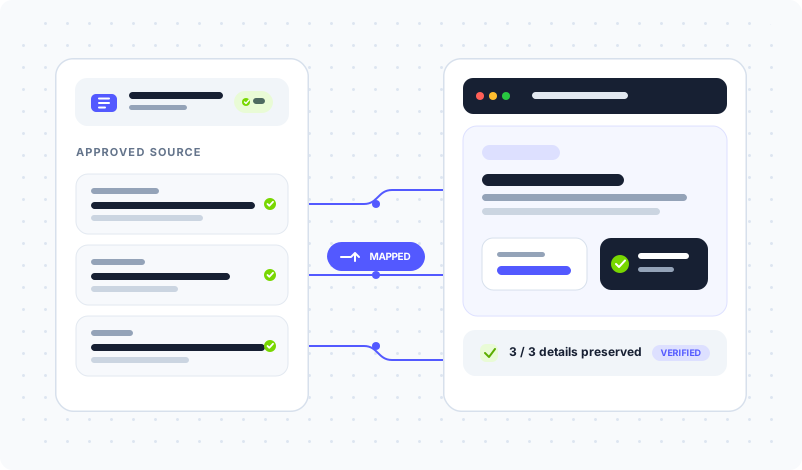
Product names, numbers, and required wording stay as supplied.
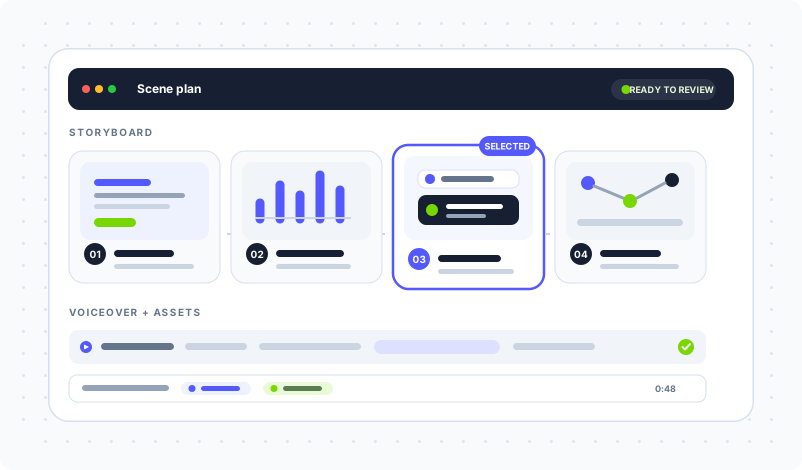
Check the script, voiceover, and asset mapping before delivery.
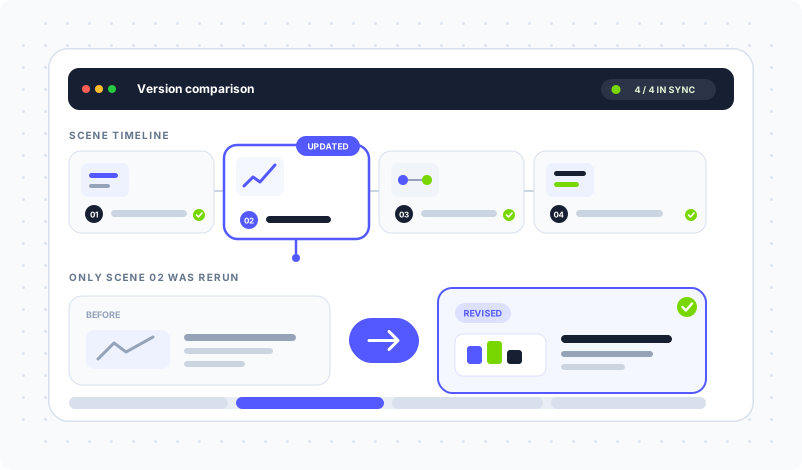
Replace the screenshot or line that changed in its scene while the other scenes and previous versions stay available.
Reuse the checked source package across recurring SaaS videos without restarting full review from zero.
Use one accurate source package across the product moments that need explanation.
Explain the core workflow with the real interface on screen.
Show a new feature with its current UI and approved release copy.
Connect each setup step to the matching product screen.
Turn a product story into a concise video prospects can review after a demo.
Different SaaS videos resolve different buyer risks. Compare eight SaaS explainer video examples before deciding what your video must prove.
Create launch and overview videos from the current product source package.
Turn approved workflows into onboarding and feature guidance.
Send a concise product explanation that uses the same claims and screens as the demo.
How it works
FAQ
Provide the product screenshots or UI captures, logo, and approved script or product copy that should appear. The clearer the source package, the easier it is to check each scene.
Supplied product assets are placed into the video instead of being regenerated as a different interface. Review the scene plan and final frames before delivery.
Yes. Update the affected scene and keep the other scenes in place, then compare the revised version before delivery.
Plans and credit rules can change, so use the current pricing page for the latest amounts and limits.
Check the current TapVid Terms of Service and your agreement for commercial-use and rights terms.
More ways to start
Join thousands of product teams using AI to create professional videos in minutes.