
TL;DR
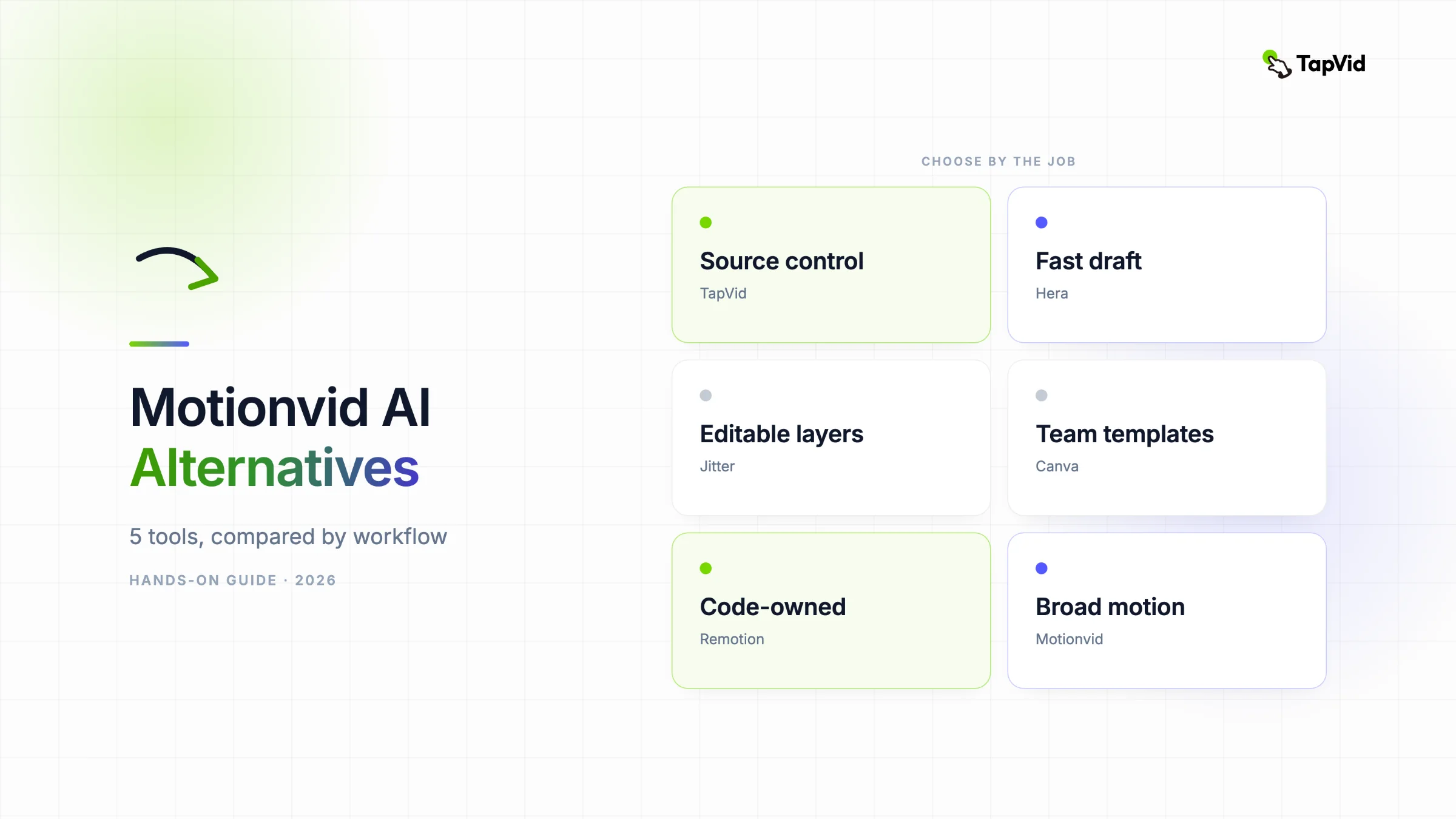
Choose TapVid for source-grounded explainers, Hera for fast launch-video drafts, Jitter for editable motion layers, Canva for familiar templates, and Remotion for developer-owned rendering. Keep Motionvid when its broad model access and unified generative editor are the main value.
These Motionvid AI alternatives are not interchangeable. I compared five options by the input they protect, the control they leave after generation, and the real evidence available beyond each homepage. The result is a practical shortlist for explainers, launch videos, browser motion design, team templates, and programmatic video.
01
The short answer on Motionvid AI alternatives
The best Motionvid AI alternative depends on what you are trying to preserve. Choose TapVid when an article, PDF, script, PRD, or product page is the source of truth and the finished result must explain it clearly. Choose Hera when you want the fastest no-code motion draft from a short prompt. Choose Jitter when you want editable layers and timing in the browser. Choose Canva when templates and team familiarity matter more than bespoke motion. Choose Remotion when developers need repeatable, version-controlled video output. These products overlap on the final file format, but they solve different production problems.
Official product facts and direct tests are separated here. Motionvid pricing, credits, exports, and API or MCP access were rechecked on its public pricing page on August 31, 2026. Workflow observations come from documented tests that reached an editor, export screen, or local render; vendor claims are not reported as measured results.
02
Motionvid AI alternatives compared by the job they do best
Start with the job, not the longest feature list. Motionvid is now a broad AI motion and video editor with narrated full-video generation, an editor, Miltos and Animora models, and API or MCP access on higher plans. That breadth is useful when experimentation is the goal. It is less useful when your recurring task has a stricter input, approval, editing, or automation requirement.
| Tool | Best for | Workflow control | Evidence used here |
|---|---|---|---|
| TapVid | Article, PDF, script, or product copy to explainer | Brief, outline, scenes, and script checkpoints | Direct 275KB PDF test |
| Hera | Fast product launch and motion draft | Scene-by-scene editing after generation | Direct generation and export test |
| Jitter | Editable browser motion design | Layers and animation timeline | Direct AI design and export test |
| Canva | Template-led team video | Templates, assets, comments, brand kit | Public product workflow |
| Remotion | Repeatable programmatic video | React code and deterministic render | Direct local render test |
| Motionvid AI | Broad generative motion workspace | AI generation plus editor and higher-plan APIs | Direct comparison plus official pricing |
The table is a workflow map, not a universal score. TapVid wins when content accuracy and an explainer structure matter. Hera wins speed to a polished-looking first motion draft. Jitter wins direct manipulation of layers. Canva wins familiarity and asset collaboration. Remotion wins reproducibility. Motionvid remains the better fit when one subscription needs to cover multiple kinds of generative motion and the team is comfortable managing credits.
03
What Motionvid AI does well, and where the workflow changes
Motionvid has evolved beyond a simple map animation generator. Its current site presents an AI Motion and Video Editor that can generate narrated videos with music, then let users edit the result. The pricing page lists Miltos 5.0 and 4.0 for full videos and Animora modes for infographic animation. That makes Motionvid a credible option for creators who want to move among several generation modes without assembling a separate stack. It also means that a Motionvid alternative should not be chosen only because it can export MP4. The replacement must match the part of the workflow you actually use.
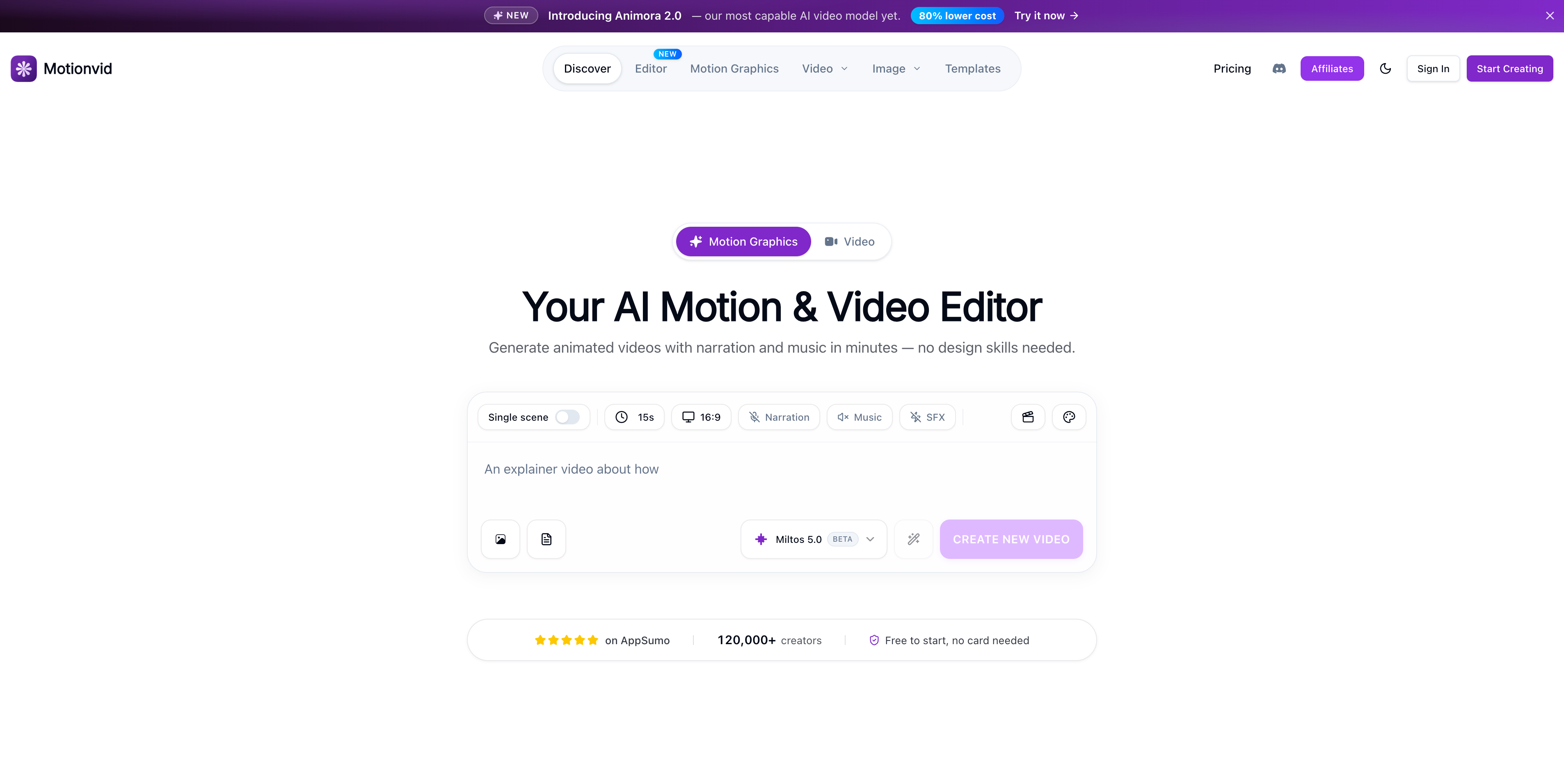
In the direct comparison, Motionvid turned a spreadsheet-like map brief into a usable animation and exposed controls for styling and timing. The strength was obvious: it could take a relatively open request and produce motion without requiring After Effects. The tradeoff was also clear. An open-ended generator makes more visual decisions for you, so a team starting from an approved article or product document still needs to check whether the narrative, emphasis, and claims remain faithful to the source.
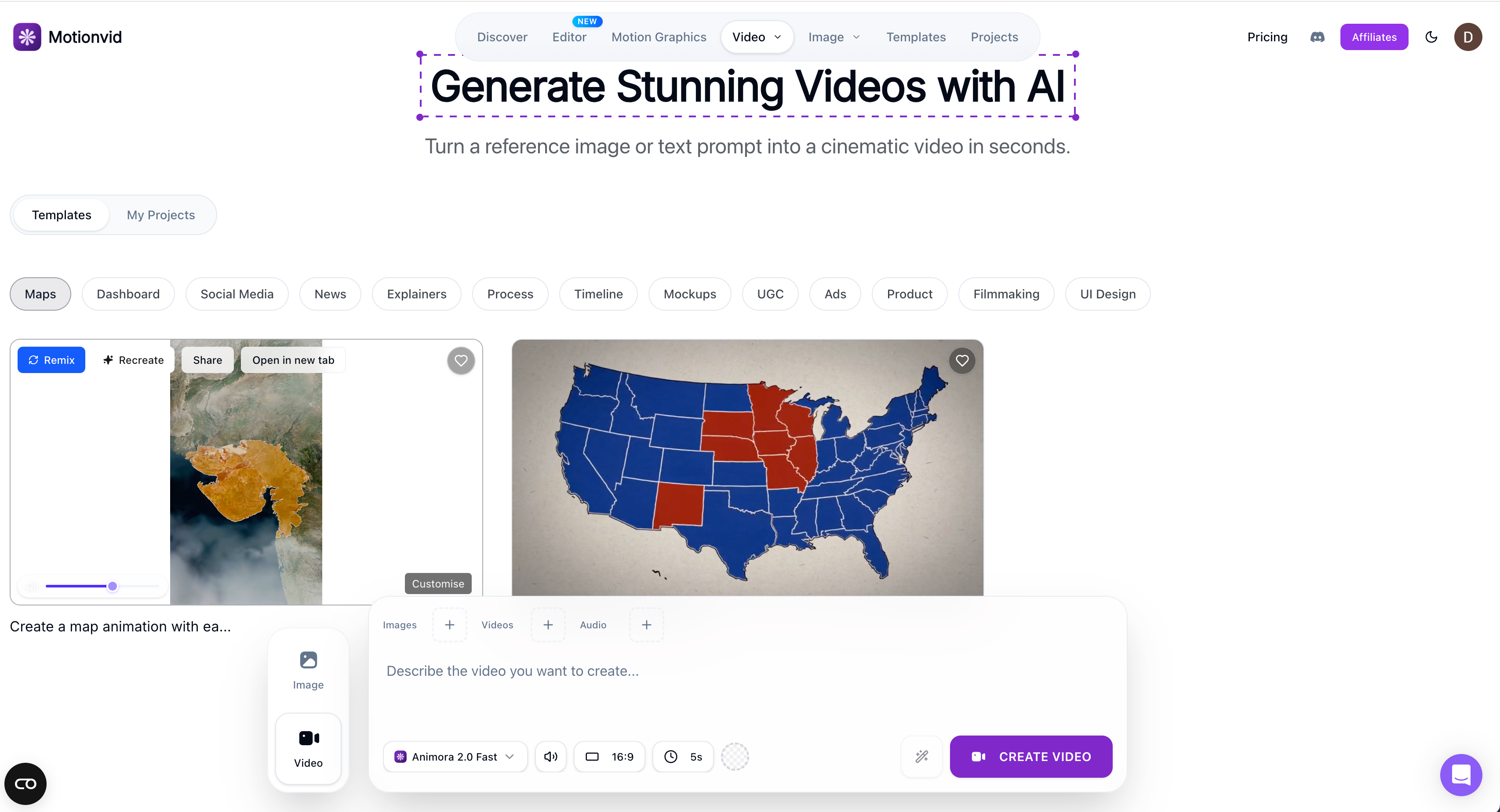
On August 31, 2026, Motionvid’s monthly pricing page listed Starter at $19 with 500 credits and 25 exports, Pro at $29 with 800 credits and 50 exports, Ultimate at $49 with 1,500 credits and 150 exports, and Creator at $249 with 8,000 credits and unlimited exports. Unused subscription credits do not carry over. The page lists API and MCP access on Ultimate and Creator. Treat this as a dated snapshot and verify the current pricing page before buying.
04
1. TapVid: best for turning owned content into an explainer
TapVid is the strongest alternative when the input already contains the truth you need to communicate. It is an Explainer Video Engine, not a general text-to-video model. You give it an article, PDF, script, PRD, product copy, or a focused prompt. It turns that material into a brief, narrative outline, scene plan, and shot-by-shot script before rendering a motion-graphics explainer. Those checkpoints are the product advantage. They let a creator correct the audience, promise, order, or missing evidence before spending time on the final video.
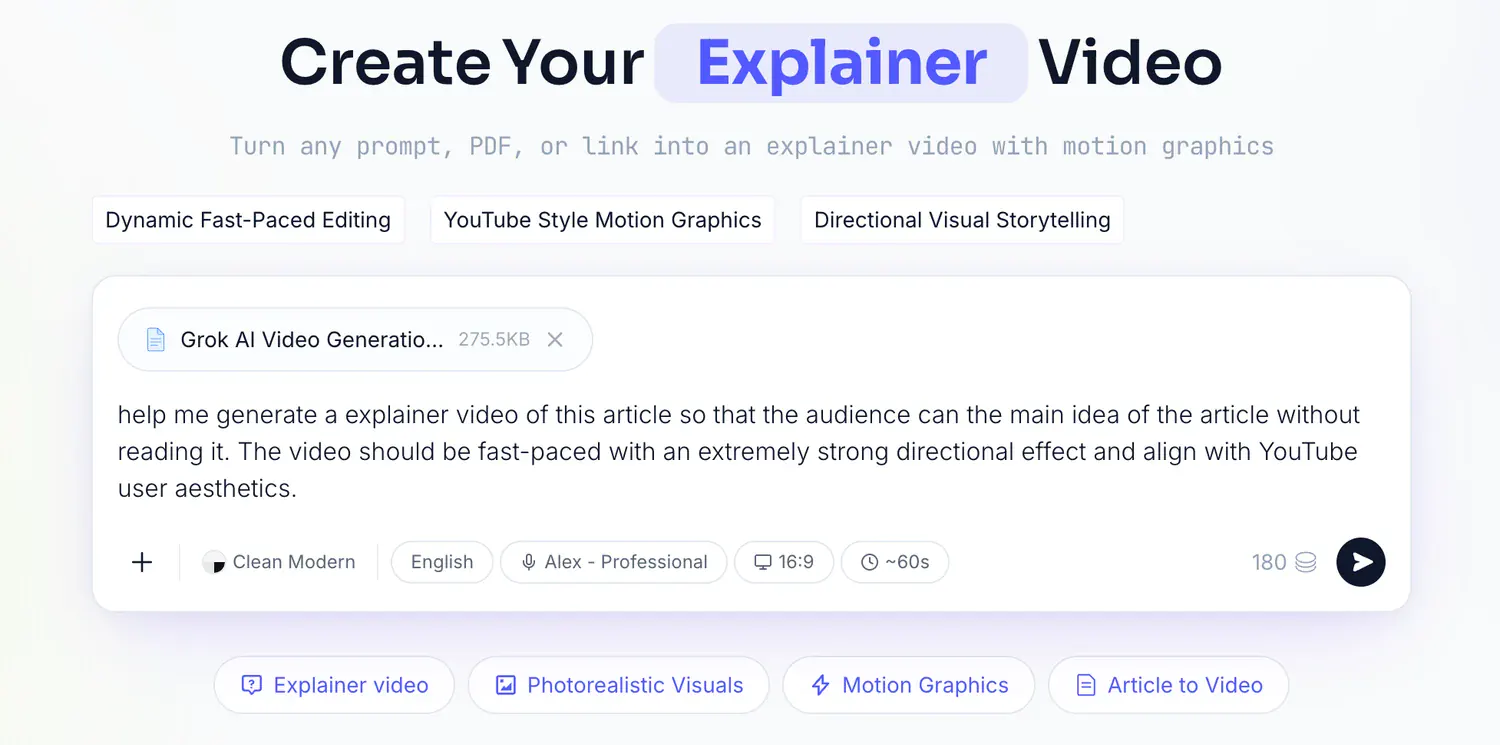
In a first-party test, a real 275KB article PDF plus one line of direction became a brief, four 15-second story beats, a timed script, and a finished video in 6 minutes 21 seconds. That is a measured workflow result, not a homepage promise. Choose TapVid for product explainers, educational breakdowns, article-to-video repurposing, and content teams that need approval points. Do not choose it for photorealistic cinematic shots, avatar presenters, or frame-by-frame compositing. Compared with Motionvid, it gives up some open creative range in exchange for a more controlled path from existing content to a clear explanation.
05
2. Hera: best for a fast prompt-to-motion draft
Hera is the closest alternative for a non-designer who wants a prompt to become a polished motion draft quickly. Its current positioning focuses on launch-ready product videos created from a website or prompt, with scene-by-scene direction afterward. In our fixed-brief run, Hera completed a no-avatar typographic video and reached the export dialog. A 15-second request became a 21.0-second result. The free export option shown in that test was a watermarked 720p MP4 at 30 fps. That evidence is useful because it shows both the speed and the correction work still required.
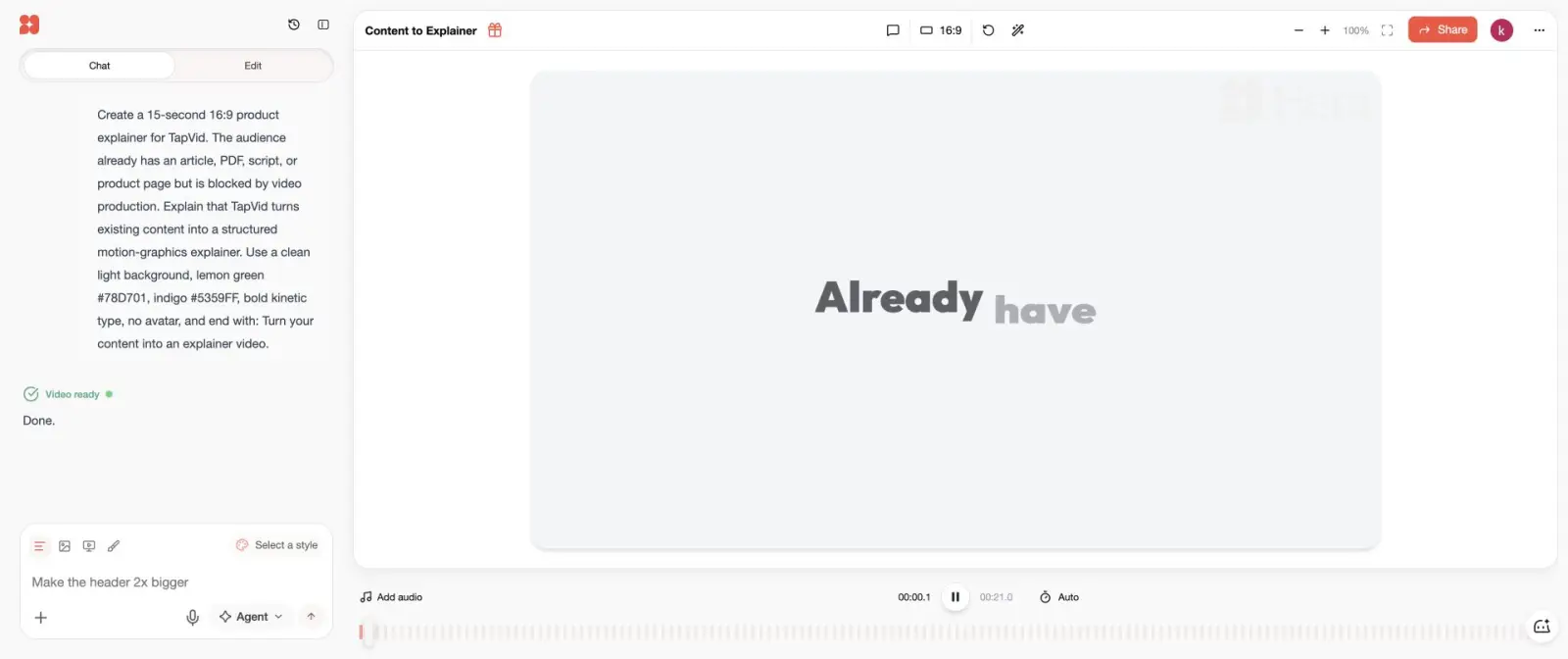
Choose Hera when a marketer wants a launch clip or motion concept today and can adjust duration, pacing, and brand details after generation. Choose Motionvid when access to several generation models, credit tiers, and higher-plan API or MCP automation is more important. Choose TapVid instead when a long source document must remain the factual backbone. Hera and Motionvid are both capable of visually surprising you; TapVid is designed to make the explanation easier to inspect before it renders.
Official source checked August 31, 2026: Hera use cases and terms. Public pricing could not be read reliably, so this article does not quote a Hera subscription price.

06
3. Jitter: best for hands-on browser motion design
Jitter is the better Motionvid AI alternative when the editor matters more than the autonomous generator. In our test, Jitter AI created a layered artboard, reported six completed steps and 51 applied changes, and kept the text, shapes, story beats, and animation timeline directly editable. Playback revealed a staged sequence even though several time-separated elements overlapped on the static canvas. The export path offered a 1280 by 720 MP4 at 30 fps, with a watermark on the free file.
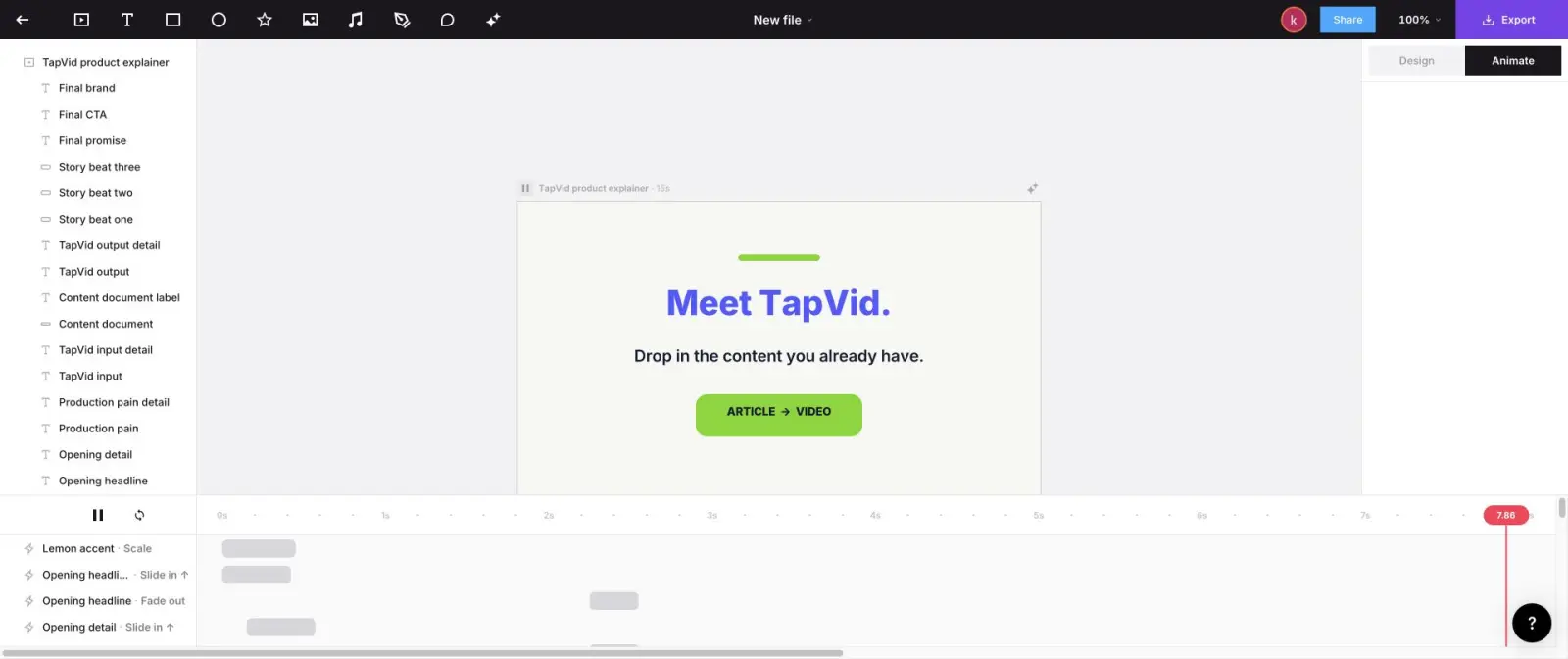
The practical difference is control. Motionvid is attractive when you want the system to make more of the video. Jitter is attractive when you want AI to make a starting composition and a designer to refine the actual layers, transitions, and timing. Jitter is not a source-grounded explainer engine and it is not a cinematic video model. It is a browser motion-design tool. Pick it for social motion, UI callouts, title sequences, and branded animation systems that a human designer will continue editing.
Official source checked August 31, 2026: Jitter pricing documents free 720p/30fps exports, paid export tiers, collaboration, and AI-credit boundaries. The public page did not expose stable price amounts in our read, so no amount is quoted here.

07
4. Canva: best for familiar templates and team collaboration
Canva is the sensible alternative when the real requirement is not advanced generation but a familiar workspace that the whole team already knows. It provides video templates, stock assets, basic animation, brand kits, comments, and broad design collaboration. A marketer can make a launch clip without learning a specialist editor, and another teammate can update it later. That operational convenience often matters more than a model leaderboard for teams producing many simple campaign assets.
The tradeoff is motion depth. Canva can animate elements and assemble scenes, but it is not built to reason through a technical explanation, generate a source-grounded narrative, or expose a developer-controlled render system. Choose it for template-led social videos, announcements, and low-risk edits. Keep Motionvid if the team depends on generative motion models. Choose TapVid for structured explanations, Hera for an AI-generated launch draft, or Jitter when editable motion layers are the point.
Official source checked August 31, 2026: Canva pricing and the Canva AI video editor document plan and workflow boundaries; regional prices vary.

08
5. Remotion: best for code-owned video systems
Remotion is the strongest alternative for engineering teams that want video to behave like software. A composition lives in React code, assets can come from data, changes can be reviewed in version control, and the same template can render hundreds of consistent variants. In our local test, a 450-frame composition rendered at 1920 by 1080 and measured 15.061 seconds. After the first setup render, a warm render completed in 11.20 seconds. The result used the exact requested brand colors and timing because those rules were encoded.
That precision has a real cost: someone must design and maintain the code. Remotion is a poor choice for a solo marketer who wants to type one prompt and leave. It is an excellent choice for personalized reports, catalog videos, data-driven recaps, and recurring formats where deterministic output matters more than spontaneous generation. Motionvid Ultimate and Creator plans advertise API, MCP, and bring-your-own-key support, so they may be easier for teams that want automation without owning a renderer. Remotion gives up convenience for maximum ownership.
Official source checked August 31, 2026: Remotion license and pricing distinguishes the free license for individuals and teams of up to three from paid company, automation, creator, and enterprise use.
09
How to choose without paying for the wrong workflow
Use three questions. First, what is the non-negotiable input: an approved source, a prompt, editable design layers, a team template, or structured data? Second, who owns the last 20 percent of quality: a content reviewer, marketer, motion designer, generalist teammate, or developer? Third, what makes cost grow: credits, exports, seats, manual revision time, or engineering maintenance? The correct alternative becomes much clearer when each answer is concrete.
For a creator with an article or PDF, start with TapVid. For a marketer shipping a launch concept, start with Hera. For a designer who wants to keep touching every layer, start with Jitter. For a team that values adoption and templates, start with Canva. For engineers building a video system, start with Remotion. Keep Motionvid when its range of models and unified motion workspace are the main value. Test one representative project before moving a production workflow, and record generation time, revision time, export limits, and total credit use rather than judging only the first frame. For adjacent workflows, compare the AI motion graphics generator, kinetic typography generator, and API and MCP access.
10
Frequently asked questions
What is the best Motionvid AI alternative?
TapVid is best for source-grounded explainers, Hera for a fast prompt-to-motion draft, Jitter for editable browser motion, Canva for familiar templates, and Remotion for code-owned video systems.
Is there a free Motionvid AI alternative?
Canva and several specialist products offer limited free workflows, but export resolution, watermarks, credits, and commercial terms vary. Test the exact deliverable before committing.
Which Motionvid alternative is best for PDF-to-video?
TapVid is the closest fit because it treats the PDF as the source for the brief, narrative, scenes, and script instead of using it only as visual inspiration.
Should I replace Motionvid with an AI video model such as Runway?
Only if your main job is generating individual cinematic shots. Runway and similar models do not replace a full explainer, motion-design, review, and editing workflow by themselves.