TapVid
    API & MCPPricingBlogAbout

    Tech Explainer Video Maker

    Turn approved diagrams, UI, screenshots, and technical copy into a reviewable explainer. TapVid keeps each term, asset, and claim tied to the right scene.

    Create better videos with the TapVid community

    Tutorials

    Step-by-step workflows

    Good cases

    See what works

    Support

    Get answers

    Join Discord→

    What is a tech explainer video?

    A tech explainer video makes a product, system, or workflow understandable without changing the facts that make it credible.

    TapVid is an Explainer Video Engine. It places supplied architecture diagrams, product screens, logos, and approved wording into a scene-by-scene structure instead of redrawing the product or improvising technical claims.

    Your team can review the script, scene order, voiceover, and asset mapping before delivery. If one diagram or line changes, revise that scene while preserving the rest.
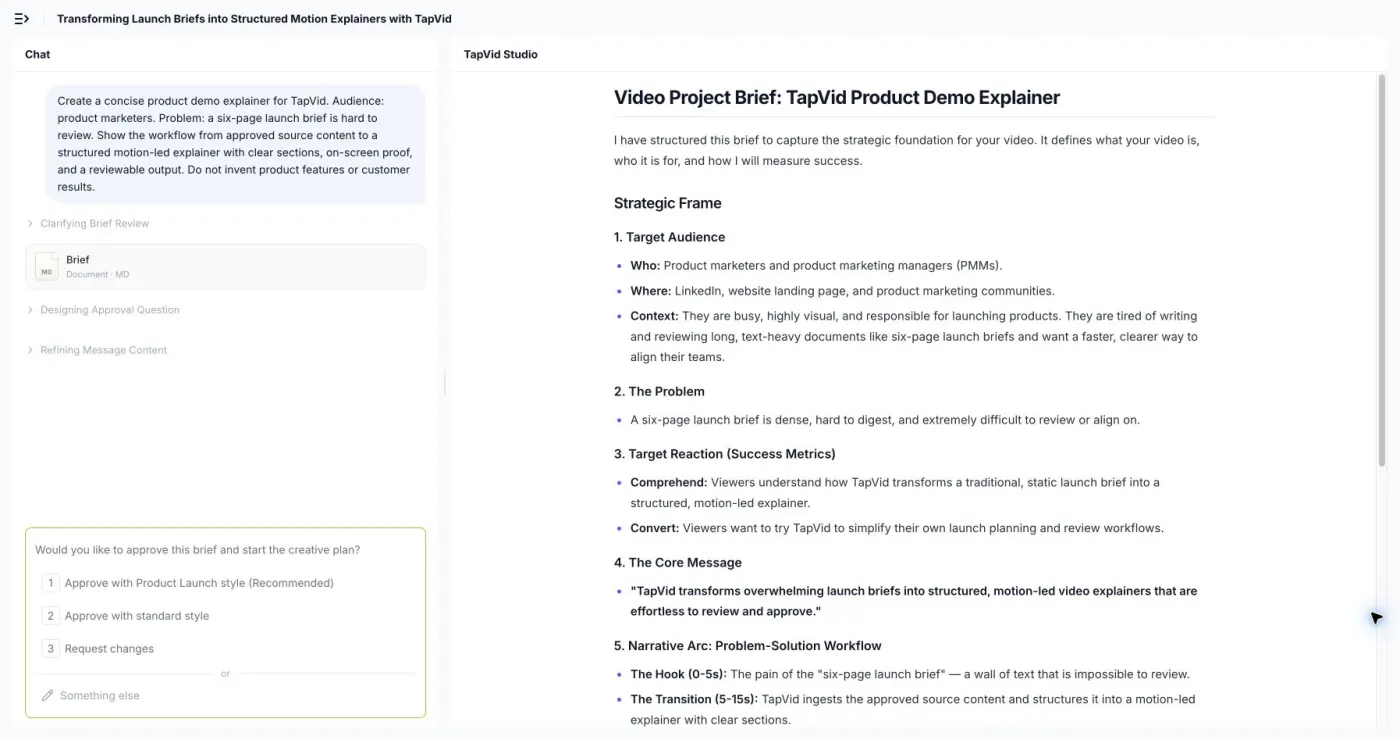
    From technical source material to a reviewable video

    Approved technical assets prepared for a tech explainer video

    Lock the approved source

    Start with current diagrams, UI, screenshots, terminology, numbers, and required wording.
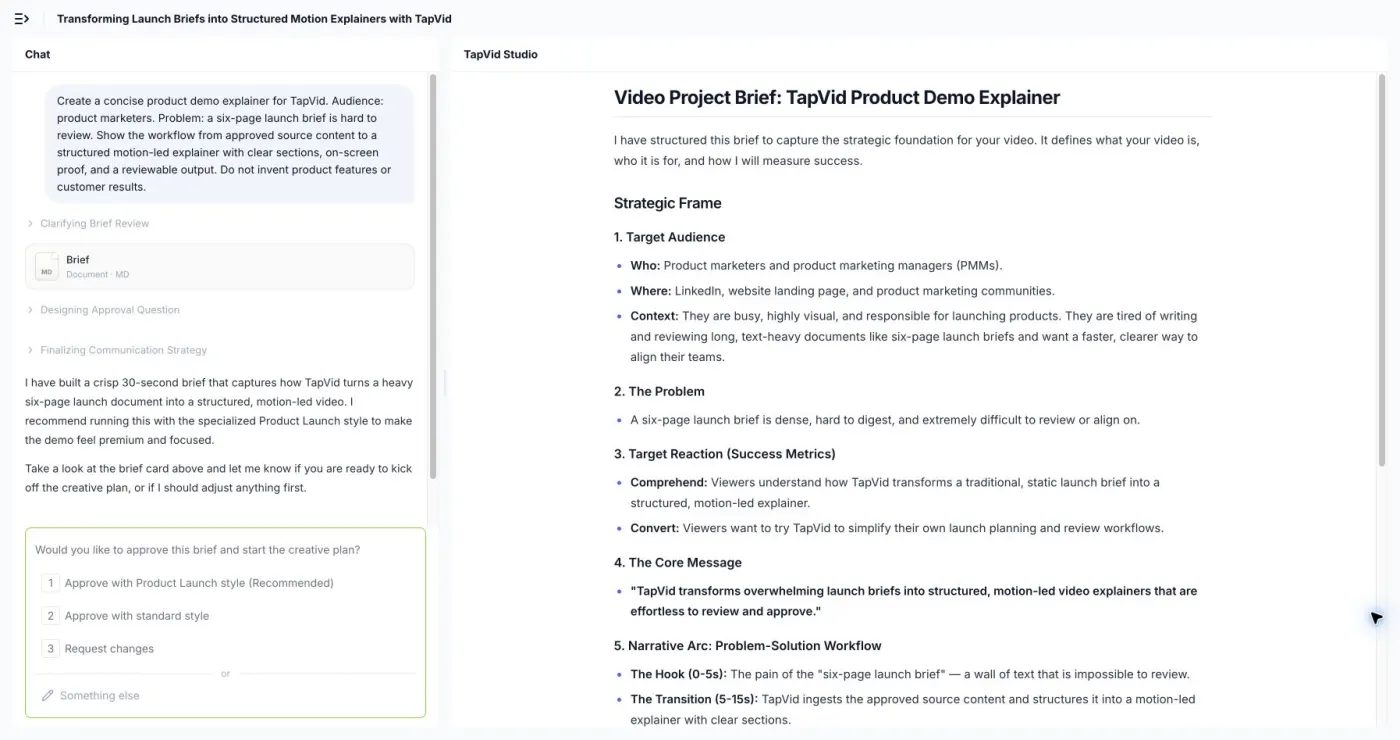
    • Current source assets
    • Exact technical copy
    Technical claims mapped to matching assets in a scene plan

    Map every claim to evidence

    Check which diagram, screen, or product asset supports each scene before rendering.
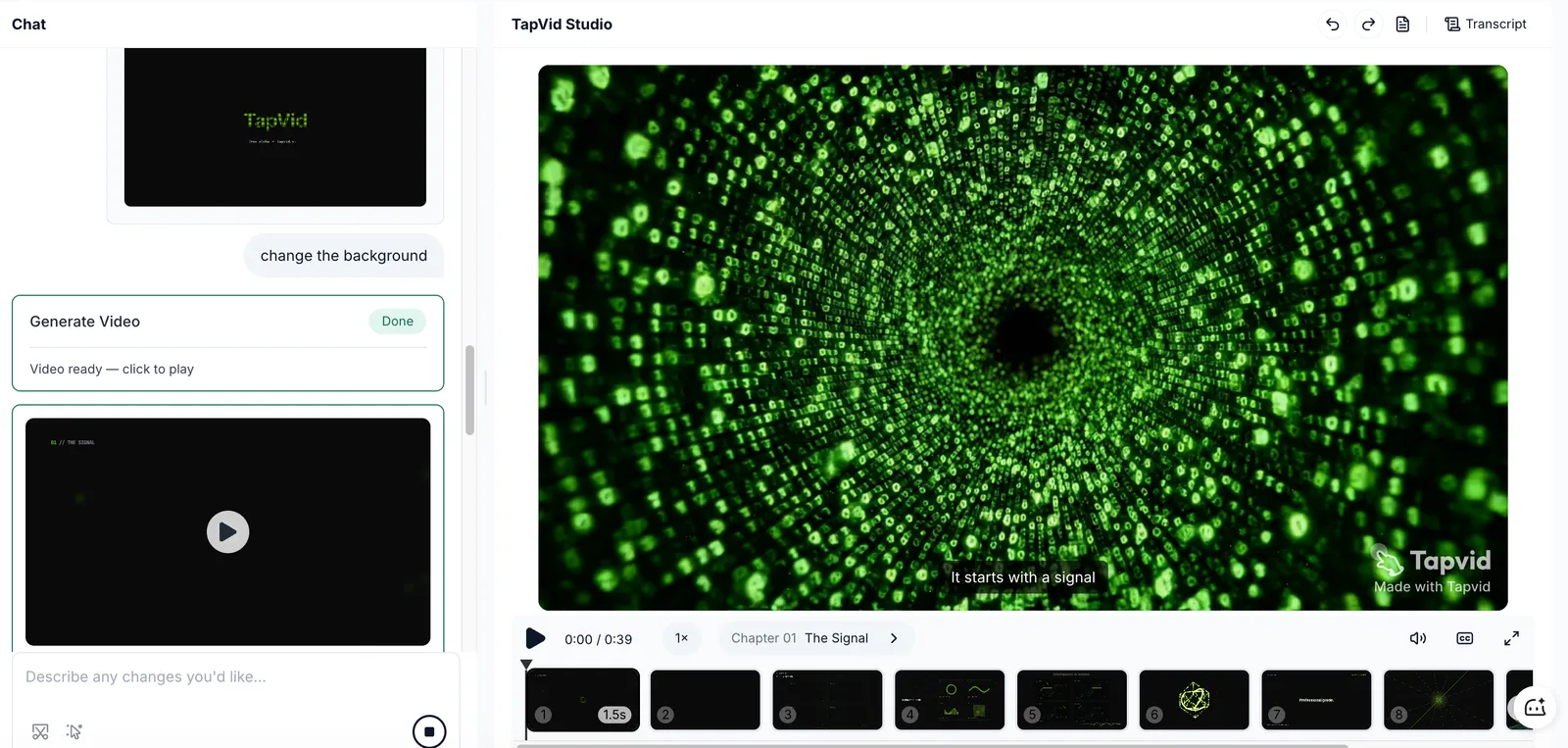
    • Visible scene plan
    • Claim-to-asset review
    One technical explainer scene revised without rebuilding the full video

    Revise only what changed

    Replace one diagram or line in its scene while the approved sequence stays intact.

    • Scene-level revision
    • Comparable versions

    How it works

    1

    Provide the source package

    Add approved diagrams, screens, terminology, claims, and the intended audience.

    2

    Review the explanation

    Check the script, sequence, voiceover, and asset correspondence before delivery.

    3

    Generate and verify

    Inspect the result and rerun only the scene that needs correction.

    Technical stories built from verified inputs

    Use one approved source package for the product moments that need a clear technical explanation.

    Architecture overviews

    Explain components and data flow with the approved diagram on screen.

    API and integration explainers

    Connect the integration steps to exact endpoints, terms, and interface states.

    Security and compliance briefs

    Present only reviewed controls, boundaries, and legal wording.

    Technical sales follow-ups

    Give buyers a concise explanation they can share after a technical demo.

    Why technical teams use TapVid

    Assets stay recognizable

    Supplied diagrams, UI, screenshots, and logos enter the video without being redrawn.

    Technical copy stays exact

    Product names, numbers, parameters, and required wording stay as supplied.

    Correspondence stays reviewable

    Check that every claim is paired with the correct screen or diagram.

    Updates stay contained

    Revise the affected scene while preserving approved scenes and prior versions.

    Built for technical product communication

    Product and engineering

    Explain a system or feature with current technical source material.

    Solutions and sales engineering

    Clarify integrations, workflows, and implementation boundaries for buyers.

    Developer education

    Turn approved API and product guidance into a structured explanation.

    Frequently Asked Questions

    Provide current diagrams, screenshots, UI, approved terms and claims, the intended audience, and any wording that must appear exactly.
    Supplied assets are placed into the video instead of being regenerated as a different diagram or interface. Review the scene plan and final frames before delivery.
    Yes. Review the script, scene sequence, voiceover, and which asset supports each claim before the final version is delivered.
    Update the affected scene and keep the other approved scenes in place, then compare the revised version before delivery.
    Check the current TapVid Terms of Service and your agreement for commercial-use and rights terms.

    Related guides

    • Try the AI explainer video workflow→
    • What is an explainer video?→
    • Write an explainer video script→
    • See current plans and pricing→

    Simple, credit-based pricing

    3 credits = 1 second, so you only pay for what actually renders. Start free, upgrade anytime.

    Most Popular

    Pro

    $49/mo

    2,000 credits / mo

    Max

    $99/mo

    6,000 credits / mo

    Ultra

    $199/mo

    14,000 credits / mo

    See full plans & pricing →

    Need help making a better video?

    Follow tutorials, study good cases, or ask TapVid support.

    Join Discord→

    Ready to create your first video?

    Join thousands of product teams using AI to create professional videos in minutes.

    Your first video in under 5 minutes →Book a demo →
    Tapvid

    TapVid turns the materials your business already has into an accurate video that explains the job clearly and is ready to publish.

    TikTokInstagramXDiscordYouTube

    TapVid

    Features

    AI Explainer Video GeneratorAI Motion Graphics GeneratorAI Product Demo Video GeneratorProduct Demo Video MakerExplainer Video TemplatesVideo Production Plan TemplateVideo Creative Brief TemplateCorporate Video TemplateVideo Sales Letter TemplateVideo Production Proposal TemplatePromo Video TemplateVideo Production TemplateAI Product Video GeneratorAI B-Roll GeneratorTalking Head EditingClone VideoPrompt to VideoText to Video AIText to Motion GraphicsAnimated Video MakerAnimated Explainer Video MakerKinetic Typography GeneratorAnimated Chart MakerAnimated Collage MakerFree AI Video Generator

    Convert to Video

    Screenshot to VideoImage to VideoAssets to VideoAudio to VideoVideo to Video AIPDF to VideoPPT to VideoArticle to VideoBlog to VideoURL to VideoScript to VideoGoogle Slides to VideoWord to Video

    Use Cases

    AI Study Video MakerSaaS Explainer VideoSaaS Video ProductionIndustrial Video ProductionProduct Launch Video MakerAI Ad Video GeneratorDocumentary Video MakerAnimated Social Media Video MakerInfographic Video MakerPodcast to VideoWhiteboard Animation MakerWhiteboard Explainer VideoEcommerce Video AdsStartup Explainer VideoEducational VideoTutorial VideoCustomer OnboardingHelp Center VideoAPI Docs Video

    Solutions

    Explainer VideoProduct Demo VideoMeeting Recap VideoWebinar ClipsMarketing VideoFeature AnnouncementCompetitive ComparisonNewsletter VideoLanding Page VideoInvestor Pitch Video

    Featured Guides

    Video Prompt LibraryBest Faceless YouTube NichesCollage Animation Guide

    Company

    All FeaturesAboutBlogPricingGet in Touch

    © 2026 TapVid. All rights reserved.

    Privacy
    Terms of Service