

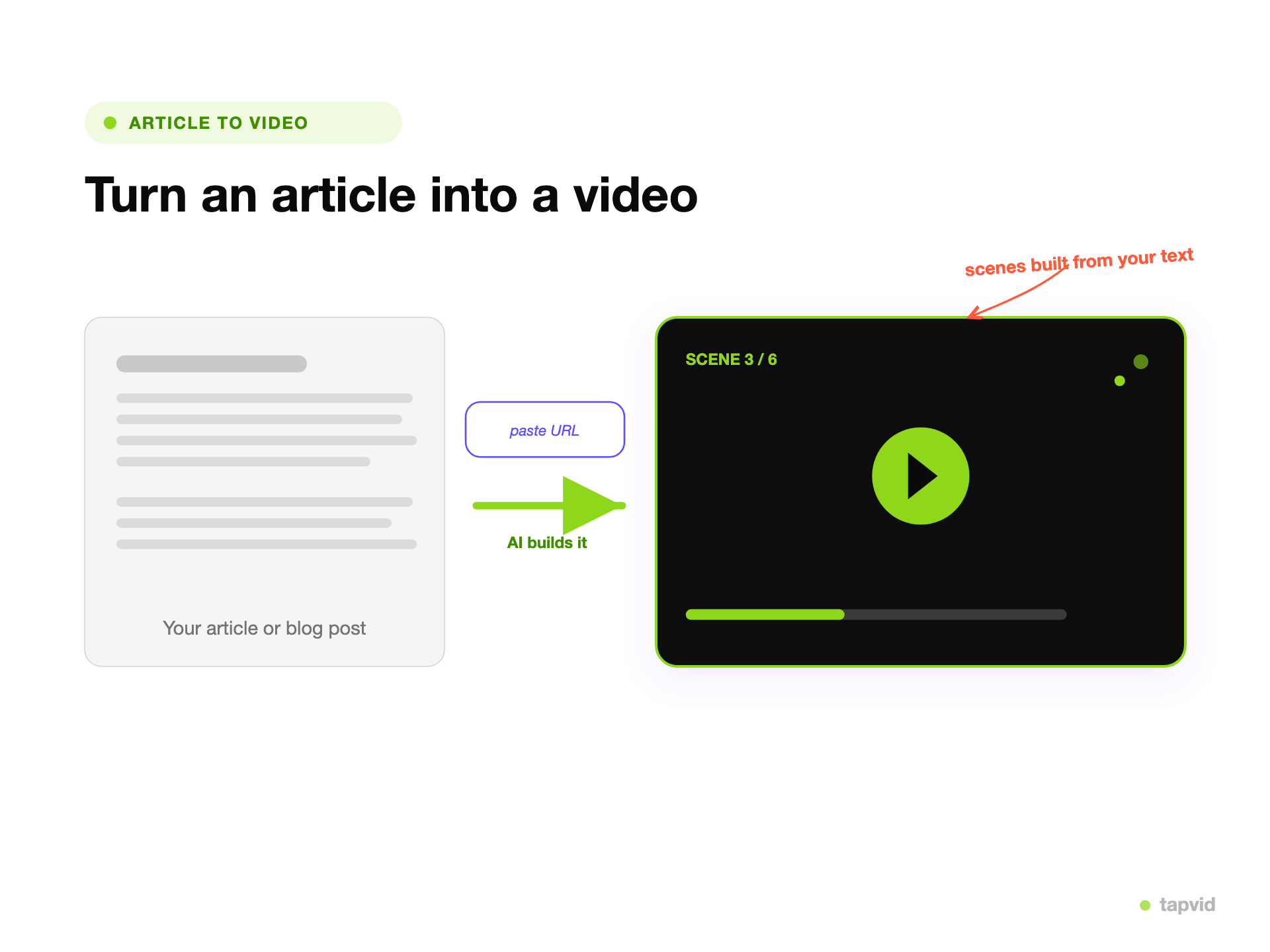
Paste the article, or a link
Drop in the text or the URL. TapVid reads the piece and decides which points to animate.
- Article text or a link
- No manual scripting
Republish each approved article as video for social, search, and your own pages. Keep its facts and source visuals tied to the right scenes, then rerun only the part that changes instead of reviewing every version from scratch.
Made with TapVid
Real output generated from content, no stock footage.
See it in action
What it is
An article to video maker turns written content, an article, a blog post, or the link to one, into a short animated video. TapVid reads the piece, pulls the points that matter, and builds motion-graphics scenes with animated text and visuals. You are not recording an avatar to read your words over stock clips.
Most article-to-video tools generate a voiceover and stitch stock footage or an AI presenter behind it. That is fast, but the result looks like every other stock video, and it does not visualize your actual points. TapVid animates the content itself, the headline, the stats, the steps, so the video is about your article, not a library of clips.
Because it is generated, you shape it by prompt. Ask for a shorter cut, a different emphasis, or a version sized for social, then regenerate. Export an MP4 and publish it wherever the article lives.
What TapVid adds
Drop in the text or the URL. TapVid reads the piece and decides which points to animate.
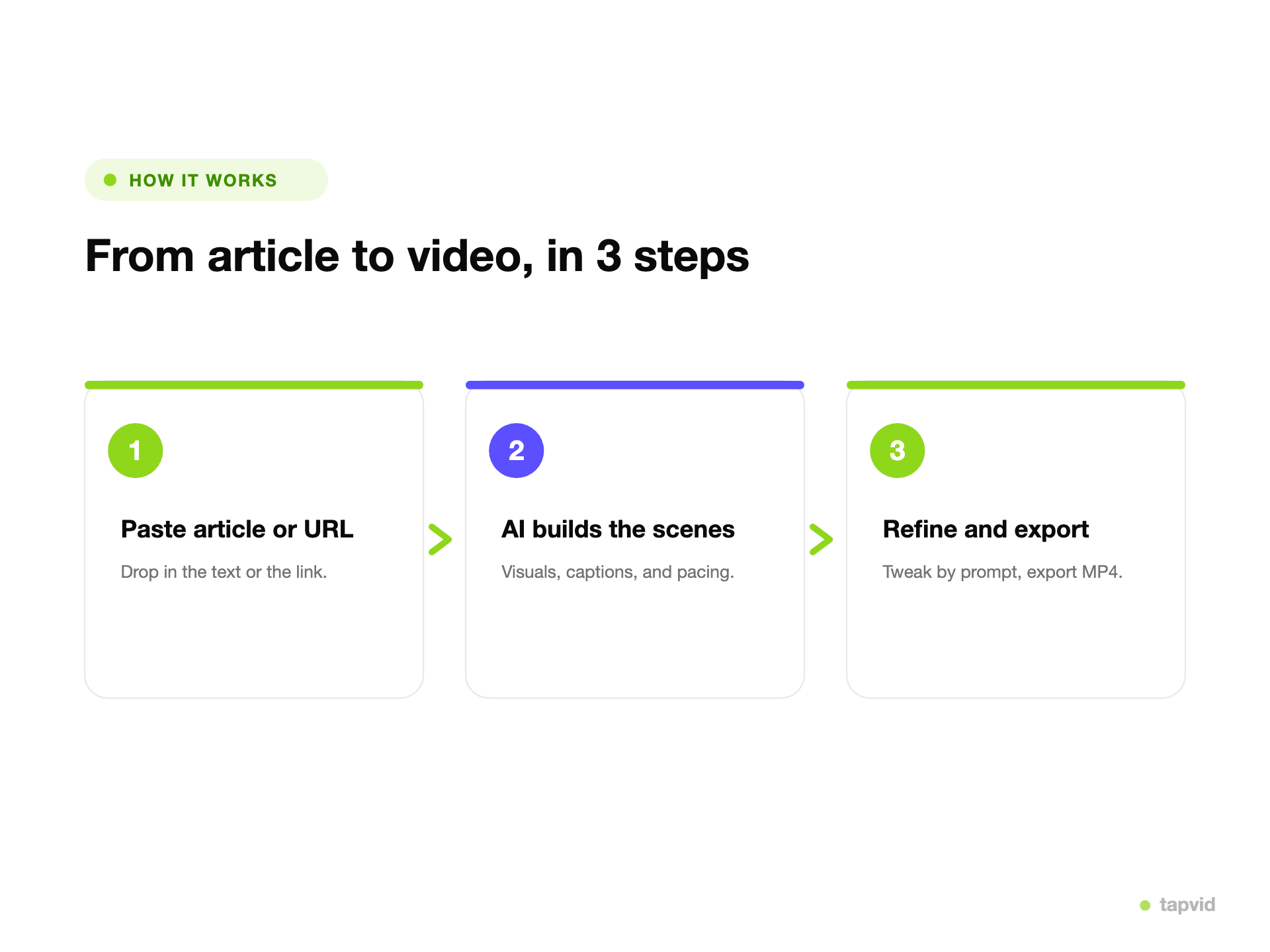
TapVid generates animated text, visuals, and pacing from the content, one point at a time.
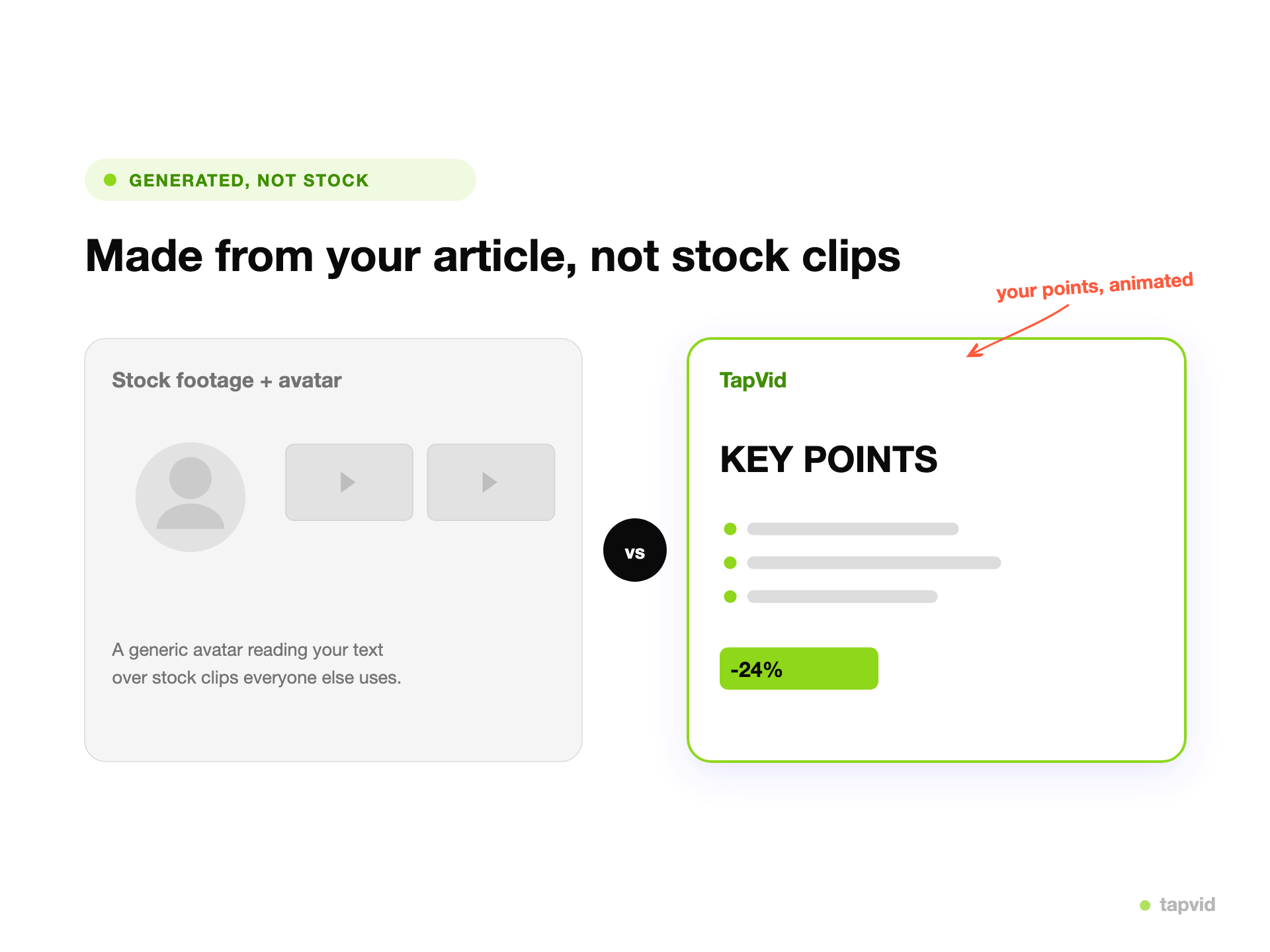
No AI avatar over stock clips. The video animates your real points, so it looks like your article, not a template.

The scenes come from your actual content, so the video is about your points, not a stock library everyone else uses.

Headlines, stats, and steps are animated on screen, rather than read by an avatar over unrelated footage.
Skip picking a presenter and combing through clip libraries. Paste the article and generate.
Change the length, the emphasis, or the format in plain language, then regenerate.
Spin a single post into a recap, a social cut, and a data clip without starting over.
Keep one look across a series so your videos read as one channel.
One generator turns a single article into the video formats you actually publish.
A short animated summary of a post for social and the top of the article.
The main takeaways animated one at a time.
Numbers and charts from a report, animated into a scroll-stopping clip.
A vertical or square version sized for reels and feeds.
Turn an issue into a video your subscribers will watch.
Compress a long article into a tight, watchable clip.
Most article-to-video tools generate a voiceover, drop in an AI presenter, and fill the background with stock clips. It is quick, but the footage has nothing to do with your points, and the result looks like every other stock video. TapVid animates the article itself. It pulls the headline, the stats, and the steps, and builds motion-graphics scenes around them. The video shows what your article actually says, and you refine it by prompt instead of swapping stock clips.
Give every post a video for social and the top of the page, without a video editor.
Repurpose one article into a week of clips.
Turn issues and stories into videos people watch.
How it works
FAQ
An article to video maker turns written content, an article, a blog post, or a link, into a short animated video. TapVid reads the piece, pulls the key points, and builds motion-graphics scenes with animated text and visuals.
Yes. You can paste the article text or the link to it, and TapVid reads the content and builds the scenes from it.
No. TapVid animates your actual points with motion graphics instead of putting an AI avatar over stock clips, so the video is about your article rather than a stock library.
You export an MP4, which you can publish anywhere the article lives, from social to a landing page.
TapVid runs on credits, so check the pricing page for what is included right now. Exported videos carry a small TapVid watermark in the bottom-right corner, and paid plans remove it.
It depends on the article and the format you pick. A social recap can be 20 to 40 seconds, while a full explainer runs a minute or two. You can ask for a shorter or longer cut by prompt.
More ways to start
Join thousands of product teams using AI to create professional videos in minutes.