
Loading...
Loading...
Vidnoz turns your script into a talking-head avatar video. TapVid is an Explainer Video Engine: it turns your existing content, a script, article, PDF, or link, into a polished explainer video in minutes, with no avatar to cast and no After Effects. When you need to explain a concept clearly instead of filming a presenter, TapVid is the closer fit. Start free.
No credit card required. Start free.
Vidnoz is one of the best tools for one specific thing: putting an AI avatar on screen to read your script. That is a good fit for spokesperson clips, template social videos, and translating an existing video into another language. It is not the right shape for every video, and that is usually why people go looking for an alternative.
As of 2026, every path in Vidnoz ends with a presenter reading text. The free tier gives about one minute of avatar video a day at 720p with a watermark, and paid plans start at $19.99 a month on annual billing. If your goal is to turn an article, PDF, or script into a structured explainer video rather than a talking head, an avatar tool adds a step you do not need.
TapVid takes a different path. It is an Explainer Video Engine: you paste your existing content, a prompt, an article, a PDF, or a link, and it structures and animates it into a polished explainer video, with voiceover and music, in minutes. No avatar, no filming, no After Effects.
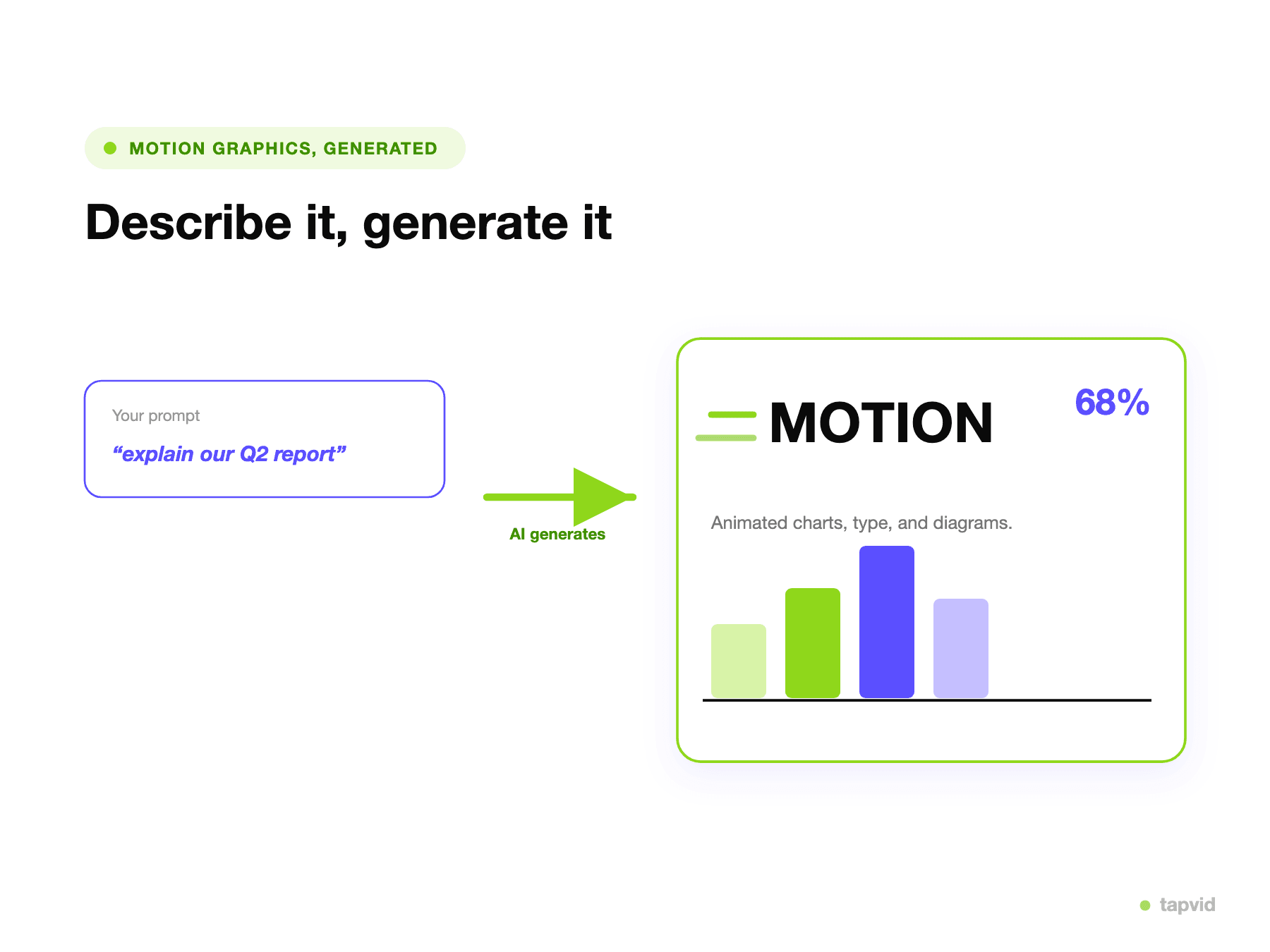
Paste an article, PDF, or link, or describe your idea. TapVid plans the scenes and animates them as an explainer video.
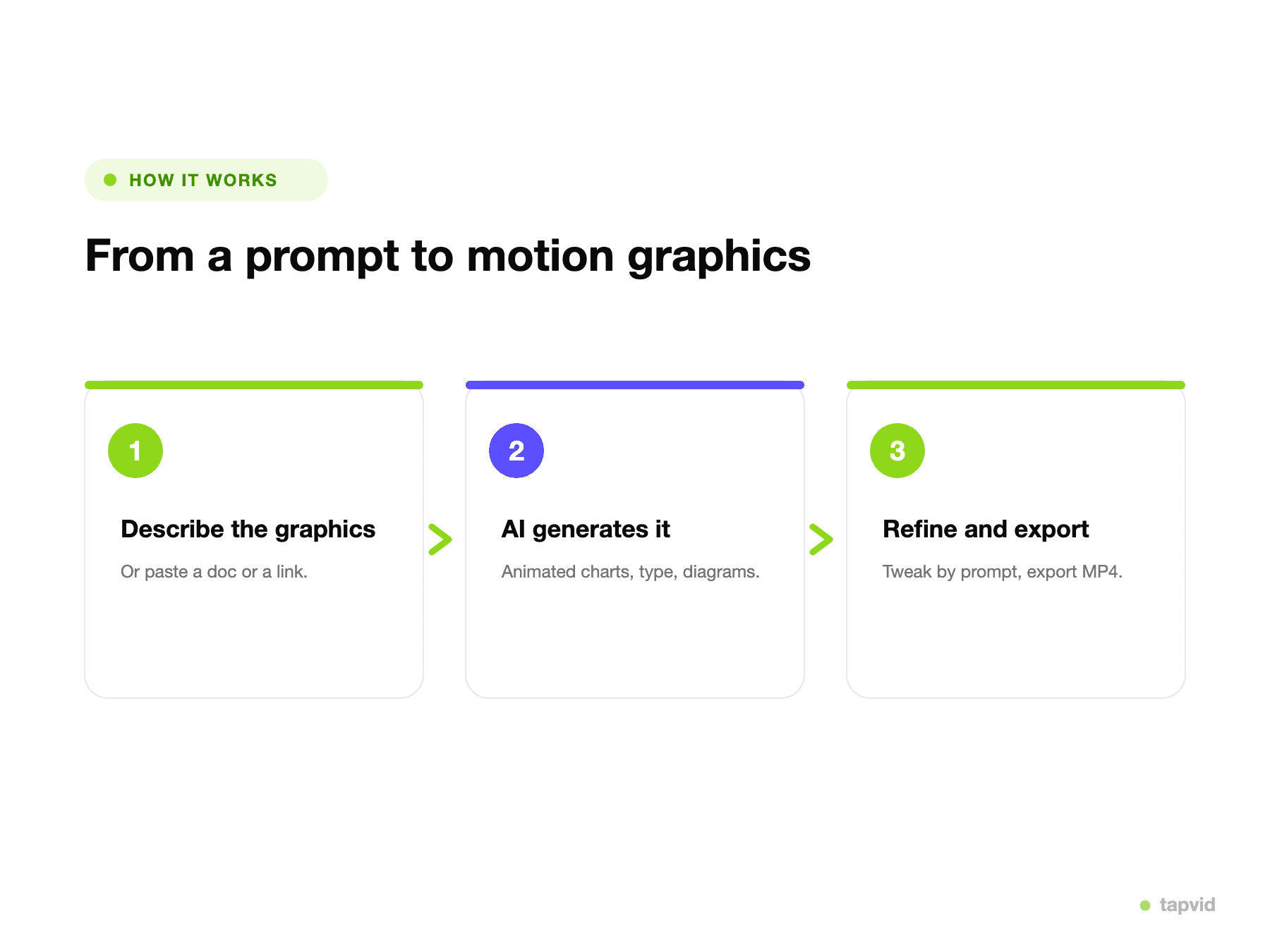
TapVid breaks your content into clear steps and animates each one, so the video explains the idea instead of a presenter summarizing it.
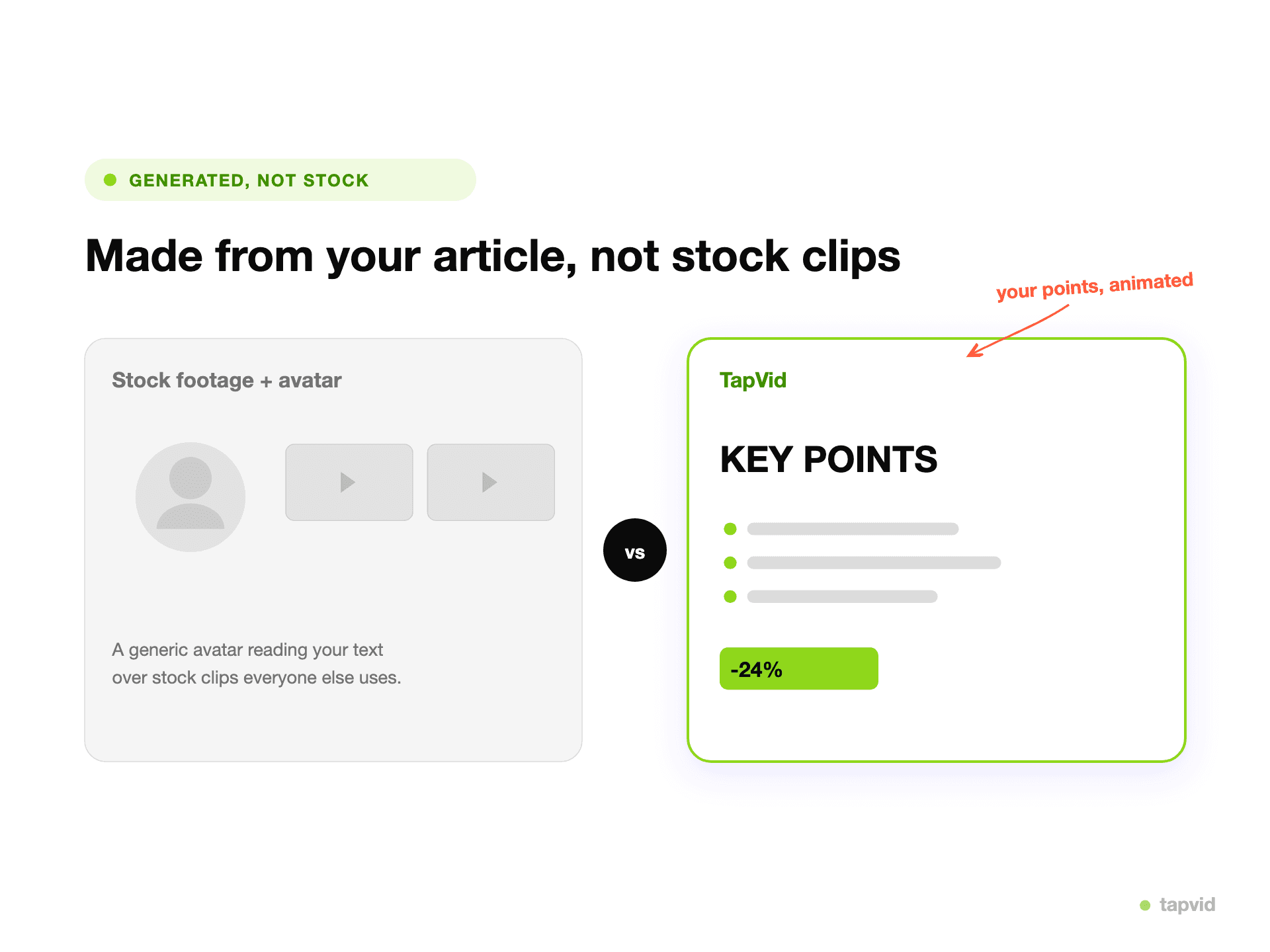
The explainer animates your actual message, instead of dropping an avatar into a generic template.
Drop a prompt, article, PDF, or link. No avatar to pick and no script to write for one.
It structures your content into scenes and animates each one as motion graphics, with voiceover and music.
Adjust by describing changes in plain language, then export an MP4, watermark-free on paid plans.
TapVid animates your content as an explainer, so the video shows your message, not a presenter reading a script.
Paste an article, PDF, or link. TapVid structures it for you, so you are not writing lines for an avatar to speak.
TapVid breaks a topic into clear steps and animates each one, so a viewer follows the idea instead of watching a summary.
Say "make the intro shorter" or "swap scene 2" and it updates. No re-casting or re-generating a presenter.
Motion graphics read as produced, not staged. Good for launches, demos, and explainers where an avatar can feel off-brand.
Export a clean MP4 with voiceover and captions. Watermark-free on paid plans, at 1080p, sized for any channel.
If you specifically need a human presenter on screen, an avatar reading a script in many languages, or a fast translation of an existing video, Vidnoz is built for exactly that and does it well. TapVid does not put an avatar on camera. It is the right pick when you want to turn your content into a structured explainer video, not a talking-head clip.
Both turn text into a finished video without filming. The difference is what ends up on screen, how you start, and what it costs. Vidnoz figures are based on Vidnoz's public pricing and the in-product free tier (2026).
| Vidnoz | TapVid | |
|---|---|---|
| What ends up on screen | A talking-head AI avatar | An animated explainer video |
| How you start | Write a script for an avatar | Paste an article, PDF, link, or prompt |
| Avatar or filming | Pick from 1,900+ avatars | None |
| Free plan | About 1 min/day, 720p, watermark | Free to start, 720p, watermark, clips ≤ 1 min |
| Paid from | $19.99/mo (annual) | $19/mo |
| Editing | Regenerate the avatar scene | By plain-language prompt |
| Best for | Spokesperson clips, translation, templates | Explainer videos, product demos, tutorials |
Turn release notes, a PRD, or a one-pager into an explainer or demo, no avatar required.
Make launch and landing-page explainers with a designed motion-graphics look instead of a talking head.
Turn an article or script into a structured knowledge explainer without learning After Effects.
3 credits = 1 second, so you only pay for what actually renders. Start free, upgrade anytime.
$19/mo
900 credits / mo
$39/mo
2,000 credits / mo
$99/mo
6,000 credits / mo
$199/mo
14,000 credits / mo
Join thousands of product teams using AI to create professional videos in minutes.