
Loading...
Loading...
Jitter is a hands-on motion design editor: you build animations on a canvas and timeline, keyframe by keyframe. TapVid is an Explainer Video Engine: you paste your content, an article, PDF, script, or link, and it generates a structured explainer video with voiceover, no timeline to touch. When you want the video made for you instead of designing it yourself, TapVid is the closer fit. Start free.
No credit card required. Start free.
Jitter is a capable motion design tool. It runs in the browser, gives you a canvas and a timeline, and lets you animate elements with keyframes and presets. If you are a designer who wants direct control over every move, it is a fast way to build polished motion by hand.
That hands-on control is also the catch. You still design the video yourself: you lay out each scene, set the timing, and drive the timeline. As of 2026, Jitter's free tier exports with a watermark and paid plans start near $16 per editor a month. If your goal is a full explainer built from an article or a PDF, not a canvas you animate frame by frame, a motion editor leaves the writing, structuring, and narration to you.
TapVid takes a different path. It is an Explainer Video Engine: you paste your existing content, a prompt, an article, a PDF, or a link, and it structures it into scenes, animates each one as motion graphics, and adds voiceover and music. There is no timeline to learn. You get a structured explainer video in minutes and edit it by describing changes in plain language.
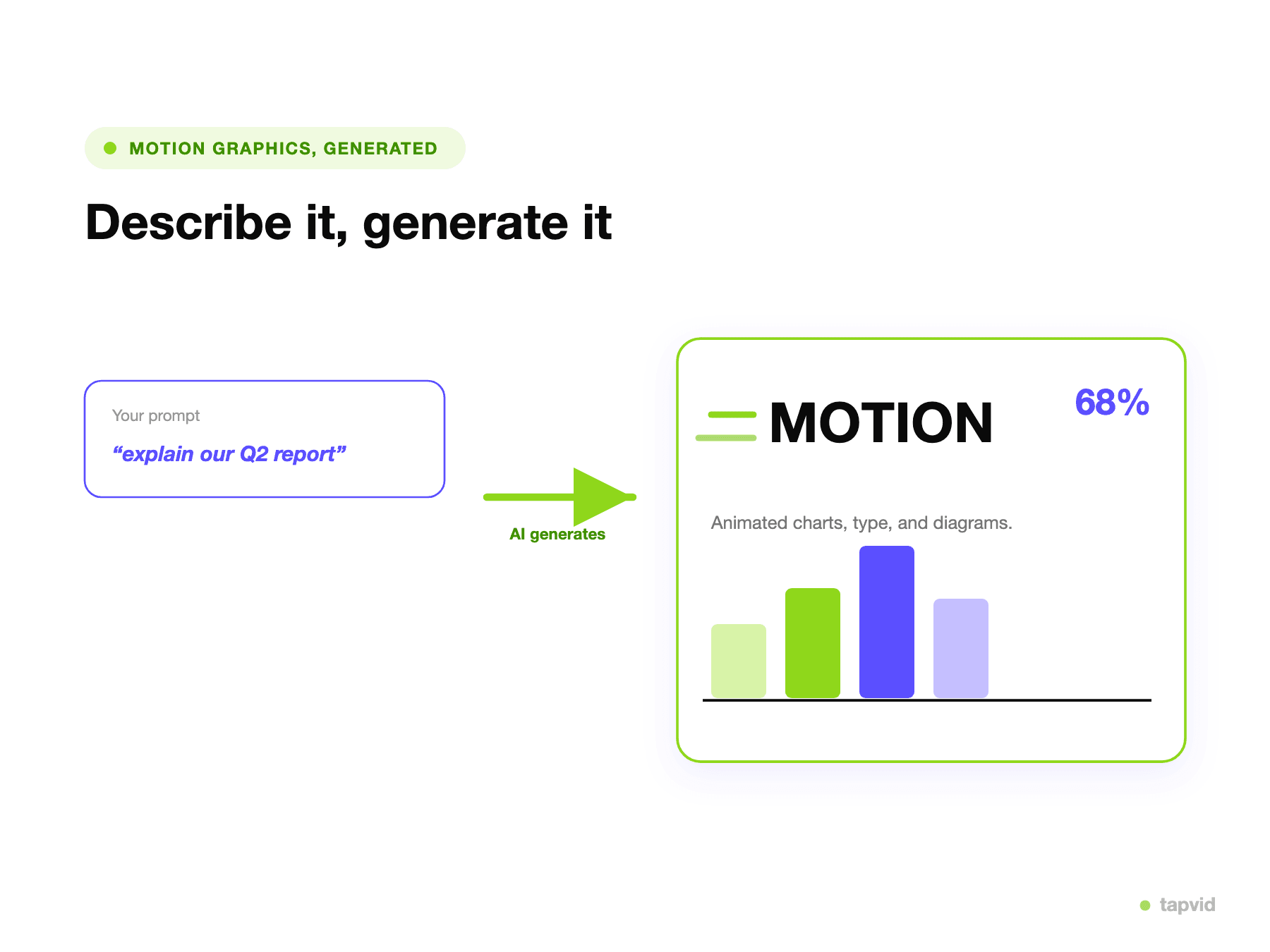
Paste an article, PDF, or link, or describe your idea. TapVid plans the scenes and animates them as an explainer video, so you are not starting from a blank canvas.
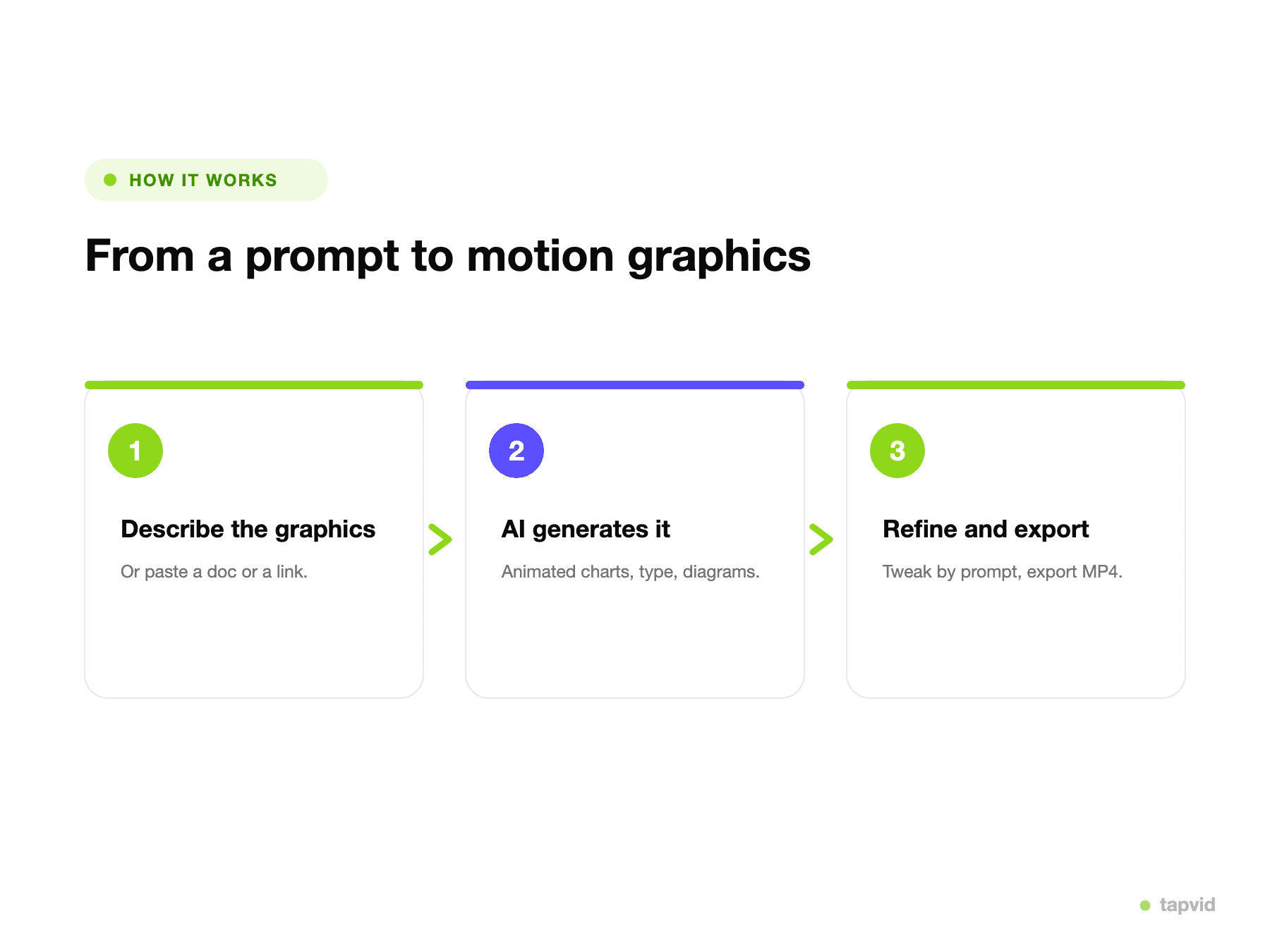
TapVid writes the structure, times the scenes, and adds narration, so you are not keyframing each element yourself.
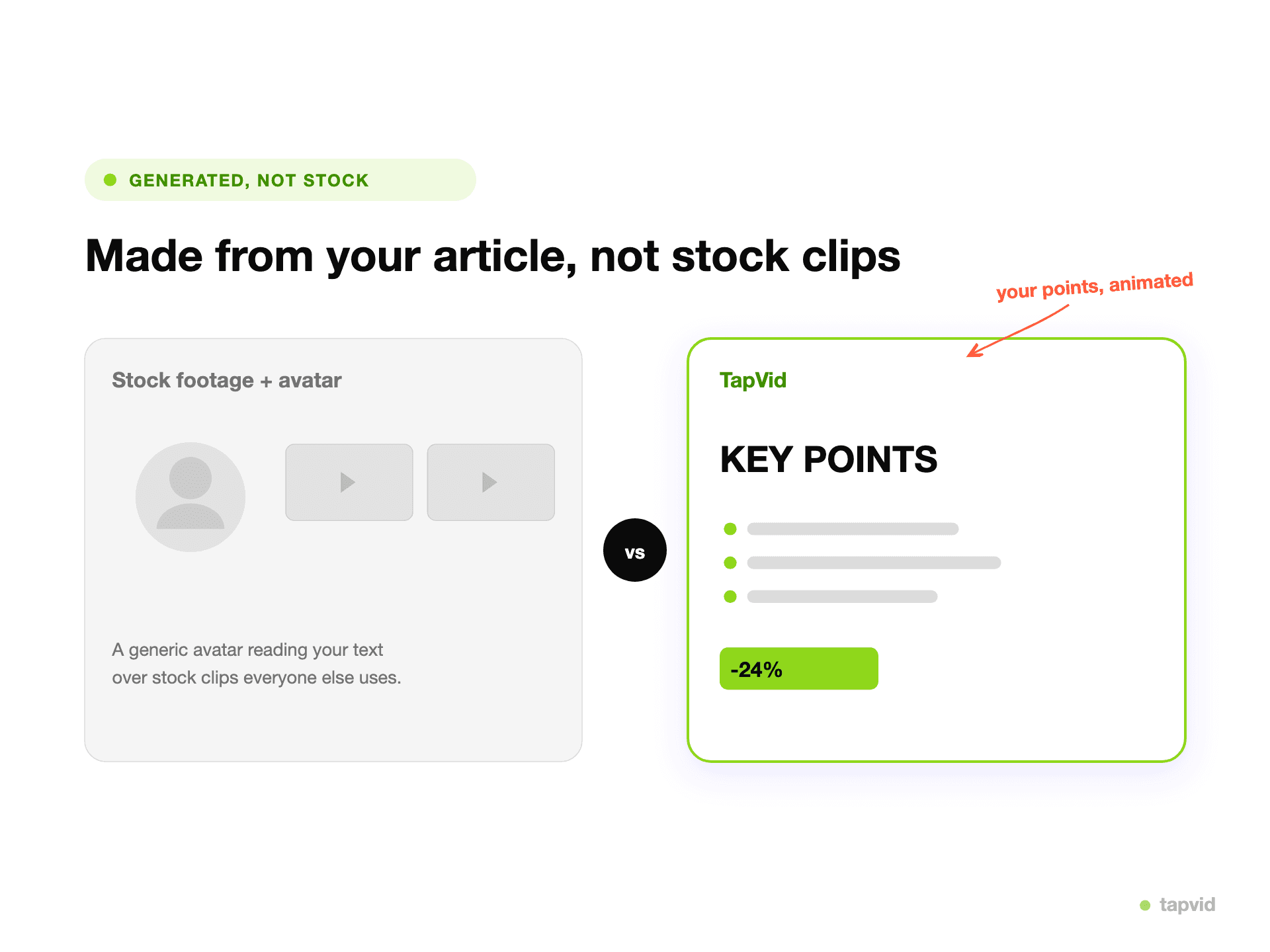
Say what to change and TapVid updates the video, instead of dragging keyframes on a timeline to adjust the timing.
Drop a prompt, article, PDF, or link. No canvas to set up and no timeline to keyframe.
It structures your content into scenes and animates each one as motion graphics, with voiceover and music.
Adjust by describing changes in plain language, then export an MP4, watermark-free on paid plans.
TapVid writes and animates the explainer from your content, so you are not laying out and keyframing every scene yourself.
Paste an article, PDF, or link. TapVid structures it into scenes, instead of handing you an empty timeline.
There is nothing to keyframe. You get a finished explainer and refine it by describing changes in plain language.
TapVid narrates and scores the video for you, so you do not record or sync audio on a separate track.
A motion editor is built for control over each move. TapVid is built to get you a complete, narrated explainer in minutes.
Export a clean MP4 with narration and captions. Watermark-free on paid plans, at 1080p, sized for any channel.
If you are a motion designer who wants direct, frame-level control over every element, Jitter is a hands-on editor built for exactly that and does it well. TapVid is not a manual motion editor. It is the right pick when you want to paste your content and have a structured explainer video generated for you, rather than build one on a timeline.
Both make motion graphics. The difference is who does the work: you animate it on a timeline in Jitter, or TapVid generates a structured explainer from your content. Jitter figures are based on Jitter's public pricing (2026).
| Jitter | TapVid | |
|---|---|---|
| Core approach | Hands-on motion editor, you animate | Generates the explainer for you |
| How you start | A blank canvas and timeline | An article, PDF, link, or prompt |
| Timeline / keyframes | Yes, you drive it | None, edit by describing changes |
| Voiceover | Add it yourself | Auto voiceover and music |
| Free plan | Free tier, exports with watermark | Free to start, 720p, watermark, clips ≤ 1 min |
| Paid from | About $16/editor/mo | $19/mo |
| Best for | Designers who want manual control | Explainers, product demos, tutorials |
Turn release notes, a PRD, or a one-pager into an explainer or demo, without opening a motion editor.
Make launch and landing-page explainers from your content, with a designed motion-graphics look and no manual animation.
Turn an article or script into a structured knowledge explainer, without keyframing it yourself.
3 credits = 1 second, so you only pay for what actually renders. Start free, upgrade anytime.
$19/mo
900 credits / mo
$39/mo
2,000 credits / mo
$99/mo
6,000 credits / mo
$199/mo
14,000 credits / mo
Join thousands of product teams using AI to create professional videos in minutes.