When animation generators started appearing in professional production conversations two years ago, the initial reaction from most studios was dismissal. These were novelty tools, fine for social content, not serious production instruments. That assessment was wrong. I have used three different animation generators in client-facing deliverables this year — not for rough concepts, for finals. Here is what changed, and what has not.
What animation generators can actually produce in 2026
The output ceiling for animation generators has risen significantly in the last eighteen months. Style-consistent short-form clips under thirty seconds, abstract motion backgrounds, product visualization over clean backdrops, and logo animation are all within reliable output range for current generation tools.
The remaining hard limits are character consistency across scenes, precise timing to a specific music track, complex branded text animation, and anything requiring tight continuity with existing live footage. These are not edge cases — they are the majority of work in a commercial motion graphics studio.
The practical conclusion is not that generators have replaced traditional animation production, but that they have created a viable fast lane for a specific type of work. Knowing which work belongs in that lane is the skill.
How professional studios are actually integrating generators
The most productive integration pattern I have seen is using generators for ideation and pre-visualization, then using traditional tools to execute the approved direction. The speed at which a generator can produce ten distinct style explorations — work that previously consumed a full day — has transformed the early stages of production.
A smaller but growing number of studios are using generator output as finals for specific deliverable types: social content, internal communications, event loops, and motion backgrounds. For these use cases, the economics are compelling and the quality bar is realistic.
Evaluating generator output: what clients notice and what they do not
Clients notice: brand color inaccuracy, logo distortion, text errors, and anything that breaks visual continuity in a way that reads as a mistake. These are the failure modes that matter commercially.
Clients do not notice (in most cases): subtle temporal artifacts in abstract motion, minor edge instability in non-logo areas, slight inconsistency in background elements. These are the artifacts that make animators uncomfortable but rarely register in non-technical review.
This distinction is commercially important. Spending production time correcting artifacts that no client will notice is a poor allocation of resources. Use QC energy on the elements clients actually evaluate.
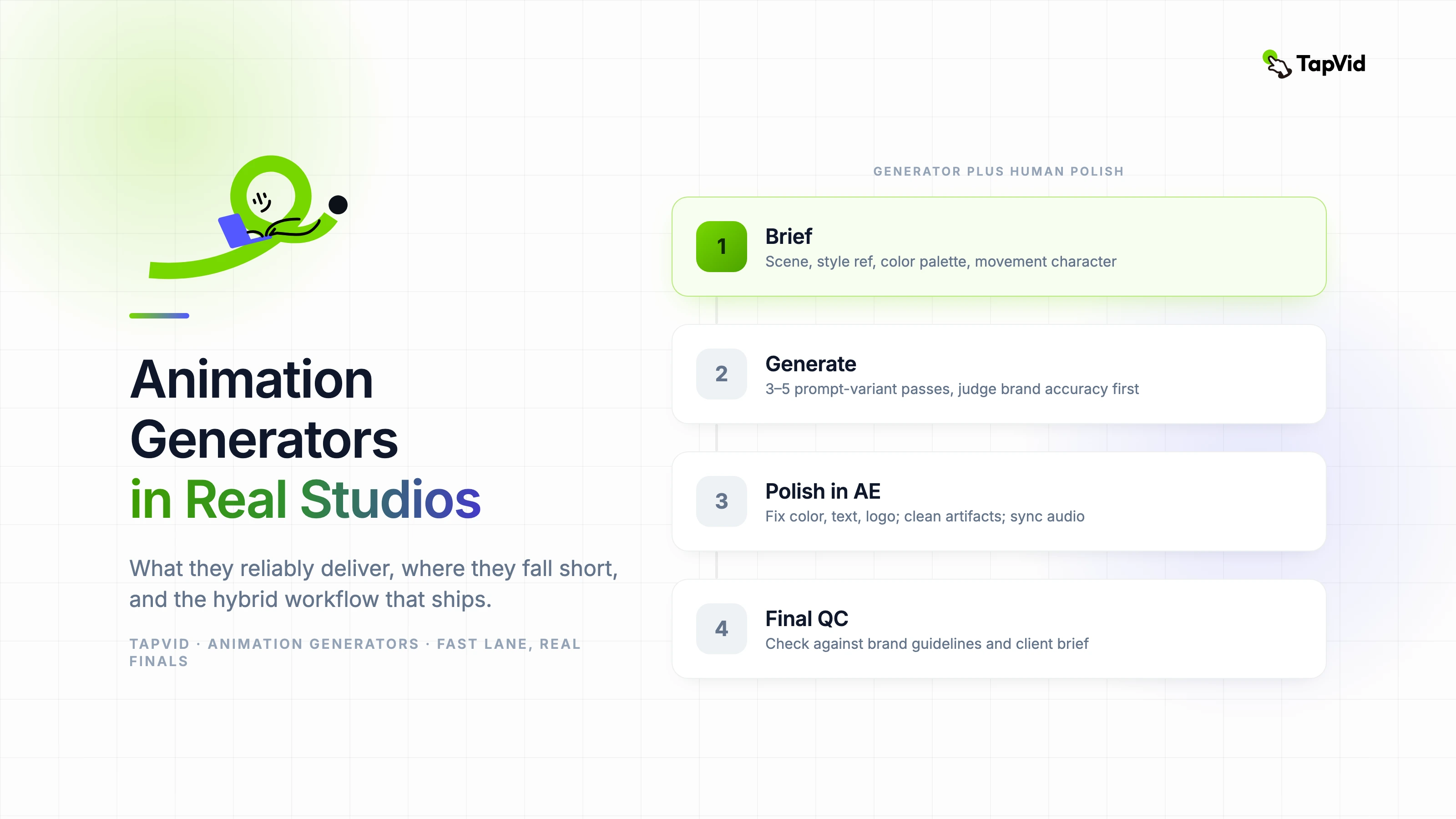
The workflow that works: generator plus human polish
- 1. Write a detailed generation brief (scene description, style reference, color palette, movement character)
- 2. Run three to five generation passes with prompt variants — evaluate for brand accuracy first, quality second
- 3. Select the best output, identify specific failure points (color, text, logo elements)
- 4. Import into After Effects — correct brand elements, clean up artifacts, synchronize to audio if needed
- 5. Final QC against brand guidelines and client brief before delivery
- Character animation with consistent identity across multiple scenes — faces and body proportions shift between frames
- Precise lip-sync or expression animation — current models handle this poorly without significant manual correction
- Complex text animation with custom brand typography — generators handle generic type poorly and brand typefaces worse
- Tight music sync where beat-specific movement is required — generators have no understanding of audio structure
- Compositing over live footage with matching motion — temporal artifacts become obvious in contrast with real-world camera movement