
Ein Erklärvideo hat nur eine Aufgabe: etwas, das noch niemand versteht, in unter zwei Minuten verständlich machen. Die gute Nachricht: Du brauchst dafür weder einen Animator noch ein Studio. Verwirrend ist nur, dass „KI-Erklärvideo-Ersteller“ heute drei völlig unterschiedliche Tools meint — und die falsche Wahl ist der Grund, warum so viele Erklärvideos steif oder generisch wirken.
Want to skip ahead? Try the free AI Explainer Video Generator →
01
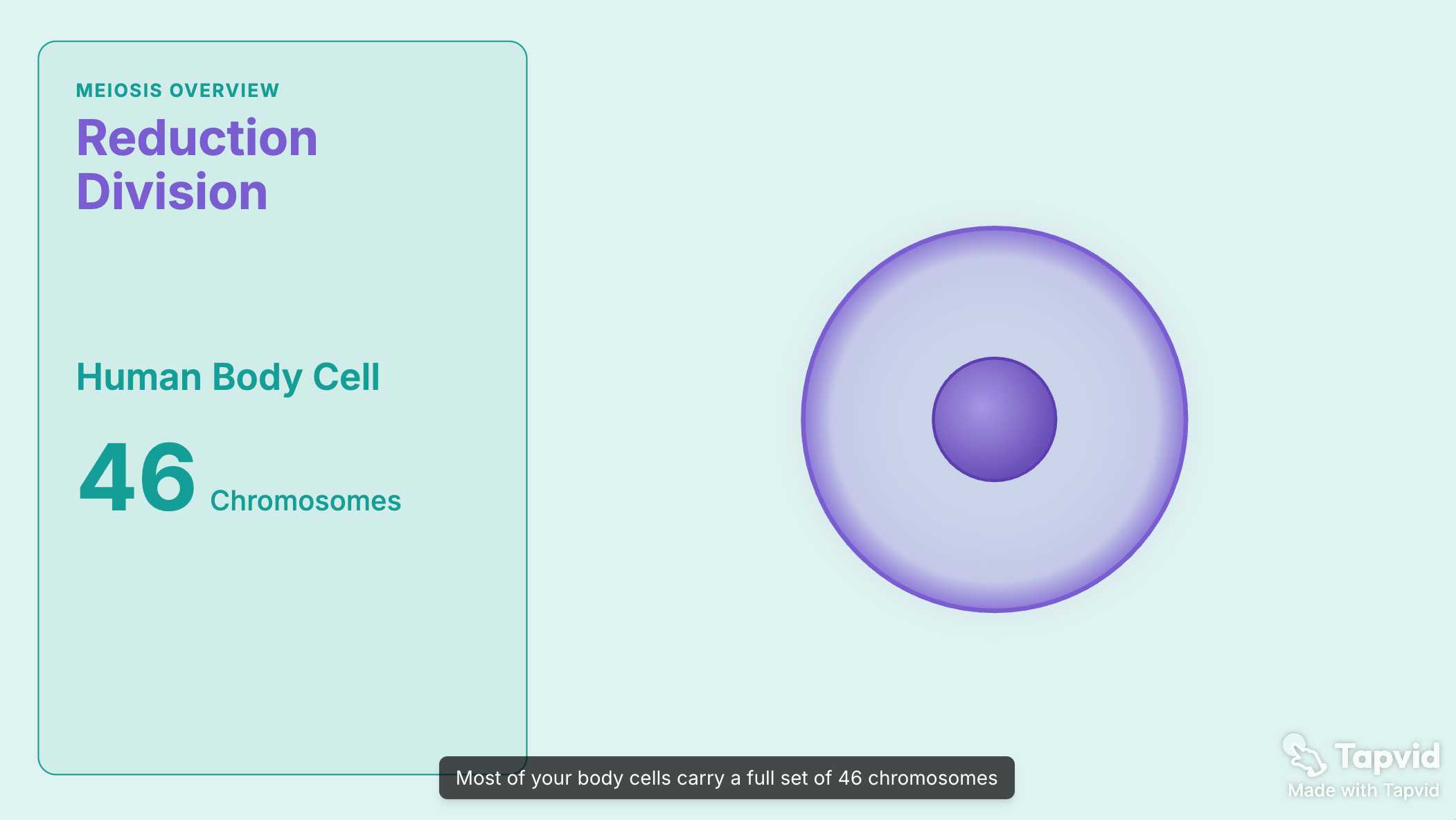
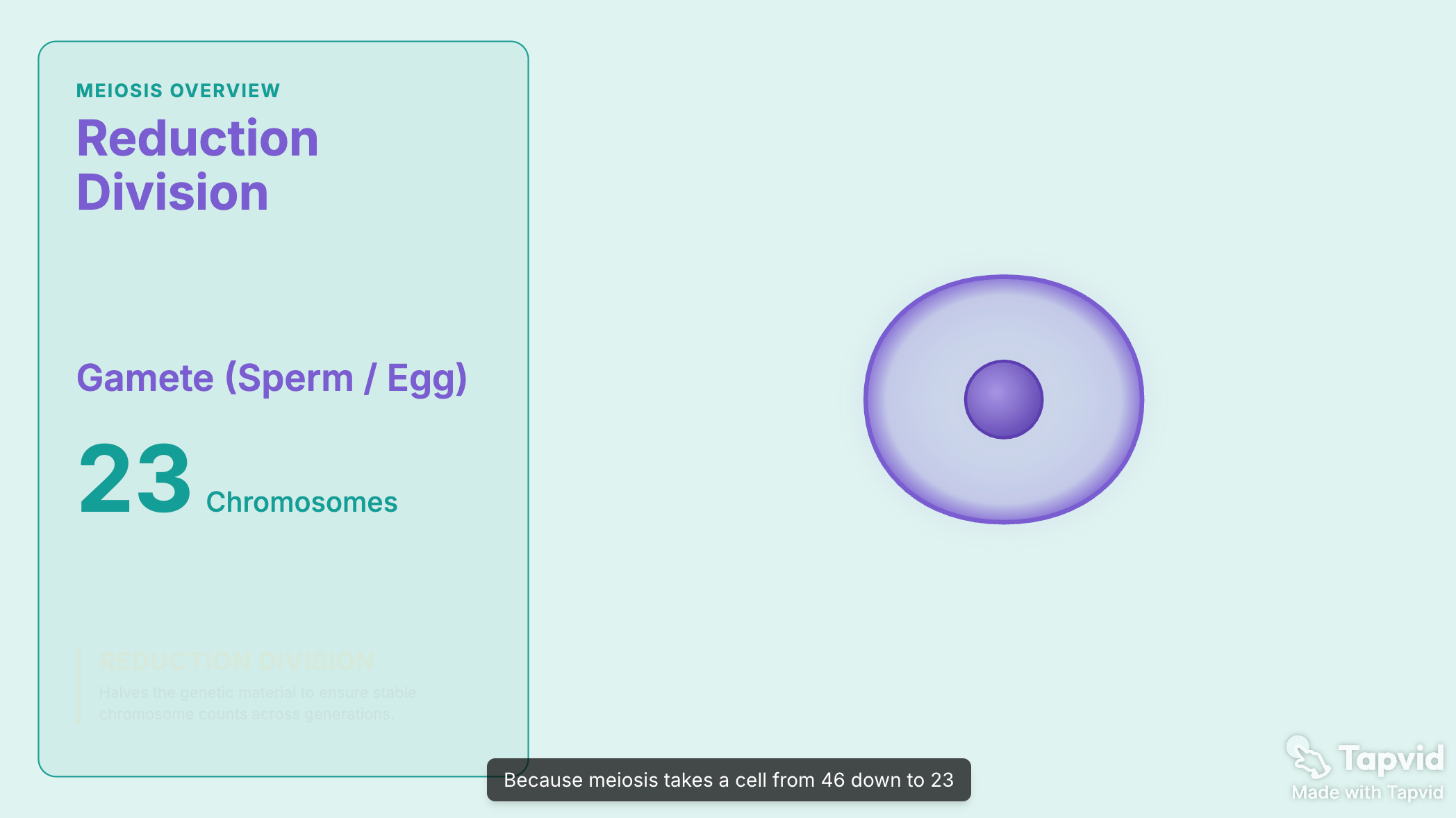
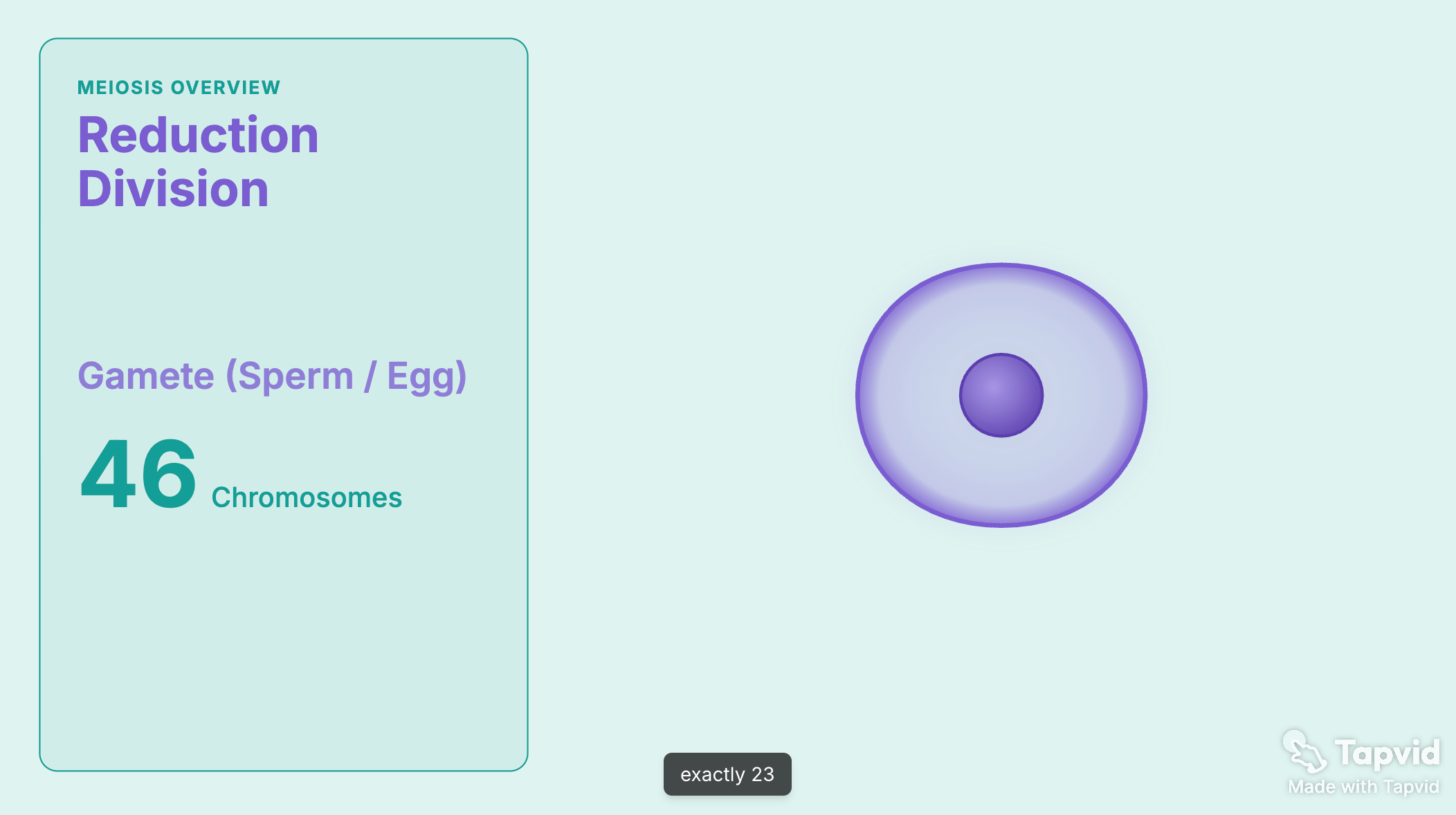
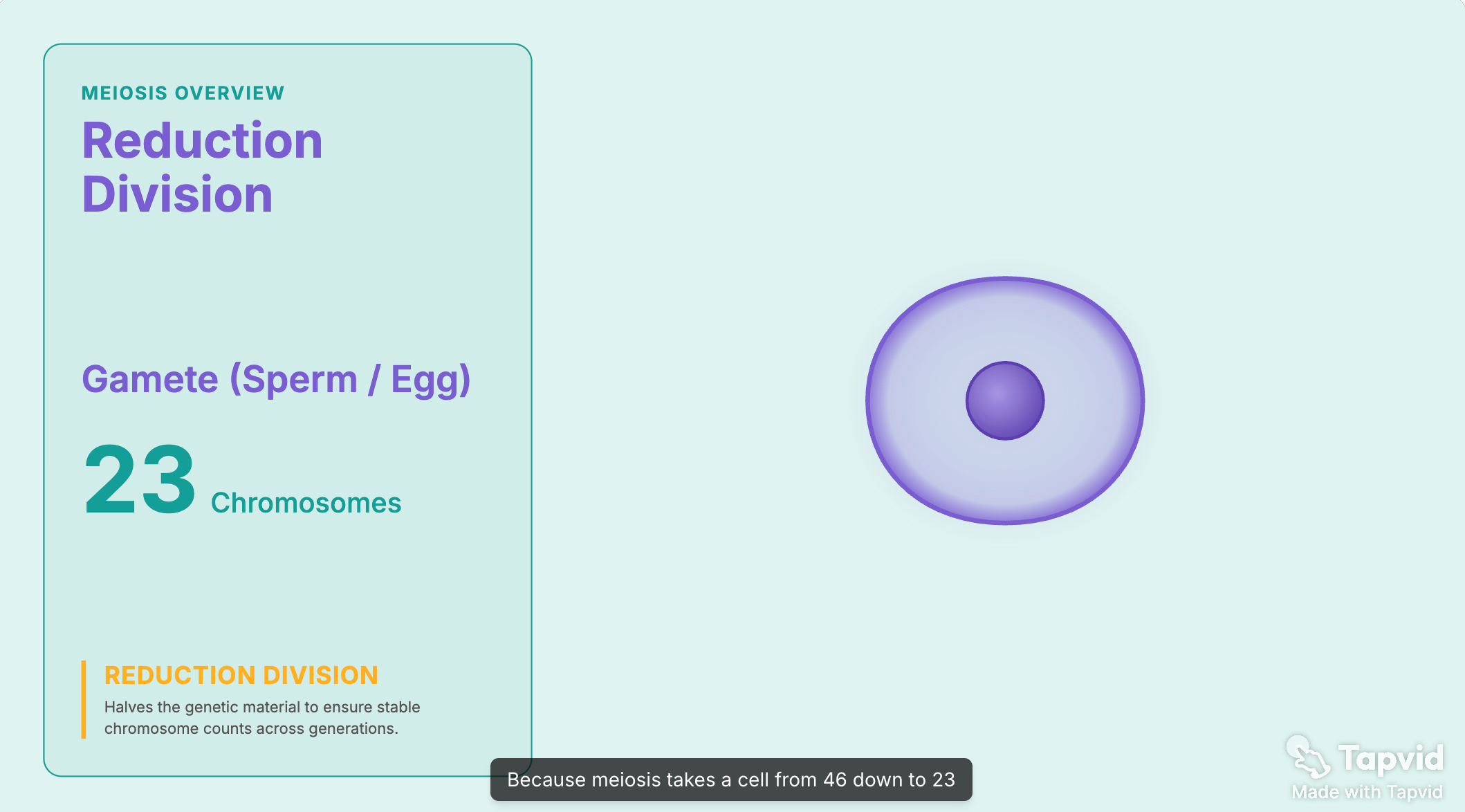
So sieht ein KI-Erklärvideo aus
Ich arbeite in Produkt und Design und erstelle solche Videos regelmäßig. Hier ist der komplette Ablauf von Anfang bis Ende — inklusive, wo du kostenlos startest und wie du die Fehler vermeidest, an denen ein Erklärvideo scheitert. Quelle
02
Zuerst: Wisse, welche Art von Erklärvideo du machst
Das Tool ergibt sich aus dem Stil — entscheide dich also zuerst für den Stil.
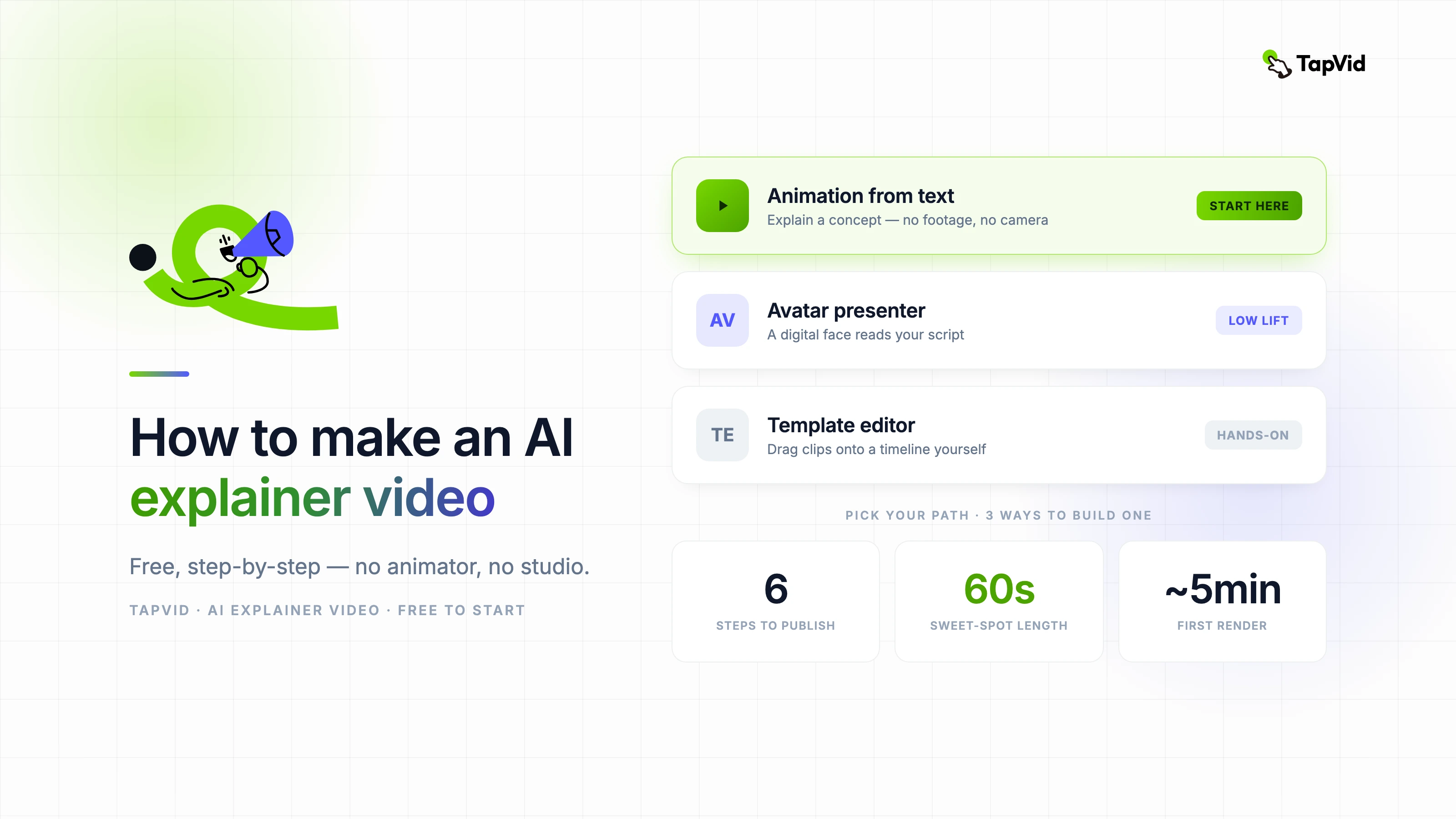
- Animiert (Motion Graphics): Die Idee wird durch bewegte Formen, Text und Illustration getragen. Ideal, um ein Konzept zu vermitteln oder etwas Abstraktes zu erklären. Keine Kamera, kein Moderator.
- Avatar-Moderator: Ein digitaler Mensch liest dein Skript auf dem Bildschirm vor. Am besten, wenn ein Gesicht Vertrauen schafft, etwa bei einer Vertriebs- oder Onboarding-Botschaft.
- Template-Editor: Du ziehst Clips und Stockmaterial selbst in eine Timeline. Maximale Kontrolle, maximaler Zeitaufwand.
Wenn dein Ziel ist, eine Idee verständlich zu machen, gewinnt meist die Animation, denn Bewegung zeigt Funktionsweisen so, wie es ein sprechender Kopf nicht kann. Der Rest dieser Anleitung folgt diesem Weg und weist darauf hin, wo die anderen passen.
03
Schritt 1: Schreibe ein prägnantes Skript
Jedes Erklärvideo steht und fällt mit dem Skript. Schreibe es, bevor du irgendein Tool öffnest.
Nutze ein einfaches Drei-Teile-Gerüst:
- Der Hook: Beginne mit dem Problem oder der Frage, die deine Zuschauer bereits im Kopf haben.
- Die Erklärung: Führe die Antwort in klarer Sprache durch, eine Idee nach der anderen.
- Der Payoff: Ende mit dem, was sie jetzt tun oder verstehen können, plus einem klaren nächsten Schritt.
Halte es kurz. Ziel sind 150 Wörter oder weniger für ein 60-Sekunden-Video, denn Menschen brechen Erklärvideos schnell ab und kürzere werden einfach häufiger zu Ende gesehen. Schreibe fürs Ohr: kurze Sätze, kein Fachjargon, den du nicht auch laut aussprechen würdest.
Ein KI-Tool kann das aus einem Prompt oder einem Dokument entwerfen, und das ist ein guter Anfang. Aber der Entwurf braucht immer eine menschliche Überarbeitung, um Füllwörter zu streichen und den Rhythmus zu korrigieren. Veröffentliche nicht die erste Generierung.
04
Schritt 2: Wähle dein Tool
Passe das Tool an den gewählten Stil an.
| Stil | Am besten, wenn | Was dabei entsteht | Aufwand |
|---|---|---|---|
| Animation aus Text | Du erklärst ein Konzept oder hast kein Filmmaterial | Ein Motion-Graphics-Video mit Sprecher und Untertiteln | Gering |
| Avatar-Moderator | Ein menschliches Gesicht schafft Vertrauen | Ein digitaler Moderator, der dein Skript vorliest | Gering |
| Template-Editor | Du willst praktische Kontrolle | Ein Video, das du aus Clips zusammensetzt | Hoch |
Für animierte Erklärvideos baut TapVid das Video aus deinem Skript oder Prompt. Für moderatorbasierte Erklärvideos eignet sich ein Avatar-Tool wie Synthesia, wobei sich auch die Synthesia-Alternativen lohnen. Fürs manuelle Bearbeiten Canva oder Powtoon.
05
Schritt 3: Erstelle das Video (kostenlos)
Die meisten KI-Erklärtools haben einen kostenlosen Tarif, sodass du ohne Bezahlung zu einem fertigen Entwurf kommst. Hier ist der Animationsweg — der, mit dem die meisten starten sollten.
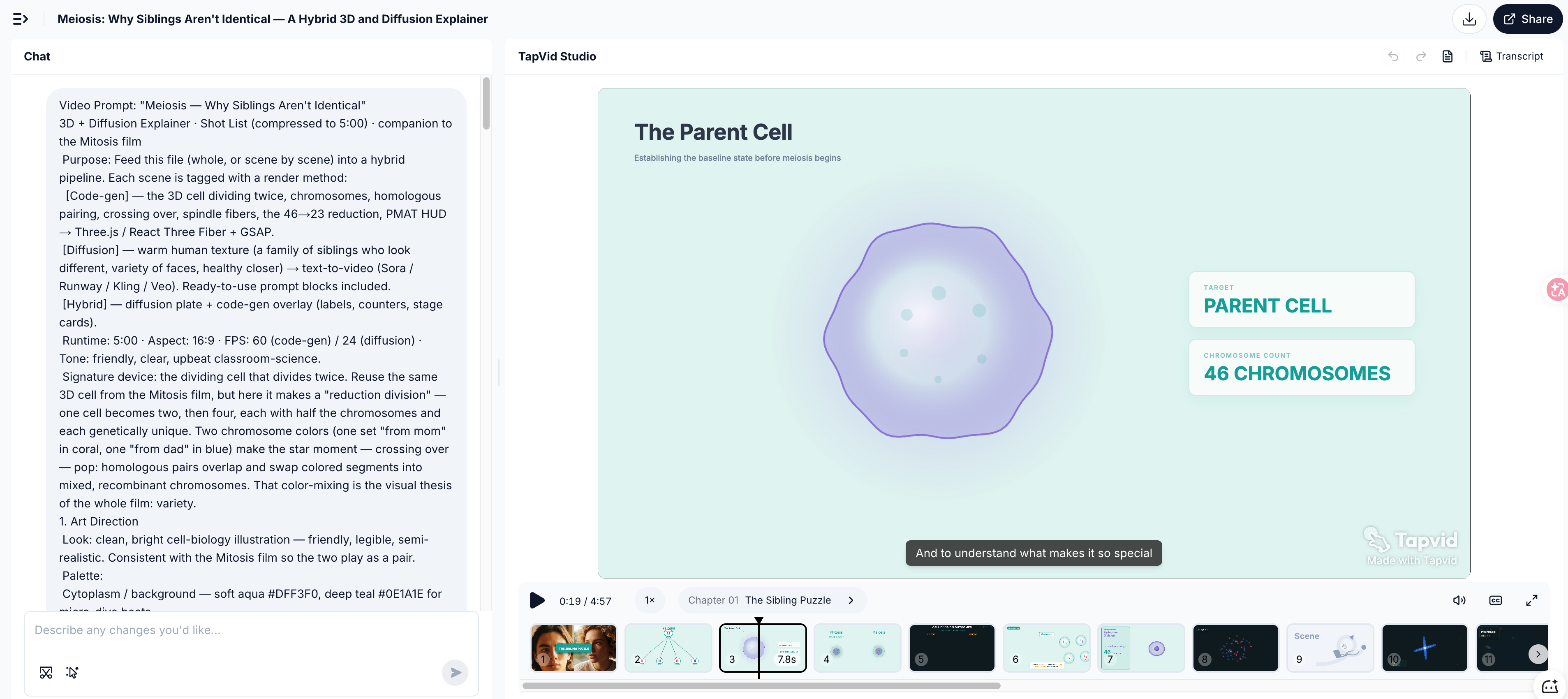
- Füge dein Skript oder einen Prompt hinzu: Füge das Skript aus Schritt 1 ein oder beschreibe das Erklärvideo in einfacher Sprache. Du kannst auch von einem bereits vorhandenen Dokument ausgehen.
- Generieren: Das Tool erstellt den Szenenablauf, fügt ein KI-Voiceover hinzu und brennt die Untertitel in einem Durchgang ein. Der erste Render dauert einige Minuten. Wenn du TapVid für deine erste Videoproduktion nutzt, dauert es typischerweise etwa 5 Minuten.
- Prüfe den kostenlosen Export: Kostenlose Tarife fügen meist ein Wasserzeichen hinzu, was zum Testen oder für die interne Nutzung in Ordnung ist. Prüfe die Exportbedingungen, bevor du es öffentlich verwendest.
Der Avatar- und der Template-Weg funktionieren anders: Ein Avatar-Tool lässt dich einen Moderator und eine Stimme wählen, und ein Template-Editor setzt dich in eine Timeline, um das Video selbst zu bauen.
06
Schritt 4: Voiceover und Untertitel hinzufügen
Zwei Dinge trennen ein echtes Erklärvideo von einem groben Entwurf.
- Eine klare Stimme: Wähle eine KI-Stimme, die ruhig und leicht zu folgen ist. Die Betonung hängt ebenso von der Zeichensetzung ab wie vom Sprachmodell — teile das Skript also in kurze Zeilen und lass die Pausen atmen.
- Untertitel, immer: Die meisten Erklärvideos werden im Feed stummgeschaltet angesehen. Eingebrannte Untertitel sind der Weg, über den die Mehrheit deiner Zuschauer sie tatsächlich liest — behandle sie als Teil des Videos, nicht als Zusatz.
07
Schritt 5: Kürzen, fokussieren und einen CTA hinzufügen
Eine rohe Generierung ist nah dran. Der letzte Durchgang bringt sie zum Ziel.
- Streiche alles, was nicht erklärt: Wenn eine Szene die Idee nicht voranbringt, entferne sie.
- Lenke den Blick: Zoome hinein oder betone genau den Moment, in dem eine Kernidee erscheint, damit niemand verloren geht.
- Ende mit einer Handlungsaufforderung: mehr erfahren, kostenlos starten oder anmelden. Ein klarer nächster Schritt, auf dem Bildschirm und im Voiceover.
08
Schritt 6: Veröffentliche es dort, wo es etwas erklärt
Ein Erklärvideo zahlt sich dort aus, wo Menschen bereits verwirrt sind oder eine Entscheidung treffen.
- Startseite und Produktseiten: Ein kurzes Erklärvideo above the fold beantwortet „Was ist das?“, bevor ein Besucher wieder geht.
- Onboarding: Baue Erklärvideos in deinen Setup-Flow ein, um die häufigsten Fragen zu reduzieren.
- Hilfe-Dokus und Kurse: Ersetze eine Textwand durch eine 60-Sekunden-Animation. Wenn du unterrichtest, treibt derselbe Ansatz einen KI-Videogenerator für Bildung an.
- Social und Ads: Schneide eine knackige Version für LinkedIn, X oder YouTube.
09
Häufige Fehler, die du vermeiden solltest
- Alles auf einmal erklären: ein Video, eine Idee. Wenn du drei Dinge abdecken musst, mach drei Videos.
- Schwache erste zehn Sekunden: Wenn der Hook nicht zündet, wird der Rest nicht angesehen.
- Features statt Bedeutung vorlesen: Erkläre, was es dem Zuschauer bringt, nicht was es technisch ist.
- Kein nächster Schritt: Ein Erklärvideo ohne CTA hat jemanden informiert und ihn dann davonziehen lassen.
10
Häufig gestellte Fragen
Wie erstelle ich kostenlos ein KI-Erklärvideo?
Die meisten Tools haben einen kostenlosen Tarif, darunter TapVid, Invideo und Synthesia. Schreibe ein kurzes Skript, generiere das Video und exportiere es. Kostenlose Exporte tragen meist ein Wasserzeichen — prüfe also die Bedingungen vor der öffentlichen Nutzung.
Kann ich ein Erklärvideo ohne Moderator oder Kamera erstellen?
Ja. Ein animationsbasiertes Tool wie TapVid baut das Erklärvideo aus deinem Skript — ohne Dreh und ohne Moderator auf dem Bildschirm.
Wie lang sollte ein Erklärvideo sein?
Unter 90 Sekunden ist ideal, und 60 Sekunden sind für Social besser. Die Abschlussrate fällt jenseits der Zwei-Minuten-Marke schnell.
Brauche ich ein Skript, um ein KI-Erklärvideo zu erstellen?
Ja, oder zumindest einen Prompt. Je prägnanter dein Skript, desto besser das Ergebnis. Die KI kann es entwerfen, aber überarbeite den Entwurf vor der Generierung.
Was ist der beste kostenlose KI-Erklärvideo-Ersteller?
Das hängt vom Stil ab. Für animierte Erklärvideos TapVid. Für moderatorbasierte Synthesia. Für praktisches Template-Editing Canva oder Powtoon.
11
Das Fazit
Ein KI-Erklärvideo zu erstellen kommt auf eine Entscheidung und eine Disziplin an. Die Entscheidung ist der Stil: animiere es, wenn das Ziel ist, eine Idee verständlich zu machen, nutze einen Avatar, wenn ein Gesicht Vertrauen schafft, und bearbeite Templates, wenn du manuelle Kontrolle willst. Die Disziplin ist das Skript: halte es kurz, beginne mit dem Hook, ende mit einer Handlungsaufforderung.
Um ein animiertes Erklärvideo aus deinem eigenen Skript zu erstellen, starte mit einem KI-Erklärvideo-Ersteller oder stöbere in einem vollständigen KI-Videogenerator für andere Formate. Wenn das, was du erklärst, dein eigenes Produkt ist, deckt ein Leitfaden für Produktdemo-Videos diesen Fall ab.