
TL;DR
Schnelle Sieger nach Einsatzzweck: Motion Graphics: TapVid. 2D-Charaktere: Vyond. Avatare: Synthesia. Generatives Video: Runway. Text zu Video: InVideo AI. Entscheidend ist, was du animieren willst, nicht eine Gesamtnote.
Wer nach dem „besten KI-Animationsgenerator" sucht, bekommt Listen, die fünfzehn Tools von eins bis zehn sortieren. Dieses Ranking verdeckt das eigentliche Problem: Diese fünfzehn Tools machen nicht denselben Job. Ein Tool, das einen sprechenden Avatar erzeugt, und ein Tool, das ein Skript in animierte Motion Graphics verwandelt, konkurrieren nicht um denselben Platz. Sie lösen unterschiedliche Probleme für unterschiedliche Leute.
Motion-Graphics-Animation mit TapVid erstellen
01
Die fünf Arten von KI-Animationsgeneratoren
Dieser Leitfaden ordnet die besten KI-Animationsgeneratoren 2026 deshalb nach Kategorie und kürt dann in jeder einen Sieger. Such dir die Zeile, die zum Video in deinem Kopf passt, und überspring den Rest. Preise ändern sich oft, also betrachte jede Zahl hier als Ausgangspunkt, den du vor dem Kauf auf der Anbieterseite bestätigst.
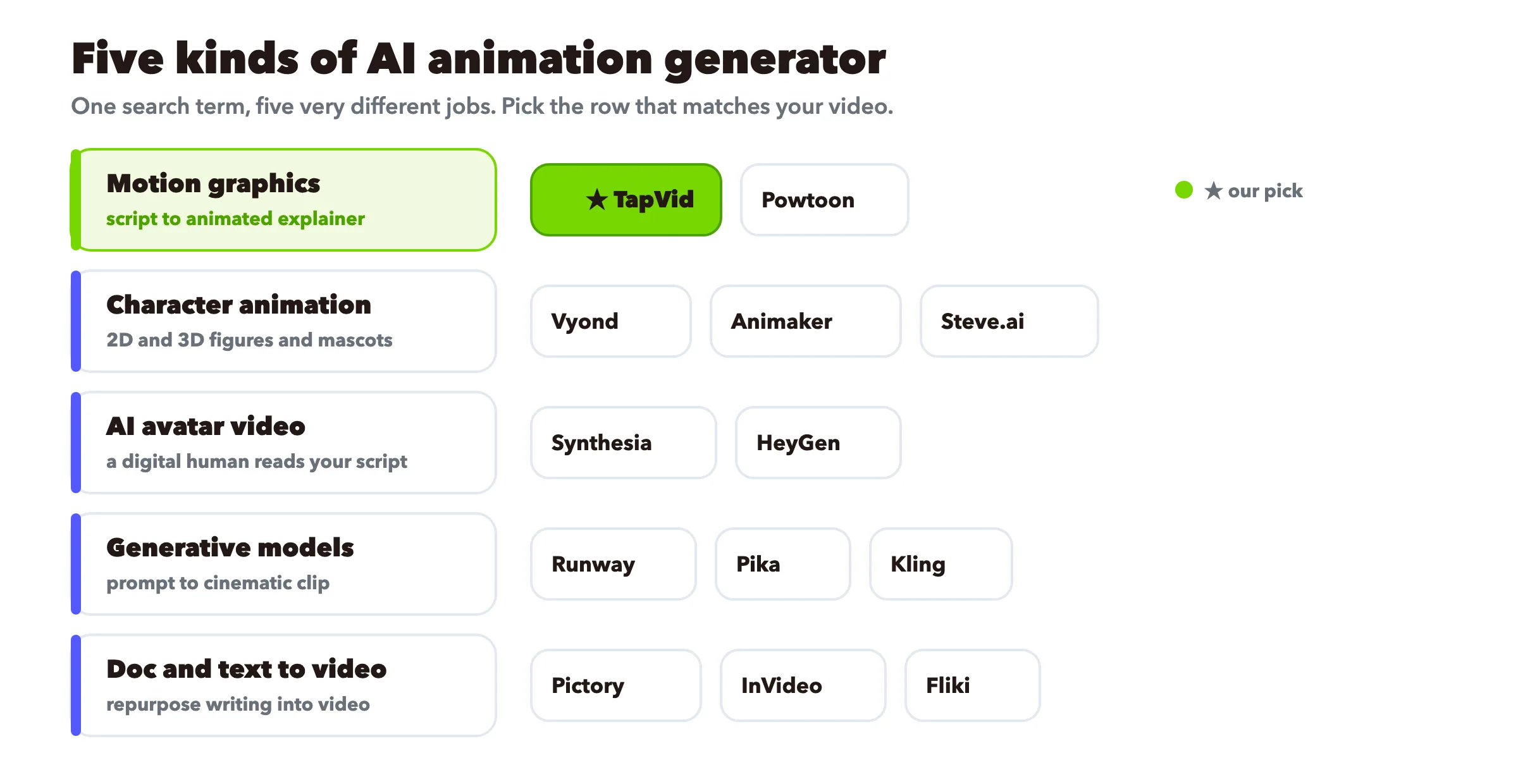
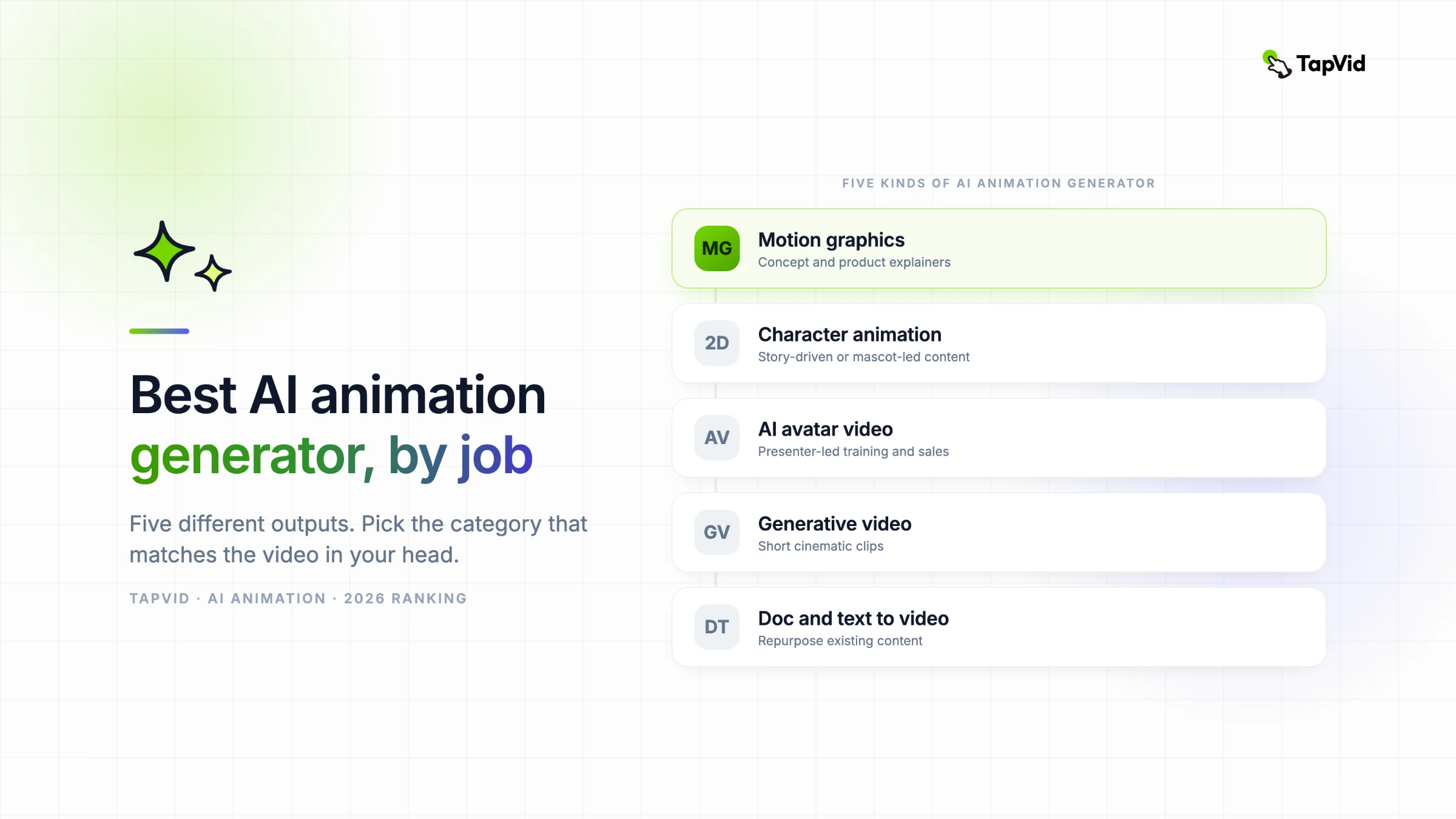
Bevor irgendein Ranking Sinn ergibt, sortiere die Tools nach Output. Fast jede „Beste KI-Animationsgeneratoren"-Liste im Netz wirft diese fünf in einen Topf – genau deshalb wirken sie unmöglich vergleichbar.
- Motion Graphics und Erklärvideo-Animation. Du schreibst ein Skript oder einen Prompt, das Tool baut bewegten Text, Formen, Icons und Illustrationen mit Sprecherstimme. Keine Kamera, kein Presenter, kein Charakter-Rig. Ideal, um eine Idee verständlich zu machen.
- Charakteranimation (2D und 3D). Du animierst eine Figur durch Posen und Bewegungen, mal per Drag-and-drop, mal mit KI-Physik. Ideal für story- oder maskottchengetriebene Inhalte.
- KI-Avatar-Video. Ein digitaler Mensch liest dein Skript auf dem Bildschirm vor, oft in vielen Sprachen. Ideal, wenn ein Gesicht Vertrauen schafft, etwa bei Schulungen oder einem Sales-Pitch.
- Generative Videomodelle. Du gibst einen Text-Prompt oder ein Bild, und das Modell erträumt einen kurzen filmischen Clip. Ideal für eindrucksvolle, filmreife Aufnahmen, am schwächsten bei präziser Kontrolle.
- Dokument und Text zu Video. Du fügst einen Artikel, ein Skript oder Folien ein, und das Tool montiert Stock-Material plus Voiceover. Ideal, um Inhalte wiederzuverwerten, die du schon hast.
TapVid, an dem ich arbeite, gehört zur ersten Gruppe. Ich sage offen, wo es passt und wo ich dich woandershin schicken würde – denn eine Liste, die so tut, als gewänne ein Tool jede Kategorie, ist der schnellste Weg, dein Geld zu verschwenden.
02
Schneller Vergleich
| Tool | Kategorie | Stil auf dem Bildschirm | Ideal für | Gratis-Stufe |
|---|---|---|---|---|
| TapVid ★ | Motion Graphics | Animierte Grafiken, Text, Icons | Konzept- und Produkt-Erklärvideos | Aktuellen Tarif prüfen |
| Vyond | Charakter (2D) | Business-Charaktere | Corporate Storytelling | Aktuellen Tarif prüfen |
| Powtoon | Charakter (2D) | Cartoon und Präsentation | Erklärvideos im Präsentationsstil | Aktuellen Tarif prüfen |
| Steve.ai | Charakter (2D) | Cartoon und Live-Video | Schnell vom Skript zum Cartoon | Aktuellen Tarif prüfen |
| Animaker | Charakter (2D) | Templates in vielen Stilen | Budget-Teams mit Bedarf an Vielfalt | Aktuellen Tarif prüfen |
| Synthesia | KI-Avatar | Talking Head | Mehrsprachige Schulungen | Aktuellen Tarif prüfen |
| HeyGen | KI-Avatar | Talking Head | Realistischer Presenter im großen Stil | Aktuellen Tarif prüfen |
| Runway | Generatives Modell | Filmischer Clip | Kreative, filmreife Aufnahmen | Aktuellen Tarif prüfen |
| Pika | Generatives Modell | Filmischer Clip | Schnelle kreative Experimente | Aktuellen Tarif prüfen |
| Kling | Generatives Modell | Fotoreale Bewegung | Realistische menschliche Bewegung | Aktuellen Tarif prüfen |
| Pictory | Dokument zu Video | Stock-Material | Lange Artikel wiederverwerten | Aktuellen Tarif prüfen |
| InVideo AI | Text zu Video | Stock plus Templates | Schnelle Social-Videos | Aktuellen Tarif prüfen |
| Fliki | Text zu Video | Stock plus Stimme | Schnelle Voiceover-Erklärvideos | Aktuellen Tarif prüfen |
★ markiert das Tool, an dem ich arbeite. In den Abschnitten unten steht die ehrliche Version – inklusive der Stellen, an denen jedes Tool schwächelt.
03
Motion Graphics und Erklärvideo-Animation
Das ist Animation, die eine Idee trägt, keinen Charakter. Bewegter Text, Icons, Diagramme und Illustrationen zu einem Voiceover. Der Standard für Produkt-Erklärvideos, Konzeptvideos und alles, bei dem der Zuschauer etwas verstehen soll, statt einer Geschichte zuzusehen.
TapVid: am besten, um ein Skript in ein Motion-Graphics-Erklärvideo zu verwandeln
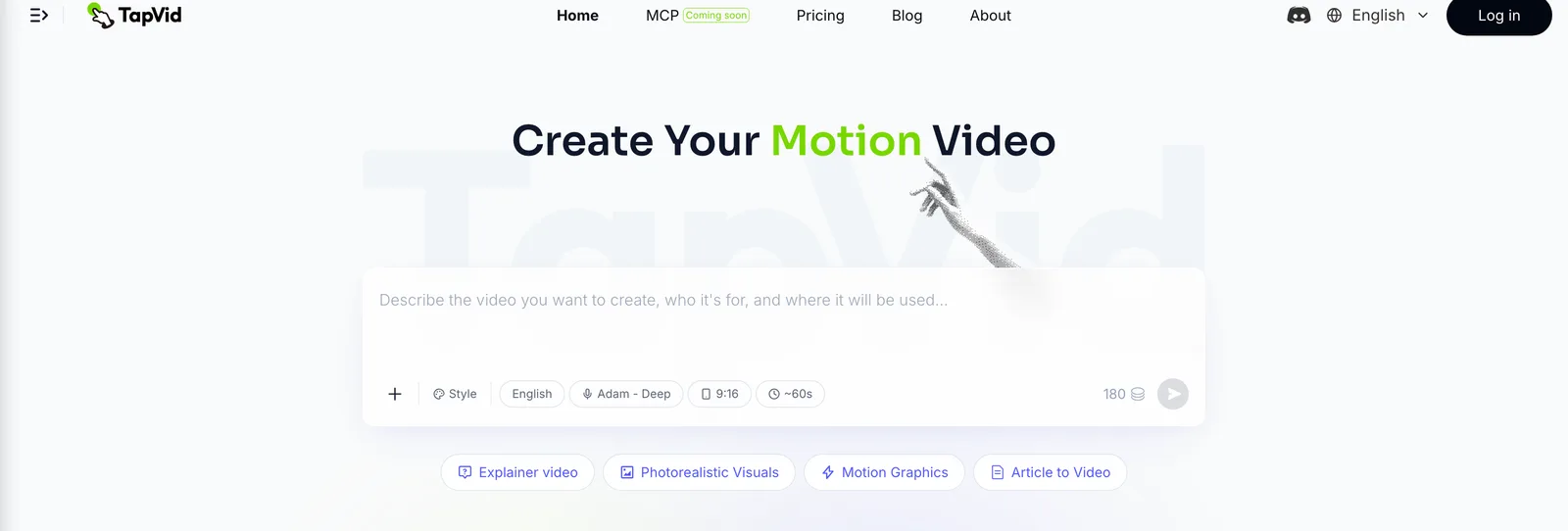
Ideal für: Konzept- und Produkt-Erklärvideos, die Energie, Bewegung und einen sauberen Marken-Look haben sollen, ohne dass du After Effects öffnest.
Du schreibst einen Prompt oder ein Skript, und TapVid erstellt daraus ein Erklärvideo mit animierten Grafiken, Untertiteln und Sprechertext. Du musst weder eine Timeline erlernen noch einen Moderator anleiten. Bei einer SaaS-Produktdemo, einem noch nicht veröffentlichten Konzept oder einem Social-Media-Clip, der innerhalb von drei Sekunden Aufmerksamkeit wecken muss, vermitteln Motion Graphics die Botschaft besser als ein Talking Head. Bewegung kann schließlich tatsächlich zeigen, wie etwas funktioniert. Wenn du ein weiteres skriptbasiertes Produkt abwägst, zeigt unser Vergleich von Motion.so-Alternativen, wofür sich die einzelnen Workflows eignen. Beruht deine Idee auf Text und Rhythmus, unterstützt TapVid außerdem kinetische Typografie sowie klare Animationen im Whiteboard-Stil, wenn diese zum Thema passen.
Wo es nicht passt und ich dich woandershin schicken würde:
- Du brauchst einen menschlichen Presenter vor der Kamera. Nimm ein Avatar-Tool wie Synthesia oder HeyGen.
- Du willst Frame-für-Frame-Charakteranimation oder Anime. TapVid riggt und animiert keine Charaktere Pose für Pose. Lies unseren Guide zu KI-Anime-Generatoren für Tools, die dafür gebaut sind.
- Du willst einen fotorealen filmischen Clip aus einem Prompt. Das ist ein Job für generative Modelle, dazu unten mehr.
TapVid-Preise, Credits, Exportauflösung, Wasserzeichenbedingungen und Clip-Limits können sich ändern. Prüfe vor dem Zitieren die aktuelle Preisseite. Starte mit dem KI-Motion-Graphics-Generator oder sieh dir den kompletten Animationsvideo-Maker an, wenn du das breitere Toolset willst.
Vyond: am besten für Corporate Storytelling mit Charakteren
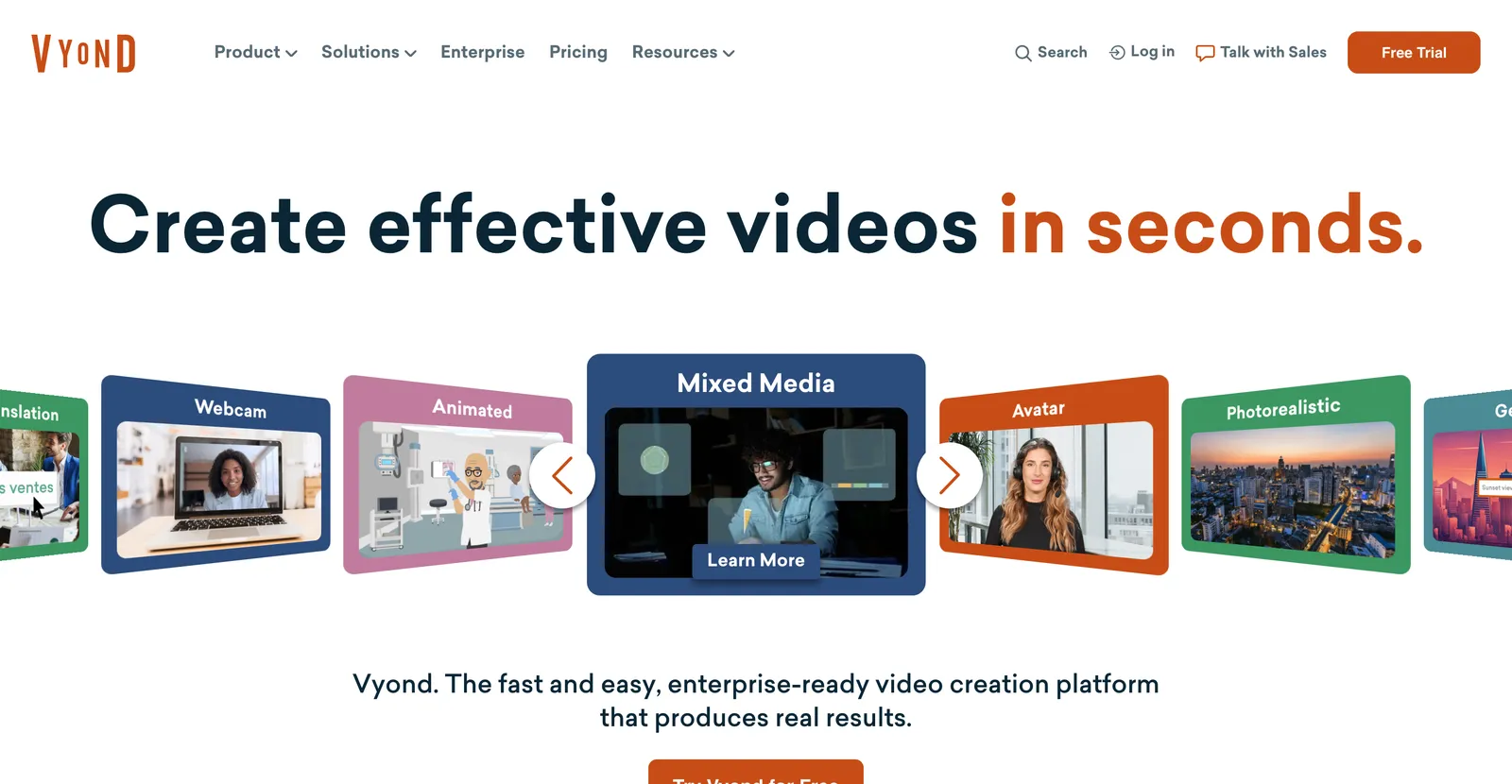
Ideal für: Business-Teams, die animierte Charaktere ein Szenario durchspielen lassen wollen, etwa HR-Schulungen oder eine Sales-Story.
Vyond ist ein ausgereiftes Drag-and-drop-Studio mit einer großen Bibliothek an Business-Charakteren, Requisiten und Szenen plus einem KI-Modus von Skript zu Video. Es ist Charakteranimation, keine Motion Graphics: Wenn dein Video wirklich ein geskriptetes Gespräch zwischen Charakteren ist, passt es. Ist dein Video ein abstraktes Konzept, ist es mehr Aufwand als nötig. Nachweis-Update (2026-08-31): Prüfe die offizielle Preisseite und die Originalbewertungen von Vyond. Für diese Aktualisierung wurde kein bezahlter Tarif neu getestet; teste vor dem Kauf ein repräsentatives Projekt.
Powtoon: am besten für Erklärvideos im Präsentationsstil
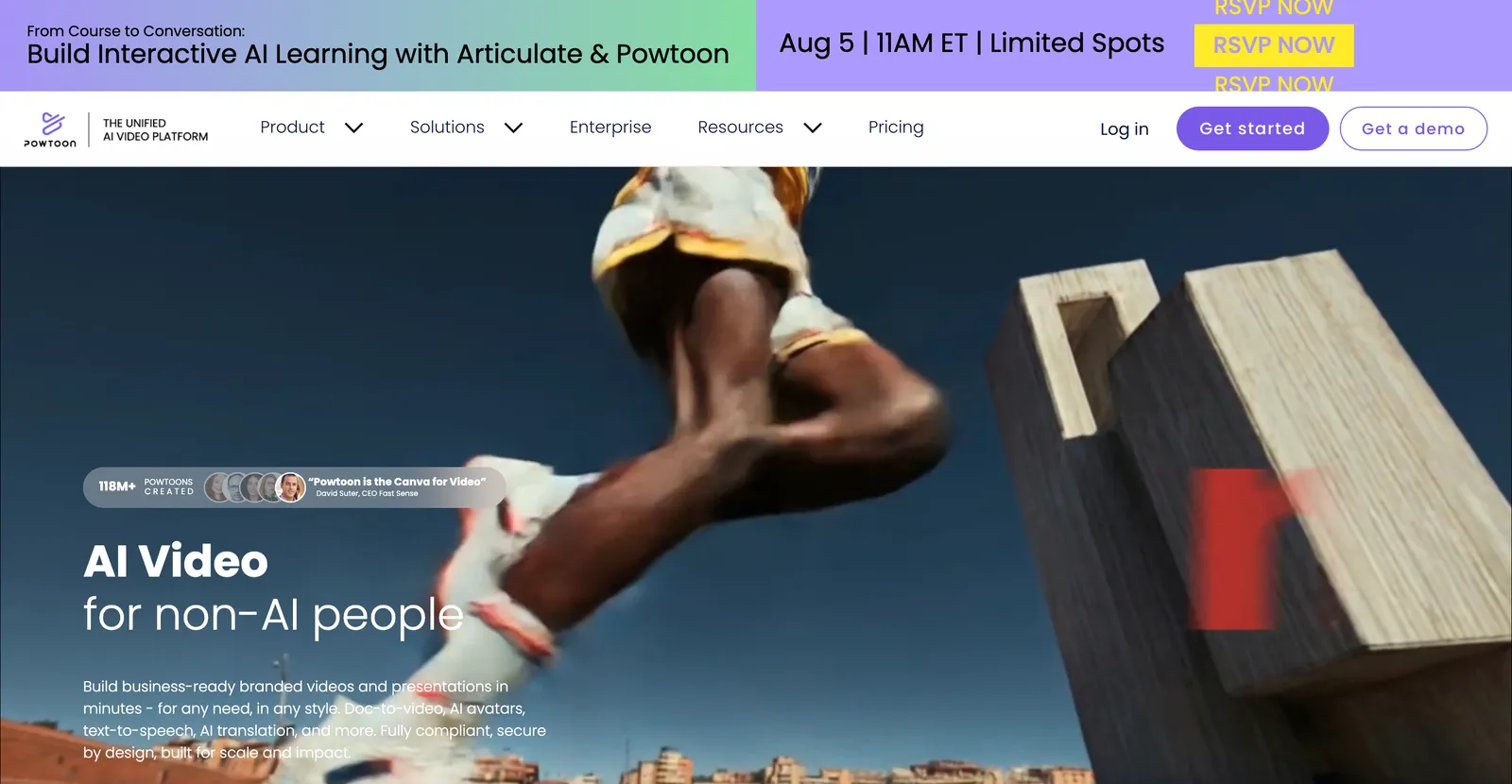
Ideal für: folienbasierte Erklärvideos mit Cartoon- oder Infografik-Look, oft für interne Kommunikation.
Powtoon sitzt zwischen Folien-Tool und Animations-Tool. Gut, wenn du etwas klar Animiertes ohne großes Zeitbudget willst. Nachweis-Update (2026-08-31): Prüfe die offizielle Preisseite und die Originalbewertungen von Powtoon. Für diese Aktualisierung wurde kein bezahlter Tarif neu getestet; teste vor dem Kauf ein repräsentatives Projekt.
Steve.ai: am besten für den schnellen Weg vom Skript zum Cartoon
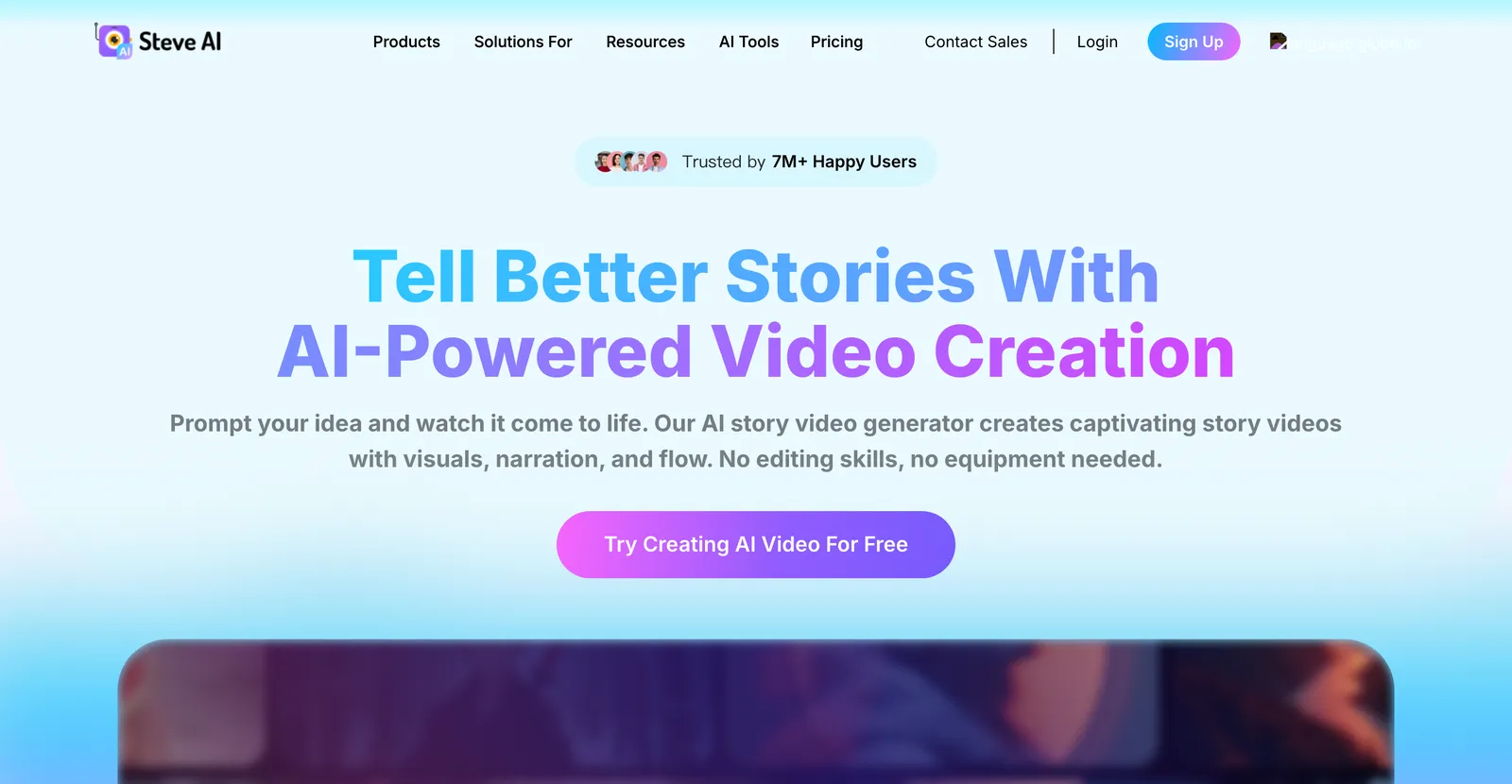
Ideal für: einen Blogpost oder ein Skript schnell in ein Cartoon- oder Live-Style-Video verwandeln.
Steve.ai setzt auf Tempo. Text einfügen, Stil wählen, in Minuten ein grobes animiertes Video bekommen. Nachweis-Update (2026-08-31): Prüfe die offizielle Preisseite und die Originalbewertungen von Steve.ai. Für diese Aktualisierung wurde kein bezahlter Tarif neu getestet; teste vor dem Kauf ein repräsentatives Projekt.
Animaker: am besten für Budget-Teams, die Vielfalt brauchen
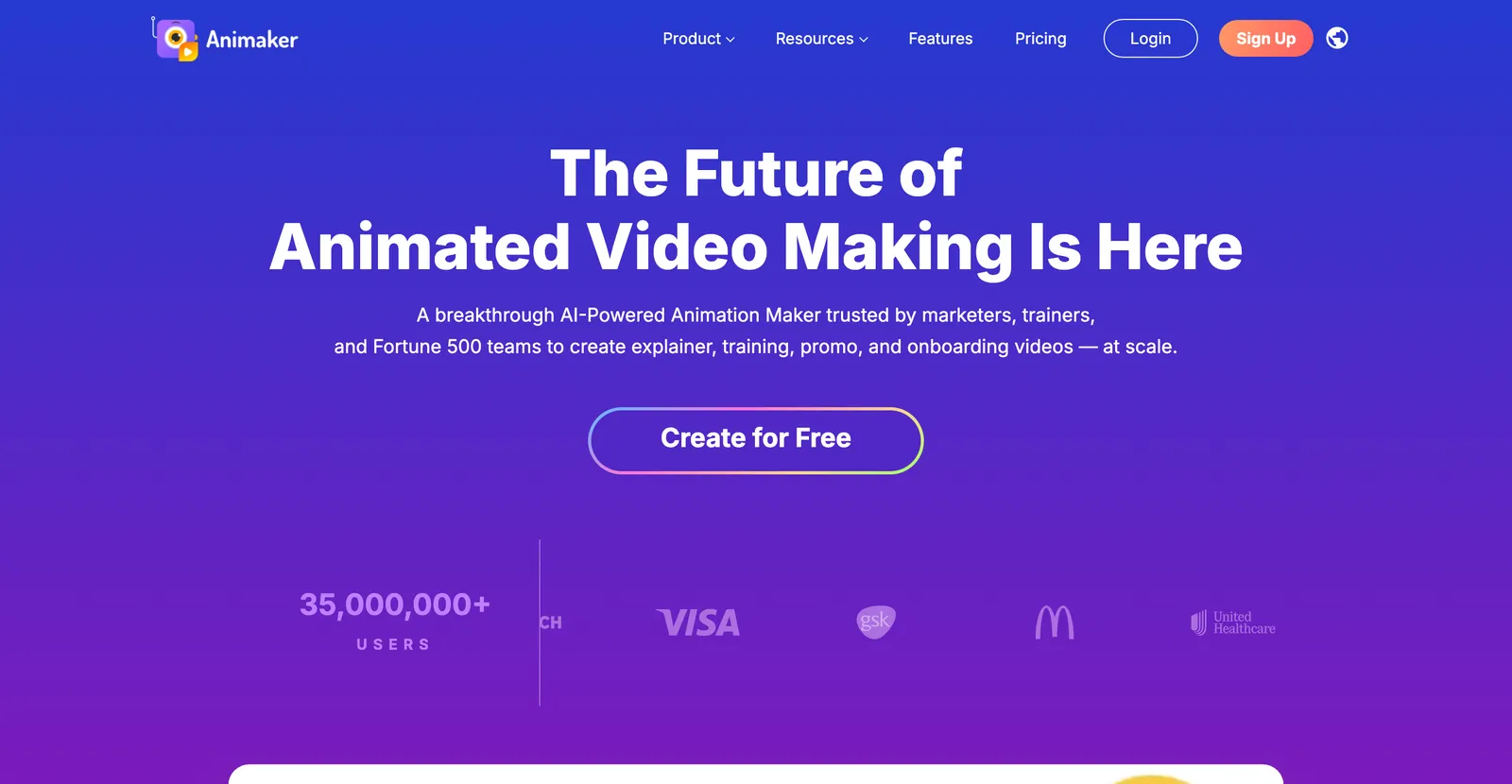
Ideal für: kleine Teams, die 2D, Whiteboard und Template-Stile in einem bezahlbaren Tool wollen.
Animaker ist der Generalist. Es deckt mehrere Animationsstile ab, hat einen brauchbaren Gratis-Plan und ist einsteigerfreundlich. Ein solider Startpunkt, wenn du noch nicht weißt, welchen Stil du brauchst. Wenn „gratis" dein Hauptfilter ist, vergleichen wir die kostenlosen Optionen in unserem Review kostenloser KI-Animationsgeneratoren. Nachweis-Update (2026-08-31): Prüfe die offizielle Preisseite und die Originalbewertungen von Animaker. Für diese Aktualisierung wurde kein bezahlter Tarif neu getestet; teste vor dem Kauf ein repräsentatives Projekt.
04
KI-Avatar-Animation
Streng genommen ist ein Avatar, der ein Skript vorliest, näher an synthetischem Video als an Animation. Aber diese Tools stehen auf jeder „KI-Animationsgenerator"-Liste, und die Leute vergleichen sie direkt – also stehen sie auch hier. Greif zu dieser Kategorie, wenn ein menschliches Gesicht Vertrauen schafft.
Synthesia: am besten für mehrsprachige Schulungsvideos
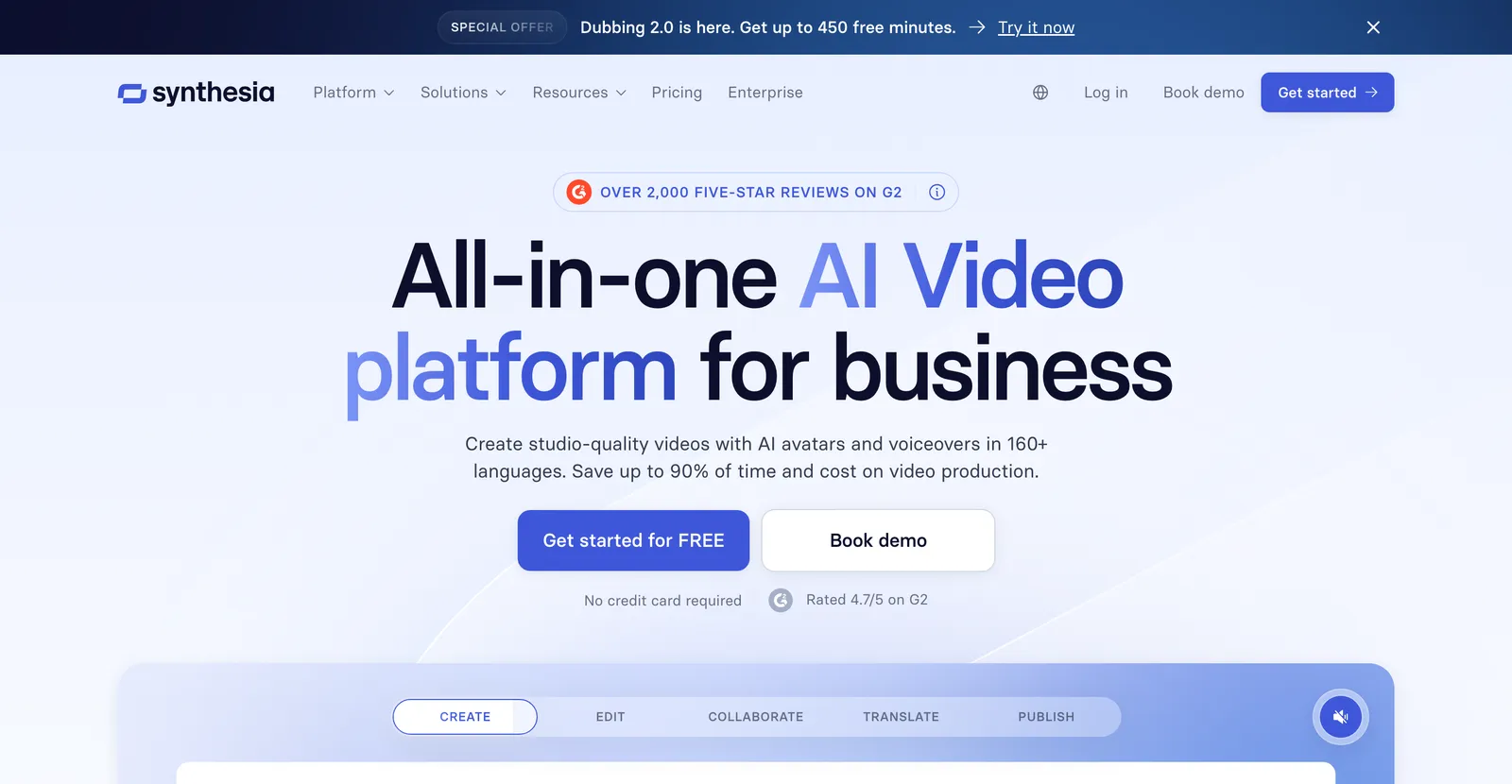
Ideal für: Corporate Training, Onboarding und interne Videos, die einen konsistenten Presenter in vielen Sprachen brauchen.
Synthesia ist die Referenz der Kategorie für Avatar-Video, mit Unterstützung für über 140 Sprachen und einer großen Bibliothek an Stock-Avataren. Ein Konzept animieren wie ein Motion-Tool kann es nicht, denn der Output ist ein sprechender Mensch. Wenn dir das Format gefällt, aber nicht das Tool, wäge Alternativen ab, bevor du dich festlegst. Nachweis-Update (2026-08-31): Prüfe die offizielle Preisseite und die Originalbewertungen von Synthesia. Für diese Aktualisierung wurde kein bezahlter Tarif neu getestet; teste vor dem Kauf ein repräsentatives Projekt.
HeyGen: am besten für realistische Avatare im großen Stil
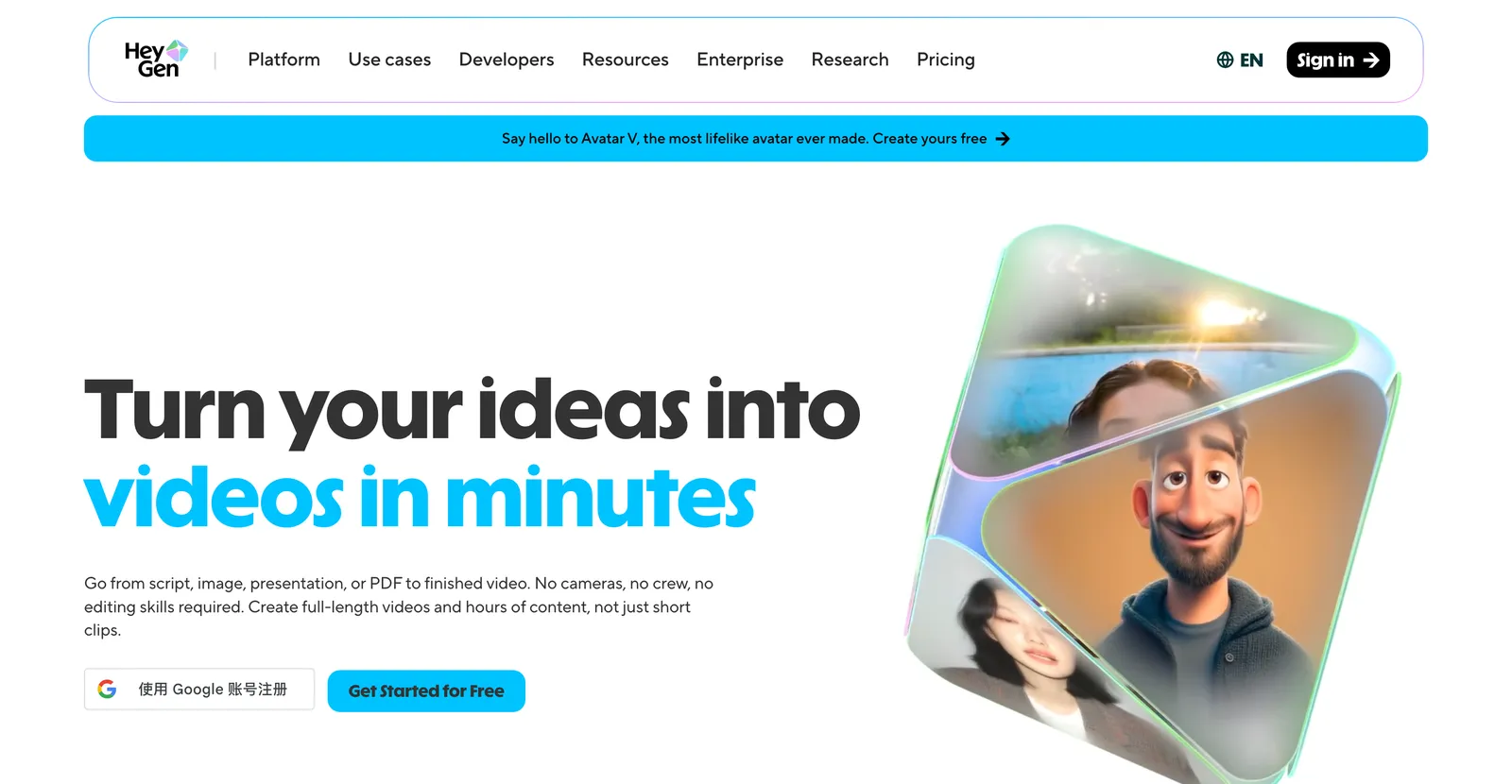
Ideal für: Sales, Marketing und lokalisierte Videos, bei denen Avatar-Realismus zählt.
HeyGen konkurriert mit Synthesia und drückt stärker auf Avatar-Realismus und Voice Cloning. Derselbe Kern-Vorbehalt wie bei Synthesia: Es ist ein Presenter, kein Animator von Ideen. Nachweis-Update (2026-08-31): Prüfe die offizielle Preisseite und die Originalbewertungen von HeyGen. Für diese Aktualisierung wurde kein bezahlter Tarif neu getestet; teste vor dem Kauf ein repräsentatives Projekt.
05
Generative Videomodelle
Das sind die Tools, an die Leute 2026 denken, wenn sie „KI-Video" hören. Du gibst einen Prompt oder ein Bild, das Modell generiert einen kurzen filmischen Clip. Sie liefern die verblüffendsten Einzelaufnahmen und die geringste präzise Kontrolle – genau dieser Tausch ist der Deal.
Runway: am besten für kreative, filmreife Aufnahmen
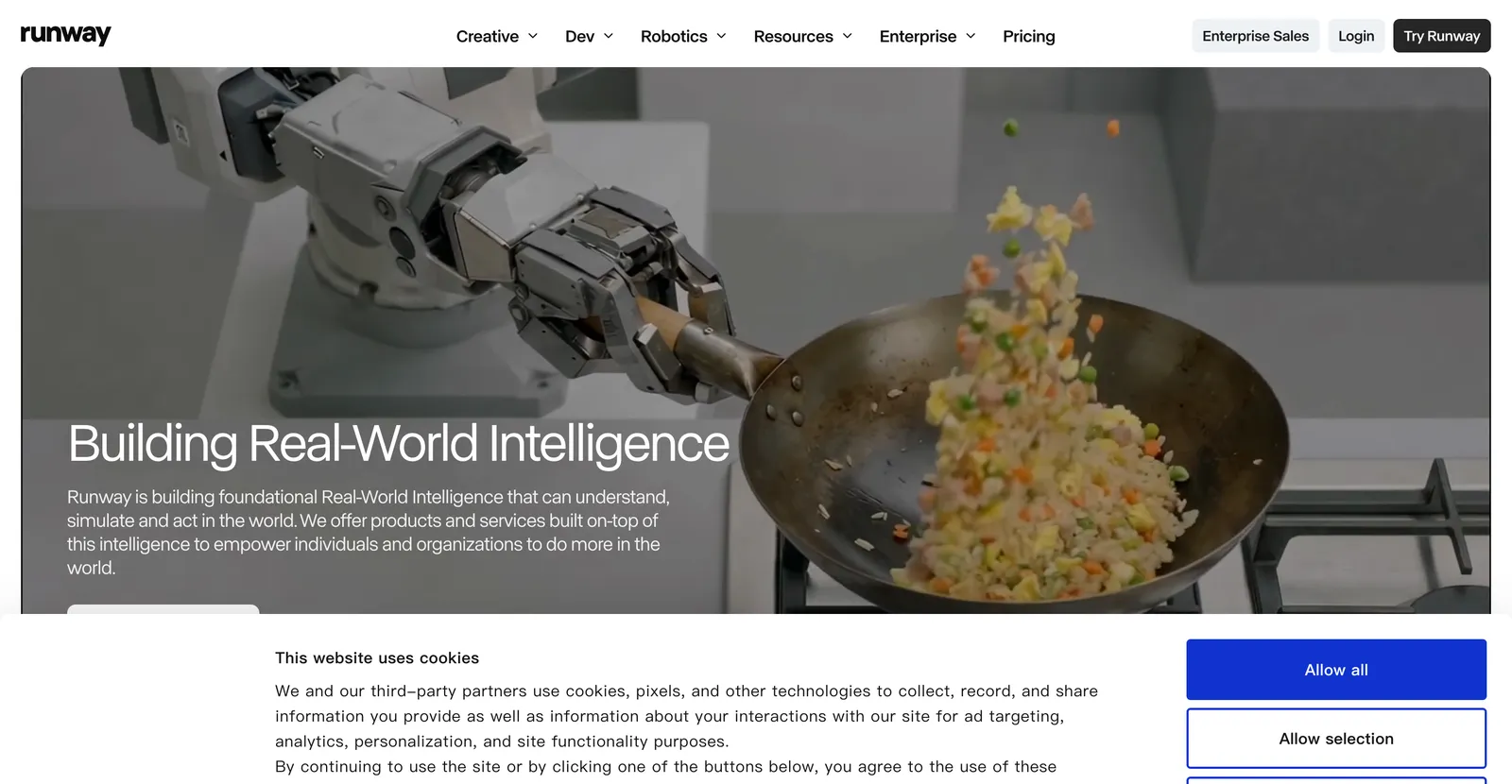
Ideal für: Filmemacher und Kreativteams, die filmische, generative Clips wollen und mit Iterieren kein Problem haben.
Runway ist hier der kreative Marktführer, mit starken Bild-zu-Video- und Editing-Features. Die ehrlichen Grenzen, von Nutzern breit berichtet: kurze Cliplängen, Credit-Kosten, die sich summieren, und die Tatsache, dass du exakten Bildschirmtext oder ein präzises Layout nicht vorgeben kannst wie bei einem Motion-Graphics-Tool. Wunderschön für einen Hero-Shot, frustrierend für ein strukturiertes Erklärvideo. Wenn du dieselbe Aufgabe mit kurzen Clips in X testen möchtest, erklärt unser Leitfaden zur Videogenerierung mit Grok AI den Ablauf und die Grenzen. Nachweis-Update (2026-08-31): Prüfe die offizielle Preisseite und die Originalbewertungen von Runway. Für diese Aktualisierung wurde kein bezahlter Tarif neu getestet; teste vor dem Kauf ein repräsentatives Projekt.
Pika: am besten für schnelle kreative Experimente
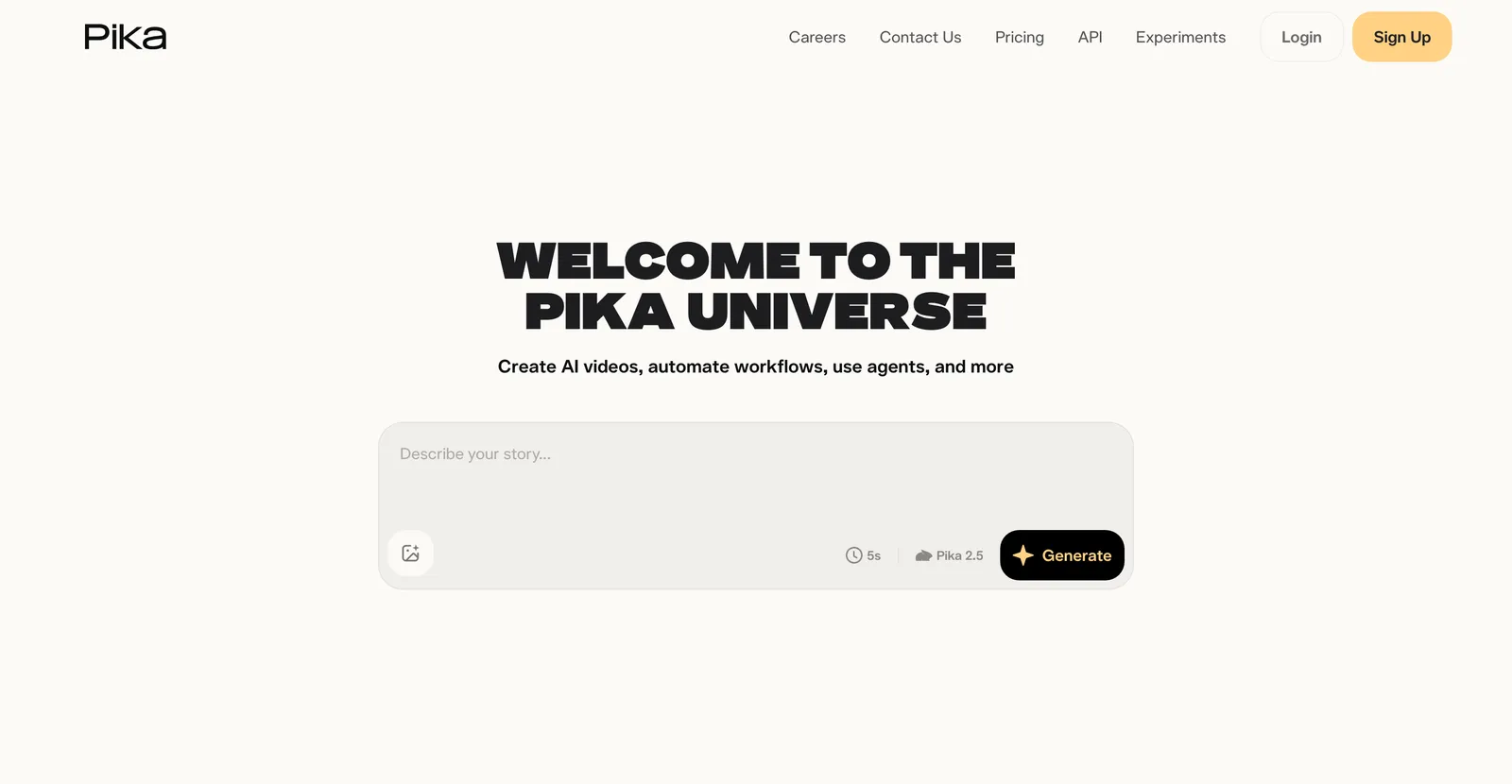
Ideal für: Creator, die schnelle, verspielte generative Clips für Social wollen.
Pika ist schnell und macht Spaß bei kurzen, stilisierten Clips. Großartig für Experimente, schwach, wenn eine exakte Botschaft auf den Bildschirm muss. Nachweis-Update (2026-08-31): Prüfe die offizielle Preisseite und die Originalbewertungen von Pika. Für diese Aktualisierung wurde kein bezahlter Tarif neu getestet; teste vor dem Kauf ein repräsentatives Projekt.
Kling: am besten für realistische menschliche Bewegung
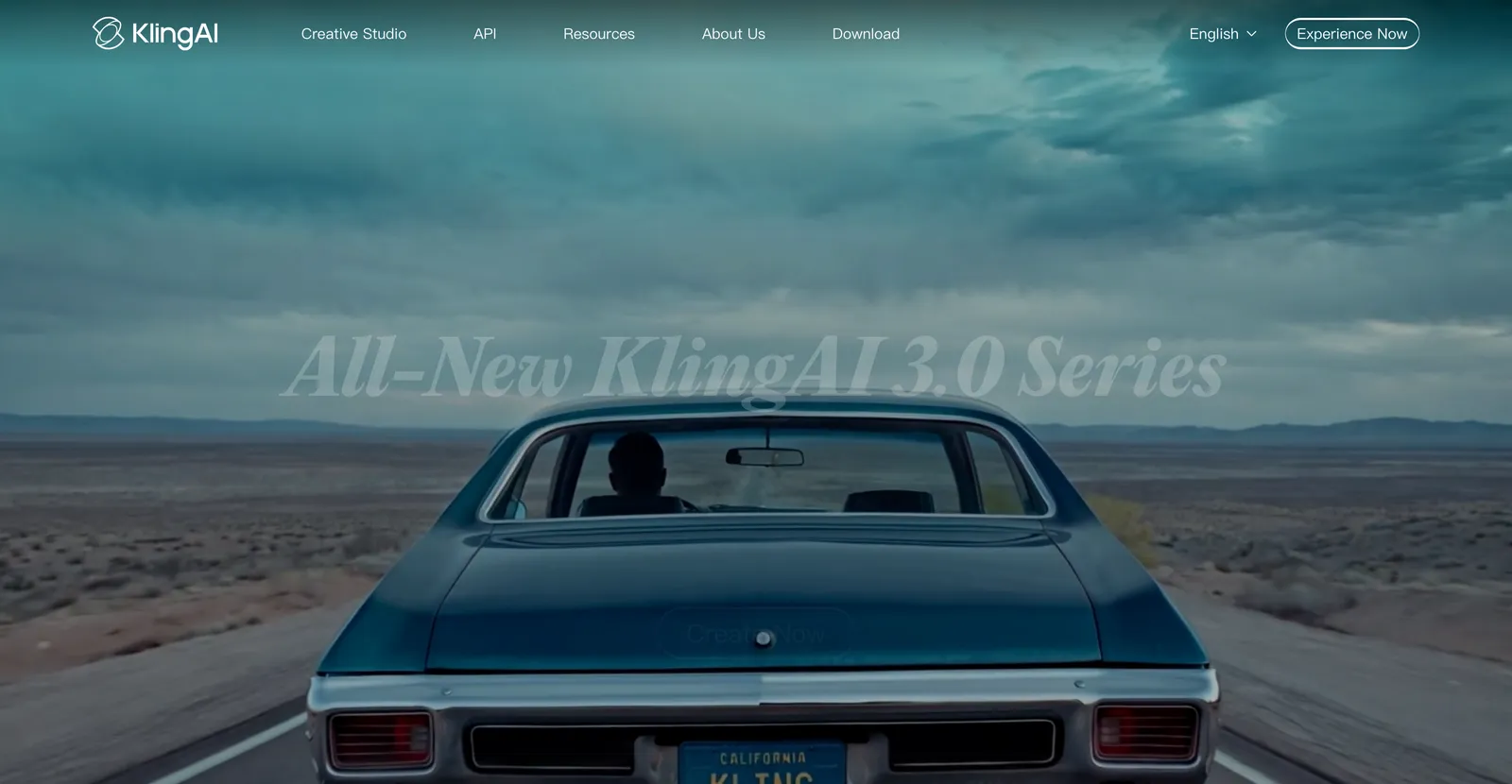
Ideal für: Aufnahmen, die glaubwürdige menschliche Bewegung und Physik brauchen.
Wie jedes generative Modell tauscht es diesen Realismus gegen präzise Kontrolle, und Charakter-Konsistenz über mehrere Clips bleibt eine echte Einschränkung. Kling ist weltweit über kling.ai verfügbar. Nachweis-Update (2026-08-31): Prüfe die offizielle Preisseite und die Originalbewertungen von Kling. Für diese Aktualisierung wurde kein bezahlter Tarif neu getestet; teste vor dem Kauf ein repräsentatives Projekt.
06
Dokument und Text zu Video
Diese Tools verwerten Inhalte wieder, die du schon hast. Füge einen Artikel oder ein Skript ein, und sie montieren Stock-Material, Untertitel und ein Voiceover. Keine Animation im strengen Sinn, aber sie landen auf diesen Listen und lösen oft die eigentliche Aufgabe dahinter: Text schnell in ein anschaubares Video verwandeln.
Pictory: am besten, um lange Artikel wiederzuverwerten
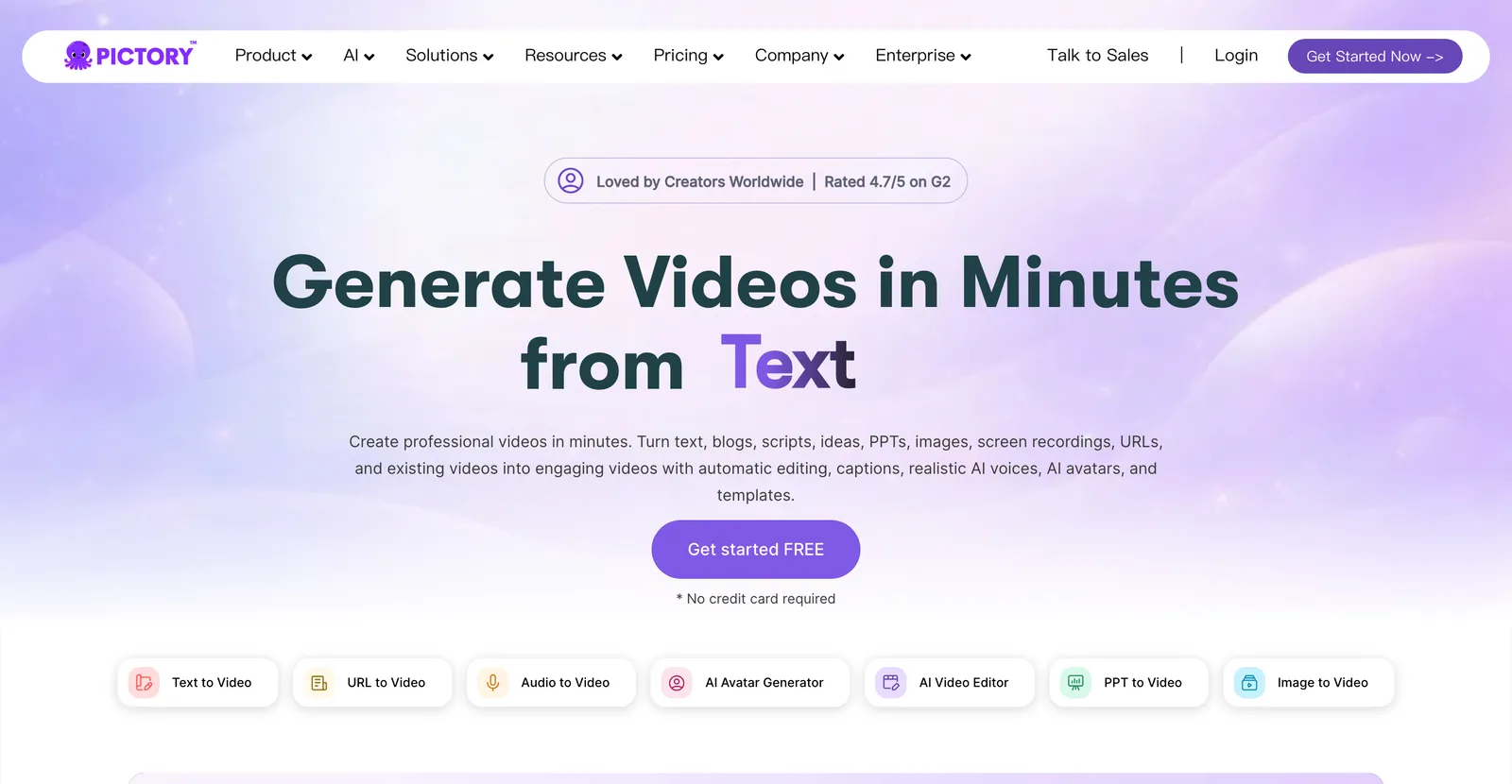
Ideal für: Marketer, die Blogposts und Skripte in großem Volumen in Stock-Footage-Videos verwandeln.
Pictory ordnet Text passenden Stock-Clips zu und ergänzt KI-Voiceover. Nachweis-Update (2026-08-31): Prüfe die offizielle Preisseite und die Originalbewertungen von Pictory. Für diese Aktualisierung wurde kein bezahlter Tarif neu getestet; teste vor dem Kauf ein repräsentatives Projekt.
InVideo AI: am besten für schnelle Social-Videos
Ideal für: schnelles Text-zu-Video aus einem Prompt, mit Stock-Material, Musik und Templates.
InVideo AI nimmt einen Prompt und liefert einen editierbaren Entwurf mit Material und Musik. Es kommt schnell zu einem ersten Schnitt und bleibt bei einer eigenständigen visuellen Identität dünner. Gut für Social-Volumen, weniger für einen unverwechselbaren Marken-Look. Nachweis-Update (2026-08-31): Prüfe die offizielle Preisseite und die Originalbewertungen von InVideo AI. Für diese Aktualisierung wurde kein bezahlter Tarif neu getestet; teste vor dem Kauf ein repräsentatives Projekt.
Fliki: am besten für schnelle Voiceover-Erklärvideos
Ideal für: Creator, die schnell einen Text-zu-Video-Entwurf mit starken KI-Stimmen wollen.
Die Animation ist minimal, es passt also eher zu stimmgetriebenen Erklärvideos als zu visuell reichen. Wenn dein Video vor allem Erzählung über einfachen Visuals ist, ist es effizient. Nachweis-Update (2026-08-31): Prüfe die offizielle Preisseite und die Originalbewertungen von Fliki. Für diese Aktualisierung wurde kein bezahlter Tarif neu getestet; teste vor dem Kauf ein repräsentatives Projekt.
07
Was KI-Animation 2026 immer noch nicht kann
Die meisten „Beste KI-Animationsgeneratoren"-Listen verkaufen den Traum und verschweigen die Decke. Hier kommt der Realitätscheck – wer die Grenzen kennt, spart sich einen verschwendeten Nachmittag.
- Echte Frame-für-Frame-Charakteranimation. Kein KI-Tool ersetzt einen versierten 2D- oder 3D-Animator für ausdrucksstarkes, handgemachtes Charakter-Acting. Die KI-first-Tools lösen es mit Templates; die Profi-Tools brauchen weiterhin einen menschlichen Animator.
- Konsistente Charaktere über Szenen hinweg. Generative Modelle tun sich weiter schwer, dasselbe Gesicht, Outfit und denselben Stil über mehrere Clips zu halten. Braucht deine Geschichte eine wiederkehrende Figur, rechne mit manuellen Korrekturen.
- Anime und handgezeichnete Stile auf Abruf. Spezialisierte Anime-Tools existieren, aber ein allgemeiner Animationsgenerator liefert nicht zuverlässig sauberes, stiltreues Anime. Siehe unseren Guide zu KI-Anime-Generatoren für die Spezialisten-Optionen.
- Präzise Kontrolle aus einem reinen Text-Prompt. Generative Modelle geben dir einen Look, kein Layout. Wenn exakte Wörter, Timing und Markenelemente auf den Bildschirm müssen, schlägt ein Motion-Graphics-Tool ein Nur-Prompt-Modell jedes Mal.
- Ein fertiges Video ganz ohne Editing. Jedes Tool hier produziert einen Entwurf. Das Skript braucht weiterhin einen menschlichen Feinschliff, sonst wirkt das Video generisch – egal, welches Tool du gewählt hast.
Wenn dich die Mechanik interessiert, mit der diese Tools Bewegung erzeugen, schlüsseln wir sie in Wie KI-Animationssoftware funktioniert auf, und eine Einführung in einfacher Sprache gibt es in unserem Beitrag KI-Animationsgenerator erklärt.
08
So wählst du den besten KI-Animationsgenerator für dich
Checkliste
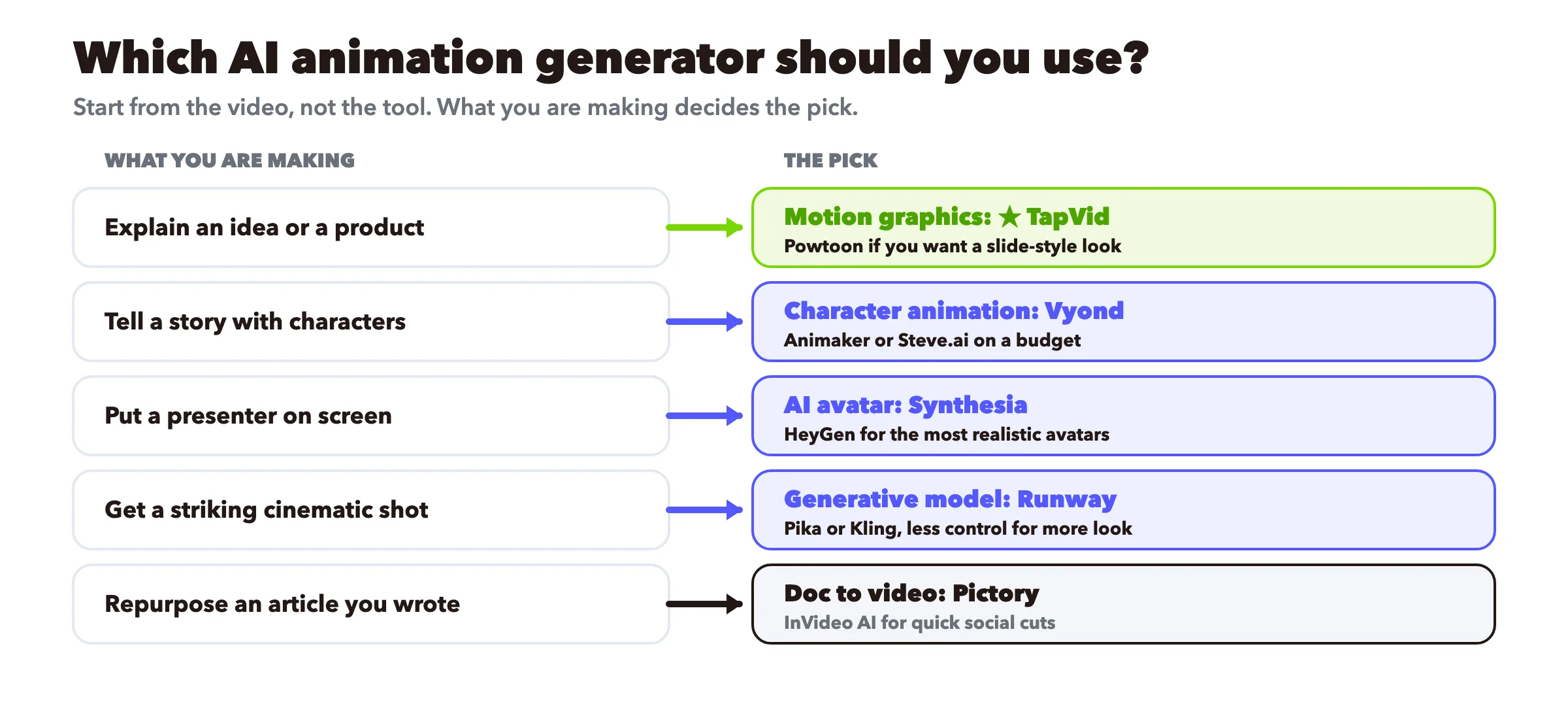
- Eine Idee oder ein Produkt erklären. Motion Graphics: TapVid, mit Vyond oder Powtoon, wenn Charaktere sie tragen sollen.
- Eine Geschichte mit Charakteren erzählen. Charakteranimation: Vyond fürs Business, Animaker oder Steve.ai bei kleinem Budget.
- Einen vertrauenswürdigen Presenter zeigen. KI-Avatar: Synthesia für mehrsprachige Schulungen, HeyGen für Realismus.
- Eine eindrucksvolle filmische Aufnahme bekommen. Generatives Modell: Runway, Pika oder Kling – im Wissen, dass du Kontrolle gegen Optik tauschst.
- Einen bereits geschriebenen Artikel wiederverwerten. Dokument zu Video: Pictory oder InVideo AI.
- Unsicher und aufs Budget bedacht. Wähl zwei Gratis-Tools aus verschiedenen Kategorien, setz dasselbe 30-Sekunden-Skript in beiden um und behalte das, das sich richtig angefühlt hat. Unser kostenloser KI-Videogenerator ist ein kostenloser Einstieg in die Motion-Graphics-Route.
Geh vom Video aus, nicht vom Tool. Was du tatsächlich machst, bestimmt die Kategorie, und die Kategorie engt dich auf zwei oder drei echte Optionen ein.
Für Teams, die das über eine Content-Pipeline hinweg standardisieren müssen, beschreiben wir den Workflow in Animationsgeneratoren im professionellen Einsatz.
09
Unabhängige Nutzerbewertungen vor der Auswahl
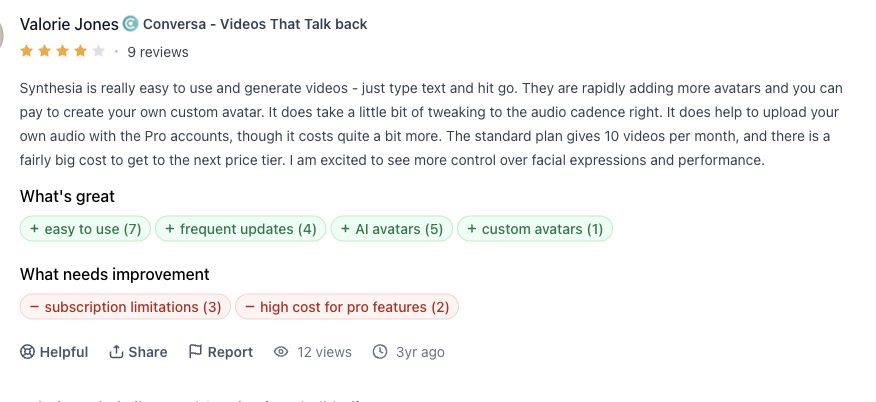
Synthesia-Review
Valorie Jones fand die Text-zu-Video-Erstellung einfach, nannte aber Arbeit am Sprechfluss und Tarifgrenzen. Original lesen.
HeyGen-Review
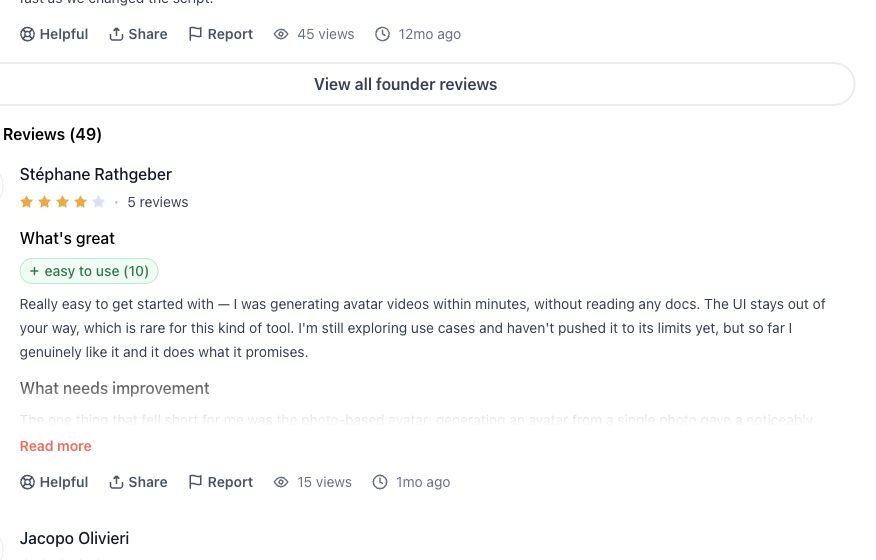
Stéphane Rathgeber berichtet von schnellem Einstieg und Qualitätsunterschieden zwischen Foto- und Video-Avatar. Original lesen.
Runway-Review
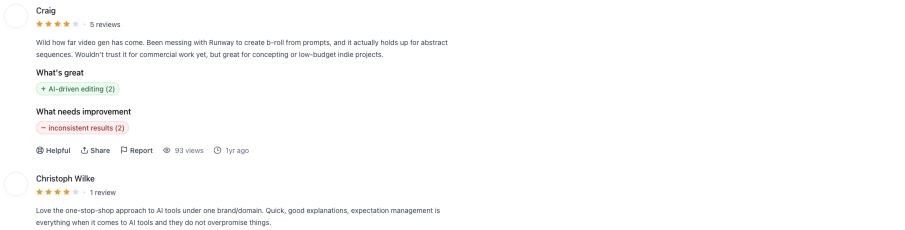
Craig fand Runway nützlich für abstraktes B-Roll und Konzepte, aber noch nicht verlässlich für kommerzielle Auslieferung. Original lesen.
InVideo-Review
Nina Neev beschreibt einen brauchbaren Drag-and-drop-Ablauf für einfache Aufgaben und nennt Gratisstufe, Wasserzeichen und technische Grenzen. Original lesen.

10
Häufig gestellte Fragen
Was ist der beste KI-Animationsgenerator 2026?
Es gibt keinen einzelnen besten, weil die Tools verschiedene Jobs machen. Für Motion-Graphics-Erklärvideos TapVid. Für Business-Charakteranimation Vyond. Für mehrsprachige Avatar-Schulungen Synthesia. Für filmische generative Clips Runway. Wähle das Tool passend zu dem, was du animierst.
Kann KI Animationen aus Text erzeugen?
Ja. Motion-Graphics-Tools wie TapVid bauen animierte Videos aus einem Skript oder Prompt, und generative Modelle wie Runway erzeugen Clips aus einer Textbeschreibung. Der Output-Stil unterscheidet sich stark, wähle also die Kategorie, die zu deinem Ziel passt.
Was ist der beste kostenlose KI-Animationsgenerator?
Animaker, InVideo, Fliki und TapVid haben alle Gratis-Stufen. Kostenlose Exporte tragen meist ein Wasserzeichen, prüfe also die Bedingungen vor der Veröffentlichung. Wir vergleichen die kostenlosen Optionen im Detail in unserem Review kostenloser KI-Animationsgeneratoren.
Was ist der Unterschied zwischen KI-Avatar-Video und KI-Animation?
Ein Avatar-Tool stellt einen digitalen Menschen auf den Bildschirm, der dein Skript vorliest. Animation im Motion-Graphics- oder Charakter-Sinn bewegt Grafiken oder Figuren, um eine Idee zu transportieren – ohne Presenter. Beides wird online „Animation" genannt, löst aber unterschiedliche Probleme.
Welcher KI-Animationsgenerator eignet sich am besten für Einsteiger?
Für einen schnellen Start mit flacher Lernkurve sind TapVid, Animaker und Fliki am freundlichsten. Du schreibst einen Prompt oder fügst ein Skript ein und bekommst einen Entwurf – ohne eine Timeline lernen zu müssen.
Was kosten KI-Animationsgeneratoren?
Die meisten liegen zwischen etwa $10 und $60 pro Monat für Einzel- und Kleinteam-Pläne; Enterprise-Avatar-Tools klettern pro Sitz höher. Gratis-Stufen gibt es in allen Kategorien, meist mit Wasserzeichen im Export. Bestätige aktuelle Preise auf der Seite jedes Anbieters, denn sie ändern sich oft.
Kann KI-Animation einen professionellen Animator ersetzen?
Nicht für ausdrucksstarke, handgemachte Charakterarbeit. KI-Tools sind hervorragend für Erklärvideos, Social Video und schnelle Entwürfe. Für High-End-Charakter-Acting und maßgeschneiderten Stil führt weiterhin der menschliche Animator – oft mit KI, um Teile des Prozesses zu beschleunigen.
11
Das Fazit
Der beste KI-Animationsgenerator ist der, dessen Kategorie zu deinem Video passt. Animiere eine Idee mit Motion Graphics, erzähle eine Geschichte mit Charakter-Tools, bring ein Gesicht mit einem Avatar-Tool auf den Bildschirm, jage einem filmischen Look mit einem generativen Modell nach und verwerte Texte mit einem Dokument-zu-Video-Tool. Ignoriere jede Liste, die so tut, als gewänne ein Tool alle fünf Jobs. Um die Motion-Graphics-Route mit deiner eigenen Idee zu testen, starte mit dem KI-Motion-Graphics-Generator oder vergleiche die Pläne unter Preise.