
Die beste SaaS-Produktdemo-Video-Software hängt davon ab, was Käufer verifizieren müssen: die echte Oberfläche, die Erklärung eines Presenters oder eine animierte Darstellung des Produktwerts. Dieser Leitfaden trennt zuerst die Ausgabeformate und vergleicht danach Quelltreue, Korrekturkontrolle, Wartung, Freigabeprozess und Distribution. So wählst du kein Demo-Tool, das nur einmal gut aussieht, sondern einen Workflow, den dein Team auch nach Produktänderungen weiterführen kann.
Produktdemo-Video mit TapVid erstellen
01
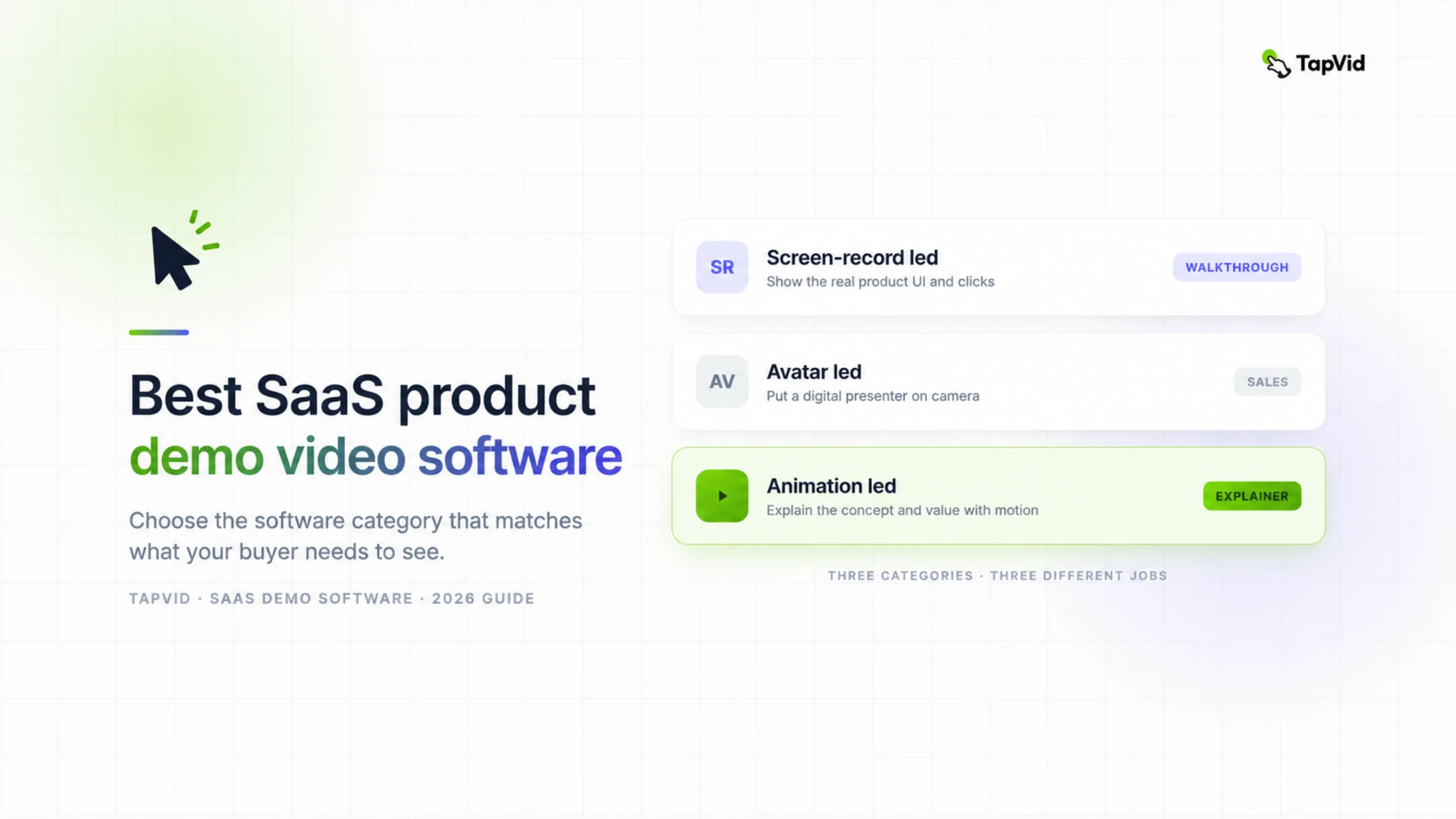
Beste SaaS-Produktdemo-Video-Software nach Kategorie
Wähle zuerst das Beweisformat, dann das Tool
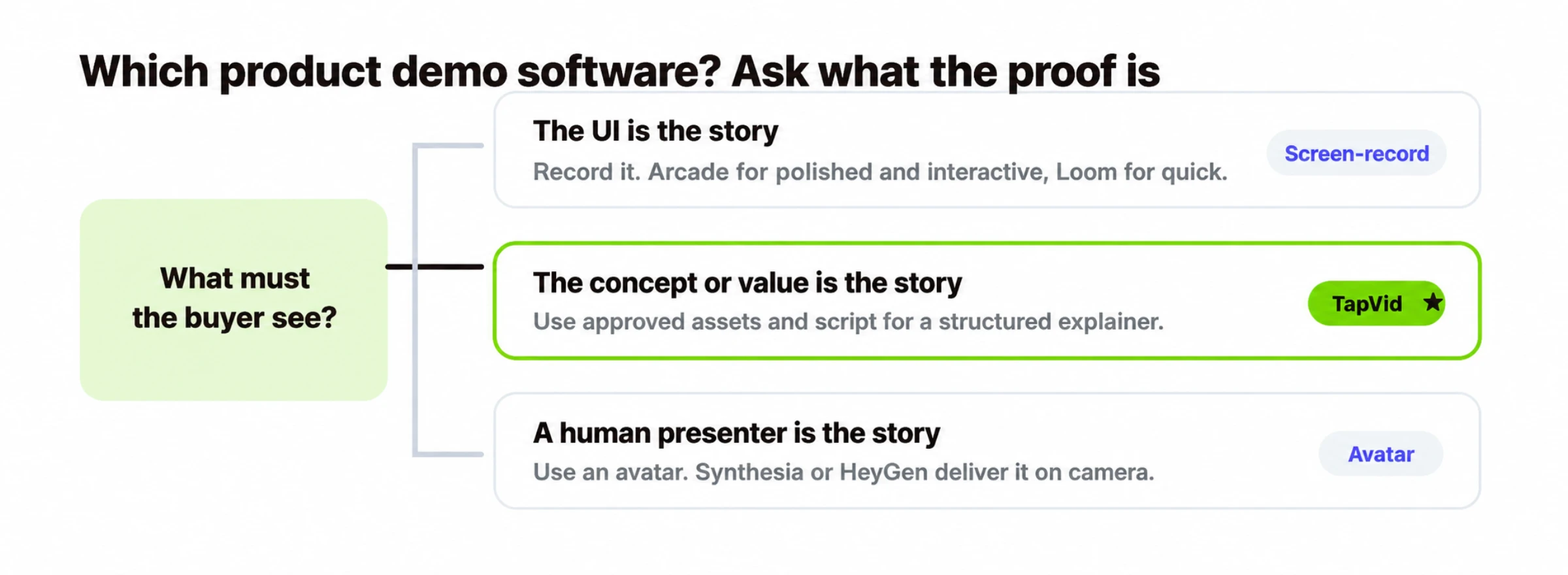
Käufer müssen exakte Klicks oder UI-Zustände prüfen
Nutze Screen-Recording oder eine interaktive Tour. Loom eignet sich für eine lineare Erklärung, Arcade für einen klickbaren Ablauf.
Käufer müssen den Wert vor der Nutzung der UI verstehen
Nutze ein animationsbasiertes, festes Video. TapVid passt, wenn freigegebene Assets und Texte zu einer strukturierten Produkterklärung werden sollen.
Ein einheitlicher Presenter trägt die Erklärung
Nutze ein Avatar-Video wie Synthesia oder HeyGen und ergänze echte UI-Aufnahmen, wenn auch der Ablauf belegt werden muss.
Beginne mit dem Belegobjekt: dem Element, das ein skeptischer Käufer nach dem Ansehen prüfen können soll. Das kann ein exakter Produktzustand, eine freigegebene Aussage, ein Vorher-nachher-Ergebnis oder eine verständliche Erklärung durch einen Presenter sein. Das Belegobjekt bestimmt das Format, und das Format verkleinert die Tool-Auswahl.
Eine Grenze gilt im ganzen Leitfaden: Eine interaktive Tour und ein festes Video sind unterschiedliche Ergebnisse. Bei einer Tour klickt sich der Betrachter durch eine geführte Nachbildung der UI. Ein festes Video spielt eine kontrollierte lineare Geschichte ab, die auf einer Landingpage eingebettet, von Sales versendet, in Social Media veröffentlicht oder als Anzeige exportiert werden kann.
Viele SaaS-Teams nutzen später zwei Formate. Ein kurzes Animationsvideo erklärt Problem und Wert, eine Tour oder Aufnahme belegt den Ablauf. Das ist keine Dopplung, wenn jedes Asset genau eine Aufgabe hat. Verschwendung entsteht, wenn ein einziges Video zugleich pitchen, jeden Klick dokumentieren, onboarden und Supportfragen beantworten soll.
02
Schneller Vergleich
| Tool | Ausgabe | Primäres Belegobjekt | Kleinste praktische Änderung | Am besten für | Kostenloser Einstieg |
|---|---|---|---|---|---|
| TapVid | Animationsbasiertes festes Video | Freigegebene Assets, Texte und ihre Szenenzuordnung | Eine abgegrenzte Szene oder ein Quell-Asset | Konzept- und Value-Demos, Launches, Landingpages, Social | Verfügbar; aktuelle Exportbedingungen prüfen |
| Arcade | Interaktive geführte Tour | Käufer können dem echten UI-Pfad folgen | Schritt, Annotation oder erfasster Ablauf | Interaktive Software-Walkthroughs | Verfügbar; Veröffentlichungslimits prüfen |
| Loom | Aufgenommenes festes Video | Eine Person führt den echten Ablauf vor | Aufnahme kürzen oder bei geänderten Klicks neu aufnehmen | Schnelle, authentische aufgenommene Demos | Verfügbar; Aufnahmelimits prüfen |
| Synthesia | Avatarbasiertes festes Video | Ein einheitlicher Presenter spricht den freigegebenen Text | Skript- oder Presenter-Segment | Presenter-Demos für Sales und Enterprise | Begrenzt; Exportbedingungen prüfen |
| HeyGen | Avatarbasiertes festes Video | Realistischer Presenter mit mehrsprachiger Narration | Skript- oder Presenter-Segment | Realistischer Presenter, mehrsprachig | Begrenzt; Exportbedingungen prüfen |
Die Änderungsspalte ist nützlicher als ein allgemeiner Editing-Score. Sie zeigt, ob Preis, Navigationslabel, Screenshot oder Rechtstext korrigiert werden können, ohne freigegebene Arbeit neu aufzubauen. Ein Gratiszugang ist nur der Einstieg in einen Pilotversuch, keine dauerhafte Preiszusage.
03
So haben wir SaaS-Produktdemo-Video-Software verglichen
Beginne mit dem Beweis, den deine Käufer brauchen, und bewerte die Software dann nach den folgenden fünf Dimensionen. Eine lange Funktionsliste verdeckt leicht den wichtigsten Unterschied: Eine echte Benutzeroberfläche aufzunehmen und eine Produktgeschichte zu erklären sind nicht dieselbe Aufgabe. Definiere zuerst das Ergebnis und vergleiche danach Tools und Preise.
- Treue zur Quelle. Sind exakte Klicks, Zustände und UI-Details der Beweis, priorisiere Screen-Recording oder eine interaktive Tour. Sind freigegebene Formulierungen, Produktbilder, Logos oder Screenshots der Beweis, prüfe, ob der Video-Workflow diese Materialien und Aussagen bewahrt, statt sie neu zu zeichnen oder umzuschreiben.
- Kosten für Aktualisierungen. Ein schneller erster Export reicht nicht. Frage, was passiert, wenn sich die UI ändert, ein Preis aktualisiert wird oder ein Satz neu freigegeben werden muss. Vergleiche, ob du alles neu aufnehmen, nur eine Szene neu erzeugen oder eine wiederverwendbare Ebene bearbeiten kannst.
- Kontrolle bei Korrekturen. Prüfe den Entwurf vor dem Export und teste die kleinste realistische Änderung: einen Screenshot ersetzen, eine Zahl korrigieren oder eine Zeile umschreiben. Das beste Tool lässt dein Team den Fehler beheben, ohne alles bereits Freigegebene neu aufzubauen.
- Verteilung und Zuschaueraktion. Entscheide, ob das Ergebnis ein MP4 für Anzeigen und Social Media, ein eingebettetes Landingpage-Video, ein Sales-Link oder eine klickbare Tour sein muss. Dasselbe Quellmaterial kann mehrere Kanäle bedienen, aber Ausgabeformat und Zuschauerverhalten unterscheiden sich.
- Team-Fit und Nachweis. Kläre, wer Quellmaterial liefert, Fakten freigibt und Revisionen umsetzt. Verifiziere danach jedes Tool mit einem echten Produktmaterial und einem repräsentativen Workflow. Eine polierte Vorlage beweist noch nicht, dass die Software zu deinem Prüfprozess passt.
Halte Belegklassen getrennt: „beobachtet“ bedeutet, dass der genannte Ablauf durchgeführt und protokolliert wurde; „vom Anbieter veröffentlicht“ verweist auf eine aktuelle offizielle Seite; „redaktionelles Urteil“ ist die Schlussfolgerung aus Aufgabe und Ausgabe. Der aktuelle Blog-Forge-Audit weist noch auf fehlende produktbezogene Praxistests und unabhängige Reviews hin. Nutze die Auswahl deshalb als Entscheidungsrahmen und führe vor dem Kauf den Pilotversuch unten durch.
Nutze die Schnellübersicht als Routing-Hilfe, nicht als universelles Ranking. Arcade und Loom passen, wenn die echte Oberfläche der Beweis ist. Avatar-Software passt, wenn ein konsistenter Presenter der Beweis ist. TapVid passt, wenn freigegebene Produktmaterialien und ein Skript zu einem strukturierten Erklärvideo werden sollen. Viele SaaS-Teams brauchen mehr als ein Format, aber jedes Format sollte genau eine klare Aufgabe haben.
04
TapVid: animationsbasierte Produktdemo-Software
TapVid passt zu assetbasierten Erklärungen, nicht zum Beleg exakter Klicks
Wähle TapVid, wenn freigegebene Produktmaterialien und gelieferte Texte zu einer strukturierten Motion-Graphics-Erklärung werden sollen. Wähle ein anderes Format, wenn Käufer einen Live-Klickpfad prüfen müssen oder der Presenter die Hauptquelle des Vertrauens ist.
Am besten für
- Pre-Launch-Konzepte, Feature-Ankündigungen, Landingpage-Erklärungen und kurze Value-Videos
- Teams, die Bilder, Logos, Screenshots, Zahlen und freigegebene Texte bestimmten Szenen zuordnen müssen
Nicht geeignet, wenn
- Die aktuelle Oberfläche und Klickfolge sind der eigentliche Beweis
- Ein menschlicher oder virtueller Presenter muss die gesamte Sales-Botschaft tragen
TapVid
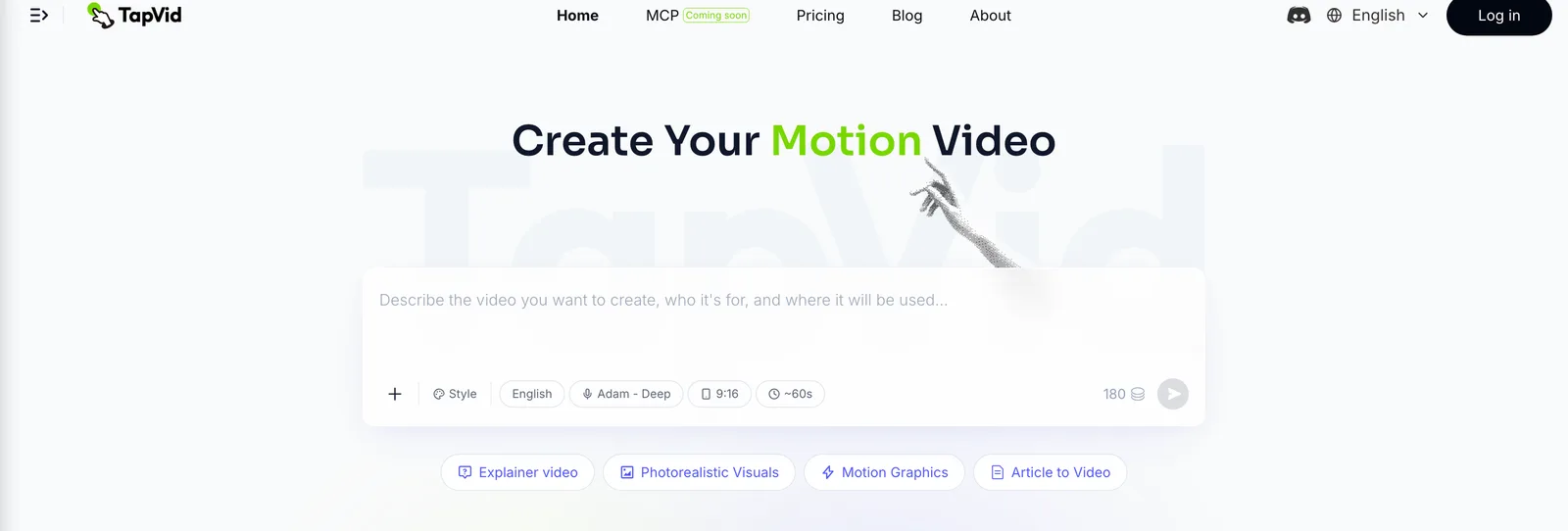
Am besten für: zu zeigen, was dein Produkt tut und warum es zählt — als Motion-Graphics-Demo.
Nicht jede Demo sollte ein Screen-Recording sein. Wenn du launchst, ein Feature teaserst oder ein Konzept erklärst, das die UI allein nicht zeigt, wirkt eine animierte Demo stärker. Mit TapVid schreibst du ein Skript oder einen Prompt, und es baut ein Motion-Graphics-Video mit Narration und Untertiteln. Keine Bildschirmaufnahme, kein Presenter.
Wo es passt:
- Launch- und Teaser-Videos, in denen du Energie und Bewegung willst statt eines langsamen Durchklickens.
- Konzept-Demos für ein Produkt oder Feature, das abstrakt ist oder noch nicht ausgeliefert wurde.
- Social- und Ad-Schnitte, die in den ersten drei Sekunden Aufmerksamkeit fangen müssen.
Wo es nicht passt — und ich dich woandershin schicken würde:
- Du musst die exakte UI und die Klicks zeigen. Nimm ein Screen-Recording-Tool wie Arcade.
- Du brauchst einen menschlichen Presenter für ein Sales-Deck. Nimm ein Avatar-Tool.
- Tarife und Exportbedingungen: Prüfe vor der Veröffentlichung Wasserzeichen, Auflösung, Dauer und aktuelle Bezahlbedingungen auf der Preisseite.
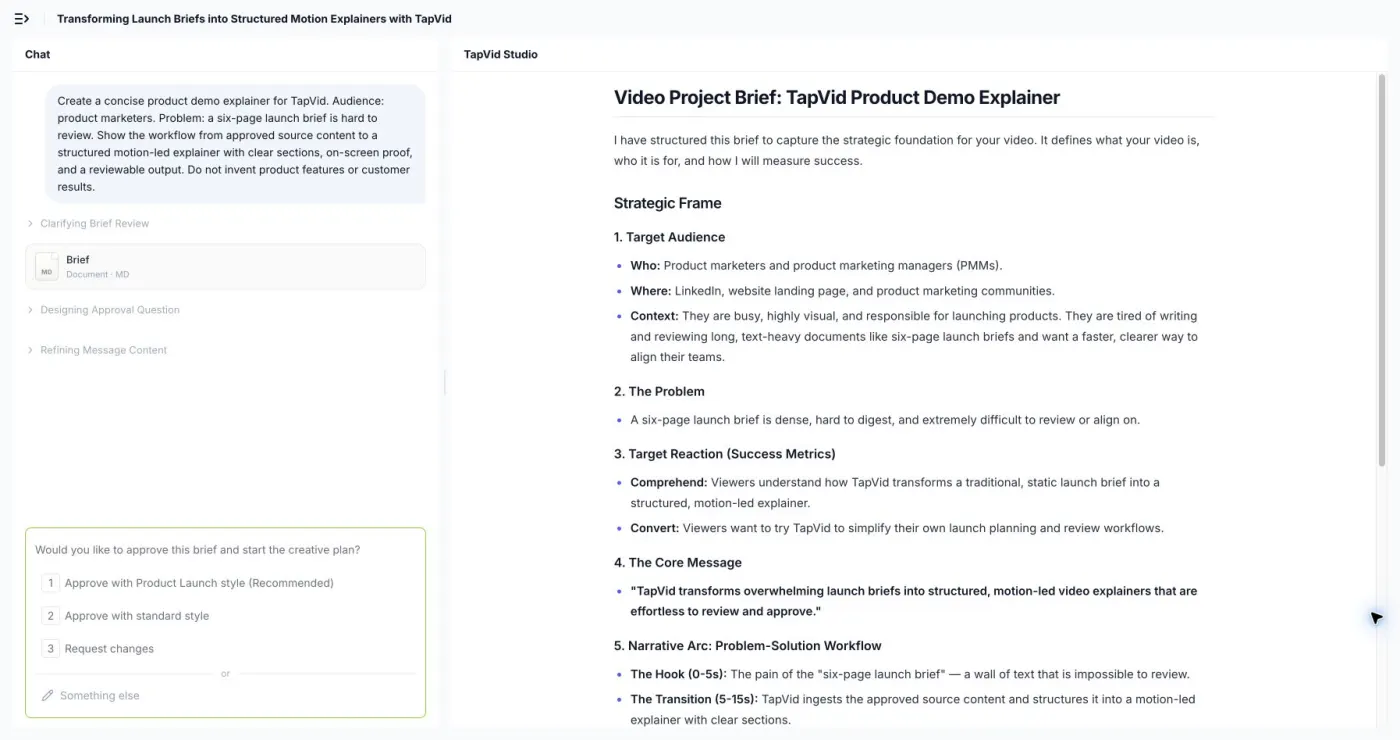
Bei TapVid geht es vor allem um Quelltreue und Übergabe. Produktbilder, Logos, UI-Screenshots, freigegebene Texte, Zahlen und Modellnamen sollen mit der jeweils belegten Szene verbunden bleiben. Prüfer sollen Skript und Szenenplan vor der finalen Ausgabe kontrollieren können. Trotzdem muss das Team die fertige Sequenz mit den freigegebenen Materialien abgleichen. Der KI-Produkt-Demo-Video-Generator zeigt den Ablauf; die Preisseite enthält aktuelle Tarif- und Exportbedingungen.
Am 5. August 2026 verwandelte ein eingeloggter 30-Sekunden-Test den bereitgestellten Produktdemo-Prompt in ein strukturiertes Briefing mit Zielgruppe, Problem, gewünschter Reaktion, Kernbotschaft, Erzählbogen und Produktionseinstellungen. Der Test endete an der Freigabegrenze und belegt daher Quellenstruktur und Prüfbarkeit, nicht die finale Renderqualität.
TapVid: Offizielle Belege, geprüft am 20. August 2026
| Dimension | Was die Quelle belegt | Offizielle Quelle |
|---|---|---|
| Preise | TapVid: Die offizielle Preisseite dokumentiert die aktuellen Tarifgrenzen, Nutzungseinheiten, Ausgabeoptionen, Teamfunktionen und Supportstufen, die für diesen Vergleich relevant sind. | Offizielle Quelle |
| Funktion | TapVid: Die offizielle Produkt- oder Funktionsseite dokumentiert den Kernablauf, die unterstützten Ein- und Ausgabeformen sowie die für diesen Vergleich relevanten Funktionen. | Offizielle Quelle |
| Integrationen | TapVid: Die offizielle Dokumentation beschreibt öffentliche Integrationen, API-, Einbettungs- oder Automatisierungszugänge und grenzt den derzeit belegten Workflow ab. | Offizielle Quelle |
| Support | TapVid: Die offizielle Supportdokumentation beschreibt Hilfecenter, Kontaktwege sowie öffentlich erkennbare Hilfe für technische, Abrechnungs- und Kontofragen. | Offizielle Quelle |
05
Arcade: interaktive Produktdemo-Software
Arcade
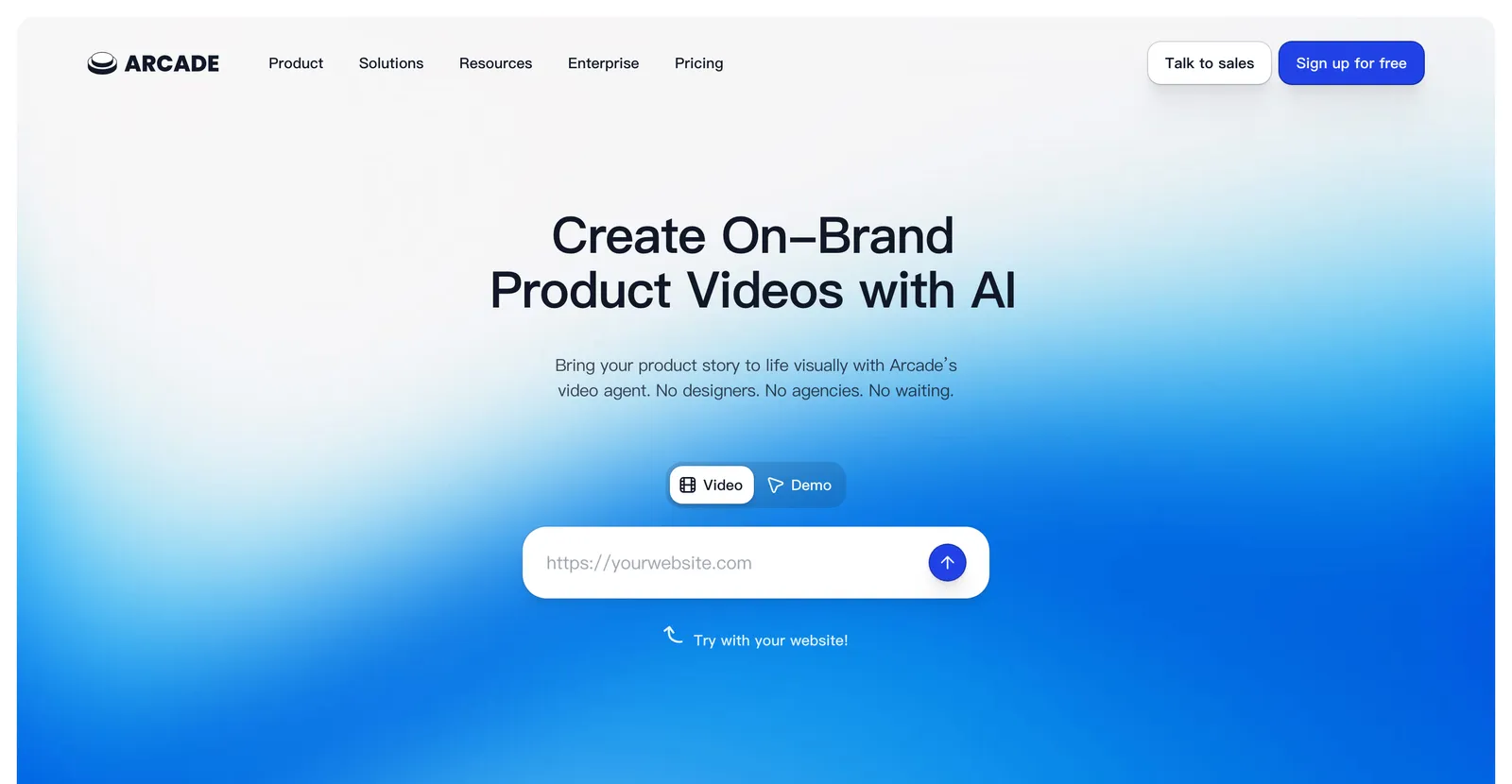
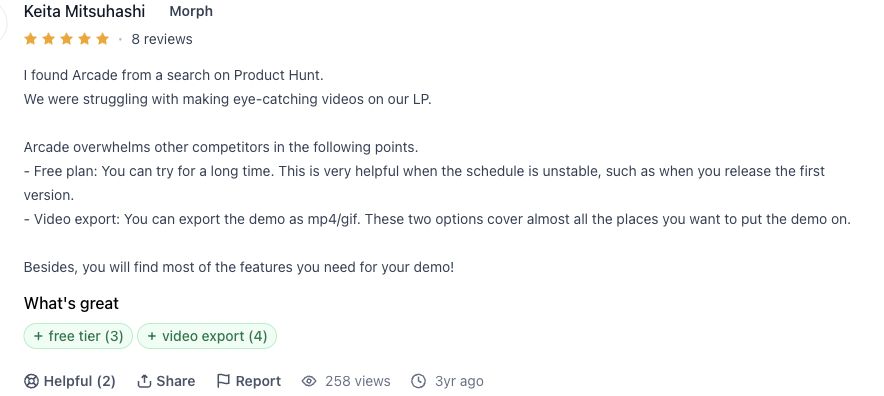
Am besten für: interaktive Software-Demos. Arcade erfasst die echte Oberfläche und macht aus einem Ablauf eine klickbare geführte Erfahrung. Das passt, wenn Käufer den Workflow ausführen oder simulieren sollen. Prüfe aktuelle Veröffentlichungs-, Team- und Tarifgrenzen auf der Arcade-Preisseite.
Die modulare Pflege ist ein Vorteil, aber nicht automatisch. Ein geänderter Tooltip kann eine kleine Korrektur sein; eine neue Navigation kann mehrere Zustände ungültig machen. Ändere im Pilotversuch ein UI-Label und eine Schrittreihenfolge und notiere, welche Segmente und Freigaben wieder geöffnet werden.
Arcade: Offizielle Belege, geprüft am 20. August 2026
| Dimension | Was die Quelle belegt | Offizielle Quelle |
|---|---|---|
| Preise | Arcade: Die offizielle Preisseite dokumentiert die aktuellen Tarifgrenzen, Nutzungseinheiten, Ausgabeoptionen, Teamfunktionen und Supportstufen, die für diesen Vergleich relevant sind. | Offizielle Quelle |
| Funktion | Arcade: Die offizielle Produkt- oder Funktionsseite dokumentiert den Kernablauf, die unterstützten Ein- und Ausgabeformen sowie die für diesen Vergleich relevanten Funktionen. | Offizielle Quelle |
| Integrationen | Arcade: Die offizielle Dokumentation beschreibt öffentliche Integrationen, API-, Einbettungs- oder Automatisierungszugänge und grenzt den derzeit belegten Workflow ab. | Offizielle Quelle |
| Support | Arcade: Die offizielle Supportdokumentation beschreibt Hilfecenter, Kontaktwege sowie öffentlich erkennbare Hilfe für technische, Abrechnungs- und Kontofragen. | Offizielle Quelle |
06
Loom: Produktdemo-Software für Bildschirmaufnahmen
Loom
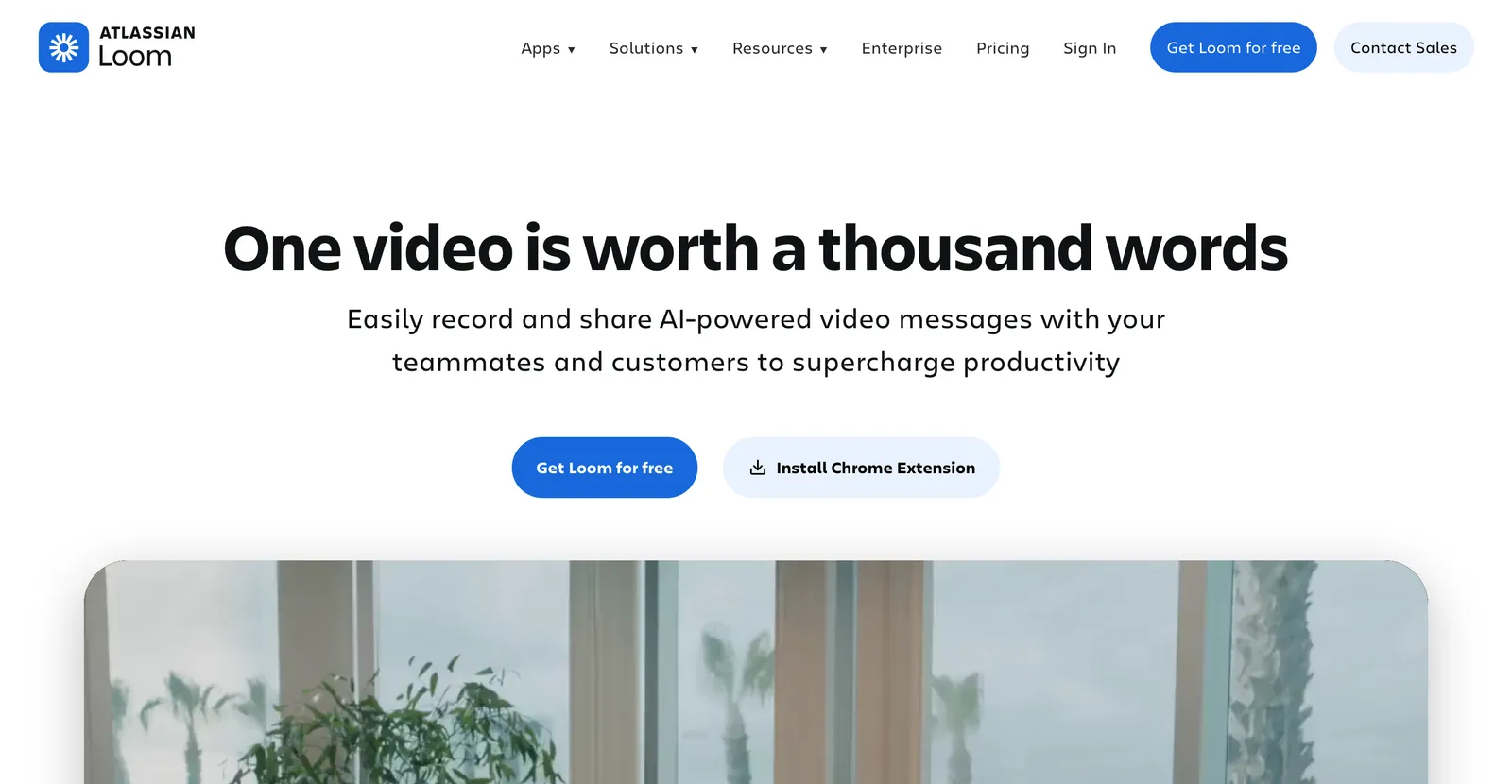
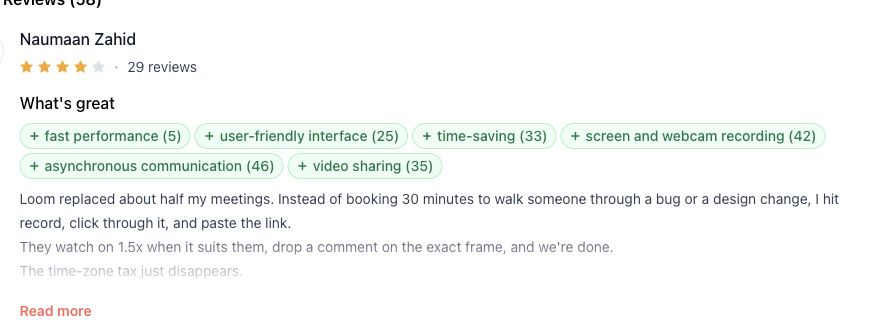
Am besten für: schnelle, authentische feste Walkthrough-Videos. Loom passt, wenn Produkt, Sales oder Support einen echten Ablauf in der eigenen Stimme erklären wollen, ohne eine Tour zu bauen. Prüfe aktuelle Aufnahme- und Workspace-Grenzen auf der Loom-Preisseite.
Nach UI-Änderungen zeigt sich der Kompromiss. Trimmen, Transkriptbearbeitung und Overlays reparieren Präsentationsfehler, doch ein geänderter Klickpfad kann eine neue Aufnahme erfordern. Für kurze Sales- oder Supportantworten ist das oft akzeptabel; bei vielen Sprachen und Freigaben wird es teuer.
Loom: Offizielle Belege, geprüft am 20. August 2026
| Dimension | Was die Quelle belegt | Offizielle Quelle |
|---|---|---|
| Preise | Loom: Die offizielle Preisseite dokumentiert die aktuellen Tarifgrenzen, Nutzungseinheiten, Ausgabeoptionen, Teamfunktionen und Supportstufen, die für diesen Vergleich relevant sind. | Offizielle Quelle |
| Funktion | Loom: Die offizielle Produkt- oder Funktionsseite dokumentiert den Kernablauf, die unterstützten Ein- und Ausgabeformen sowie die für diesen Vergleich relevanten Funktionen. | Offizielle Quelle |
| Integrationen | Loom: Die offizielle Dokumentation beschreibt öffentliche Integrationen, API-, Einbettungs- oder Automatisierungszugänge und grenzt den derzeit belegten Workflow ab. | Offizielle Quelle |
| Support | Loom: Die offizielle Supportdokumentation beschreibt Hilfecenter, Kontaktwege sowie öffentlich erkennbare Hilfe für technische, Abrechnungs- und Kontofragen. | Offizielle Quelle |
07
Synthesia: avatarbasierte Produktdemo-Software
Synthesia
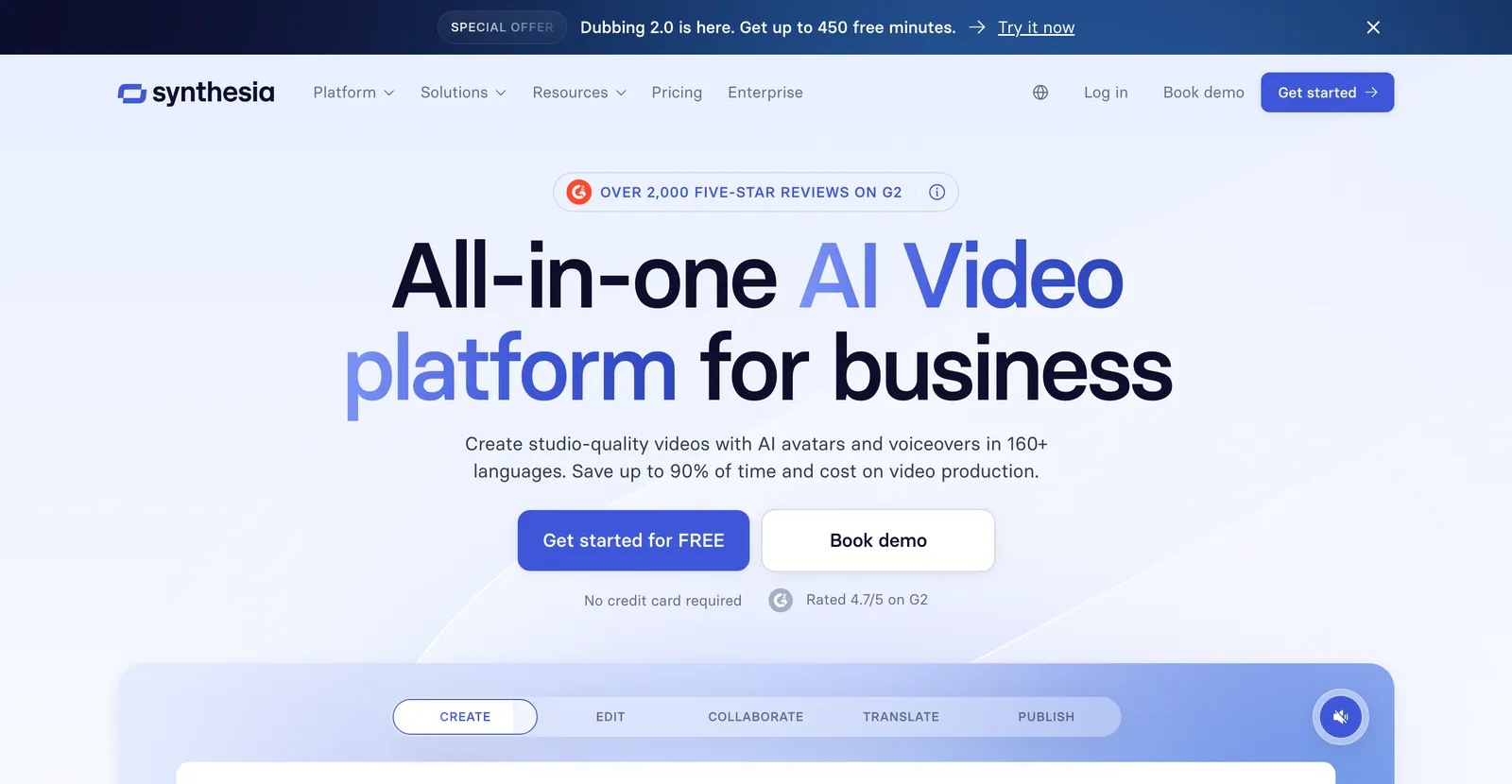
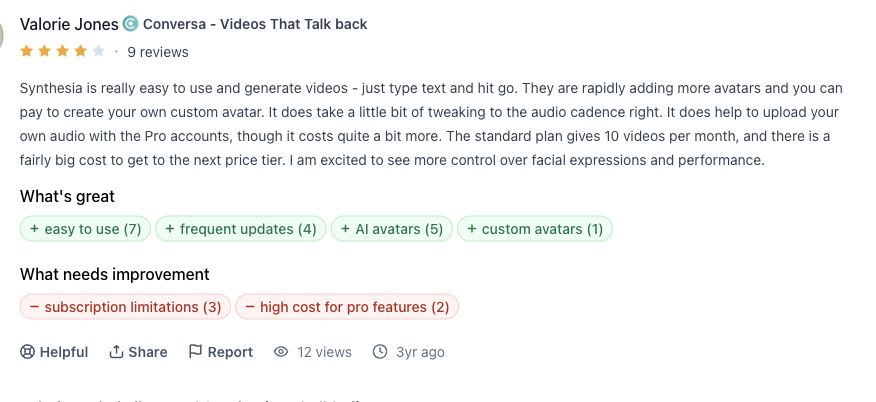
Am besten für: mehrsprachige Sales-, Enablement- und Rollout-Videos. Ein digitaler Presenter liefert den freigegebenen Text einheitlich, beweist aber keine Produktbedienung. Wenn der Ablauf selbst der Beleg ist, ergänze geprüfte UI-Aufnahmen. Aktuelle Tarif- und Exportgrenzen stehen auf der Synthesia-Preisseite.
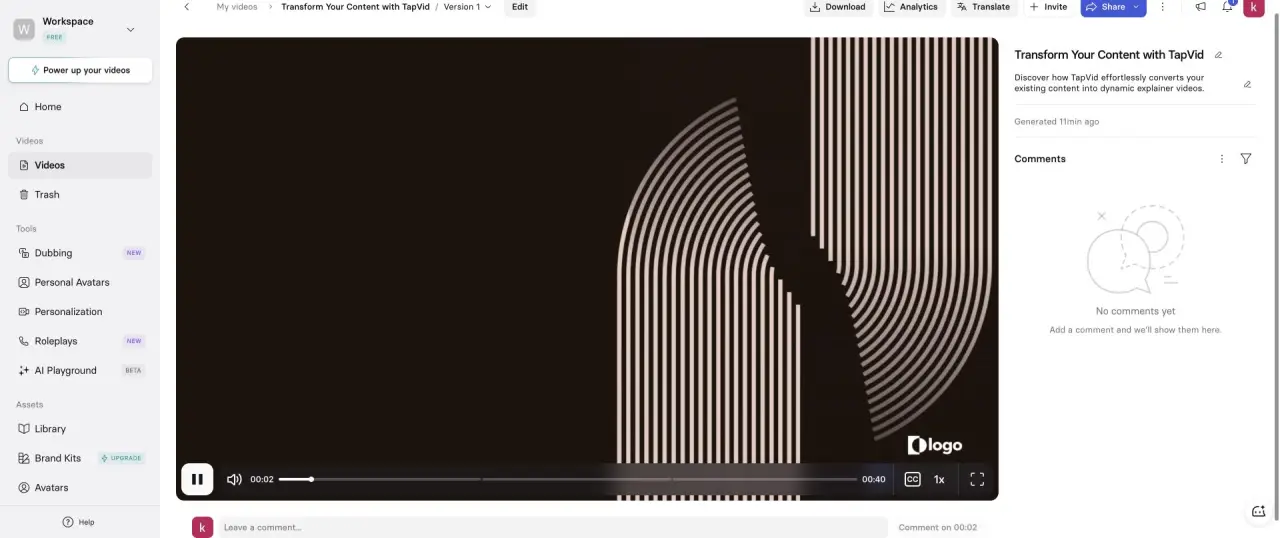
Im eingeloggten Basic-Workspace akzeptierte Synthesia dasselbe 15-Sekunden-Briefing ohne Avatar, bot als kürzeste Dauer aber 30 Sekunden an. Das Ergebnis hatte drei Szenen und 40 Sekunden, fügte dennoch einen Avatar ein und behielt ein Platzhalterlogo.
Synthesia: Offizielle Belege, geprüft am 20. August 2026
| Dimension | Was die Quelle belegt | Offizielle Quelle |
|---|---|---|
| Preise | Synthesia: Die offizielle Preisseite dokumentiert die aktuellen Tarifgrenzen, Nutzungseinheiten, Ausgabeoptionen, Teamfunktionen und Supportstufen, die für diesen Vergleich relevant sind. | Offizielle Quelle |
| Funktion | Synthesia: Die offizielle Produkt- oder Funktionsseite dokumentiert den Kernablauf, die unterstützten Ein- und Ausgabeformen sowie die für diesen Vergleich relevanten Funktionen. | Offizielle Quelle |
| Integrationen | Synthesia: Die offizielle Dokumentation beschreibt öffentliche Integrationen, API-, Einbettungs- oder Automatisierungszugänge und grenzt den derzeit belegten Workflow ab. | Offizielle Quelle |
| Support | Synthesia: Die offizielle Supportdokumentation beschreibt Hilfecenter, Kontaktwege sowie öffentlich erkennbare Hilfe für technische, Abrechnungs- und Kontofragen. | Offizielle Quelle |
08
HeyGen: mehrsprachige Avatar-Demo-Software
HeyGen
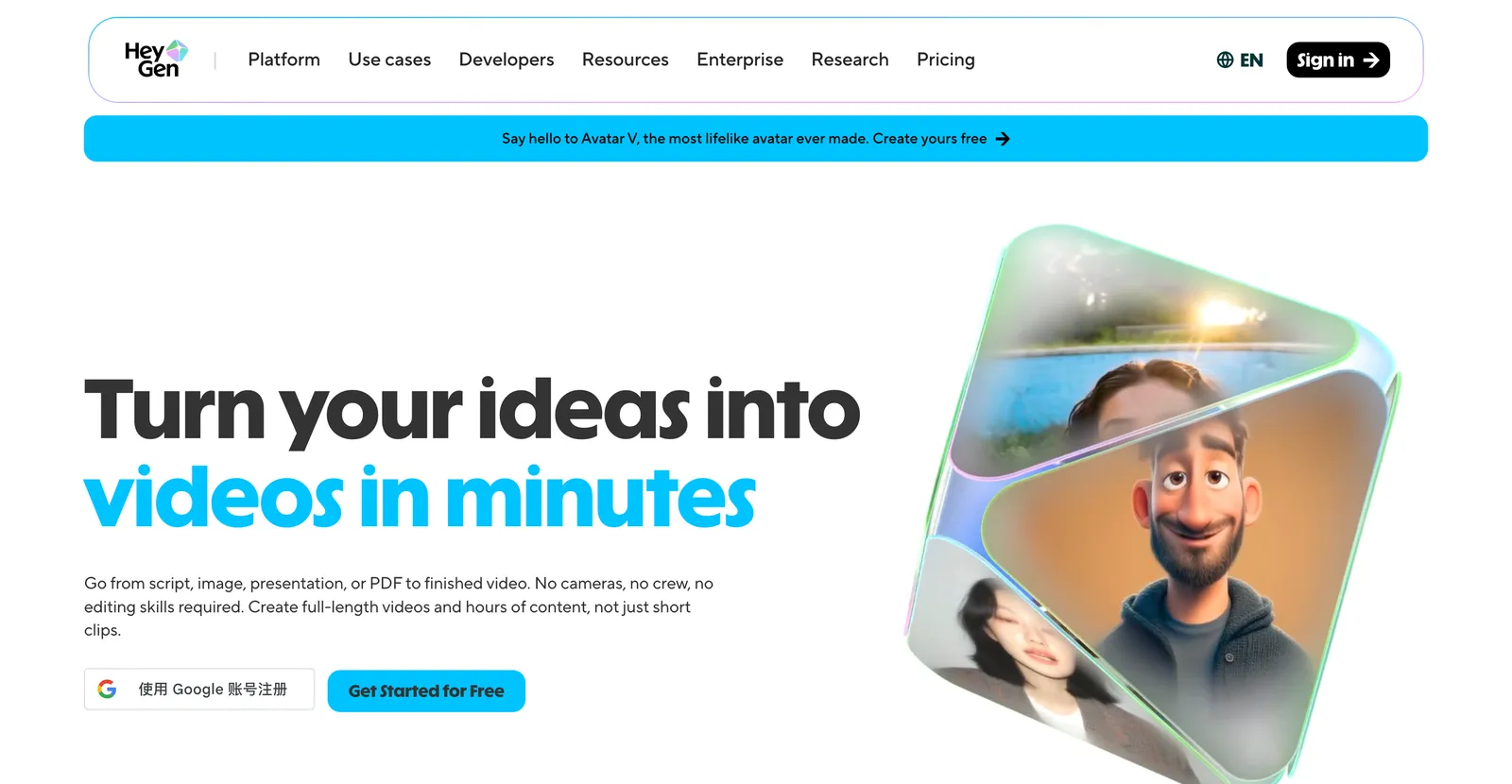
Am besten für: realistische Presenter und mehrsprachige Auslieferung. Teste denselben Text in den tatsächlich benötigten Sprachen und prüfe Produktnamen, Zahlen, Aussprache, Untertitel und Timing. Aktuelle Tarif- und Exportgrenzen stehen auf der HeyGen-Preisseite.
Avatar-Workflows lassen sich oft gut pflegen, wenn sich das Skript ändert. Komplex wird es, wenn Presenter-Segmente, UI-Einblendungen, Untertitel und lokales Timing voneinander abhängen. Teste eine Satzkorrektur und eine Ausspracheänderung und prüfe, welche Sprachversionen wieder freigegeben werden müssen.
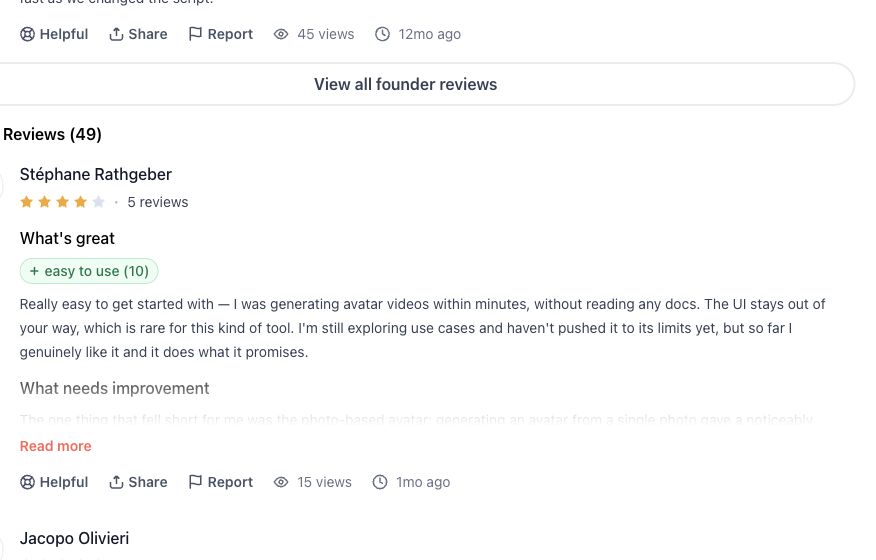
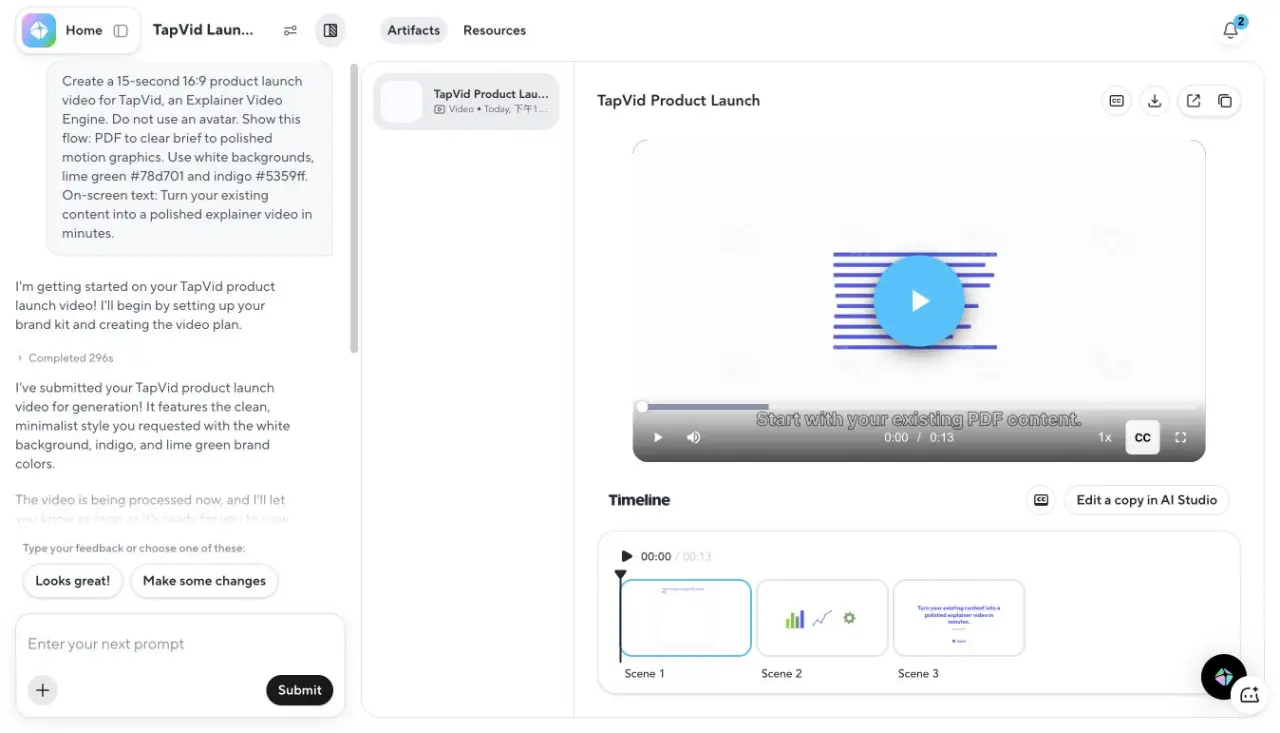
Im eingeloggten Gratis-Workspace erledigte HeyGens Video Agent dasselbe 15-Sekunden-Briefing ohne Avatar in 296 Sekunden plus 17 Sekunden Endverarbeitung. Das Ergebnis war 13 Sekunden lang, hatte drei Szenen, respektierte die Avatar-Sperre und bot einen 720p-Export.
HeyGen: Offizielle Belege, geprüft am 20. August 2026
| Dimension | Was die Quelle belegt | Offizielle Quelle |
|---|---|---|
| Preise | HeyGen: Die offizielle Preisseite dokumentiert die aktuellen Tarifgrenzen, Nutzungseinheiten, Ausgabeoptionen, Teamfunktionen und Supportstufen, die für diesen Vergleich relevant sind. | Offizielle Quelle |
| Funktion | HeyGen: Die offizielle Produkt- oder Funktionsseite dokumentiert den Kernablauf, die unterstützten Ein- und Ausgabeformen sowie die für diesen Vergleich relevanten Funktionen. | Offizielle Quelle |
| Integrationen | HeyGen: Die offizielle Dokumentation beschreibt öffentliche Integrationen, API-, Einbettungs- oder Automatisierungszugänge und grenzt den derzeit belegten Workflow ab. | Offizielle Quelle |
| Support | HeyGen: Die offizielle Supportdokumentation beschreibt Hilfecenter, Kontaktwege sowie öffentlich erkennbare Hilfe für technische, Abrechnungs- und Kontofragen. | Offizielle Quelle |
09
Was sich nach dem ersten Export ändert
Strukturierte Aktualisierung oder vollständige Neuaufnahme
Vorteile
- Eine Szenen-, Schritt- oder Segmentstruktur kann eine isolierte Korrektur vom restlichen Projekt trennen.
- Ein prüfbares Skript, Transkript, eine Tour-Vorschau oder ein Szenenplan gibt Nicht-Editoren ein konkretes Freigabeartefakt.
- Wiederverwendbare Quellen machen wiederkehrende Text-, Screenshot- und Messaging-Updates leichter auffindbar.
Nachteile
- Ein neu gestalteter UI-Pfad kann mehrere Aufnahmen oder Tour-Zustände gleichzeitig ungültig machen.
- Lokalisierung vervielfacht Abhängigkeiten zwischen Narration, Untertiteln, Presenter-Timing und UI-Einblendungen.
- Eine kleine Editorsteuerung hilft wenig, wenn unklar bleibt, von welcher freigegebenen Quelle die Szene abhängt.
Vergleiche die Kosten der zweiten Version, nicht nur die Geschwindigkeit des ersten Exports.
Der erste Export ist ein schwacher Kaufmaßstab, weil SaaS-Produkte nicht stillstehen. Navigation, Screenshots, Tariftexte, Integrationen und Rechtstexte ändern sich. Wartungskosten sind die Produktionsbausteine und Freigaben, die durch solche normalen Änderungen erneut geöffnet werden.
| Änderung | Screen-Recording | Interaktive Tour | Animationsvideo | Avatar-Video |
|---|---|---|---|---|
| Eine Textkorrektur | Transkript ändern oder Zeile neu aufnehmen | Annotation oder Schritttext ändern | Betroffenes Skript oder Szene ändern | Presenter-Segment neu erzeugen |
| Ein geänderter UI-Zustand | Betroffene Sequenz neu aufnehmen | Betroffene Schritte neu erfassen | Screenshot oder Szene ersetzen | Eingefügte UI-Aufnahme ersetzen |
| Neue Sprache | Neu aufnehmen oder synchronisieren | Schritttext und Medien lokalisieren | Skript, Narration, Untertitel und On-Screen-Text lokalisieren | Skript, Presenter, Untertitel und UI-Einblendungen lokalisieren |
| Großes Workflow-Redesign | Meist neuen Ablauf aufnehmen | Pfad und Abzweigungen neu bauen | Nur bei geänderter Story oder gezeigter UI überarbeiten | Presenter-Text und Workflow-Medien überarbeiten |
Korrekturgranularität ist die kleinste Einheit, die sich ändern lässt, während freigegebene Arbeit stabil bleibt. Lass sie mit deinen bereitgestellten Materialien demonstrieren. Unveränderte Szenen, Links und Freigaben sollten auf die richtige Version zeigen; regulierte oder mehrsprachige Teams brauchen zusätzlich eine nachvollziehbare Versionsspur.
10
Empfohlene Stacks nach SaaS-Phase
Die SaaS-Phase verändert die Käuferfrage und damit den Demo-Stack. Pre-Launch beweist die Verständlichkeit einer Idee. Product-led Growth (PLG) führt zum ersten Wert in einem Live-Produkt. Sales-led baut Vertrauen bei mehreren Rollen auf. Onboarding und Support reduzieren wiederholte Erklärungen nach dem Kauf.
| Kontext | Primäre Käuferaufgabe | Erstes Format | Nur bei Bedarf ergänzen |
|---|---|---|---|
| Pre-Launch oder neue Kategorie | Problem, Mechanismus und versprochenen Ablauf vor stabiler UI verstehen | Animationsbasiertes festes Video | Prototyp-Aufnahme oder interaktives Mockup |
| Product-led Growth (PLG) | Einen Aktivierungsschritt in der aktuellen UI erreichen | Interaktive Tour oder kurze Bildschirmaufnahme | Kurze Animation für Kategorie oder Feature |
| Sales-led | Champions, Entscheider und Technik ausrichten | Kurzes Value-Video plus rollenspezifischer Walkthrough | Avatar bei wiederholbarer mehrsprachiger Auslieferung |
| Onboarding und Support | Aufgabe erledigen und Fehler beheben | Kurze Aufnahme oder modulare Tour | Animation für unsichtbare Konzepte |
Halte den Stack klein: Animation erklärt das Warum, Tour oder Aufnahme belegt das Wie, Presenter liefern bei Bedarf eine einheitliche Darstellung. Teile die Käuferreise in Fragen und ordne jeder Frage ein Belegobjekt, einen Besitzer und einen Aktualisierungsauslöser zu.
11
Ein 30-Minuten-Pilot vor dem Kauf
Bereitgestellte Materialien und eine Korrekturanfrage verwenden
- Bereite ein freigegebenes Skript mit 75 Wörtern, zwei aktuelle Screenshots, ein Logo, eine exakte Zahl und einen unveränderlichen Produktnamen vor.
- Definiere Belegobjekt und Ausgabe vor dem Öffnen des Tools: MP4, Share-Link, eingebetteter Player oder interaktive Tour.
- Erstelle die kleinste vollständige Demo für eine Käuferfrage, nicht für das ganze Produkt.
- Vergleiche Entwurf und bereitgestellte Materialien und markiere geänderte Wörter, alte Zustände, fehlende Assets und unbelegte Zusätze.
- Ändere einen Satz und einen Screenshot und notiere, welche Einheit erneut geöffnet werden muss.
- Teile das Freigabeartefakt mit der echten prüfenden Person und prüfe, ob die Änderung ohne Editor verständlich ist.
- Dokumentiere Tarifgrenzen am selben Tag auf der Anbieterseite und nicht aus einer älteren Übersicht.
Ein 30-Minuten-Pilot ist ein Testfenster, kein Versprechen für ein fertiges Video. Teste eine Käuferfrage, einen Satz bereitgestellter Materialien, eine Ausgabe und eine Korrektur. Setup-Zeit zeigt Einführungskosten; eine Korrektur ohne klare Grenze zeigt Wartungskosten.
Bewerte Quelltreue, Belegerfüllung, Korrekturumfang, Prüfbarkeit und Distributionsfit. Schreibe Beobachtungen statt Adjektive und bewahre Paket, Ausgabe und Notizen für eine spätere Wiederholung auf.
Vermeide Formatbias: Eine Tour darf nicht verlieren, weil sie kein MP4 ist, wenn eine klickbare Ausgabe verlangt war. Eine Animation darf keinen exakten Klickbeleg behaupten. Beurteile jedes Tool anhand der Käuferaufgabe und der Kosten, den Beleg aktuell zu halten.
12
Häufig gestellte Fragen
Was ist die beste SaaS-Produktdemo-Video-Software?
Es gibt keinen einzelnen besten, denn es hängt von der Demo ab. Für animierte Konzept- und Launch-Demos: TapVid. Für interaktive UI-Walkthroughs: Arcade. Für presentergeführte Sales-Demos: Synthesia.
Kann ich eine Produkt-Demo ohne Bildschirmaufnahme erstellen?
Ja. Ein animationsbasiertes Tool wie TapVid baut eine Demo aus einem Skript — ohne Bildschirmaufnahme und ohne Presenter.
Gibt es kostenlose Produktdemo-Video-Software?
Ja. TapVid, Arcade und Loom haben Gratis-Tarife. Kostenlose Exporte tragen oft ein Wasserzeichen, auch bei TapVid.
Was ist das beste Demo-Tool für SaaS?
Um die echte Oberfläche zu zeigen: Arcade. Um den Wert als animierte Demo zu erklären: TapVid. Viele SaaS-Teams nutzen beides.
Brauche ich ein Skript für ein KI-Demo-Video?
Bei Animations- und Avatar-Tools hilft ein Skript oder Prompt sehr. Screen-Recording-Tools können die Narration aus der Aufnahme selbst generieren.
Ist eine interaktive Produkttour dasselbe wie ein Produktdemo-Video?
Nein. Eine Tour ist klickbar, ein Demo-Video ist ein festes lineares Asset. Die Tour ist stärker, wenn Käufer einen Ablauf ausführen sollen; das Video lässt sich leichter kontrollieren, einbetten, posten und versenden.
Wie vergleiche ich die Wartungskosten von Demo-Software?
Ändere nach dem ersten Entwurf einen Screenshot, ein Navigationslabel oder einen freigegebenen Satz. Notiere, wie viel vom Projekt und Freigabeprozess erneut geöffnet werden muss. Diese Kosten der zweiten Version sind aussagekräftiger als die erste Exportzeit.
13
Das Fazit
Die beste SaaS-Produktdemo-Video-Software passt zu dem Beweis, den deine Käufer brauchen. Ist die Oberfläche die Story, nimm sie auf. Ist ein Presenter die Story, nutze einen Avatar. Ist der Wert oder das Konzept die Story, animiere es. Wenn du nicht mehr vergleichen, sondern erstellen willst, starte mit dem Produktdemo-Video-Maker. Für einen ausdrücklich KI-geführten Workflow nutze den KI-Produkt-Demo-Video-Generator.