
TL;DR
Ganadores rápidos por caso de uso: Motion graphics: TapVid. Personajes 2D: Vyond. Avatares: Synthesia. Video generativo: Runway. Texto a video: InVideo AI. La mejor opción depende de lo que necesitas animar, no de una nota global.
Busca “mejor generador de animación con IA” y encontrarás listas que ordenan quince herramientas del uno al diez. Ese ranking esconde el problema real: esas quince herramientas no hacen el mismo trabajo. Una herramienta que crea un avatar parlante y una que convierte un guion en motion graphics animados no compiten por el mismo puesto. Resuelven problemas distintos para personas distintas.
Crear animación motion graphics con TapVid
01
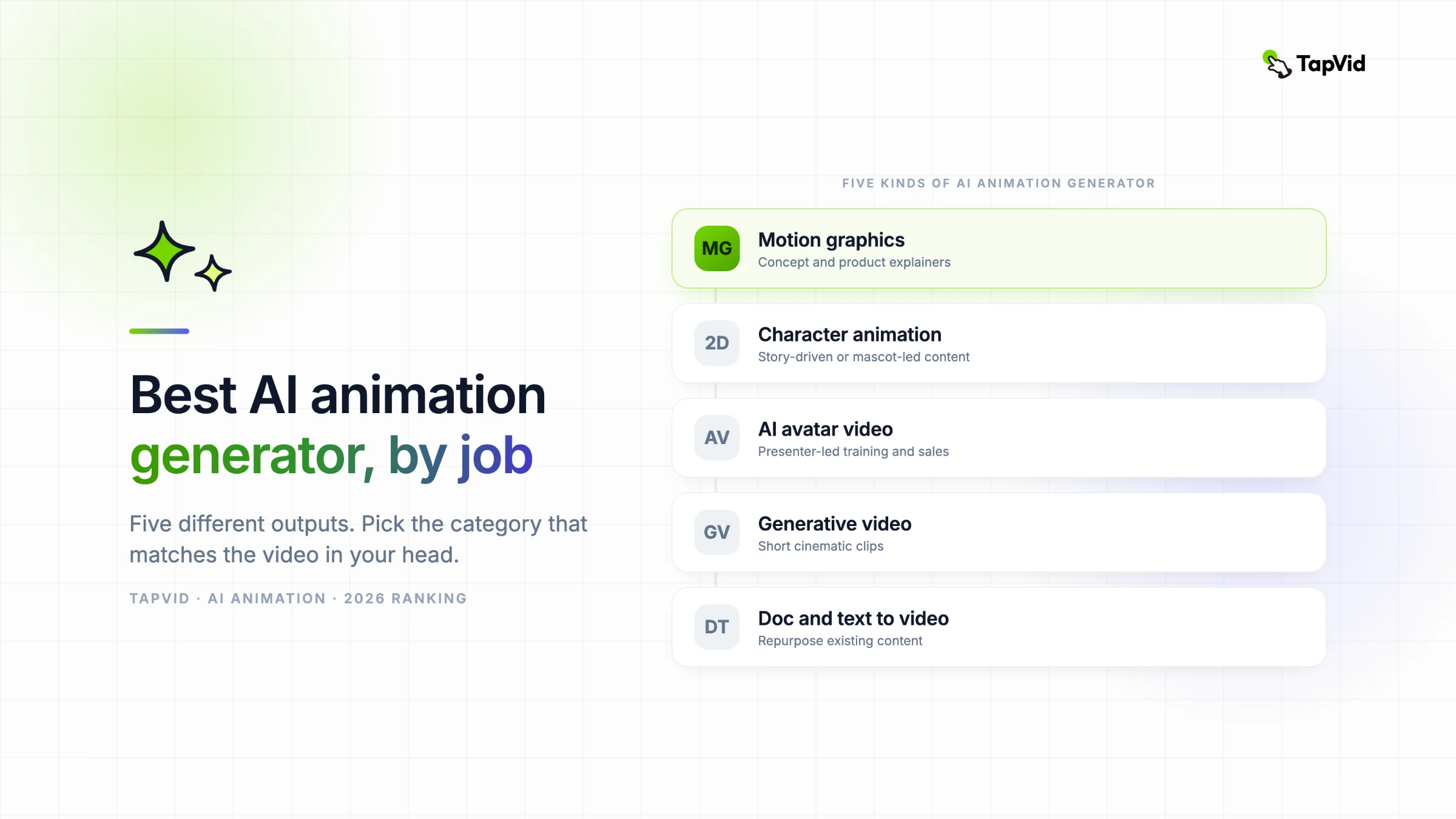
Los cinco tipos de generador de animación con IA
Por eso esta guía clasifica los mejores generadores de animación con IA de 2026 por categoría y luego elige un ganador dentro de cada una. Busca la fila que coincida con el video que tienes en la cabeza y sáltate el resto. Los precios cambian a menudo, así que toma cada cifra de aquí como un punto de partida que debes confirmar en la página del proveedor antes de comprar.
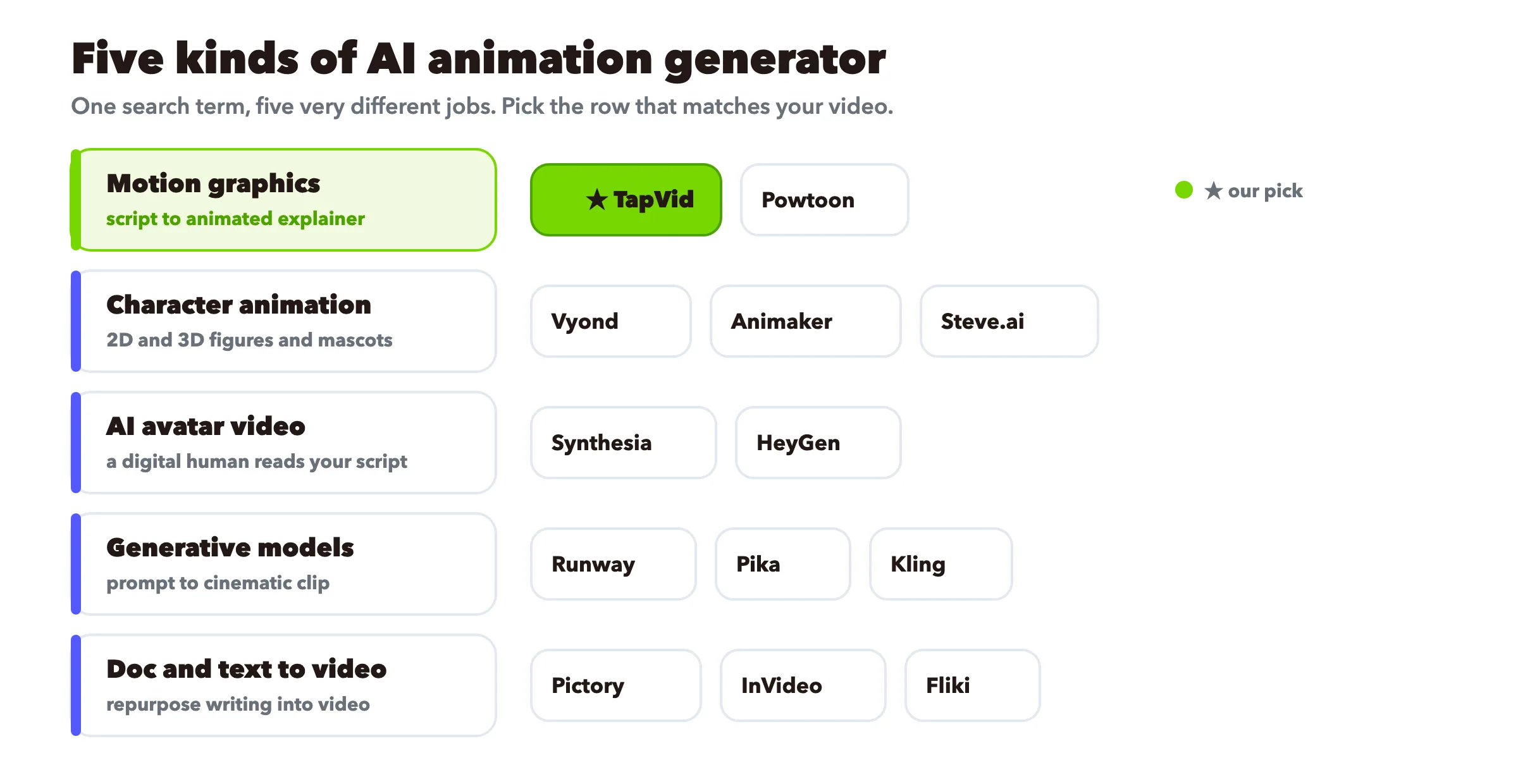
Antes de cualquier ranking, ordena las herramientas por su resultado. Casi todas las listas de “mejor generador de animación con IA” de la web mezclan estos cinco tipos en un solo montón, y por eso resultan imposibles de comparar.
- Motion graphics y animación explicativa. Escribes un guion o un prompt y la herramienta construye texto en movimiento, formas, iconos e ilustración con narración. Sin cámara, sin presentador, sin rig de personaje. Ideal para que una idea se entienda.
- Animación de personajes (2D y 3D). Animas un personaje o figura mediante poses y movimiento, a veces con arrastrar y soltar, a veces con física de IA. Ideal para contenido narrativo o con mascota.
- Video con avatar de IA. Un humano digital lee tu guion en pantalla, a menudo en muchos idiomas. Ideal cuando una cara aporta confianza, como en formación o un pitch de ventas.
- Modelos de video generativo. Le das un prompt de texto o una imagen y el modelo imagina un clip corto cinematográfico. Ideal para tomas impactantes de estilo cine, y el más débil en control preciso.
- De documento y texto a video. Pegas un artículo, guion o diapositivas y la herramienta ensambla metraje de stock más voz en off. Ideal para reutilizar contenido que ya tienes.
TapVid, en el que trabajo, vive en el primer grupo. Seré directo sobre dónde encaja y dónde te mandaría a otro sitio, porque una lista que finge que una sola herramienta gana en todas las categorías es la forma más rápida de malgastar tu dinero.
02
Comparativa rápida
| Herramienta | Categoría | Estilo en pantalla | Ideal para | Plan gratis |
|---|---|---|---|---|
| TapVid ★ | Motion graphics | Gráficos animados, texto, iconos | Explicativos de conceptos y productos | Consultar plan actual |
| Vyond | Personajes (2D) | Personajes de negocios | Storytelling corporativo | Consultar plan actual |
| Powtoon | Personajes (2D) | Caricatura y presentación | Explicativos estilo presentación | Consultar plan actual |
| Steve.ai | Personajes (2D) | Caricatura y video real | De guion a caricatura rápido | Consultar plan actual |
| Animaker | Personajes (2D) | Plantillas multiestilo | Equipos con presupuesto ajustado y variedad | Consultar plan actual |
| Synthesia | Avatar de IA | Busto parlante | Formación multilingüe | Consultar plan actual |
| HeyGen | Avatar de IA | Busto parlante | Presentador realista a escala | Consultar plan actual |
| Runway | Modelo generativo | Clip cinematográfico | Tomas creativas de estilo cine | Consultar plan actual |
| Pika | Modelo generativo | Clip cinematográfico | Experimentos creativos rápidos | Consultar plan actual |
| Kling | Modelo generativo | Movimiento fotorrealista | Movimiento humano realista | Consultar plan actual |
| Pictory | De documento a video | Metraje de stock | Reutilizar artículos largos | Consultar plan actual |
| InVideo AI | De texto a video | Stock más plantillas | Video social rápido | Consultar plan actual |
| Fliki | De texto a video | Stock más voz | Explicativos rápidos con voz en off | Consultar plan actual |
★ marca la herramienta en la que trabajo. Lee las secciones de abajo para la versión honesta, incluidos los puntos donde cada una se queda corta.
03
Motion graphics y animación explicativa
Esta es animación que transporta una idea, no un personaje. Texto en movimiento, iconos, gráficas e ilustración sobre una voz en off. Es la opción por defecto para explicativos de producto, videos de concepto y cualquier cosa en la que quieras que el espectador entienda algo en lugar de ver una historia.
TapVid: el mejor para convertir un guion en un explicativo de motion graphics
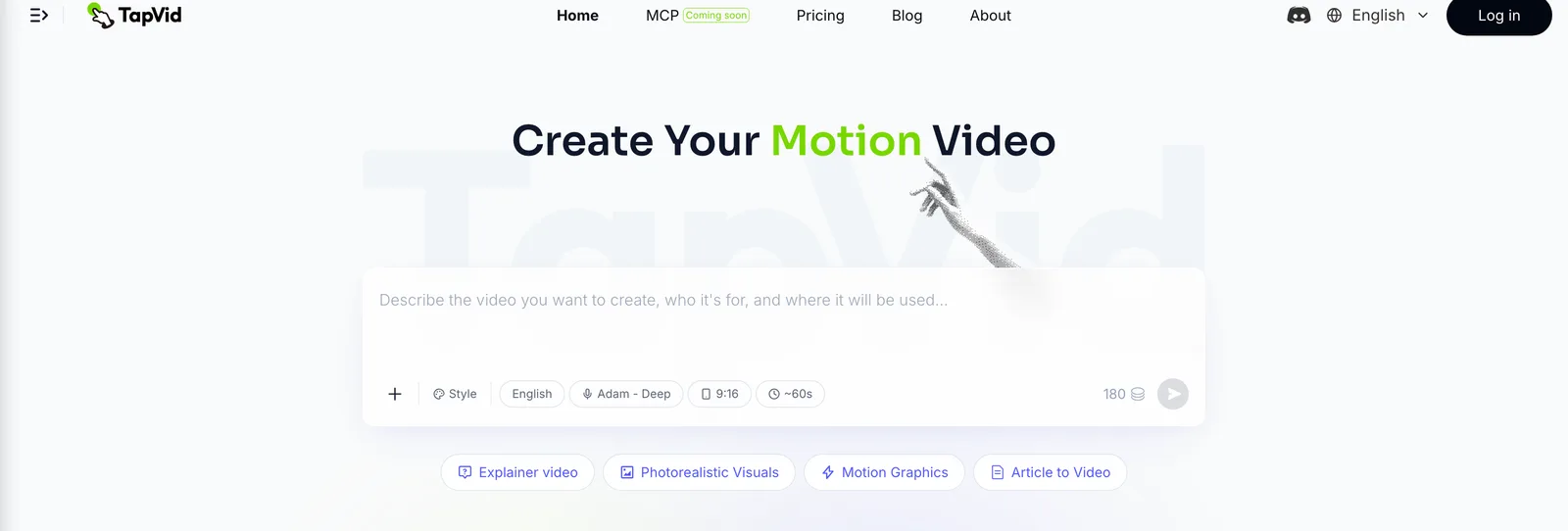
Ideal para: explicativos de conceptos y productos donde quieres energía, movimiento y un aspecto de marca limpio sin abrir After Effects.
Escribes un prompt o un guion y TapVid crea el video explicativo con gráficos animados, subtítulos y narración. No hay ninguna línea de tiempo que aprender ni un presentador al que dirigir. Para una demostración de un producto SaaS, un concepto que todavía no se ha lanzado o una versión para redes sociales que debe captar la atención en tres segundos, los motion graphics transmiten mejor el mensaje que una persona hablando a cámara, porque el movimiento puede mostrar realmente cómo funciona algo. Si estás valorando otro producto que parte de un guion, nuestra comparativa de alternativas a Motion.so muestra para qué encaja cada flujo de trabajo. Si tu idea se apoya en el texto y el ritmo, TapVid también permite crear tipografía cinética y ofrece una animación limpia de estilo pizarra cuando resulta adecuada para el tema.
Dónde no encaja, y adónde te mandaría en su lugar:
- Necesitas un presentador humano en cámara. Usa una herramienta de avatares como Synthesia o HeyGen.
- Quieres animación de personajes cuadro a cuadro o anime. TapVid no rigea ni anima personajes pose a pose. Lee nuestra guía de generadores de anime con IA para herramientas hechas para eso.
- Quieres un clip cinematográfico fotorrealista a partir de un prompt. Ese es trabajo de un modelo generativo, cubierto más abajo.
Los precios, créditos, resolución de exportación, condiciones de marca de agua y límites de clip de TapVid pueden cambiar. Consulta la página de precios antes de citarlos. Empieza en el generador de motion graphics con IA o mira el creador de videos animados completo si quieres el conjunto de herramientas más amplio.
Vyond: el mejor para storytelling corporativo con personajes
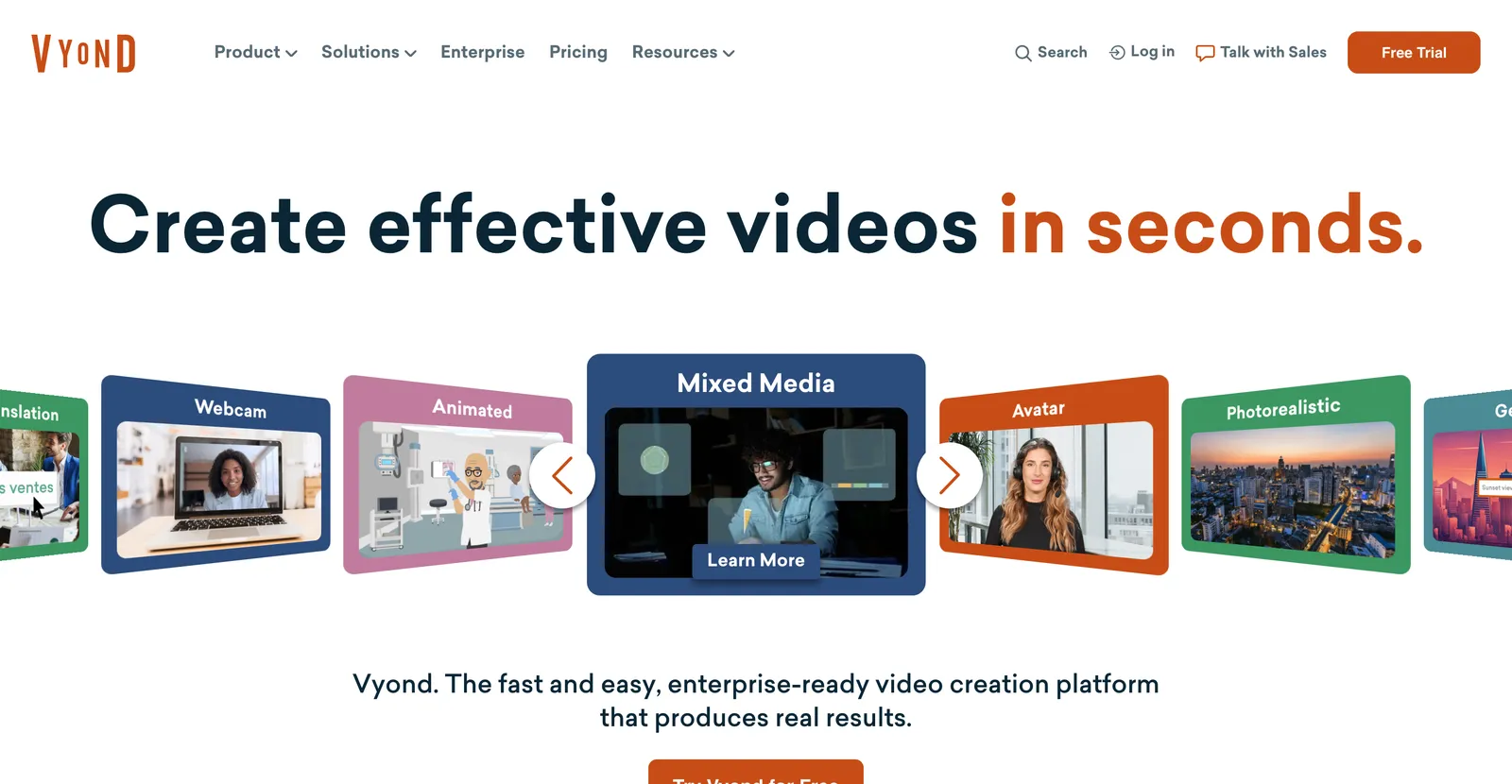
Ideal para: equipos de negocio que quieren personajes animados representando un escenario, como formación de RR. HH. o una narrativa de ventas.
Vyond es un estudio maduro de arrastrar y soltar con una gran biblioteca de personajes de negocios, atrezo y escenas, más un modo de IA de guion a video. Es animación de personajes, no motion graphics: si tu video es realmente una conversación guionizada entre personajes, encaja. Si tu video es un concepto abstracto, es más esfuerzo del necesario. Evidencia actualizada (2026-08-31): consulta los precios oficiales y las reseñas originales de Vyond. No repetimos esta entrada con un plan de pago; prueba un proyecto representativo antes de comprar.
Powtoon: el mejor para explicativos estilo presentación

Ideal para: explicativos basados en diapositivas con aire de caricatura o infografía, a menudo para comunicación interna.
Powtoon se sitúa entre una herramienta de diapositivas y una de animación. Bueno cuando quieres algo claramente animado sin gastar mucho tiempo. Evidencia actualizada (2026-08-31): consulta los precios oficiales y las reseñas originales de Powtoon. No repetimos esta entrada con un plan de pago; prueba un proyecto representativo antes de comprar.
Steve.ai: el mejor para pasar de guion a caricatura rápido
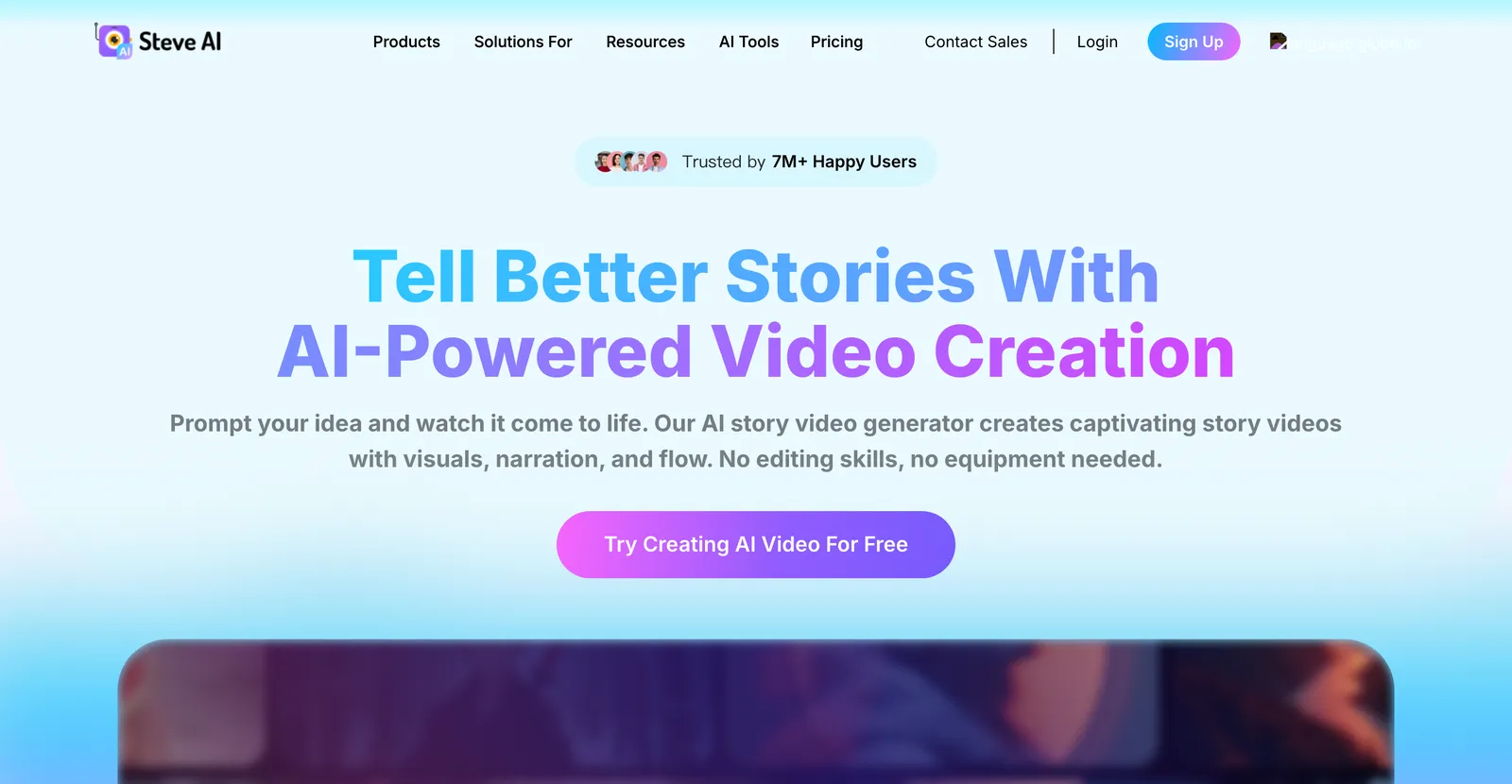
Ideal para: convertir rápidamente una entrada de blog o un guion en un video de caricatura o estilo real.
Steve.ai apuesta por la velocidad. Pega texto, elige un estilo y obtén un video animado en bruto en minutos. Evidencia actualizada (2026-08-31): consulta los precios oficiales y las reseñas originales de Steve.ai. No repetimos esta entrada con un plan de pago; prueba un proyecto representativo antes de comprar.
Animaker: el mejor para equipos con presupuesto ajustado que necesitan variedad
Ideal para: equipos pequeños que quieren estilos 2D, de pizarra y de plantillas en una sola herramienta asequible.
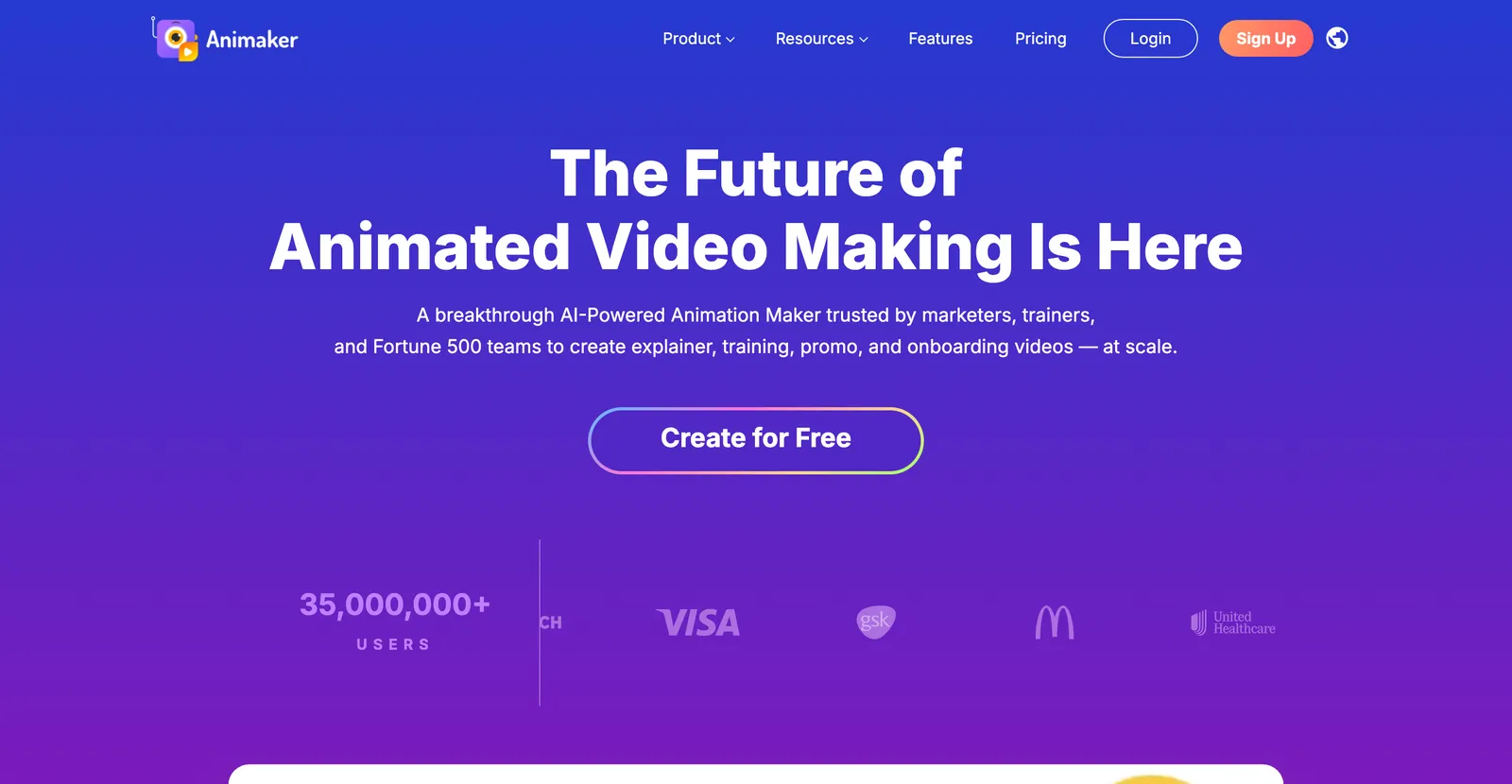
Animaker es el generalista. Cubre varios estilos de animación, tiene un plan gratis utilizable y es amigable para principiantes. Un punto de partida sólido si no tienes claro qué estilo necesitas. Si lo gratis es tu filtro principal, comparamos las opciones sin coste en nuestra reseña de generadores de animación con IA gratis. Evidencia actualizada (2026-08-31): consulta los precios oficiales y las reseñas originales de Animaker. No repetimos esta entrada con un plan de pago; prueba un proyecto representativo antes de comprar.
04
Animación con avatares de IA
En rigor, un avatar leyendo un guion está más cerca del video sintético que de la animación. Pero estas herramientas aparecen en todas las listas de “generador de animación con IA” y la gente las compara directamente, así que aquí están. Recurre a esta categoría cuando una cara humana aporte confianza.
Synthesia: el mejor para video de formación multilingüe
Ideal para: formación corporativa, onboarding y video interno que necesita un presentador consistente en muchos idiomas.
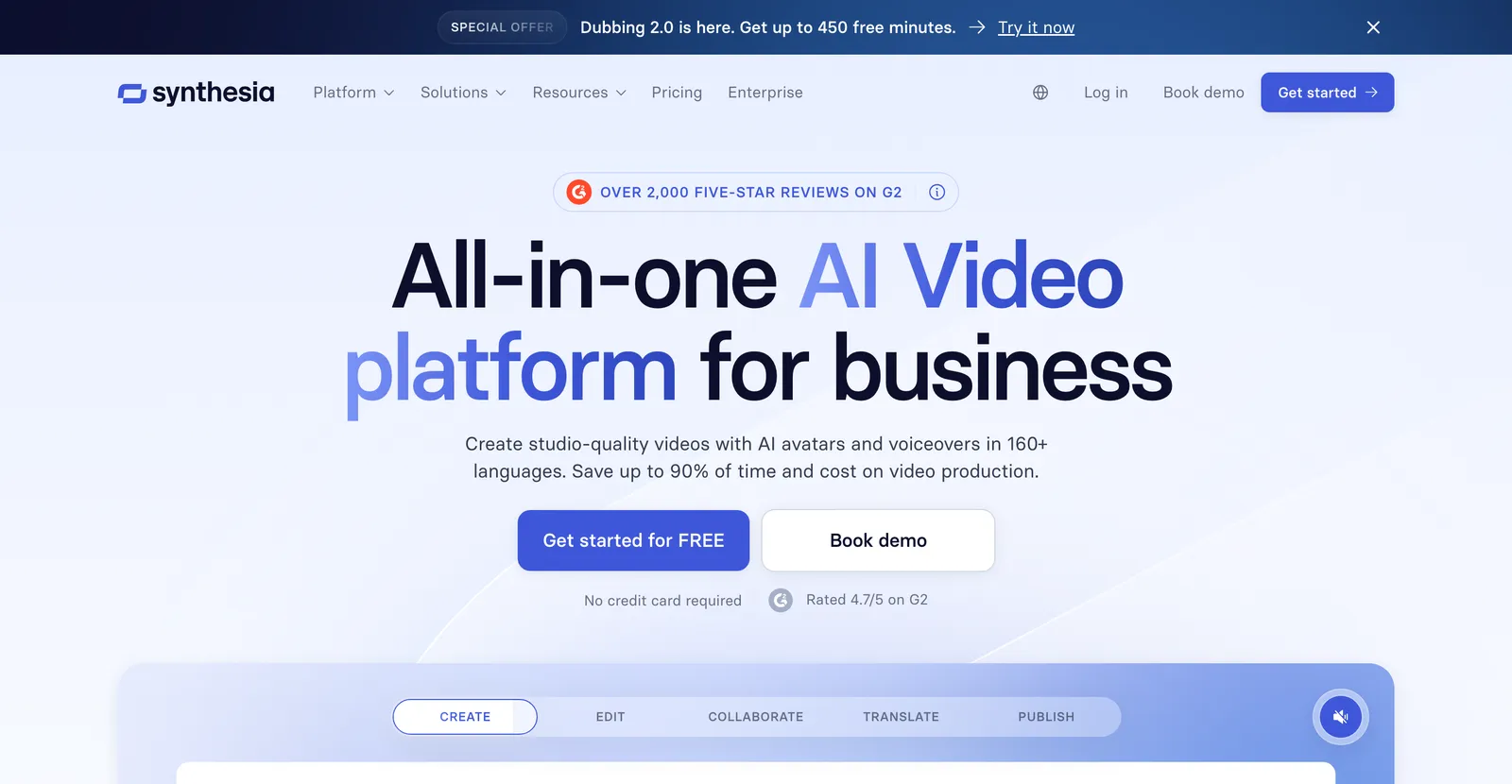
Synthesia es la referencia de la categoría en video con avatares, con soporte para más de 140 idiomas y una gran biblioteca de avatares de stock. No puede animar un concepto como lo hace una herramienta de motion, porque el resultado es una persona hablando. Si te gusta el formato pero no la herramienta, sopesa alternativas antes de comprometerte. Evidencia actualizada (2026-08-31): consulta los precios oficiales y las reseñas originales de Synthesia. No repetimos esta entrada con un plan de pago; prueba un proyecto representativo antes de comprar.
HeyGen: el mejor para avatares realistas a escala
Ideal para: ventas, marketing y video localizado donde el realismo del avatar importa.
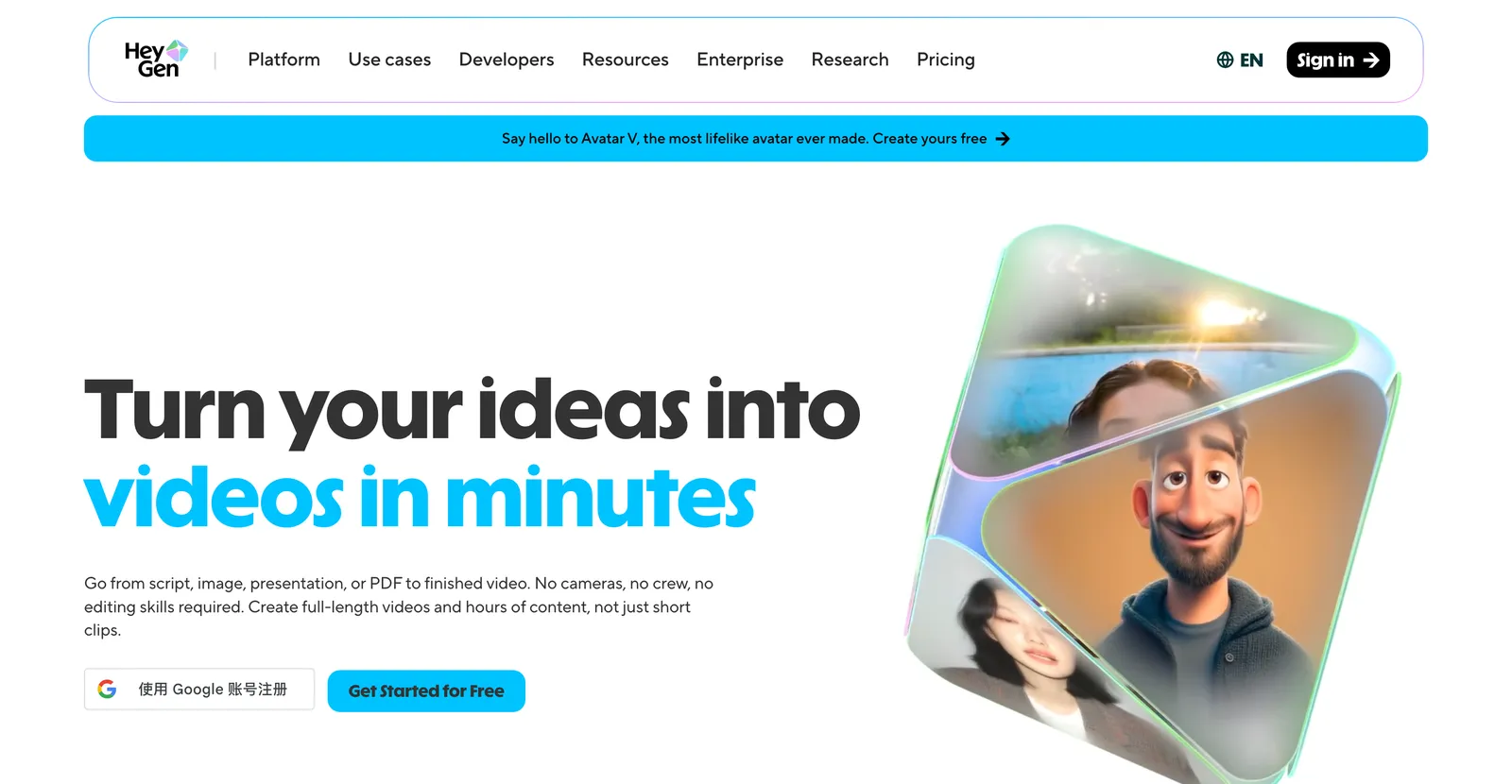
HeyGen compite con Synthesia y aprieta más en el realismo del avatar y la clonación de voz. La misma advertencia central que con Synthesia: es un presentador, no un animador de ideas. Evidencia actualizada (2026-08-31): consulta los precios oficiales y las reseñas originales de HeyGen. No repetimos esta entrada con un plan de pago; prueba un proyecto representativo antes de comprar.
05
Modelos de video generativo
Estas son las herramientas que la gente imagina al oír “video con IA” en 2026. Le das un prompt o una imagen y el modelo genera un clip corto cinematográfico. Producen las tomas individuales más asombrosas y te dan el control preciso más bajo: ese es el intercambio que estás haciendo.
Runway: el mejor para tomas creativas de estilo cine
Ideal para: cineastas y equipos creativos que quieren clips generativos cinematográficos y se sienten cómodos iterando.
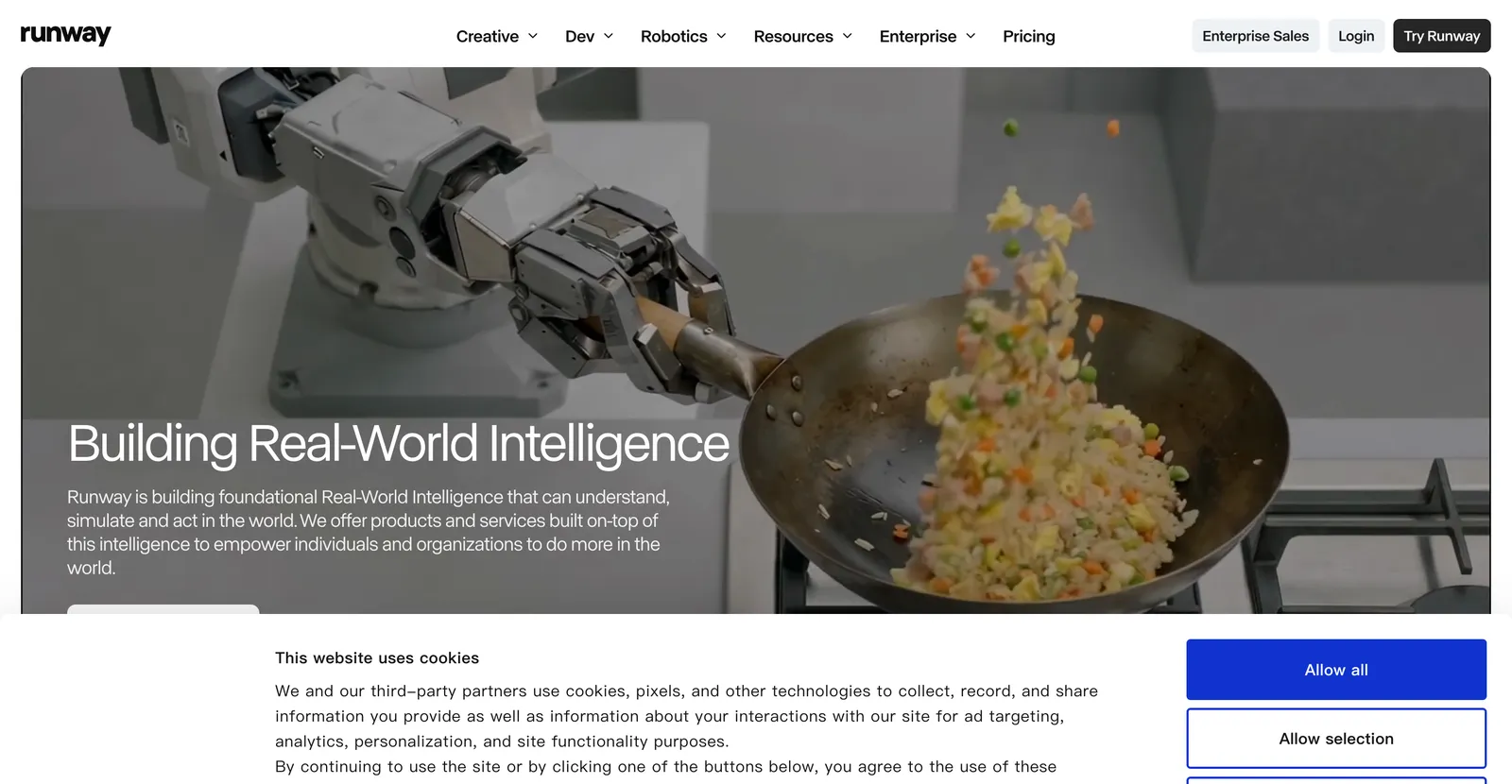
Runway es el líder creativo aquí, con potentes funciones de imagen a video y de edición. Precioso para una toma estrella, frustrante para un explicativo estructurado. Si quieres probar el mismo trabajo de clips cortos dentro de X, nuestra guía de generación de vídeo con Grok AI explica el flujo y sus límites. Evidencia actualizada (2026-08-31): consulta los precios oficiales y las reseñas originales de Runway. No repetimos esta entrada con un plan de pago; prueba un proyecto representativo antes de comprar.
Pika: el mejor para experimentos creativos rápidos
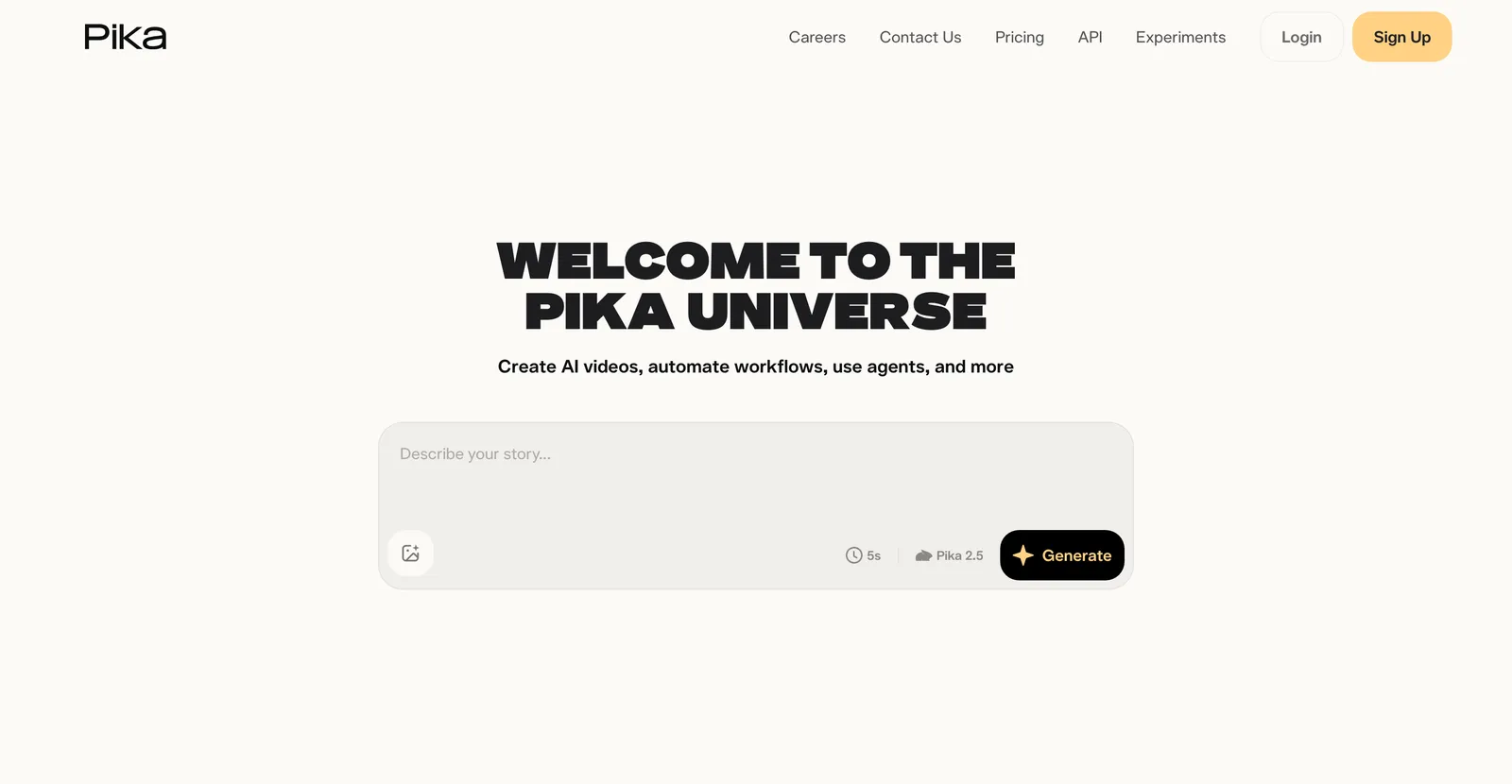
Ideal para: creadores que quieren clips generativos rápidos y desenfadados para redes.
Pika es rápido y divertido para clips cortos y estilizados. Genial para experimentar, débil cuando necesitas un mensaje exacto en pantalla. Evidencia actualizada (2026-08-31): consulta los precios oficiales y las reseñas originales de Pika. No repetimos esta entrada con un plan de pago; prueba un proyecto representativo antes de comprar.
Kling: el mejor para movimiento humano realista
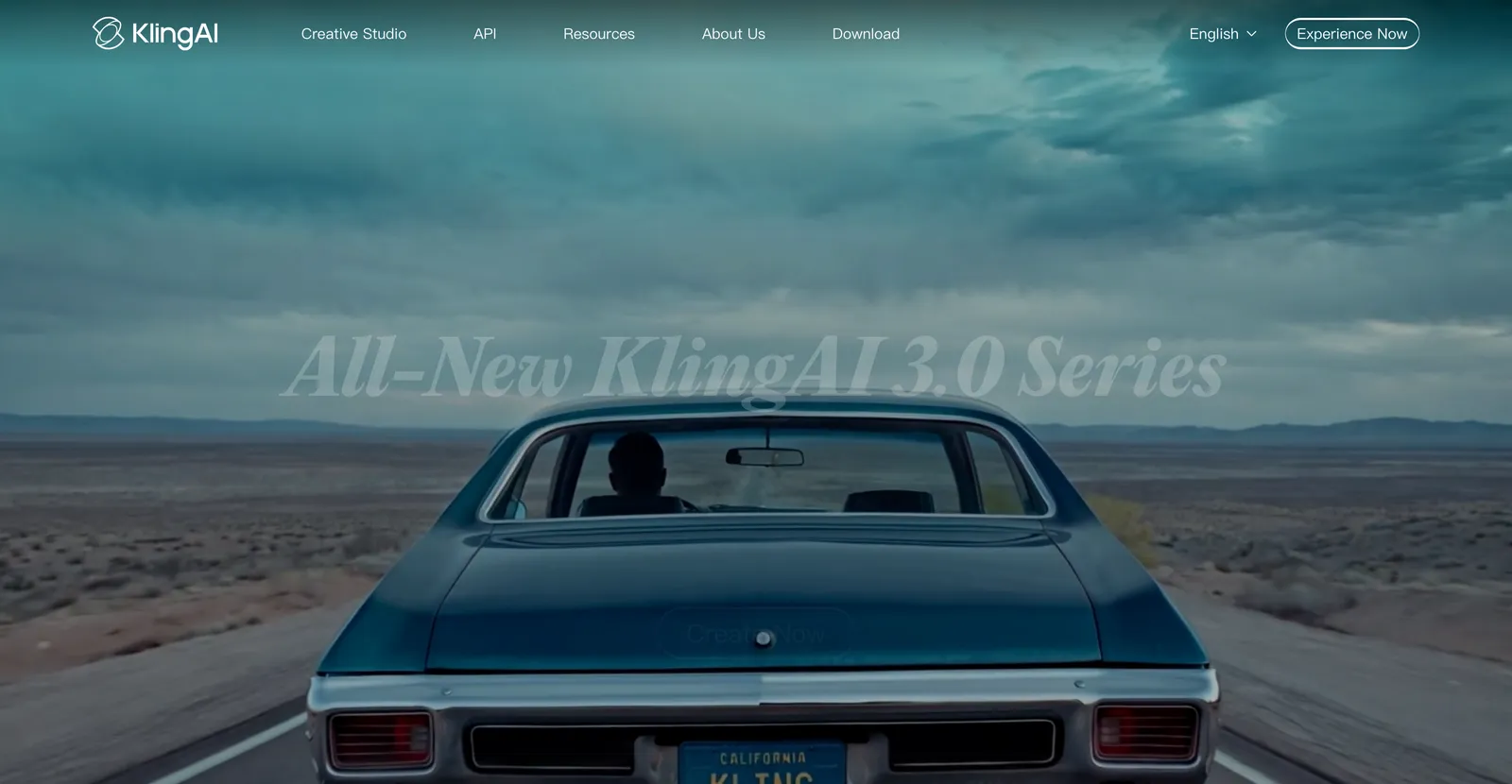
Ideal para: tomas que necesitan movimiento humano y física creíbles.
Como todo modelo generativo, cambia ese realismo por control preciso, y la consistencia de personajes entre varios clips sigue siendo una limitación real. Kling está disponible globalmente a través de kling.ai. Evidencia actualizada (2026-08-31): consulta los precios oficiales y las reseñas originales de Kling. No repetimos esta entrada con un plan de pago; prueba un proyecto representativo antes de comprar.
06
De documento y texto a video
Estas herramientas reutilizan contenido que ya tienes. Pega un artículo o un guion y ensamblan metraje de stock, subtítulos y una voz en off. No es animación en sentido estricto, pero aparecen en estas listas y a menudo resuelven la tarea real de fondo: convertir texto en un video visible, rápido.
Pictory: el mejor para reutilizar artículos largos
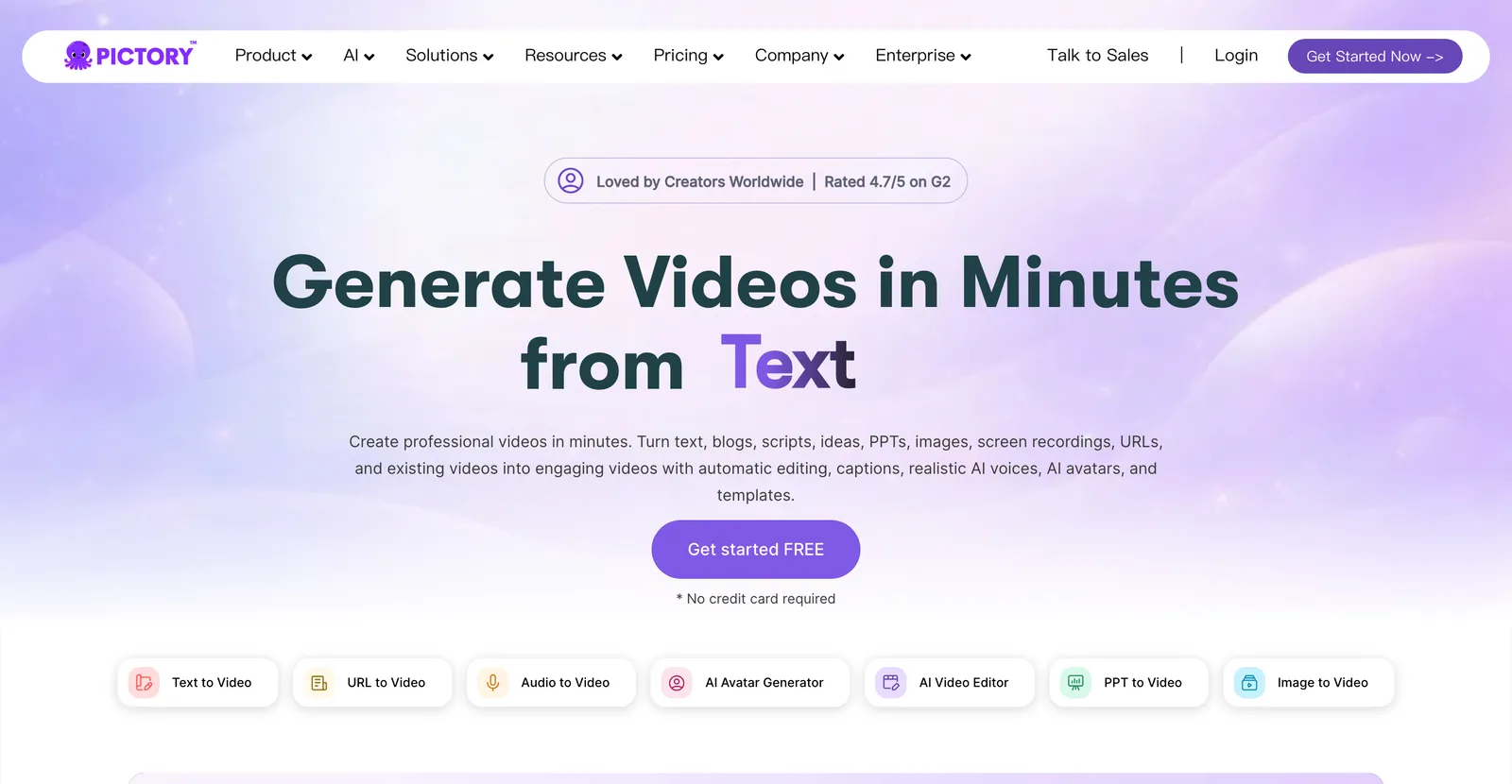
Ideal para: especialistas en marketing que convierten entradas de blog y guiones en videos con metraje de stock a gran volumen.
Pictory asocia el texto con clips de stock relevantes y añade voz en off de IA. Evidencia actualizada (2026-08-31): consulta los precios oficiales y las reseñas originales de Pictory. No repetimos esta entrada con un plan de pago; prueba un proyecto representativo antes de comprar.
InVideo AI: el mejor para video social rápido
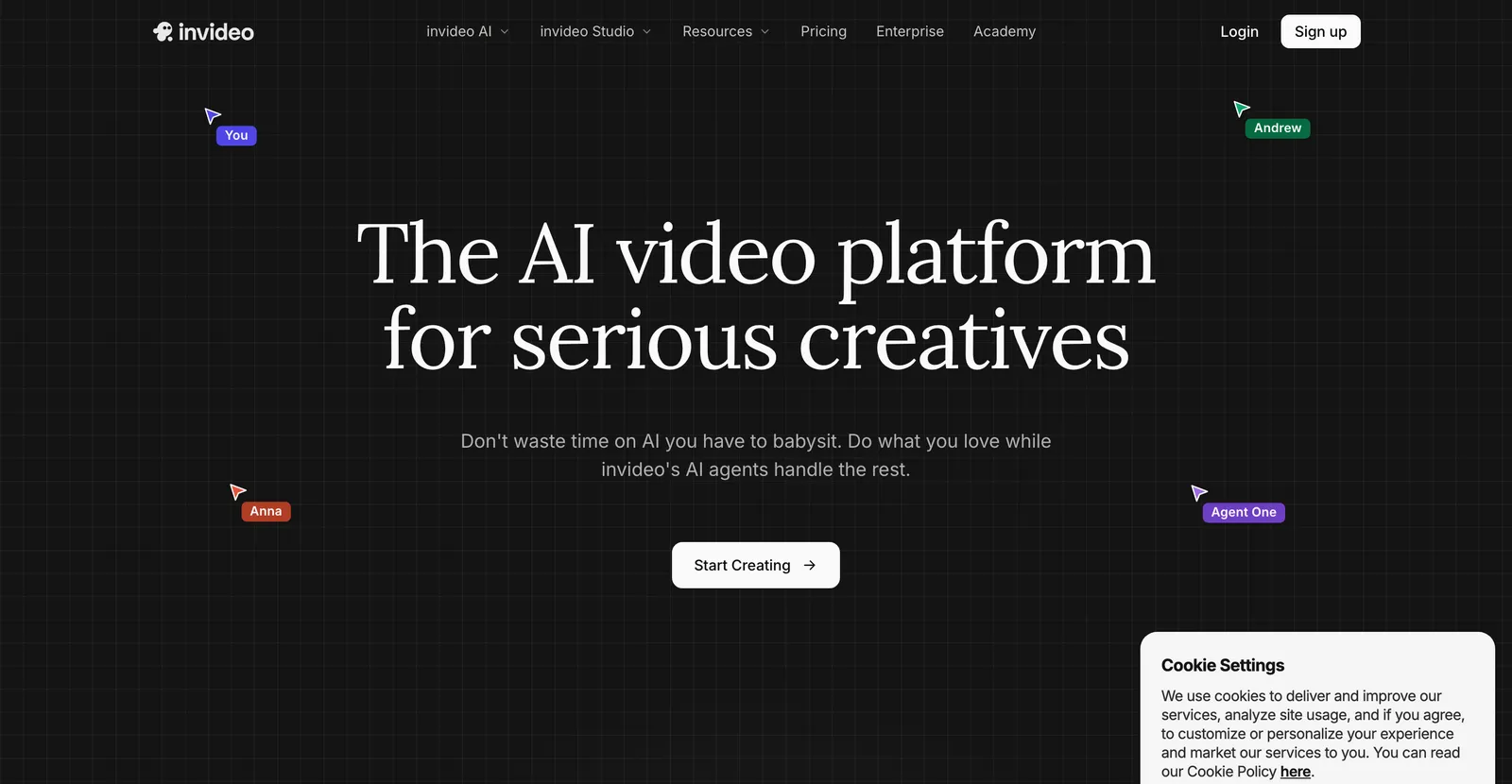
Ideal para: texto a video rápido a partir de un prompt, con metraje de stock, música y plantillas.
InVideo AI toma un prompt y devuelve un borrador editable con metraje y música. Llega rápido a un primer corte y es más ligero en identidad visual propia. Bueno para volumen en redes, menos para un aspecto de marca distintivo. Evidencia actualizada (2026-08-31): consulta los precios oficiales y las reseñas originales de InVideo AI. No repetimos esta entrada con un plan de pago; prueba un proyecto representativo antes de comprar.
Fliki: el mejor para explicativos rápidos con voz en off
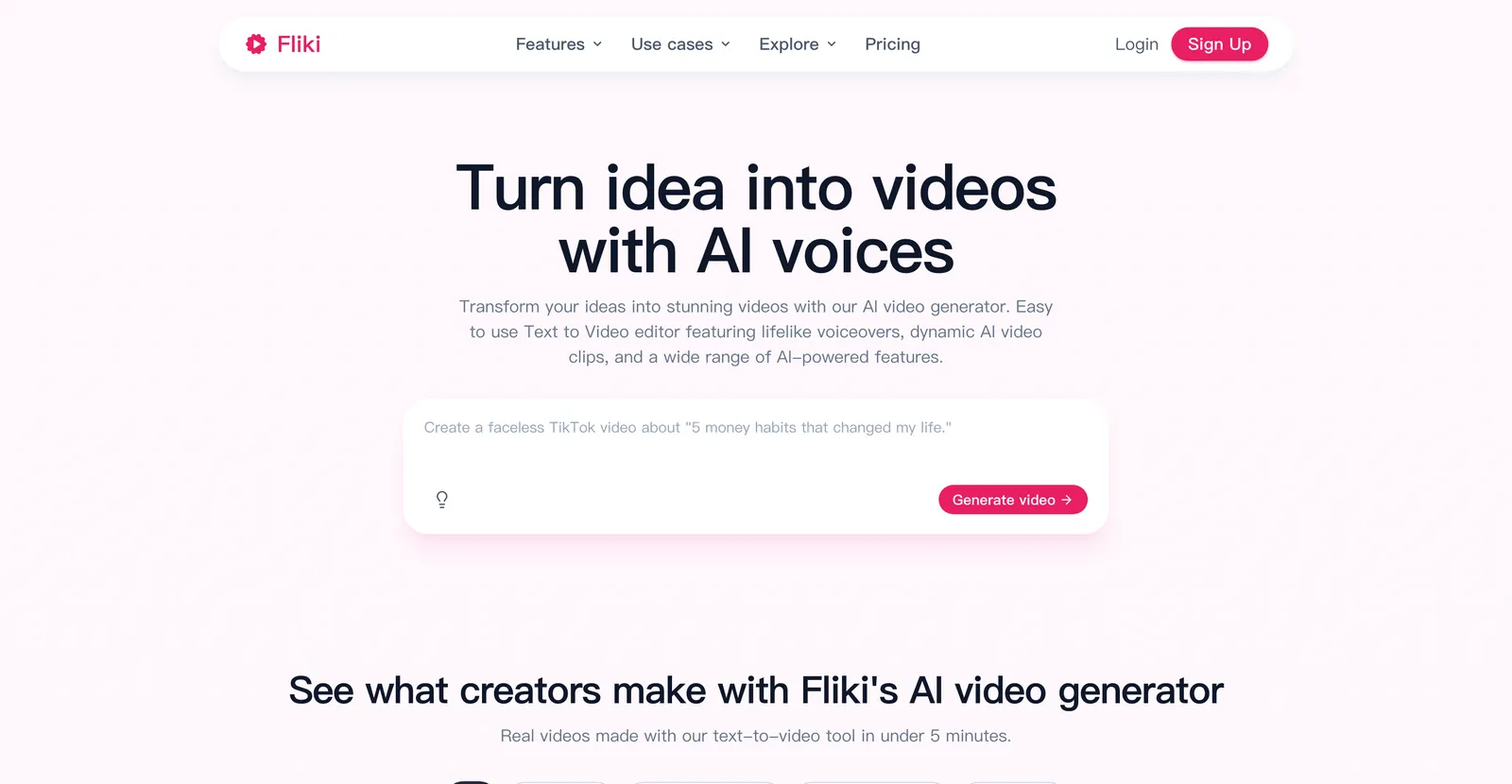
Ideal para: creadores que quieren rápidamente un borrador de texto a video con buenas voces de IA.
La animación es mínima, así que encaja más con explicativos centrados en la voz que con los visualmente ricos. Si tu video es sobre todo narración sobre visuales sencillos, es eficiente. Evidencia actualizada (2026-08-31): consulta los precios oficiales y las reseñas originales de Fliki. No repetimos esta entrada con un plan de pago; prueba un proyecto representativo antes de comprar.
07
Lo que la animación con IA aún no puede hacer en 2026
La mayoría de las listas de “mejor generador de animación con IA” venden el sueño y se saltan el techo. Aquí va el baño de realidad, porque conocer los límites te ahorra una tarde perdida.
- Verdadera animación de personajes cuadro a cuadro. Ninguna herramienta de IA sustituye a un animador 2D o 3D experto para una actuación de personaje expresiva y artesanal. Las herramientas nativas de IA lo resuelven con plantillas; las profesionales siguen necesitando un animador humano.
- Personajes consistentes entre escenas. Los modelos generativos todavía tienen problemas para mantener la misma cara, vestuario y estilo en varios clips. Si tu historia necesita un personaje recurrente, cuenta con retoques manuales.
- Anime y estilos dibujados a mano bajo demanda. Existen herramientas de anime dedicadas, pero un generador de animación generalista no producirá anime limpio y fiel al modelo de forma fiable. Mira nuestra guía de generadores de anime con IA para las opciones especializadas.
- Control preciso desde un prompt de texto puro. Los modelos generativos te dan un look, no un diseño. Cuando necesitas palabras exactas, ritmo y elementos de marca en pantalla, una herramienta de motion graphics gana siempre a un modelo de solo prompt.
- Un video terminado sin nada de edición. Todas las herramientas de esta lista producen un borrador. El guion sigue necesitando una revisión humana, o el video se sentirá genérico elijas la herramienta que elijas.
Si quieres la mecánica de fondo de cómo estas herramientas generan movimiento, la desglosamos en cómo funciona el software de animación con IA, y hay una introducción en lenguaje llano en nuestro artículo el generador de animación con IA, explicado.
08
Cómo elegir el mejor generador de animación con IA para ti
Lista de comprobación
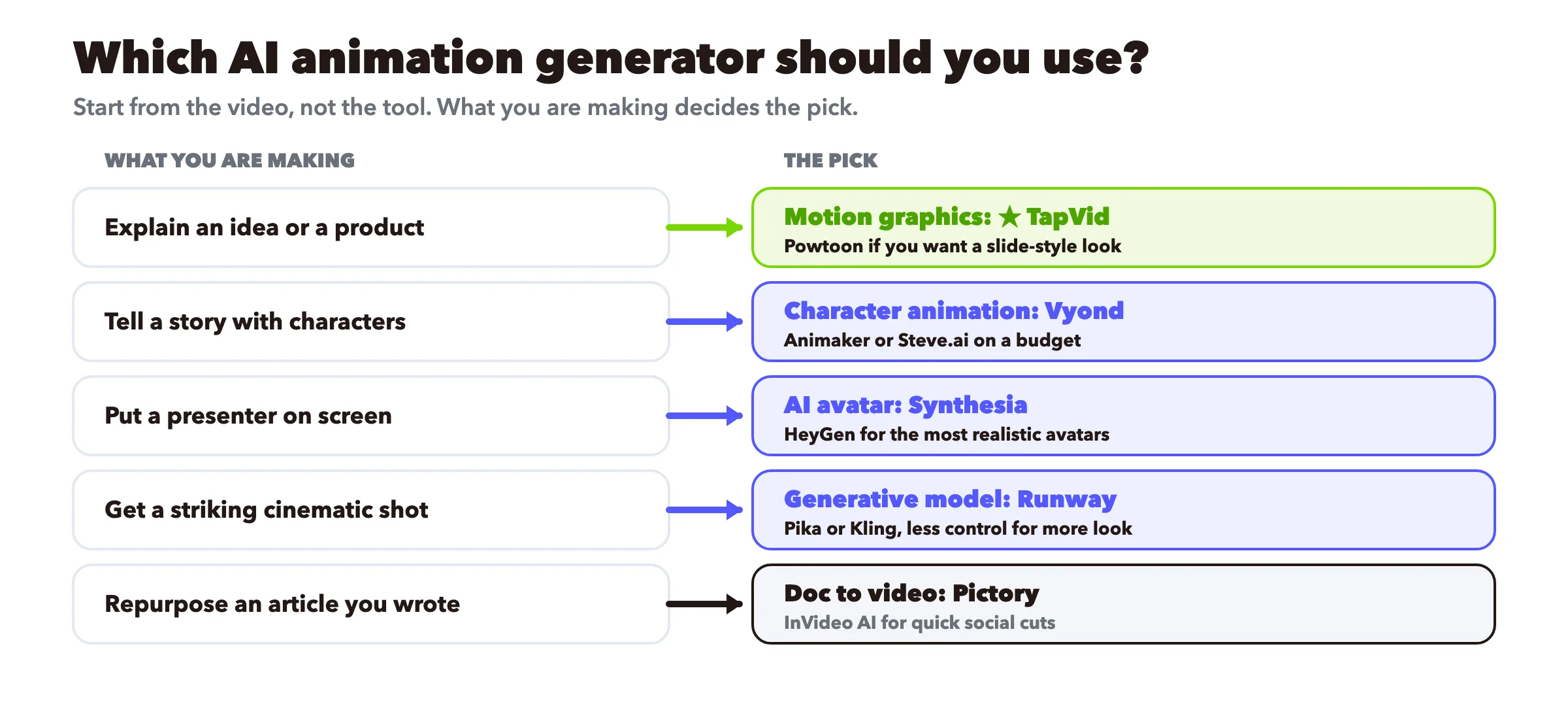
- Explicar una idea o un producto. Motion graphics: TapVid, con Vyond o Powtoon si quieres que lo cuenten personajes.
- Contar una historia con personajes. Animación de personajes: Vyond para negocios, Animaker o Steve.ai con presupuesto ajustado.
- Poner en pantalla un presentador de confianza. Avatar de IA: Synthesia para formación multilingüe, HeyGen para realismo.
- Conseguir una toma cinematográfica impactante. Modelo generativo: Runway, Pika o Kling, sabiendo que cambias control por estética.
- Reutilizar un artículo que ya escribiste. De documento a video: Pictory o InVideo AI.
- No lo tienes claro y cuidas el presupuesto. Elige dos herramientas gratis de categorías distintas, haz el mismo guion de 30 segundos en ambas y quédate con la que te haya convencido. Nuestro generador de video con IA gratis es un sitio sin coste para probar la ruta de motion graphics.
Empieza por el video, no por la herramienta. Lo que realmente vas a hacer decide la categoría, y la categoría te reduce a dos o tres opciones reales.
Para equipos que necesitan estandarizar esto en una cadena de producción de contenido, cubrimos el flujo de trabajo en uso profesional de generadores de animación.
09
Reseñas independientes que conviene revisar
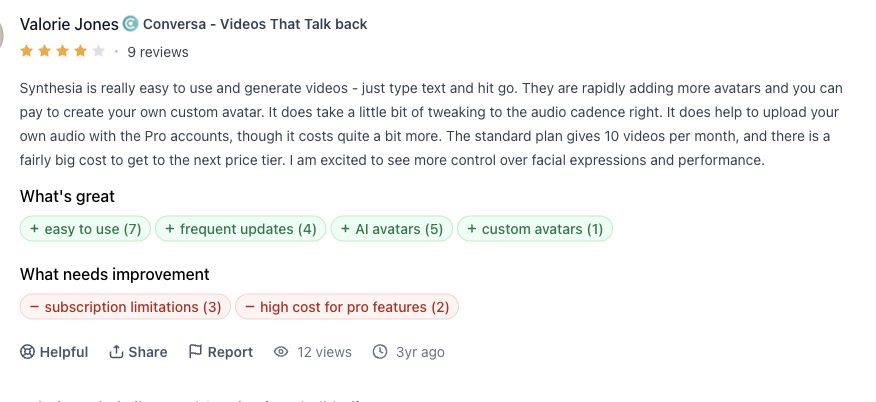
Reseña de Synthesia
Valorie Jones encontró fácil crear vídeo desde texto, pero señaló trabajo con la cadencia y límites de plan. Leer original.
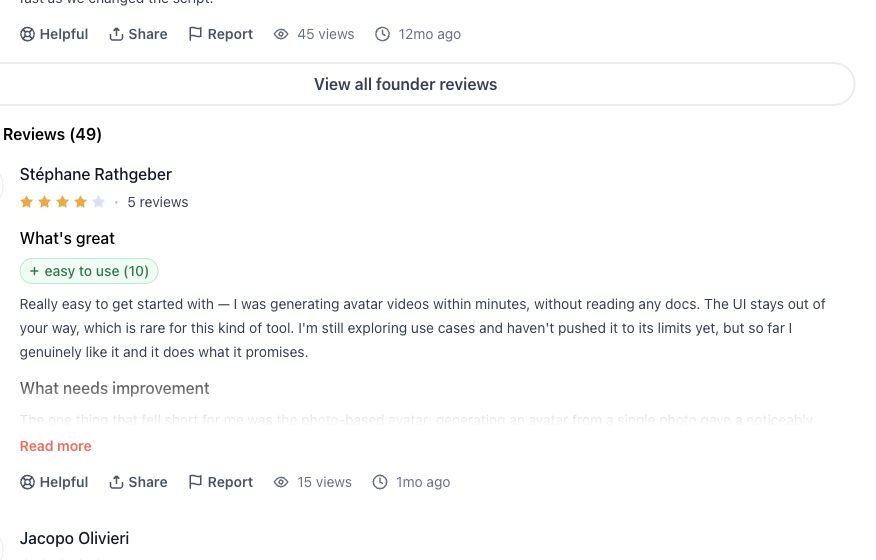
Reseña de HeyGen
Stéphane Rathgeber informó de un inicio rápido y diferencias entre avatares creados desde foto y vídeo. Leer original.
Reseña de Runway
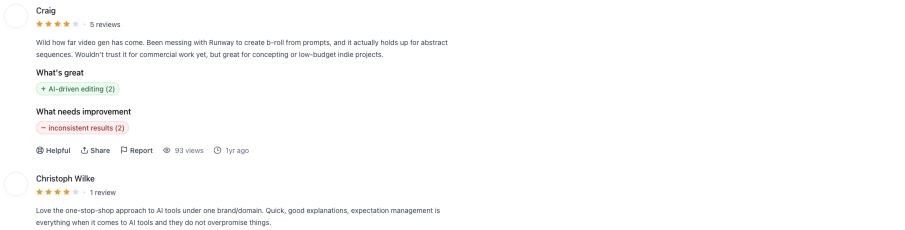
Craig vio valor para B-roll abstracto y concepto, pero no fiabilidad suficiente para entrega comercial. Leer original.
Reseña de InVideo
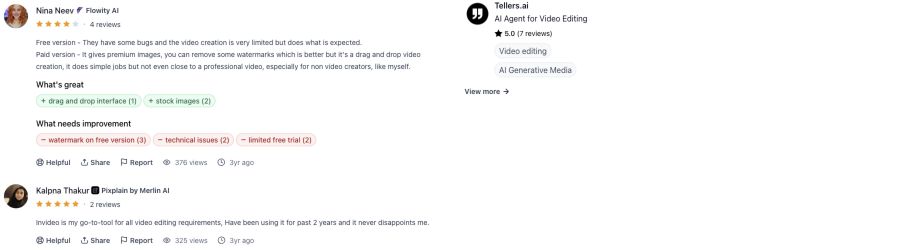
Nina Neev describe un flujo válido para trabajos sencillos y límites de plan gratuito, marca de agua y fallos. Leer original.
10
Preguntas frecuentes
¿Cuál es el mejor generador de animación con IA en 2026?
No hay un único mejor, porque las herramientas hacen trabajos distintos. Para explicativos de motion graphics, TapVid. Para animación de personajes de negocios, Vyond. Para formación multilingüe con avatares, Synthesia. Para clips generativos cinematográficos, Runway. Empareja la herramienta con lo que vas a animar.
¿Puede la IA generar animación a partir de texto?
Sí. Las herramientas de motion graphics como TapVid construyen video animado a partir de un guion o un prompt, y los modelos generativos como Runway crean clips a partir de una descripción de texto. El estilo del resultado difiere mucho, así que elige la categoría que coincida con tu objetivo.
¿Cuál es el mejor generador de animación con IA gratis?
Animaker, InVideo, Fliki y TapVid tienen planes gratis. Las exportaciones gratuitas suelen llevar marca de agua, así que revisa las condiciones antes de publicar. Comparamos las opciones gratis en detalle en nuestra reseña de generadores de animación con IA gratis.
¿Cuál es la diferencia entre video con avatar de IA y animación con IA?
Una herramienta de avatares pone en pantalla a un humano digital leyendo tu guion. La animación, en el sentido de motion graphics o de personajes, mueve gráficos o personajes para transportar una idea, sin presentador. A ambas se les llama “animación” en internet, pero resuelven problemas distintos.
¿Qué generador de animación con IA es mejor para principiantes?
Para un arranque rápido y con poca curva de aprendizaje, TapVid, Animaker y Fliki son los más amigables. Escribes un prompt o pegas un guion y obtienes un borrador, sin línea de tiempo que aprender.
¿Cuánto cuestan los generadores de animación con IA?
La mayoría se sitúa entre unos $10 y $60 al mes en planes individuales y de equipos pequeños, y las herramientas de avatares para empresas suben más por puesto. Hay planes gratis en todas las categorías, pero suelen poner marca de agua a las exportaciones. Confirma los precios actuales en la página de cada proveedor, porque cambian a menudo.
¿Puede la animación con IA sustituir a un animador profesional?
No para el trabajo de personajes expresivo y artesanal. Las herramientas de IA son excelentes para explicativos, video social y borradores rápidos. Para actuación de personajes de alto nivel y estilo a medida, el animador humano sigue liderando, a menudo usando IA para acelerar partes del proceso.
11
La conclusión
El mejor generador de animación con IA es aquel cuya categoría coincide con tu video. Anima una idea con motion graphics, cuenta una historia con herramientas de personajes, pon una cara en pantalla con una herramienta de avatares, persigue un look cinematográfico con un modelo generativo y reutiliza tus textos con una herramienta de documento a video. Ignora cualquier lista que finja que una sola herramienta gana los cinco trabajos. Para probar la ruta de motion graphics con tu propia idea, empieza con el generador de motion graphics con IA o compara planes en precios.