Describe el concepto
Di qué quieres explicar, o pega un guion, PDF o enlace como fuente.
Crea explicativos animados estilo whiteboard desde un prompt, PDF o enlace. TapVid escribe el guion y anima la idea paso a paso, sin dibujar y sin línea de tiempo.
Producción real de motion graphics, generada a partir de un concepto o documento, sin dibujar.
Di qué quieres explicar, o pega un guion, PDF o enlace como fuente.
TapVid escribe la narración y construye la idea paso a paso.
Ajusta el ritmo o el texto con un prompt y luego exporta un MP4.
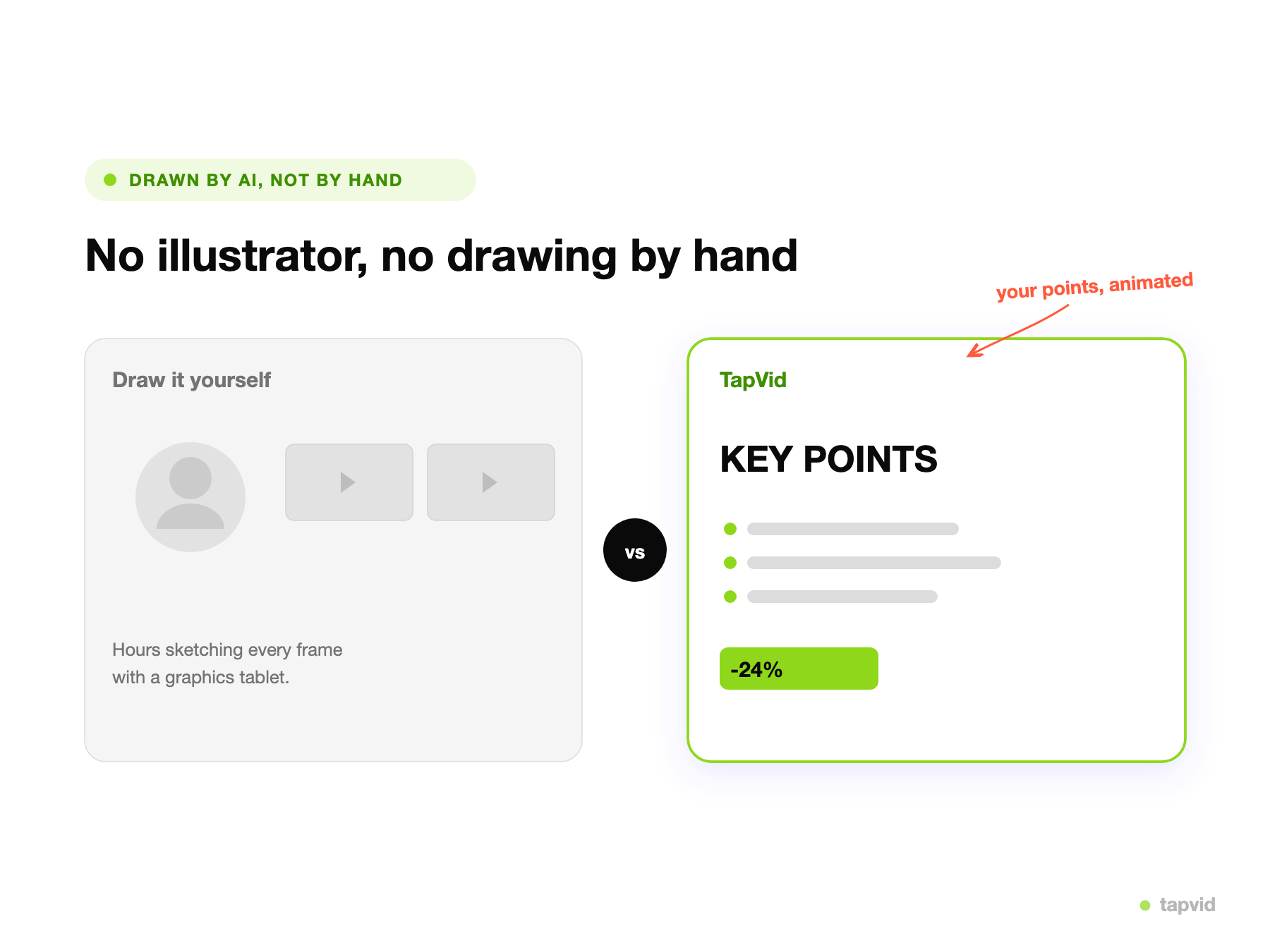
La animación whiteboard se gana su lugar en la enseñanza y el onboarding porque construye una idea pieza por pieza, lo que es más fácil de seguir que un muro de texto o una cabeza parlante. El problema es que la forma clásica de hacerla implica storyboard, dibujo y sincronizar la narración a mano.
Un creador de animación whiteboard elimina el dibujo. Describes el concepto, o pegas un guion, PDF o enlace, y TapVid escribe la narración y anima cada paso como un explicativo con ritmo. Controlas el texto y el tiempo describiendo cambios en lugar de trabajar con una línea de tiempo.
Como el explicativo se genera a partir de tu contenido, sigue tu material y tu ritmo, y puedes regenerar cualquier sección describiendo el cambio, así que una lección o un documento de proceso se convierte en un explicativo atractivo sin necesidad de un diseñador.
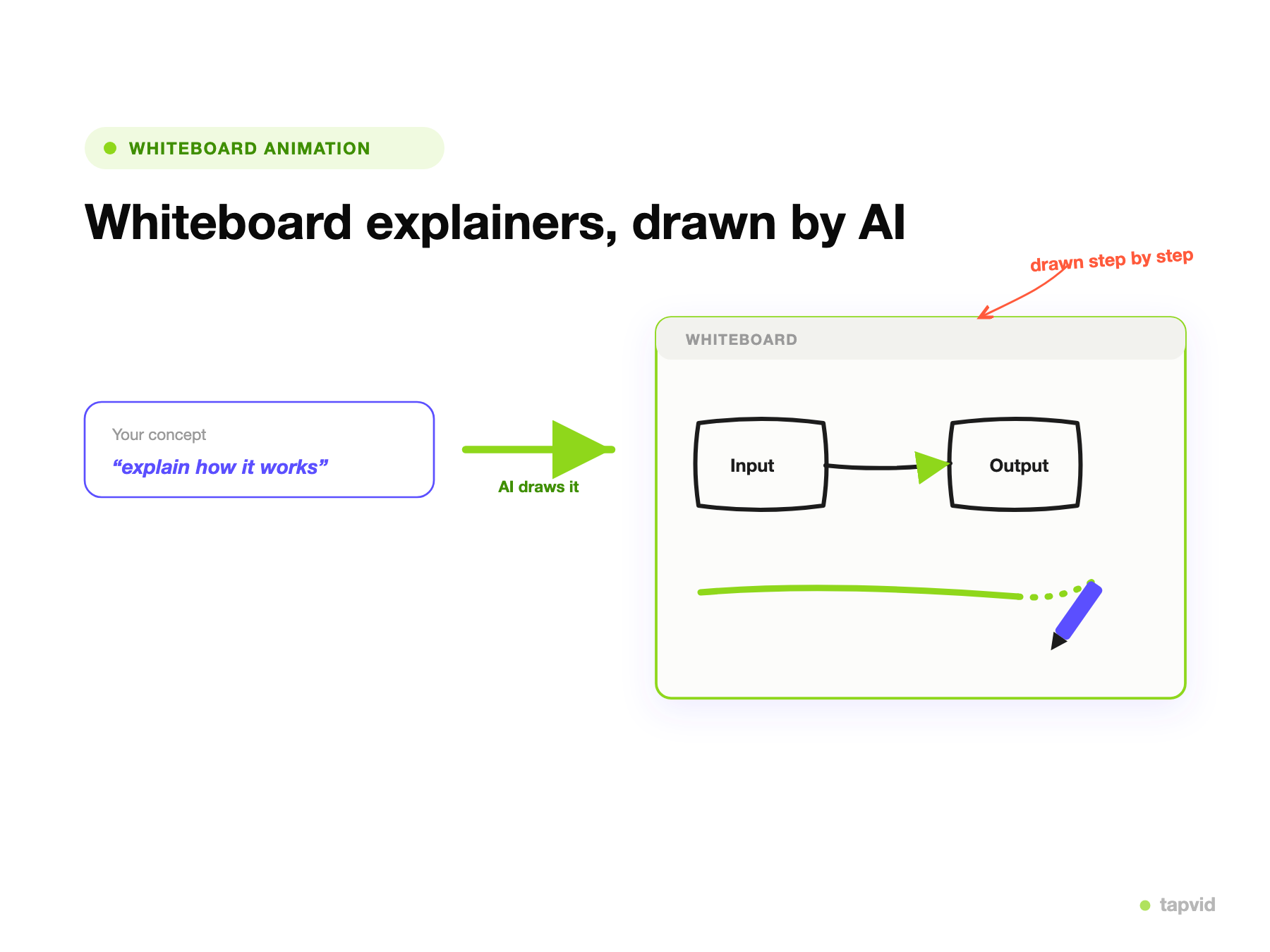
Dile a TapVid la idea a explicar, o entrégale un guion, PDF o enlace. Planifica un esquema paso a paso y escribe la narración.
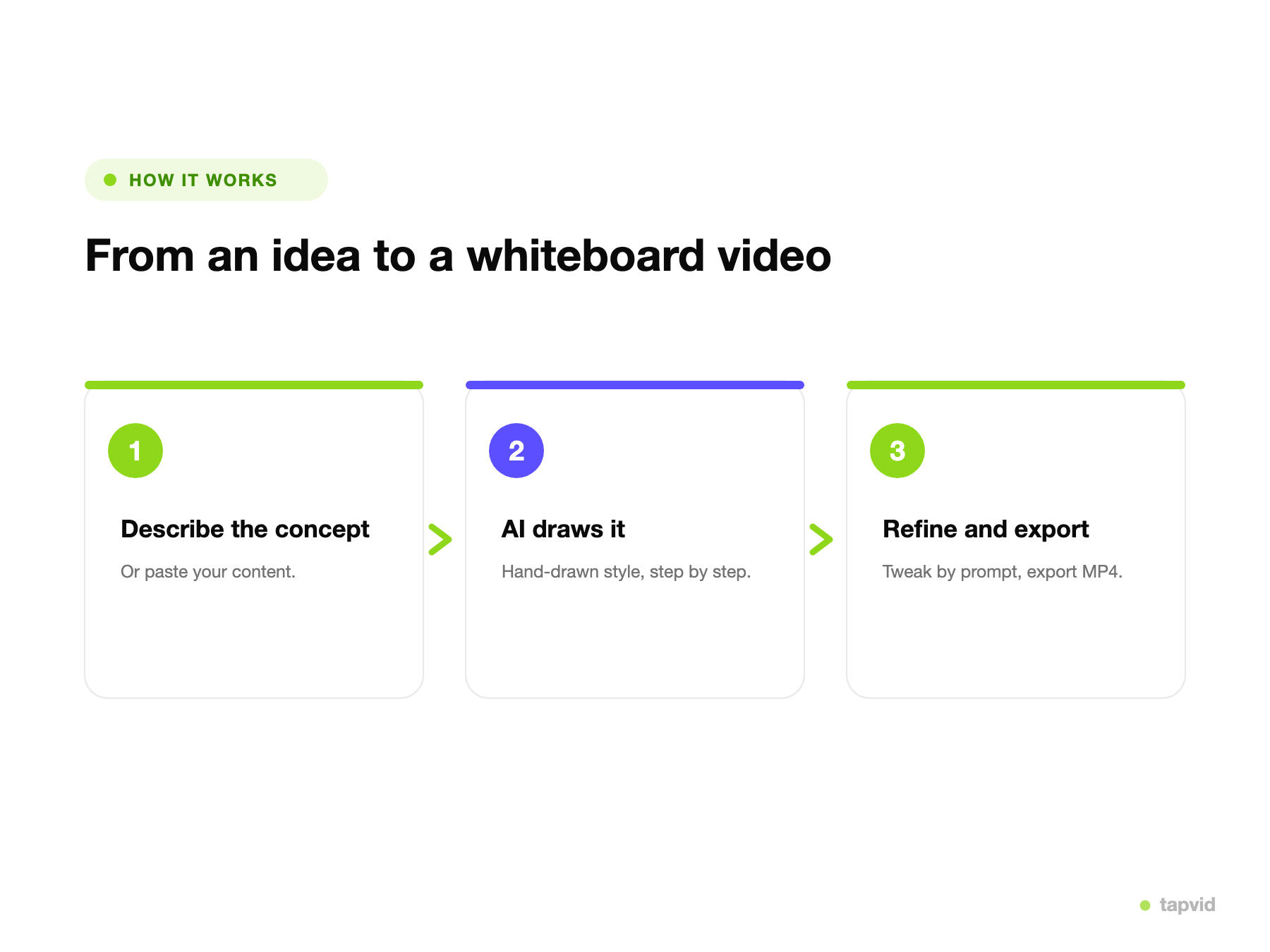
TapVid construye cada punto como una escena animada que desarrolla la idea, para que el espectador siga cómo se va dibujando.
Pide un ritmo más lento, un texto más simple o un orden distinto, y luego exporta un MP4 o comparte un enlace.
Genera el explicativo a partir de una descripción en lugar de hacer storyboard y dibujarlo a mano.
La idea se desarrolla paso a paso, que es lo que hace que los explicativos estilo whiteboard sean fáciles de ver.
TapVid escribe la voz en off a partir de tu contenido, y puedes reescribirla antes de renderizar.
Pega un guion, PDF o enlace y TapVid construye el explicativo a partir de tu material.
Más lento, más simple, reordenado: pídelo con palabras y regenera. Sin línea de tiempo.
Exporta un MP4 limpio con narración y subtítulos. Sin marca de agua en los planes de pago a 1080p.
Un solo creador cubre los explicativos donde construir una idea paso a paso ayuda a que se entienda.
Enseña una sola idea desarrollándola pieza por pieza para el espectador.
Muestra cómo funciona un flujo de trabajo o sistema, paso a paso.
Convierte notas de clase en explicativos con ritmo que los estudiantes pueden ver y repasar.
Guía a nuevos usuarios o empleados por lo esencial en una secuencia clara.
Explica un producto o método como una idea que avanza hacia su conclusión.
Expón un argumento paso a paso para inversores o stakeholders.
Convierte lecciones en explicativos con ritmo que los estudiantes realmente ven.
Explica flujos de trabajo y funciones paso a paso para onboarding y ayuda.
Expón un concepto o tesis con claridad para clientes e inversores.
3 créditos = 1 segundo, así solo pagas por lo que realmente se renderiza. Empieza gratis y mejora cuando quieras.
$49/mo
2,000 créditos / mes
$99/mo
6,000 créditos / mes
$199/mo
14,000 créditos / mes
Únete a miles de equipos de producto que usan IA para crear videos profesionales en minutos.