
콘텐츠는 이미 갖고 있습니다. PDF 보고서에, 슬라이드 덱에, 아무도 끝까지 읽지 않는 한 장짜리 문서에 들어 있죠. 다시 쓰는 게 문제가 아닙니다. 문제는 사람들이 빽빽한 글은 훑고 지나가지만 영상은 실제로 본다는 데 있습니다. 그래서 2026년의 실질적인 질문은 이것입니다. 전부 손으로 다시 만들지 않고 어떻게 PDF를 영상으로 바꿀까요?
01
TL;DR
실제 문서를 처음부터 끝까지 돌려 보고 실제로 일어난 일을 적어 두었습니다. 워크플로가 어떻게 진행되는지, 결과물은 어땠는지, 얼마나 걸렸는지, 어떤 도구가 어떤 작업에 맞는지 정리했습니다.
고지: 이 가이드는 TapVid 팀이 작성했습니다. PDF-투-영상 워크플로를 직접 테스트했고, 경쟁 도구도 공정하게 설명하려 했습니다.
- AI PDF-투-영상 도구는 문서를 읽어 그로부터 내레이션 대본을 쓰고, 애니메이션 장면까지 만들어 줍니다.
- 단순한 텍스트 문서는 2~5분이 걸립니다. 대부분 도표로 된 페이지는 수동 검토가 필요합니다.
- 진짜 결정해야 할 건 하나, 애니메이션(발표자 없음)이냐 아바타(화면 속 발표자)냐입니다. 말하는 얼굴 없이 애니메이션 설명 영상을 원한다면 TapVid가 맞습니다.
02
2026년 'PDF를 영상으로'가 실제로 의미하는 것
AI PDF-투-영상 도구는 문서를 읽어 구조와 핵심을 뽑아내고, 내레이션 대본을 쓴 뒤 그에 맞는 애니메이션 장면을 만듭니다. 돌려받는 것은 영상, 보이스오버, 자막이 담긴 완성된 MP4이며, 타임라인 편집기는 한 번도 열지 않습니다.
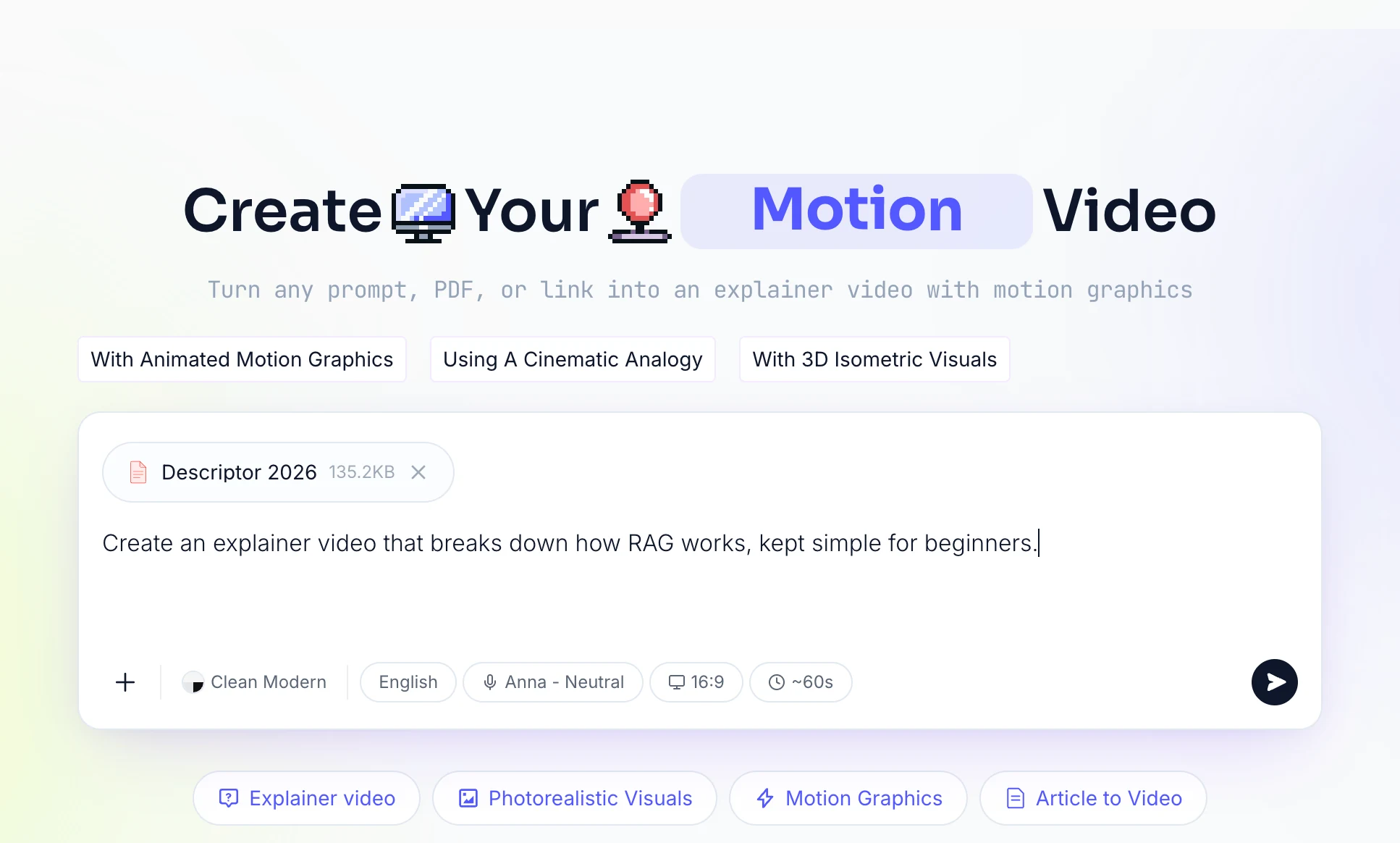
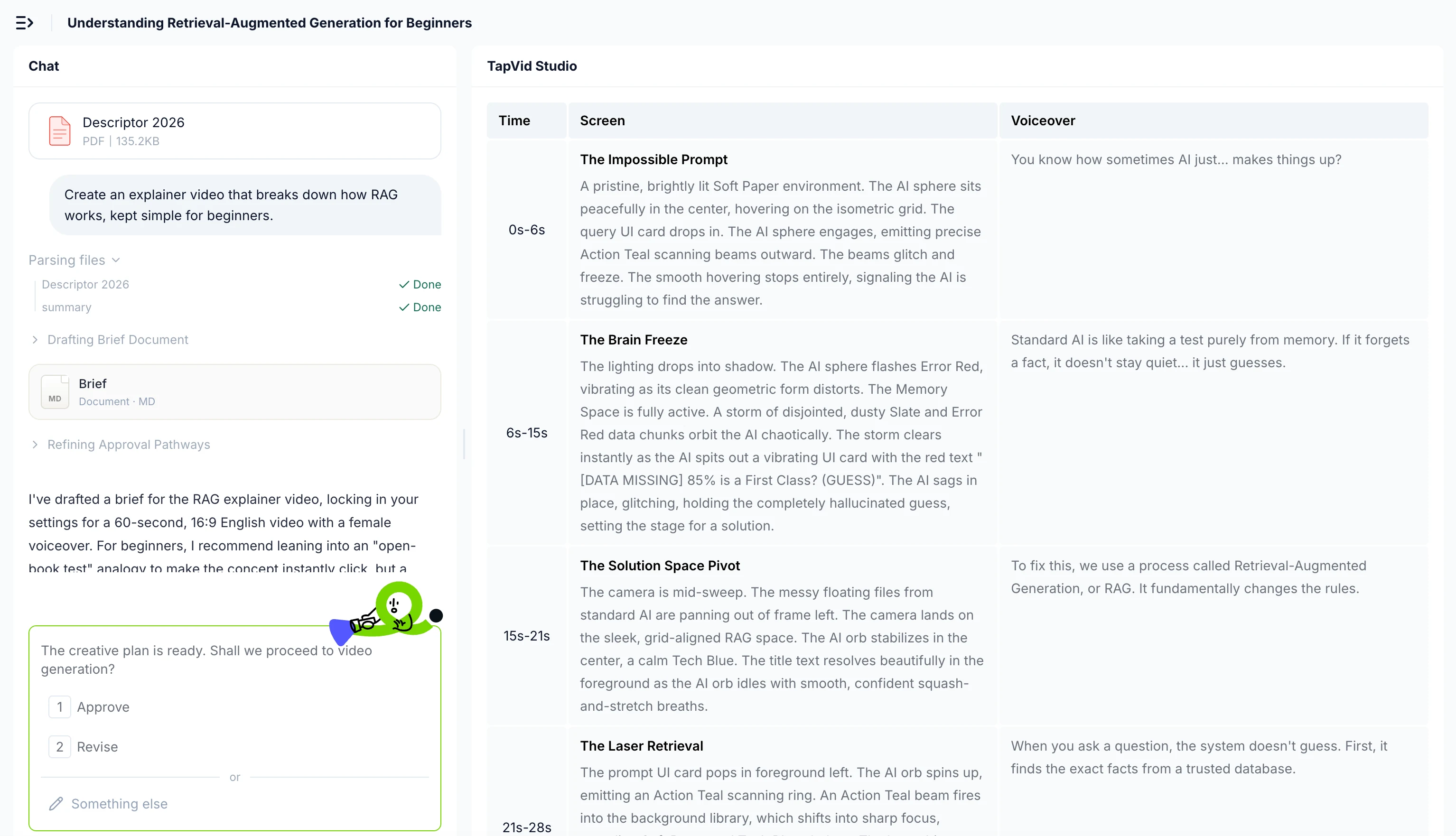
여기서 두 가지가 뭉뚱그려지는데, 나눠 볼 가치가 있습니다.
문서-투-영상은 파일에 이미 있는 내용에서 출발합니다. PDF나 PPT를 읽어 속도감 있고 내레이션이 들어간 영상으로 다시 구성합니다. 보고서, 강의, 슬라이드 덱에는 이쪽이 맞습니다.
텍스트-투-영상은 직접 입력한 프롬프트에서 출발합니다. 유용하지만, 이미 갖고 있는 문서는 무시합니다.
콘텐츠가 파일 안에 있다면 문서-투-영상 방식을 택하세요. 핵심은 이미 쓴 것을 재활용하는 데 있습니다.
03
PDF를 영상으로 바꾸는 단계별 방법
제가 따른 워크플로입니다. 괜찮은 도구들은 대체로 비슷합니다.
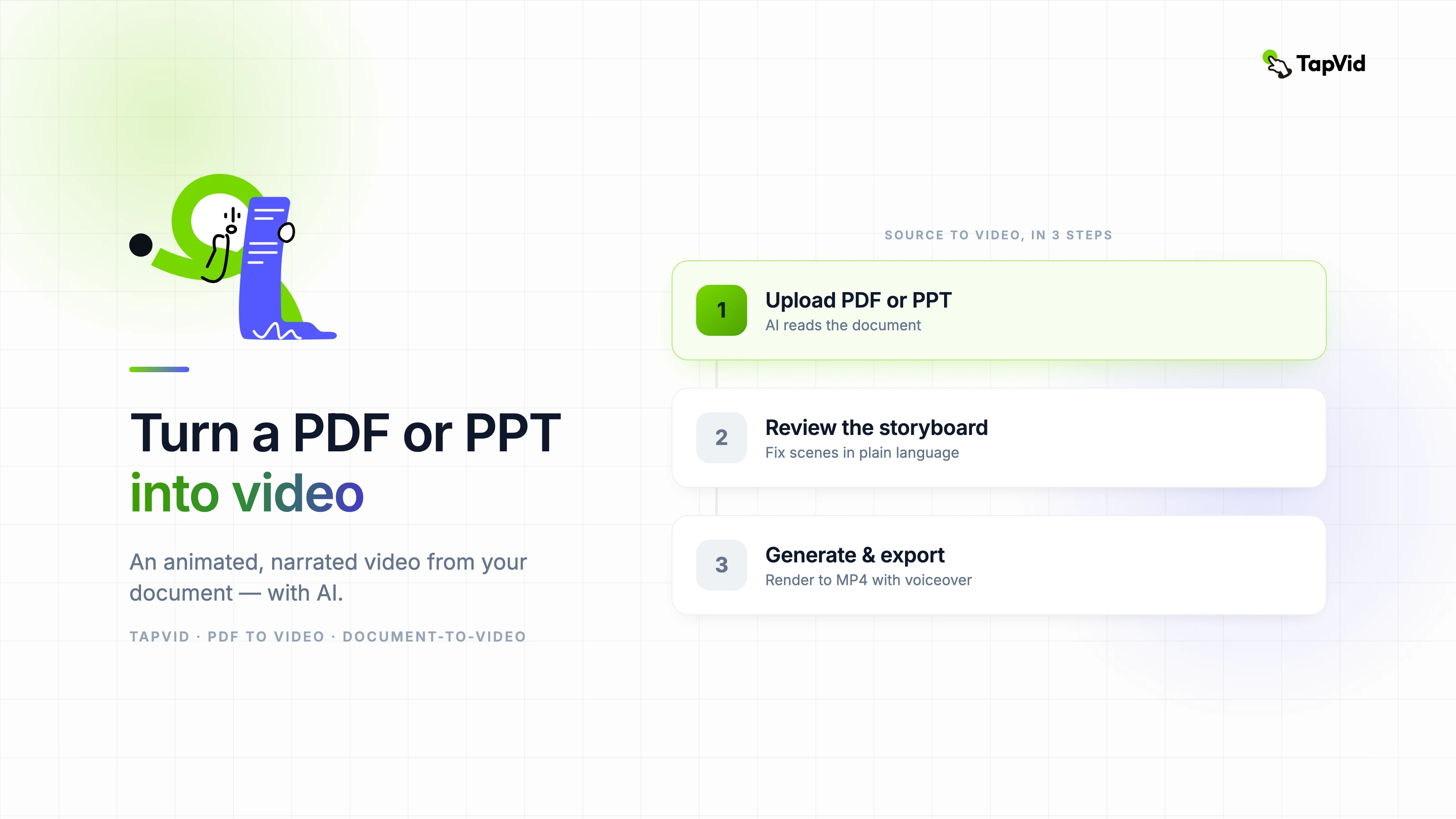
- PDF나 PPT를 업로드하세요. 파일을 끌어다 놓기만 하면 됩니다. 좋은 도구는 둘 다 받으며, 슬라이드는 이미 구조화되어 있어 PPT도 똑같이 작동합니다.
- AI가 읽고 대본을 초안하도록 하세요. 제목, 핵심, 순서를 골라낸 뒤 내레이션을 씁니다. 시간을 가장 많이 아껴 주는 단계입니다. 빈 페이지에서 쓰는 대신, AI가 당신의 콘텐츠에서 뽑아낸 것을 편집하게 됩니다.
- 스토리보드를 검토하세요. 텍스트와 추천 비주얼이 배치된 장면이 나옵니다. 클립을 끌어 옮기는 대신 평범한 말로 고칩니다.
- 목소리와 스타일을 고르세요. 보이스오버와 룩을 정하고 자막을 켭니다.
- 생성하고 내보내세요. 도구가 렌더링하면 MP4로 내보냅니다.
04
실제로 얻은 것: 진짜 테스트
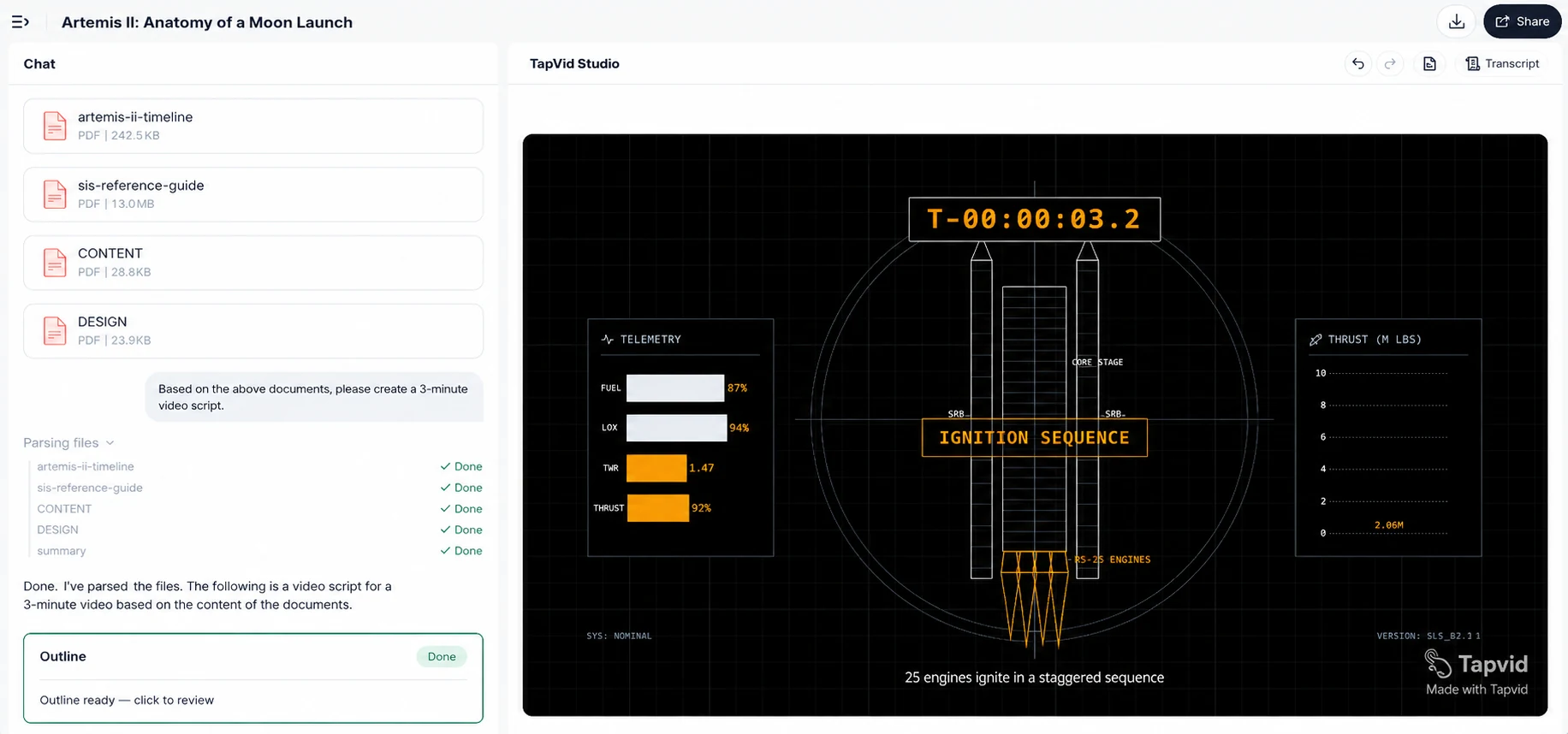
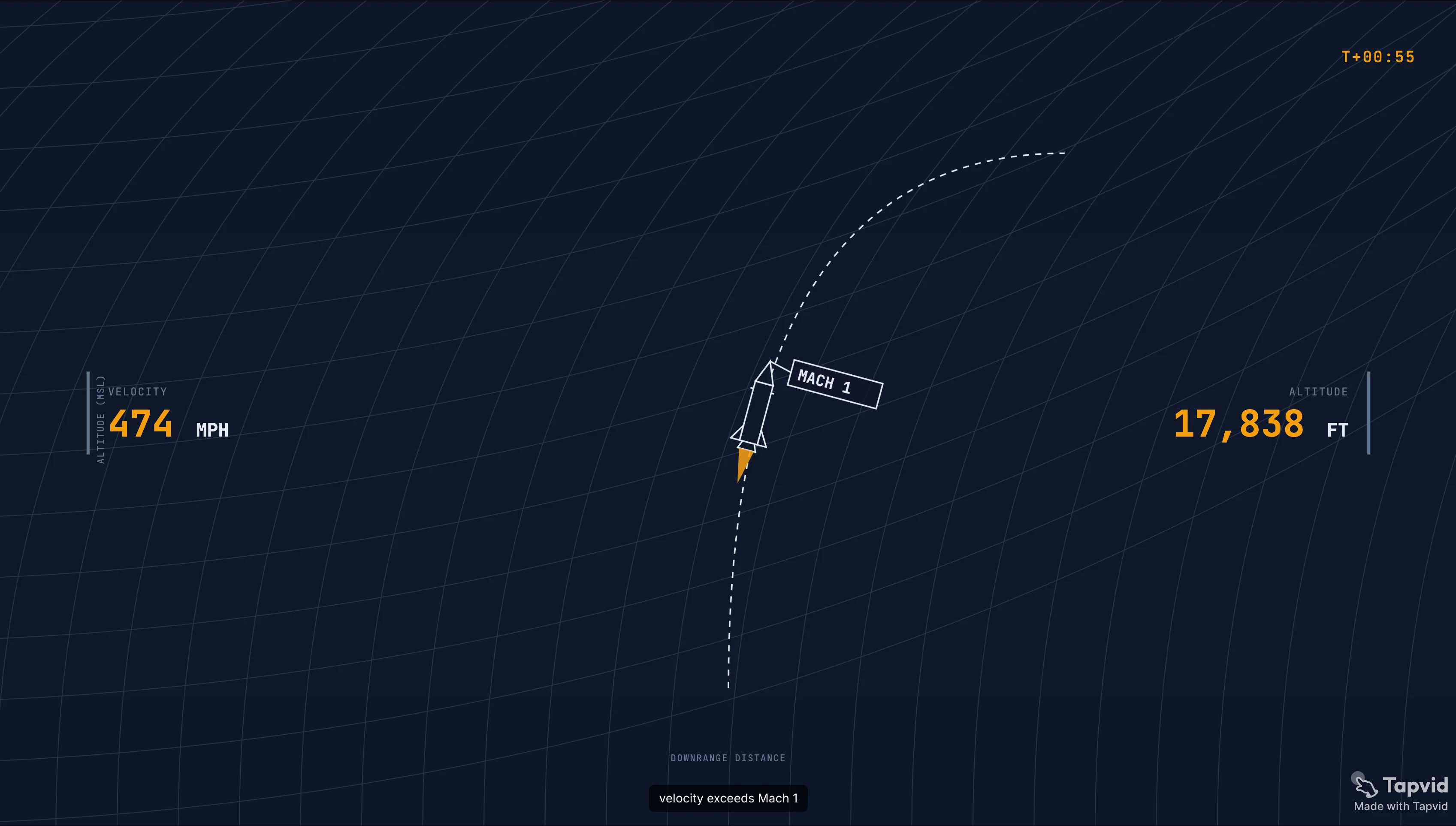
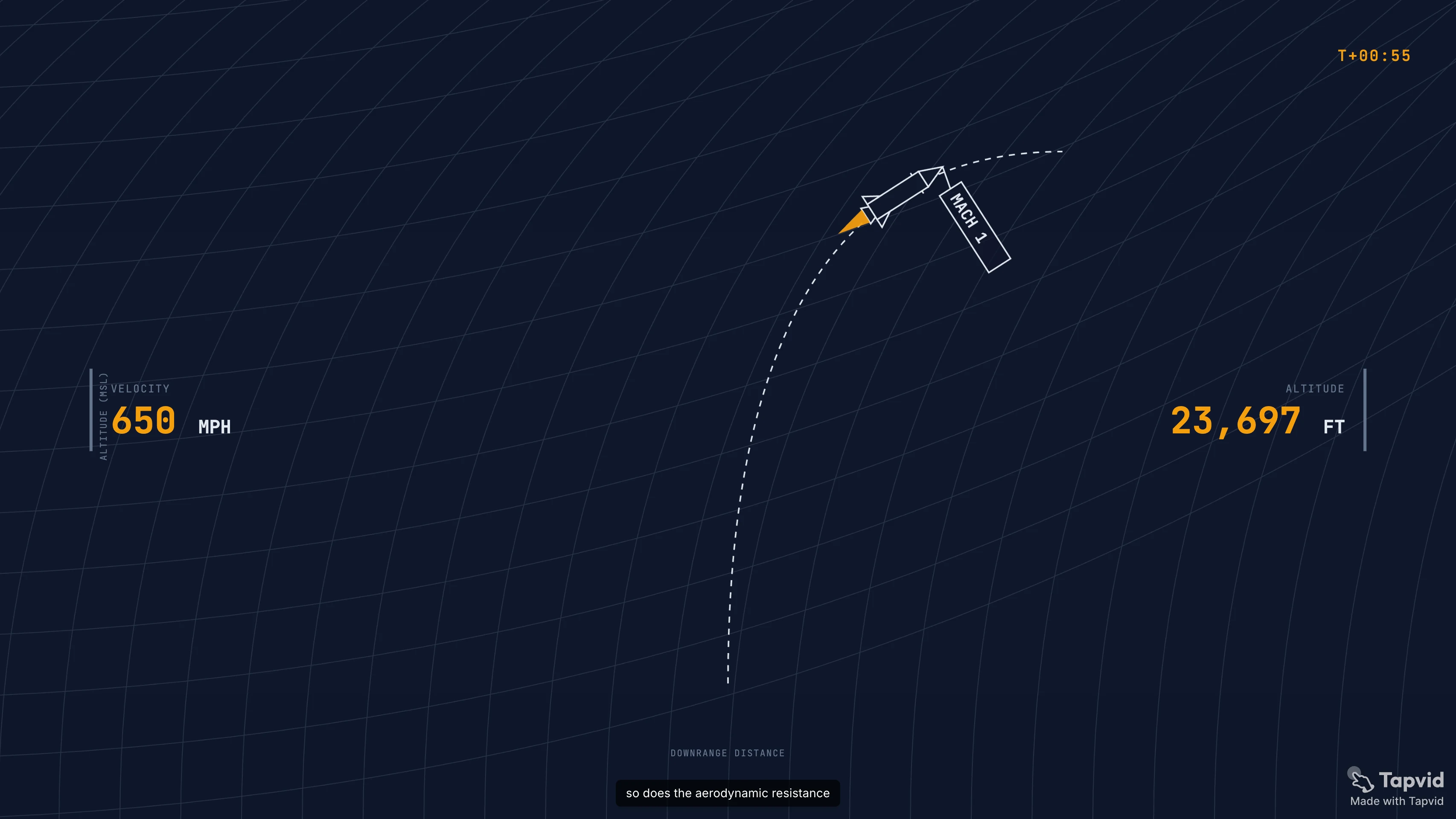
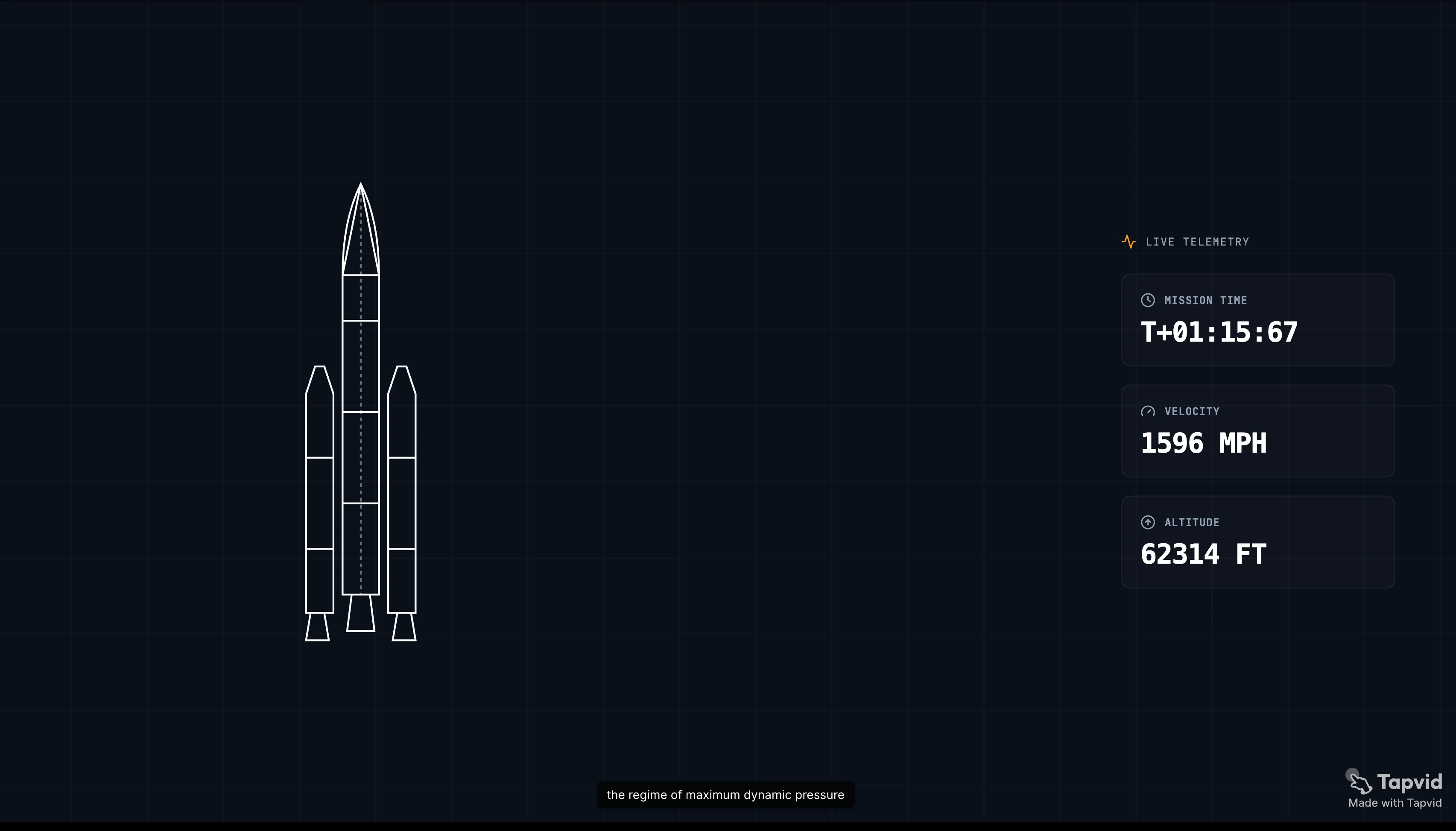
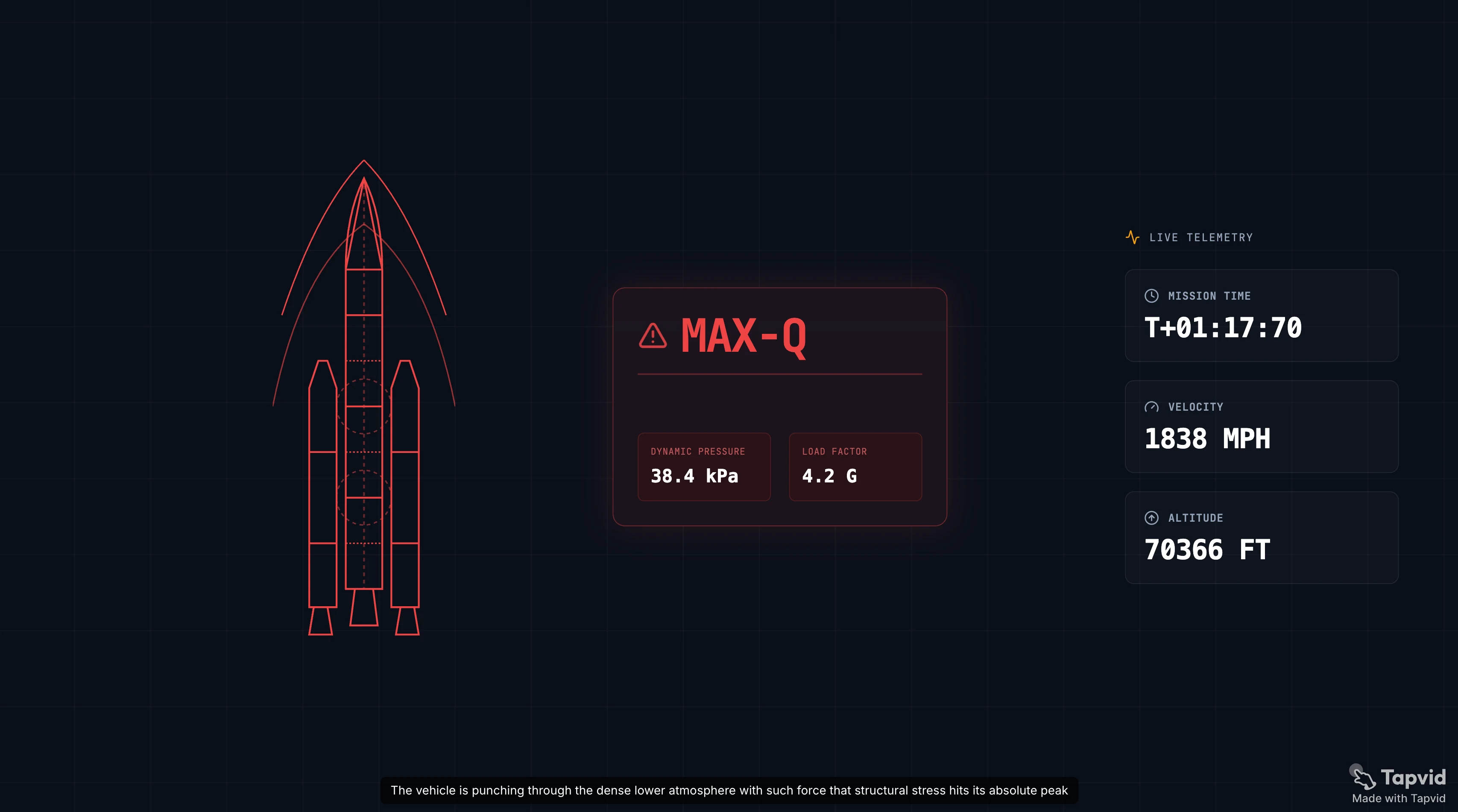
실제 여러 페이지짜리 보고서를 돌려 봤습니다. 돌아온 결과를 숫자 그대로 보여 드립니다.
- 업로드부터 첫 편집본까지 걸린 시간: 3분
- 출력 해상도: 1080p
- 보이스오버 품질: 자연스러운 속도감, 기계적으로 들리지 않음
- 손으로 고쳐야 했던 것: 도표 페이지 한 장. AI가 이를 일반 텍스트로 읽어서, 그 장면 설명은 직접 다시 썼음
- 워터마크: 무료 등급은 워터마크가 붙어 내보내짐. 깨끗한 내보내기에는 유료 플랜이 필요
솔직한 평가: 대본과 속도감은 첫 시도에서 바로 쓸 만했습니다. 손이 필요했던 건 정보가 빽빽하고 도표가 많은 페이지였습니다. AI는 글을 내레이션으로 바꾸는 건 잘하고 복잡한 도표를 읽는 건 어려워하니, 그런 페이지는 특히 검토할 시간을 잡아 두세요.
05
PDF에서 영상으로 변환하는 데 얼마나 걸리나요?
| 문서 유형 | 일반적인 생성 시간 | 비고 |
|---|---|---|
| 단순 텍스트 PDF (5~10페이지) | 2~5분 | 대본과 렌더링 시간 |
| 슬라이드 덱 (20장) | 3~7분 | 슬라이드는 미리 구조화되어 있어 파싱이 더 빠름 |
| 도표가 많은 빽빽한 보고서 | 5~10분 | 도표 파싱이 속도를 늦춤 |
| 긴 문서 (50페이지 이상) | 10분 이상 | AI가 전부 다루지 않고 요약함 |
느린 부분은 보통 대본이 아니라 렌더링입니다. 스토리보드를 승인하고 나면 나머지는 대체로 기다리는 일입니다.
06
PDF에서 영상으로 변환은 어떤 파일 형식을 지원하나요?
| 형식 | 지원 |
|---|---|
| 범용, 모든 주요 도구 | |
| PPT / PPTX | 대부분의 도구, 슬라이드가 가장 쉬운 입력 |
| DOCX | 일부 도구, 레이아웃 복잡도에 따라 다름 |
| Google Slides | 먼저 PPT로 내보낸 뒤 업로드 |
| 스캔한 PDF (이미지 기반) | 제한적, OCR 필요, 정확도는 제각각 |
가장 믿을 만한 입력은 구조화된 문서입니다. 제목이 뚜렷한 덱, 섹션이 나뉜 보고서 같은 것이죠. 스캔한 법률 PDF나 끊김 없는 글의 벽은 AI가 쓸 단서가 적어 스토리보드가 더 약하게 나옵니다.
07
2026년 최고의 PDF-투-영상 도구
| 도구 | 가장 적합한 용도 | 아바타 또는 애니메이션 | 무료 등급 |
|---|---|---|---|
| TapVid | 문서 기반 애니메이션 설명 영상, 발표자 없음 | 애니메이션 | 있음, 워터마크 포함 |
| Synthesia | PDF 기반 아바타 주도 교육·영업 | 아바타 | 제한적 |
| Vidnoz | 음악이 들어간 빠른 아바타 영상 | 아바타 | 있음 |
| Canva | 템플릿 기반, 디자인 중심의 덱을 영상으로 | 둘 다 아님 | 있음 |
| VEED | 변환 후 편집과 자막 | 선택 사항 | 있음, 워터마크 포함 |
08
PDF-투-영상에 TapVid 같은 애니메이션 도구를 골라야 할 때
문서가 개념, 보고서, 강의이고 말하는 얼굴을 원하지 않는다면 애니메이션 도구가 더 잘 맞습니다. TapVid는 PDF를 모션 그래픽 영상으로 바꿉니다. 애니메이션 장면, 내레이션, 자막이 있고 아바타는 없습니다. 아이디어를 명확하고 보기 좋게 만들고 싶을 때 옳은 선택입니다. 반대로 꼭 카메라 앞의 발표자가 필요할 때는 맞지 않으며, 그때는 Synthesia가 낫습니다.
TapVid의 AI 설명 영상 생성기로 직접 문서를 시험해 보거나, 요금 페이지에서 플랜 세부 정보를 확인하세요.
09
PDF-투-영상과 PPT-투-영상의 좋은 활용 사례
| 활용 사례 | 입력 문서 | 이상적인 결과물 |
|---|---|---|
| 직원 온보딩 | SOP PDF | 섹션별 짧은 내레이션 애니메이션 |
| 교육 | 강의 PDF 또는 덱 | 애니메이션 개념 영상, 3~5분 |
| 세일즈 인에이블먼트 | 제품 한 장 문서 | 이메일·소셜용 60초 설명 영상 |
| 사내 커뮤니케이션 | 정책 덱 | Slack이나 인트라넷용 2분 요약 영상 |
| 마케팅 보고서 | 리서치 PDF | LinkedIn에 공유할 영상 요약 |
10
PDF-투-영상 결과를 개선하는 팁
원본 문서를 구조화된 상태로 유지하세요. 명확한 제목과 짧은 문단은 빽빽한 글보다 더 나은 스토리보드를 만듭니다. PDF가 스캔 이미지라면 먼저 검색 가능한 텍스트로 변환하세요.
핵심을 맨 위에 두세요. AI는 앞부분부터 요약하므로, 가장 중요한 결과가 8페이지에 있다면 요약 부분으로 옮기세요. 더 높은 비중으로 다뤄집니다.
도표 페이지는 직접 확인하세요. 빽빽한 표와 그래프는 일반적인 비주얼로 돌아오기 가장 쉬우니, 첫 스토리보드 후 그 장면 설명을 다시 쓸 것을 염두에 두세요.
길이에 유의하세요. 20페이지 PDF에 20분 영상은 필요 없고, AI는 알아서 압축합니다. 충분히 압축되지 않으면 원본 문서를 줄이거나 설정에서 목표 길이를 지정하세요.
11
Frequently asked questions
PDF를 애니메이션 영상으로 변환할 수 있나요?
네. TapVid 같은 애니메이션 도구는 PDF를 읽어 내레이션이 들어간 애니메이션 장면을 만들며, 아바타는 필요 없습니다.
PPT를 영상으로 만드는 것도 같은 과정인가요?
네. 슬라이드는 이미 구조화되어 있어 AI가 PDF를 읽듯이 덱을 읽고 그로부터 영상을 만듭니다. 구조가 더 깔끔해서 PPT가 더 잘 나오는 경우가 많습니다.
문서를 영상으로 만드는 최고의 도구는 무엇인가요?
발표자 없는 애니메이션 설명 영상에는 TapVid, 아바타 주도 교육 영상에는 Synthesia나 Vidnoz, 템플릿 덱에는 Canva입니다.
문서-투-영상은 텍스트-투-영상과 어떻게 다른가요?
문서-투-영상은 이미 가진 파일에서 출발해 구조와 내용을 유지하며 영상으로 다시 만듭니다. 텍스트-투-영상은 처음부터 입력한 프롬프트에서 출발합니다. 콘텐츠가 이미 쓰여 있다면 문서-투-영상이 훨씬 더 많은 시간을 아껴 줍니다.
PDF를 무료로 영상으로 변환할 수 있나요?
TapVid를 포함해 대부분의 도구에 무료 등급이 있지만, 무료 내보내기에는 워터마크가 붙습니다. 워터마크 없는 깨끗한 내보내기에는 유료 플랜이 필요합니다.
PDF에서 나온 AI 내레이션은 얼마나 정확한가요?
글이 많은 문서에서는 정확하고 그래프, 표, 이미지에서는 신뢰도가 떨어지므로 스토리보드를 검토하고 편집할 것을 염두에 두세요. 텍스트라면 대본은 첫 시도에서 쓸 만하지만, 도표가 많은 페이지는 보통 수동 수정이 필요합니다.
PDF를 영상으로 만드는 데 얼마나 걸리나요?
단순 텍스트 문서는 약 2~5분, 도표가 많은 빽빽한 보고서는 5~10분, 50페이지가 넘는 긴 문서는 10분 이상입니다. 스토리보드를 승인한 뒤의 렌더링 단계가 대부분을 차지합니다.
12
핵심 정리
PDF나 PPT를 영상으로 만드는 일은 더 이상 처음부터 다시 만드는 작업이 아닙니다. 파일을 업로드하고, AI가 대본과 스토리보드를 초안하게 하고, 도표가 많은 페이지를 고친 뒤 내보내면 됩니다. 진짜 선택은 발표자를 넣느냐 마느냐뿐입니다.
직접 가진 PDF로 TapVid를 시험해 보고 첫 시도가 어디까지 데려다주는지 확인해 보세요. 문서 기반 애니메이션 설명 영상이고 아바타는 필요 없습니다. 플랜 세부 정보는 요금 페이지에 있습니다.