텍스트 붙여넣기
스크립트, 문단, 또는 핵심 요점을 소스로 붙여넣으세요.
스크립트나 문단을 붙여넣으면 스톡 영상이나 아바타가 아닌 편집 가능한 모션 그래픽 영상이 완성됩니다.
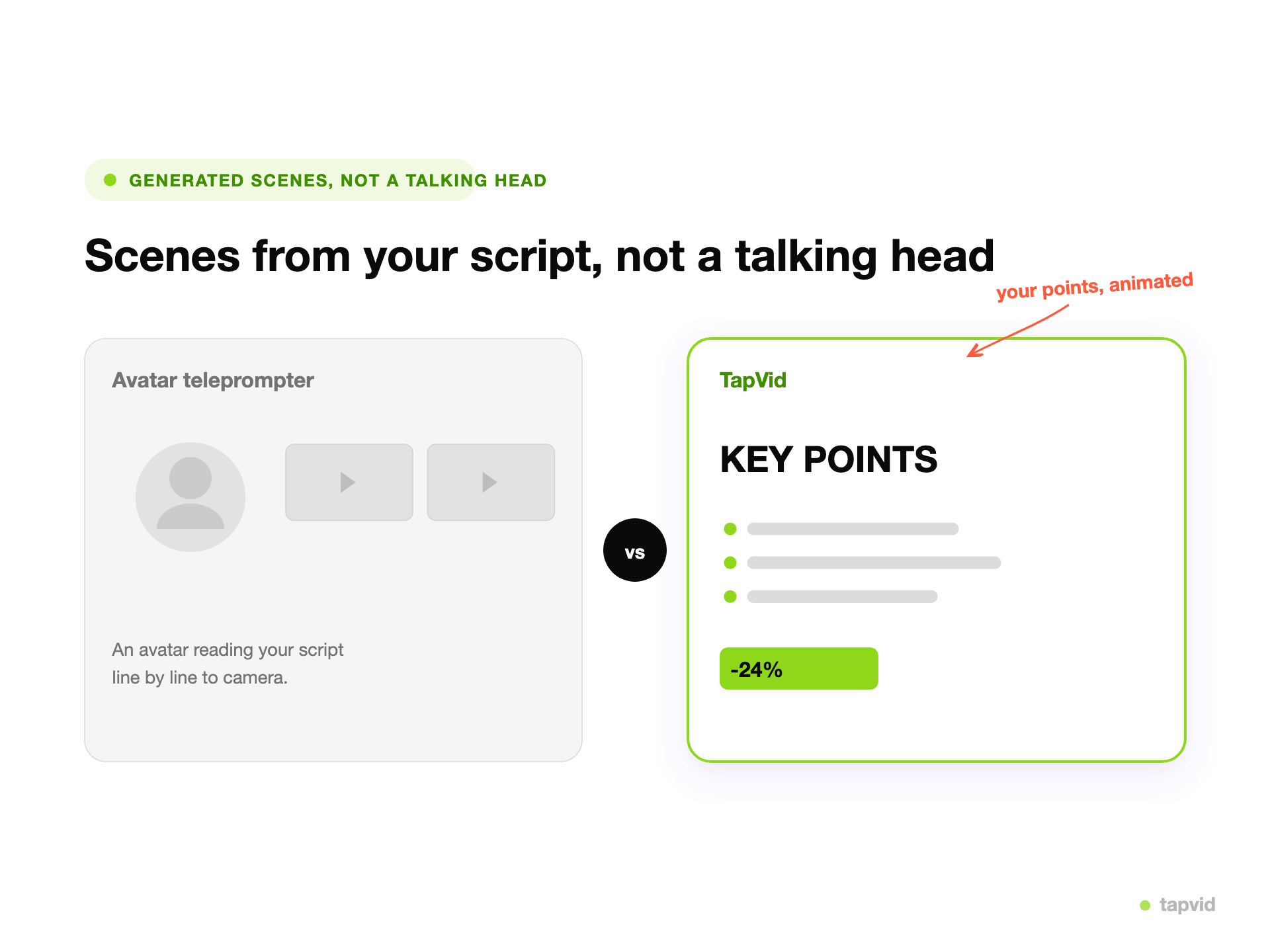
스톡도 아바타도 없이 스크립트에서 생성된 실제 모션 그래픽 결과물입니다.
스크립트, 문단, 또는 핵심 요점을 소스로 붙여넣으세요.
TapVid가 각 아이디어를 내레이션이 포함된 모션 그래픽 장면으로 변환합니다.
프롬프트로 요소를 편집한 뒤 MP4로 내보내거나 링크를 공유하세요.
텍스트 투 비디오 AI는 작성한 글을 자동으로 완성된 영상으로 바꿔줍니다. 스크립트나 문단, 핵심 요점을 붙여넣으면 스톡 클립을 찾거나 출연자를 촬영하는 대신 AI가 영상을 직접 구성합니다. 장면을 구성하고, 화면에 보이는 비주얼을 만들고, 대사에 맞춘 내레이션을 작성합니다.
"텍스트 투 비디오" 툴이 모두 같은 것을 의미하지는 않습니다. 어떤 툴은 스크립트 위에 말하는 아바타를 얹기만 하고, 어떤 툴은 키워드에 맞춰 스톡 클립을 이어 붙이며, 어떤 툴은 편집할 수 없는 실사풍 영상을 생성합니다. TapVid는 다른 길을 갑니다. 텍스트로부터 편집 가능한 모션 그래픽을 생성하므로, 비주얼이 요점을 제대로 보여주고 브랜드 톤을 유지하며 렌더링 후에도 요소 단위로 수정할 수 있습니다.
영상은 사용자가 직접 작성한 스크립트로 만들어지므로 작성한 내용을 정확히 전달하며, 쉬운 말로 수정할 수 있습니다. 한 줄, 색상, 차트를 설명만 하면 TapVid가 해당 부분만 다시 렌더링하므로, 첫 초안 이후에도 텍스트를 영상으로 바꾸는 작업이 계속 빠르게 유지됩니다.
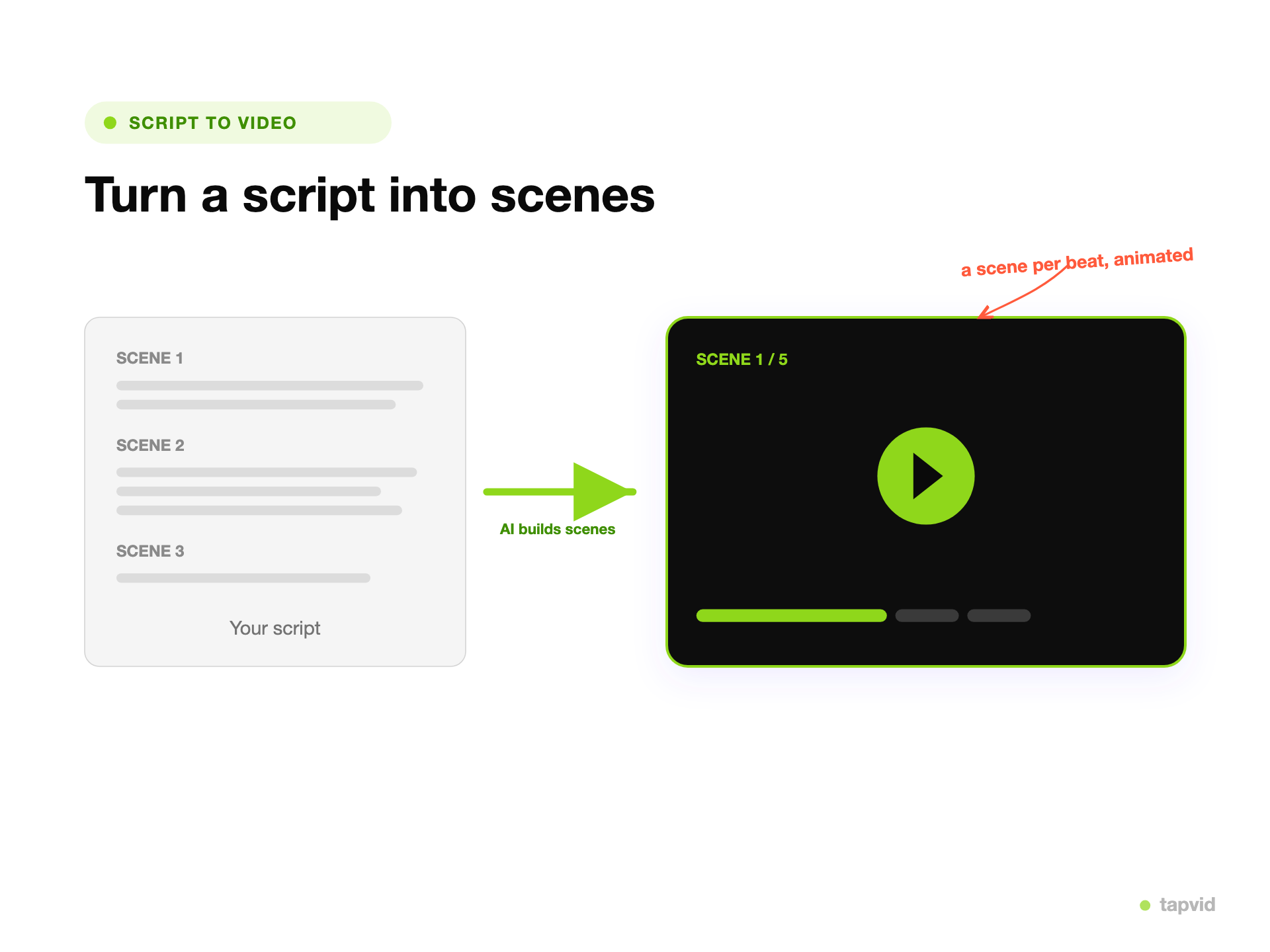
이미 가지고 있는 글, 즉 스크립트, 블로그 글, 제품 설명, 몇 가지 핵심 요점을 그대로 입력하세요. TapVid가 이를 읽고 아이디어마다 장면을 계획합니다.
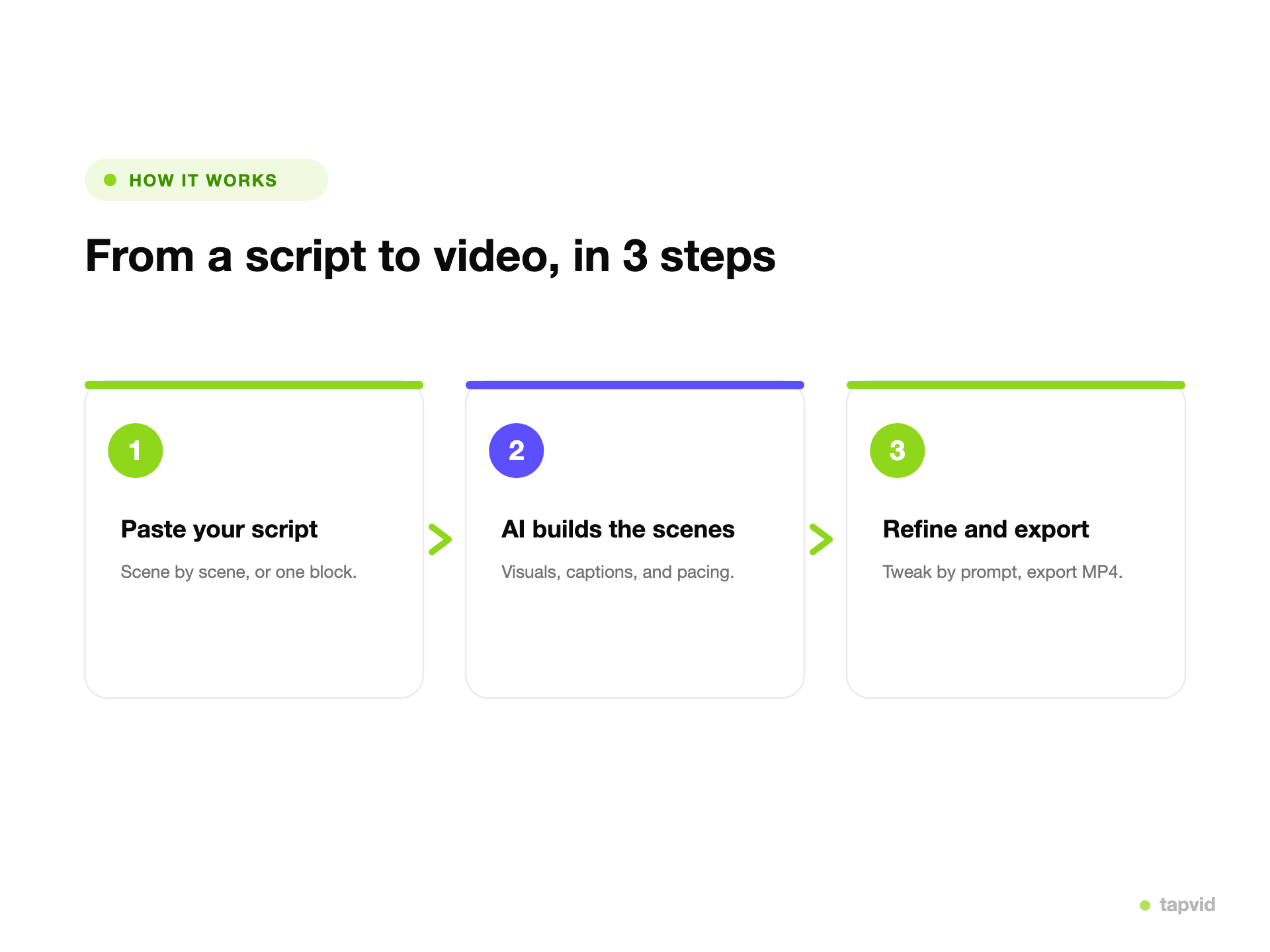
TapVid는 스크립트의 각 부분에 맞춰 모션 그래픽, 화면 텍스트, 내레이션을 생성하므로, 스톡이나 아바타에 의존하지 않고 비주얼이 대사와 일치합니다.
단어, 색상, 차트, 속도를 설명만 하면 변경할 수 있고, 해당 요소만 다시 렌더링됩니다. 결과가 마음에 들면 MP4로 내보내거나 링크를 공유하세요.
결과물은 요소 단위로 수정할 수 있는 모션 그래픽이며, 다시 프롬프트를 입력하는 것 외에는 손댈 수 없는 렌더링된 클립이 아닙니다.
같은 스크립트를 넣으면 색상과 스타일을 유지한 채 제어 가능하고 재현 가능한 영상을 얻습니다.
비주얼은 스크립트를 표현하기 위해 생성되므로, 영상은 발표자나 클립 라이브러리가 아니라 당신의 아이디어를 담습니다.
문구, 속도, 비주얼을 설명만 하면 바꿀 수 있습니다. 키프레임도, 스크러빙도, 렌더링 대기열도 없습니다.
소셜미디어, 랜딩 페이지, 이메일, 슬라이드용 MP4를 내보내거나 즉시 링크를 공유하세요.
창업자, 마케터, PM이 영상팀 없이도 당일에 텍스트를 완성된 영상으로 바꿀 수 있습니다.
블로그 글부터 강의 스크립트까지, 팀이 실제로 제작하는 텍스트 기반 포맷을 하나의 생성기로 모두 처리합니다.
작성한 스크립트를 내레이션과 화면 비주얼이 있는 리듬감 있는 애니메이션 설명 영상으로 변환합니다.
기사를 재활용해 소셜미디어나 랜딩 페이지에서 같은 요점을 전달하는 짧은 영상으로 만듭니다.
기능 설명이나 원페이지 문서를 화면 녹화 없이 애니메이션 제품 데모로 변환합니다.
뉴스레터 한 편을 삽입하거나 발송할 수 있는 보기 좋은 요약 영상으로 변환합니다.
변경 로그나 공지를 출시일에 바로 쓸 수 있는 빠른 클립으로 변환합니다.
수업 스크립트를 학생들이 시청하고 반복 재생할 수 있는 내레이션 영상으로 변환합니다.
"텍스트 투 비디오"를 검색하면 전혀 다른 네 가지 결과를 만나게 됩니다. 아바타, 스톡, 디퓨전 방식이 TapVid의 편집 가능한 모션 그래픽과 어떻게 다른지 살펴보세요.
| 아바타 (Synthesia) | 스톡 조합 (InVideo) | 디퓨전 (Sora / Veo) | TapVid | |
|---|---|---|---|---|
| 얻는 것 | 말하는 아바타 발표자 | 이어붙인 스톡 클립 | 생성된 영상 | 편집 가능한 모션 그래픽 |
| 생성 후 편집 | 스크립트나 아바타 교체 | 클립 교체 | 클립 전체 재생성 | 프롬프트로 요소 단위 편집 |
| 동일 입력, 동일 출력 | 예 | 예 | 아니오 | 예 |
| 브랜드 일관성 제어 | 제한적 | 템플릿에 종속 | 예측 불가 | 완전한 제어 |
| 적합한 용도 | 발표자 클립 | 빠른 소셜 컷 | 시네마틱 B롤 | 설명 영상 및 제품 |
스크립트, 블로그 글, 캠페인 문구를 브랜드에 맞는 영상으로 변환해 출시일에 맞춰 배포하세요.
기능 설명과 릴리스 노트를 애니메이션 데모와 공지 영상으로 변환하세요.
수업 스크립트와 강의 노트를 학생들이 반복 시청할 수 있는 내레이션 영상으로 변환하세요.
3 크레딧 = 1초. 실제로 렌더링된 만큼만 지불합니다. 무료로 시작하고 언제든 업그레이드하세요.
$49/mo
2,000 크레딧 / 월
$99/mo
6,000 크레딧 / 월
$199/mo
14,000 크레딧 / 월
AI로 몇 분 만에 전문 영상을 만드는 수천 개 제품 팀에 합류하세요.