TapVid
    API & MCPPreciosBlogSobre nosotros

    Biblioteca de prompts de Seedance 2.5

    Prompts de Seedance 2.5

    Explora 120 prompts de la comunidad con atribución al creador en X y 36 plantillas editoriales de TapVid.

    Explora la biblioteca de prompts Empieza con un prompt Usar con AgentCodex · Claude Code
    Solo como referencia; no es un benchmark de rendimiento del modelo.
    Biblioteca de prompts de Seedance 2.5156 prompts
    01 / 156 prompts02 / 120 prompts de la comunidad + 36 plantillas editoriales03 / Solo como referencia; no es un benchmark de rendimiento del modelo.

    Empieza con un prompt

    Empieza con un prompt

    Elige un prompt, sustituye sus variables y conserva las restricciones de producción importantes.

    Guardar tu trabajo

    Prompt creado

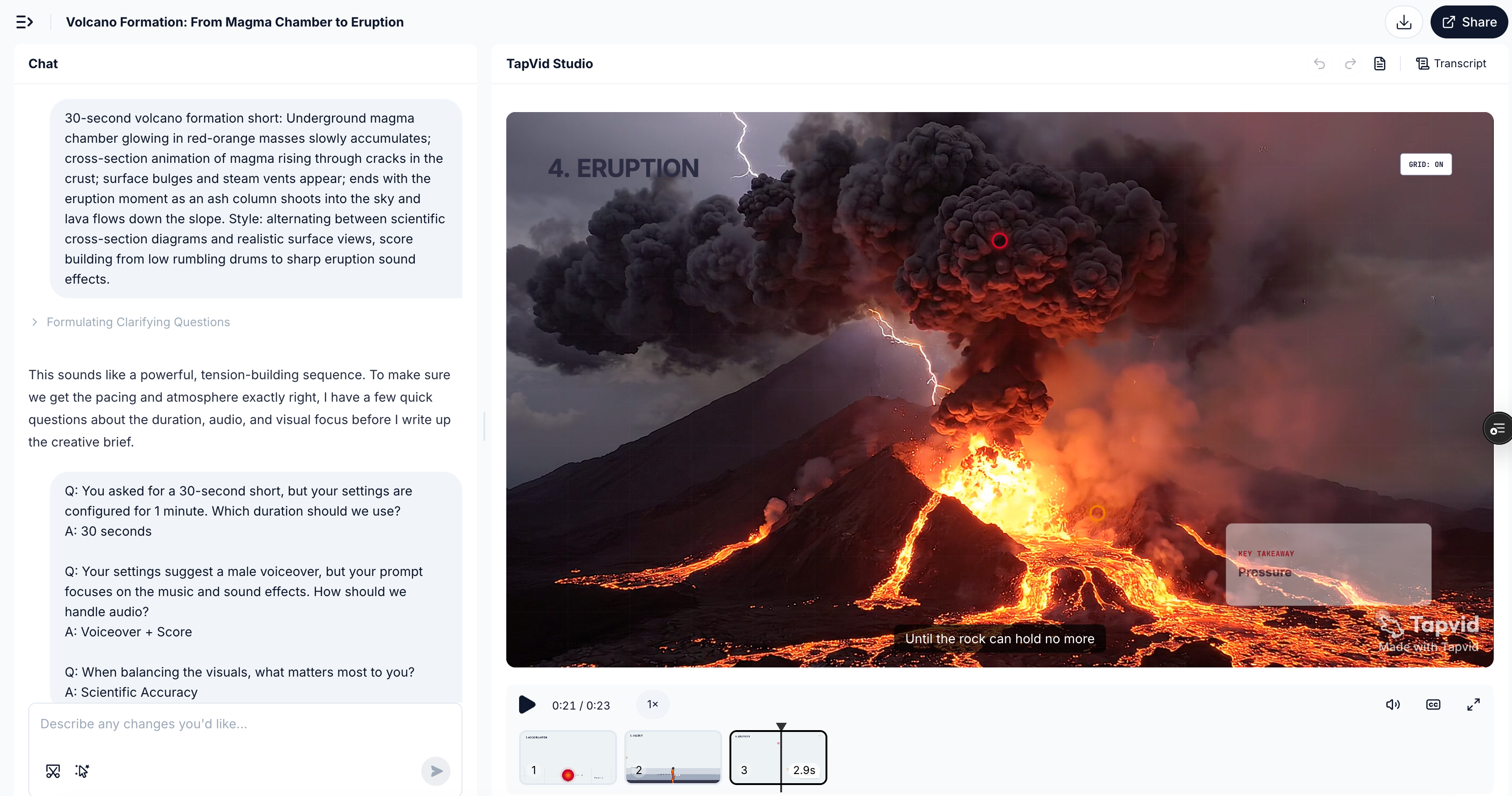
    Revelación del Tablero SaaS

    Elige una plantilla, describe el sujeto y crea el prompt.

    1. 01 Elige una dirección
    2. 02 Nombra el sujeto real
    3. 03 Crea, copia y produce

    Prompts destacados

    Ver todos los prompts →
    Prueba de Movimiento de Contar con los Dedos Humanos
    Fuente de la comunidadSin benchmark

    Prueba de Movimiento de Contar con los Dedos Humanos

    Una comparación comunitaria de una sola toma estática que prueba el conteo hablado y la coincidencia de posiciones de los dedos.

    Patrick31 jul 2026

    Traducción localizada de referencia; el prompt original del creador se mantiene sin cambios y se muestra con atribución.

    Orquesta de Animales Submarinos
    Fuente de la comunidadSin benchmark

    Orquesta de Animales Submarinos

    Un concepto compacto que convierte a los animales marinos en una orquesta cinematográfica a 3,000 pies bajo el agua.

    Maria11 ago 2026

    Traducción localizada de referencia; el prompt original del creador se mantiene sin cambios y se muestra con atribución.

    Jinete de Dragón en Primera Persona
    Fuente de la comunidadSin benchmark

    Jinete de Dragón en Primera Persona

    Una secuencia de fantasía en POV vertical del jinete con anatomía explícita, vuelo, agua, cámara y restricciones de sonido.

    Nexora11 ago 2026

    Traducción localizada de referencia; el prompt original del creador se mantiene sin cambios y se muestra con atribución.

    Escena de Acción de Superhéroe Ciberpunk
    Fuente de la comunidadSin benchmark

    Escena de Acción de Superhéroe Ciberpunk

    Una secuencia continua de acción desde la azotea hasta el horizonte construida alrededor de energía holográfica naranja y un portal colapsando.

    K10 ago 2026

    Traducción localizada de referencia; el prompt original del creador se mantiene sin cambios y se muestra con atribución.

    Vlog de Influencer Europeo de Estilo de Vida
    Fuente de la comunidadSin benchmark

    Vlog de Influencer Europeo de Estilo de Vida

    Un vlog de mañana en el café de 30 segundos que enfatiza el movimiento manual, la actuación natural, la textura de los alimentos y la continuidad.

    Ali10 ago 2026

    Traducción localizada de referencia; el prompt original del creador se mantiene sin cambios y se muestra con atribución.
    Animación 3D de Reparto de Periódicos
    Fuente de la comunidadSin benchmark

    Animación 3D de Reparto de Periódicos

    Un corto rápido de ciudad en 3D con claros puntos de obstáculos, actuación expresiva, instrucciones de cámara y un final resuelto.

    Synthia12 ago 2026

    Traducción localizada de referencia; el prompt original del creador se mantiene sin cambios y se muestra con atribución.
    Explora la biblioteca de prompts

    Filtra ejemplos de creadores y plantillas editoriales sin tratarlos como un benchmark.

    156 prompts

    PARA AGENTES DE IA

    Usa la biblioteca de prompts de Seedance 2.5 en Codex

    Deja que Codex busque bajo demanda entre 156 prompts, adapte el resultado más cercano a tus recursos y textos aprobados y continúe con TapVid MCP cuando decidas generar.

    Codex consulta los feeds públicos bajo demanda. Esto no entrena a Codex ni establece una conexión nativa con el modelo Seedance 2.5.

    Abrir instrucciones del Agent Conectar TapVid MCP
    Lee https://tapvid.ai/video-prompts/seedance-2-5/skill.md y sigue sus instrucciones. Busca en la biblioteca de prompts de TapVid Seedance 2.5 lo más adecuado para mi solicitud, adapta los resultados más cercanos a mis recursos y textos aprobados, conserva la atribución de las fuentes y pregúntame antes de usar cualquier herramienta de generación de vídeo de pago.

    QUICK ANSWER

    How do I write a better Seedance 2.5 prompt?

    Lock one subject identity, give every reference a single job, and describe a few timed actions that cause one another. Add one camera intention, explicit continuity rules, and negative constraints; keep final text, logos, and verified claims for post-production.

    See prompt examplesCompare weak vs strongLearn the formulaFix common failuresWatch public outputs

    PRODUCTION GUIDE

    Build the prompt like a small production brief

    Control the dependencies first. Style should finish a coherent shot, not rescue an unclear sequence.

    The six-part formula

    1. 01

      Subject

      Lock one primary subject, its materials, scale, and the details that must stay recognizable.

    2. 02

      Reference roles

      Say which input controls identity, motion, composition, lighting, or finish.

    3. 03

      Timed action

      Write a few causal beats with explicit time ranges instead of a list of unrelated events.

    4. 04

      Camera

      Choose one dominant camera intention and describe its speed, path, and stopping point.

    5. 05

      Continuity

      State what stays fixed across cuts: face, product geometry, wardrobe, light direction, and screen position.

    6. 06

      Constraints

      Exclude generated copy, warped logos, extra objects, random cuts, identity drift, and unsupported claims.

    Plan 30 seconds as three causal beats

    0–10sEstablish

    Show the subject, spatial logic, and one readable visual problem or promise.

    10–20sTransform

    Let one action cause the next while the identity and lighting remain coherent.

    20–30sResolve

    Land on a stable hero frame with deliberate negative space for verified post-production copy.

    Give every reference one job

    For image-to-video, assign roles before describing motion. More inputs help only when they do not compete.

    Preserve
    Use the clearest image to lock face, product shape, color, texture, or layout.
    Move
    Use a motion clip only for tempo, gesture, or physical behavior—not for identity.
    Camera
    Use a framing reference for angle, lens feel, camera path, and subject distance.
    Finish
    Use a style board for palette, light, atmosphere, and surface treatment after identity is locked.

    Camera move cheat sheet

    MoveBest forControl note
    Locked shotInterfaces, comparisons, and product geometryLet the subject provide the motion.
    Slow dolly-inFeature reveal or emotional emphasisName the final framing so it does not overshoot.
    Lateral trackProcess, shelf, or environment revealState the screen direction and keep it consistent.
    OrbitOne stable hero objectLimit the arc; a full spin often exposes unstable geometry.
    Top-down descendUnboxing, assembly, and layoutKeep the optical axis centered on the main object.
    Rack focusMove attention between two planesUse only two focus targets and name the order.

    PROMPT REWRITE

    From vague idea to controllable direction

    This is an editorial rewrite, not a benchmark result. Its advantage is explicit production logic, not extra adjectives.

    Weak prompt

    “Make a cool cinematic video of a CRM dashboard with dramatic camera movement and lots of features.”

    No stable identity, causal action, timing, end frame, or rule for generated interface text.

    Stronger prompt

    Create a polished 10-second 16:9 product reveal for a calm CRM analytics workspace. Preserve the supplied dashboard layout and brand-indigo accent; do not invent interface copy. 0–4s: begin on a locked wide view as three clean data panels assemble from existing layout regions. 4–7s: use one slow dolly-in while a single pipeline chart resolves and the surrounding panels remain fixed. 7–10s: stop on a stable hero frame with the primary metric area highlighted and clear negative space at upper right for post-production copy. Maintain panel geometry, light direction, and indigo accent across the shot. No handheld shake, extra widgets, warped logos, generated text, or random cuts.

    Fix the prompt before rerolling

    Treat a failed output as a production diagnosis. Change the smallest instruction that explains the symptom.

    Identity drifts

    Likely causeToo many identity references or no explicit invariant.

    Prompt fixChoose one identity source and list the exact features that must persist.

    Scenes change randomly

    Likely causeEvents are listed without cause, timing, or an end state.

    Prompt fixReduce the sequence to three timed beats and make each beat trigger the next.

    Generated text is unreadable

    Likely causeThe prompt asks the model to typeset final copy or a logo.

    Prompt fixReserve a clean area and add verified text and supplied branding in post-production.

    Motion feels chaotic

    Likely causeSubject, camera, background, and effects all move at once.

    Prompt fixKeep one dominant movement; lock or simplify the other motion layers.

    References conflict

    Likely causeTwo inputs compete for identity, composition, or style.

    Prompt fixAssign every reference one job and state which source wins if roles overlap.

    Pre-generation checklist

    • One primary subject is named and its invariants are explicit.
    • Every reference has exactly one production role.
    • Actions are causal, timed, and physically plausible.
    • The camera has one dominant intention and a clear end frame.
    • Continuity rules cover identity, geometry, lighting, and direction.
    • Text, logos, claims, and captions are reserved for post-production.

    TRACEABLE PUBLIC EXAMPLES

    See what detailed prompt structures can produce

    These are public source examples, not outputs from TapVid's 36 editorial templates. Use them to study structure, then validate your own direction.

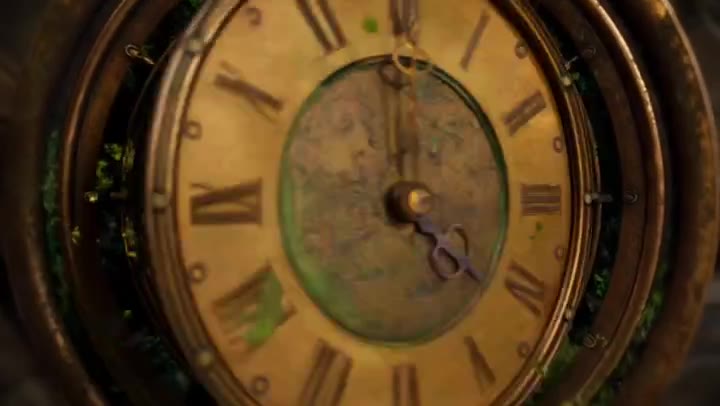
    Steampunk clockwork Seedance 2.5 public output preview
    PUBLIC OUTPUT REFERENCE · NOT TAPVID TEST

    Steampunk Clockwork Odyssey

    30-second cinematic sequence

    Three timed chapters, continuous travel, recurring clock geometry, and an explicit return to the opening frame.

    Source checked August 7, 2026

    Watch public output Original source: Volcano Ark Seedance 2.5 promotion page Preview license: Kinovi MIT collection
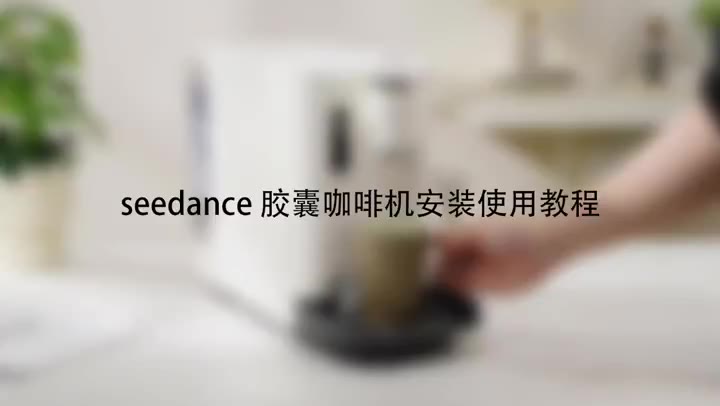
    Capsule coffee machine Seedance 2.5 public output preview
    PUBLIC OUTPUT REFERENCE · NOT TAPVID TEST

    Capsule Coffee Machine Tutorial

    Product tutorial

    Stable product geometry, ordered handling steps, close-up detail, and a clean completion state.

    Source checked August 7, 2026

    Watch public output Original source: Volcano Ark Seedance 2.5 promotion page Preview license: Kinovi MIT collection
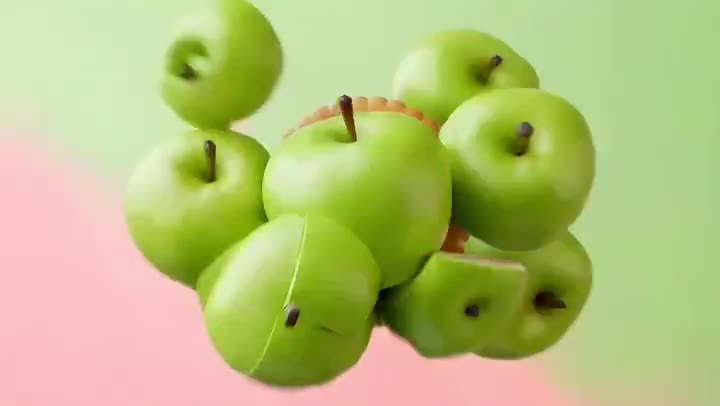
    Fruit cookie commercial Seedance 2.5 public output preview
    PUBLIC OUTPUT REFERENCE · NOT TAPVID TEST

    Fruit Cookie Commercial

    Ecommerce product ad

    Material transformation, appetizing texture, restrained camera movement, and a stable final packshot.

    Source checked August 7, 2026

    Watch public output Original source: Volcano Ark Seedance 2.5 promotion page Preview license: Kinovi MIT collection

    LEARN BY INTENT

    Learn by workflow, then continue with the right tool

    Use a focused prompt detail to study the shot. When the idea needs a complete explanation, bring your existing article, script, PDF, PRD, or product copy into the matched TapVid workflow.

    SaaS product demo

    Reveal one interface capability without inventing microcopy.

    Study prompt Open TapVid tool

    Product ad

    Show handling, texture, and a stable packshot.

    Study prompt Open TapVid tool

    Explainer

    Turn a system or process into a causal visual sequence.

    Study prompt Open TapVid tool

    Social launch

    Build a fast hook with a controlled final message area.

    Study prompt Open TapVid tool

    SEEDANCE → TAPVID

    Use the model shot as a hook, then explain the whole idea.

    01Generate a visual hook from a controlled prompt.
    02Add accurate copy, data, logos, and captions in post.
    03Bring your source article, script, PDF, or PRD into TapVid for the complete explainer.

    Evidence ledger

    Release source
    Official Seedance 2.5 page
    Release source checked
    August 7, 2026
    Prompt status
    Editorially reviewed; not yet benchmarked by TapVid.
    Preview status
    Real product screenshots, attributed photo references, and original illustrative keyframes.

    Preguntas sobre prompts de Seedance

    ¿Qué incluye la biblioteca?

    Incluye 120 prompts atribuidos a la comunidad y 36 plantillas editoriales de TapVid: 156 prompts en total.

    ¿TapVid probó estos prompts?

    No se afirma ningún rendimiento. La biblioteca no tiene benchmark y se ofrece como referencia.

    ¿De dónde proceden los prompts de la comunidad?

    Mantienen la atribución al creador y enlazan a la publicación original en X.

    ¿Puedo editar un prompt?

    Sí. Sustituye las variables y ajusta el brief conservando las referencias, tiempos y límites necesarios.

    RELATED TAPVID TOOLS

    Continue from a shot to a structured product story.

    AI Explainer Video GeneratorAI Product Demo Video GeneratorProduct Launch Video Maker

    FROM HOOK TO EXPLAINER

    A model shot can win attention. Your content still needs to explain the idea.

    Bring your own article, script, PDF, PRD, or product copy to TapVid. The Explainer Video Engine turns that existing content into a polished, structured explainer video.

    Turn your content into a video
    Tapvid

    TapVid convierte los materiales que ya tiene tu empresa en un vídeo preciso que explica claramente la tarea y está listo para publicar.

    TikTokInstagramXDiscordYouTube

    Pregunta a la IA sobre TapVid.

    ✦G

    TapVid

    Gráficos en movimiento

    Generador de tipografía cinéticaGenerador de Motion Graphics con IACreador de gráficos animadosCreador de collages animadosCreador de vídeos infográficosAnimación de logos

    Videos explicativos

    Crear presentaciones en vídeoGenerador de vídeos explicativos con IACreador de animación de pizarraCreador de vídeos de estudio con IA

    Videos de producto y anuncios

    Vídeos de demostración de productosVídeos de productos para ecommerceVídeos de lanzamiento de productosAnuncios en vídeo

    Videos creativos

    Generador de vídeo con IA gratisCreador de documentales con IACreador de vídeos animados para redes socialesGenerador de B-roll con IACreador de vídeos animadosIntros y cierres de vídeo

    Convertir a vídeo

    URL a vídeoPDF a vídeoImágenes / recursos a vídeoPPT a vídeoArtículo a vídeoGuion a vídeoSOP a vídeoWord a vídeo
    Más conversores
    Google Slides a vídeoTexto a vídeo con IAAudio to VideoPodcast a vídeoIA de vídeo a vídeo

    Sectores

    SaaSComercio electrónicoEducaciónManufacturaVídeos inmobiliarios

    Prompts y plantillas

    Biblioteca de prompts de Gemini Omni 1.1 FlashBiblioteca de prompts de MiniMax H3Biblioteca de prompts Seedance 2.5Plantillas de video explicativoPlantilla de plan de producción de vídeoPlantilla de brief creativo de videoPlantilla de propuesta de vídeo

    Comparar

    HeraMotion.soVEEDLeaddeCreatifySynthesia
    Más comparaciones
    HeyGenMotionvid AITapNowPictoryInVideoFlikiLumen5

    Empresa

    PreciosAcerca deContáctanosMCPBlog

    © 2026 TapVid. Todos los derechos reservados.

    Privacidad
    Términos de servicio