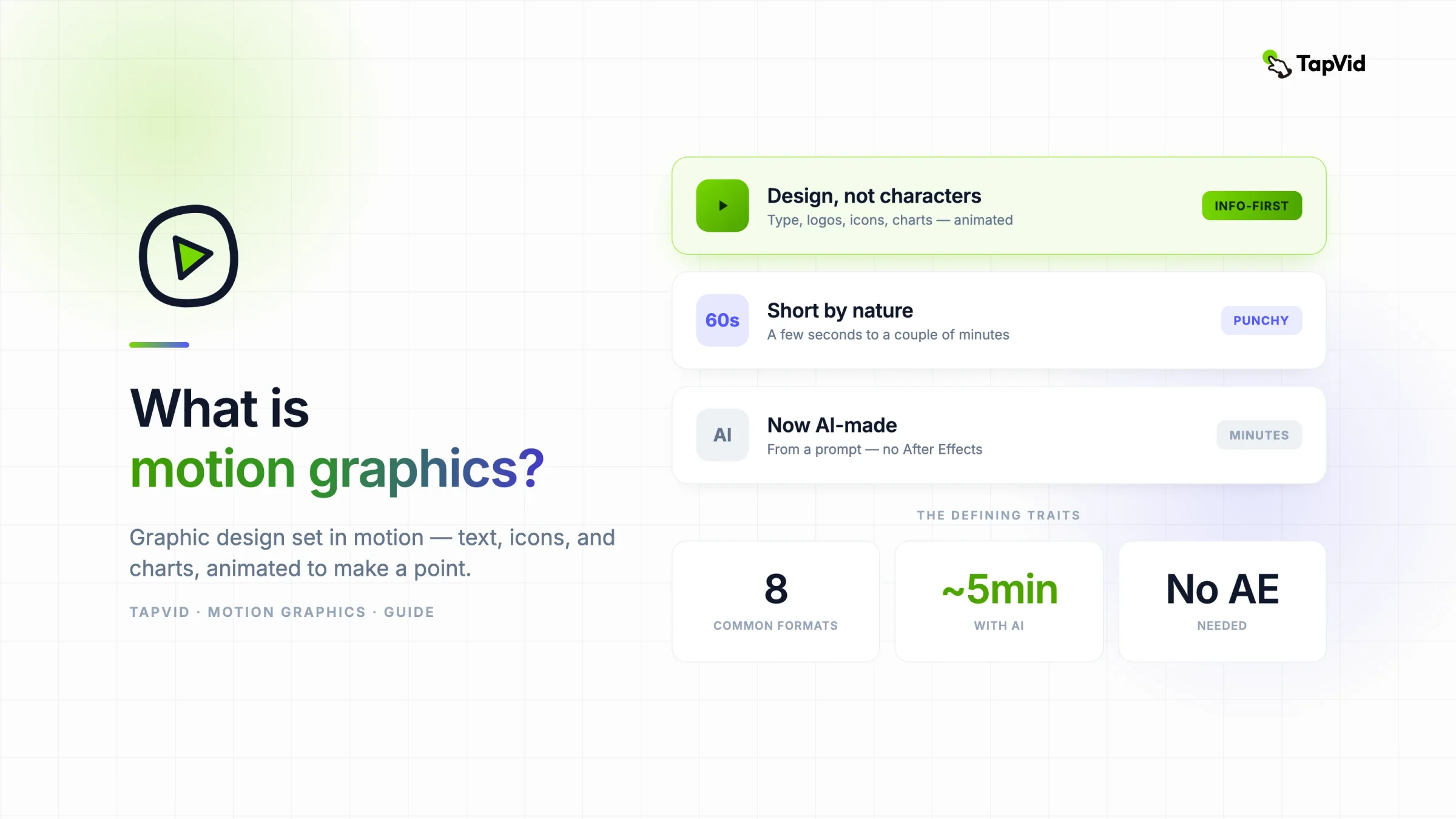

What is motion graphics? Motion graphics is graphic design set in motion: text, shapes, icons, charts, logos, and photos animated to explain or promote an idea. This motion graphics definition also captures its practical meaning: visual information changes over time so viewers notice the right point in the right order. Clips usually run from a few seconds to a couple of minutes and often carry narration or music. Unlike character animation, motion graphics does not need a plot or cast. It powers title sequences, product demonstrations, information videos, and social clips.
01
What is motion graphics, exactly?
You have watched motion graphics today without naming it. The numbers that count up in a product ad, the words that snap onto the screen in a reel, the little diagram that draws itself in a YouTube explainer. That is motion graphics doing its job, which is to make information move so it lands faster than a static slide ever could.
This guide keeps it plain. What motion graphics actually is, how it differs from animation, the main types with real examples, where it shows up, and how it gets made now that AI can generate it from a prompt.
Motion graphics is the practice of animating design elements over time. The term is often shortened to mograph, and the discipline is also called motion design. Instead of characters and a story, you move the building blocks of graphic design: type, logos, icons, geometric shapes, data, and photos. Add timing, and a flat layout becomes a sequence that guides the eye from one point to the next. That is the clearest motion graphics meaning for a working team: design whose position, scale, color, or visibility changes to communicate information.
A few traits show up in almost every piece:
- Design elements, not characters. The subject is usually text, a logo, a chart, or an abstract shape, not a person with a personality.
- Short by nature. Most clips run from about 15 seconds to a few minutes. A social sting can be 3 seconds. A full explainer rarely passes 2 minutes.
- Built to inform or promote. The goal is to carry a message, a stat, a feature, or a brand moment.
- Usually paired with audio. Narration, music, or sound effects give the motion its rhythm.
The Wikipedia definition frames it as pieces of animation or digital footage that create the illusion of motion, usually combined with audio. That is accurate, but the working definition most teams use is simpler: it is how you make a graphic move to make a point.
02
Motion graphics vs. animation: what's the difference?
The short version: motion graphics animates design elements to communicate, while animation tells a story with characters. All motion graphics is animation in the technical sense, but not all animation is motion graphics. Video editing is different again: an editor selects and arranges existing footage, while a motion designer creates and times the graphic elements that appear within or between those shots. One project can use all three disciplines.
Here is the split most designers draw:
| Motion graphics | Character animation | |
|---|---|---|
| Subject | Text, shapes, icons, charts, logos | Characters, creatures, a cast |
| Goal | Explain or promote a point | Tell a story with an arc |
| Length | Seconds to a couple of minutes | Short film to feature length |
| Typical use | Explainers, ads, titles, social | Films, series, games |
| Example | A stat animating into view | A Pixar short |
A helpful test: if you can remove the words and data and the piece still means something as a story, it leans toward animation. If the message lives in the type, the charts, and the timing, it is motion graphics. For a deeper breakdown, see our guide on motion graphics vs. animation.
03
What are the main types of motion graphics?
Checklist
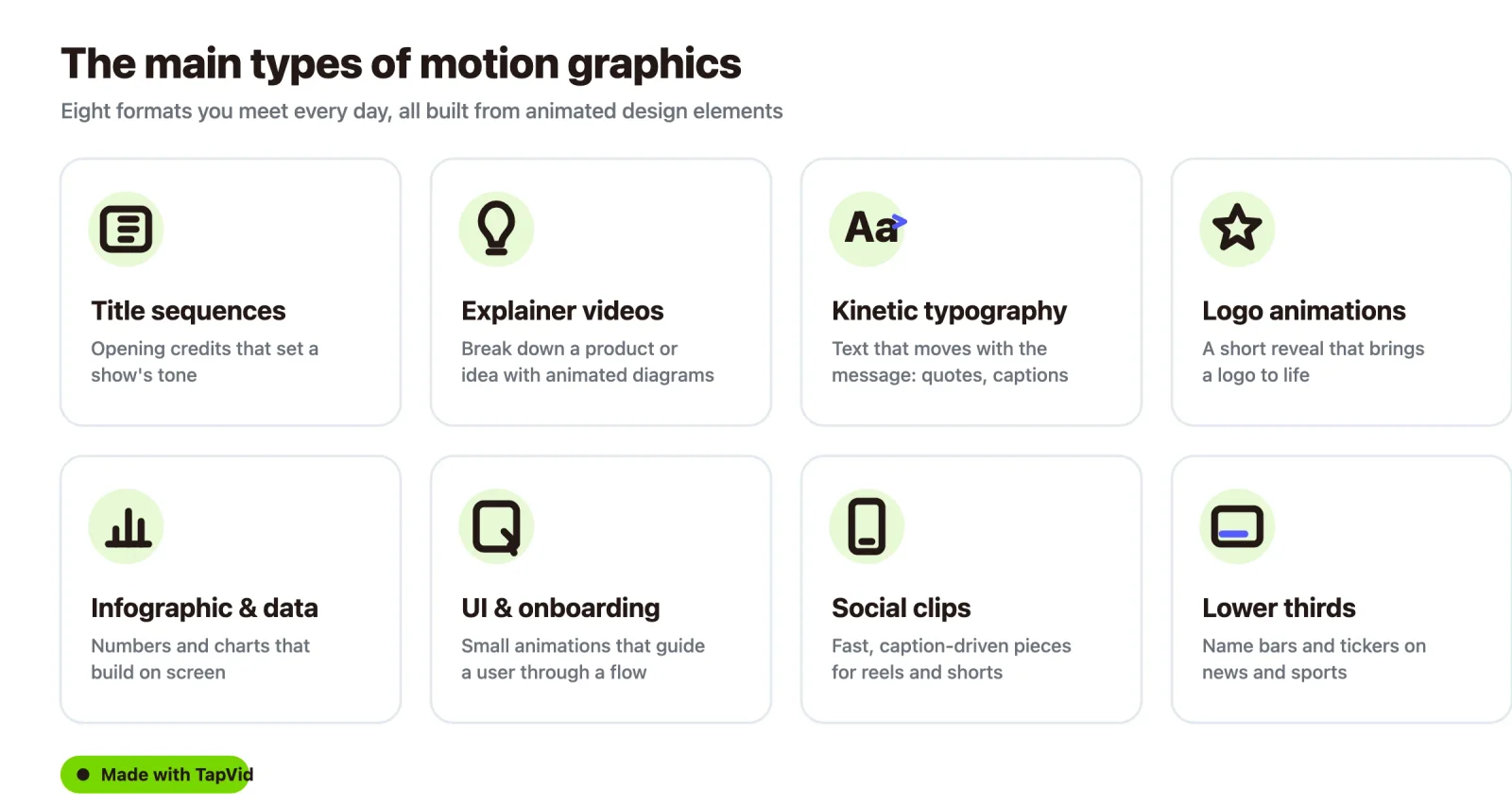
- Title sequences. The opening credits of a film or show, where names and design set the tone. Think of the animated title cards on any streaming series.
- Explainer videos. Short pieces that break down a product or an idea with animated diagrams and text. Vox and most SaaS onboarding videos live here.
- Kinetic typography. Text that moves with the message: animated quotes, lyric videos, and punchy social captions. This is a format on its own, and you can make it with a kinetic typography generator.
- Logo animations and stings. A short reveal that brings a logo to life at the start or end of a video.
- Infographic and data video. Numbers, charts, and timelines that build on screen so a report becomes watchable. That is the job of an infographic video maker.
- UI and onboarding motion. The small animations inside apps and websites that guide a user through a flow.
- Social clips. Fast, caption-driven pieces sized for reels, shorts, and feeds. You can generate these with an animated social media video maker.
- Lower thirds and broadcast graphics. The name bars, tickers, and transitions you see on news and sports.
Motion graphics covers many formats. These are the ones you meet most often, each with a familiar example.
Most real projects mix a few of these. A product launch video might open with a logo sting, move into an explainer, and close with an animated stat.
04
Where are motion graphics used?
Motion graphics shows up anywhere a flat image would lose the viewer. The common homes:
- Marketing and ads. Promos, feature announcements, and paid social, where motion earns more attention than a still image.
- Social media. Creators and brands use kinetic captions and stat posts to stop the scroll.
- Product and SaaS. Onboarding flows, feature walkthroughs, and demo clips that show how something works.
- Education and training. Animated diagrams that make a hard concept easier to follow.
- Film and TV. Title sequences, transitions, and bumpers.
- News and sports broadcasting. Lower thirds, tickers, and animated data.
- Web and app UX. Micro-interactions and loading states that make an interface feel alive.
The through line is information. When a message has structure, an order, a comparison, a number that matters, motion helps the viewer follow that structure instead of decoding it from a static frame.
05
How are motion graphics made?
There are two ways to make motion graphics now, and they sit far apart on effort.
The traditional workflow. A motion designer builds each scene by hand in software like Adobe After Effects, with Cinema 4D or Blender for 3D work and Illustrator or Photoshop for the source art. The process means keyframing every element, setting timing, compositing layers, and rendering. Adobe's own motion graphics guide walks through this pipeline. It gives full control, and it takes hours per scene plus a specialist who knows the tools.
The AI workflow. You describe what you want, or hand over a script or document, and the tool generates the animated scenes for you. There is no timeline to keyframe and no render queue to babysit. This is what TapVid's AI motion graphics generator does: it reads a prompt, plans a scene sequence, and produces animated diagrams, typography, and charts, then lets you refine by prompt. You can also start from plain text with a text to motion graphics flow.
The gap in time is the headline. Work that used to take a designer most of a day can come back in minutes as a first draft you then adjust. You trade some of the pixel-level control for speed, which is the right trade for teams that do not have a motion designer on staff.
06
Do you need a designer, and what does it cost?
You no longer need a motion designer to get a usable motion graphics video, though you still want one for high-end, bespoke work.
On cost, the two paths look different:
- Hiring it out. Freelance motion designers and studios price per project, and rates vary widely by scope and seniority. Based on 2026 rate guides, a custom motion-graphics explainer runs roughly $1,000 to $15,000 per minute, and a full 60-second piece commonly lands around $3,000 to $10,000 from a studio, with turnaround measured in days or weeks.
- Generating it with AI. Tools like TapVid run on credits, so the cost per video is a fraction of a custom project and the turnaround is same-day. See the pricing page for current plans.
For most marketing, social, and product teams, the practical answer is a mix: generate the everyday clips with AI, and bring in a designer for the flagship pieces.
07
How long should a motion graphics video be?
Match the length to where it plays. Rough targets that hold up across formats:
- Social clips: 15 to 30 seconds. The first second decides whether anyone stays.
- Explainer videos: 60 to 90 seconds for a product or concept, up to 2 minutes for something complex.
- Logo stings and bumpers: 2 to 5 seconds.
- Title sequences: 30 seconds to a couple of minutes, depending on the show.
Shorter almost always wins for social and ads. If a point can land in 20 seconds, do not stretch it to 60.
08
The short answer
Motion graphics is design in motion. It takes the elements of graphic design and animates them to carry a message, without the characters and plot of a full animation. It runs the title sequences, explainers, and social clips you scroll past every day, and it is no longer locked behind After Effects. If you want to make one from a prompt, that is what an AI motion graphics generator is for.
09
Frequently asked questions
Is motion graphics the same as animation?
Not quite. Motion graphics is a type of animation, but it animates design elements like text, charts, and shapes to communicate, rather than telling a story with characters. All motion graphics is animation, but not all animation is motion graphics.
What software is used for motion graphics?
The traditional tools are Adobe After Effects for 2D motion, Cinema 4D or Blender for 3D, and Illustrator or Photoshop for source art. AI tools like TapVid generate motion graphics from a prompt without any of that software.
Can AI make motion graphics?
Yes. AI motion graphics generators take a prompt, script, or document and produce animated diagrams, typography, and charts, then let you refine the result by prompt. It skips the manual keyframing of the traditional workflow.
What is a good length for a motion graphics video?
It depends on the platform. Social clips work best at 15 to 30 seconds, explainer videos at 60 to 90 seconds, and logo stings at a few seconds. Shorter usually performs better for social and ads.
Do I need to know After Effects to make motion graphics?
No longer. After Effects gives the most control, but AI tools now generate motion graphics from plain language, so you can make one without learning animation software.