
I switched a significant part of my channel to cartoon-style animated content about two years ago. It changed the performance trajectory of my channel in ways I didn't fully expect — better retention, stronger shareability, and no more lighting problems. I've tested every cartoon video maker that's worth testing. These are my honest rankings for short-form creator workflows.
01
Why cartoon video performs differently on short-form platforms
Animated content ages better than live video. A talking-head video from 18 months ago looks dated. A cleanly produced cartoon video from the same period can still get recommended and viewed. For creators who put significant effort into educational content, that longevity has real channel-building value.
The other advantage is platform flexibility. Cartoon-style animated content performs comparably across YouTube Shorts, TikTok, and Instagram Reels because it doesn't depend on production quality cues — lighting, camera quality, background — that audiences unconsciously evaluate differently across platforms. Your cartoon looks the same everywhere.
02
Top 7 cartoon video makers for short-form creators
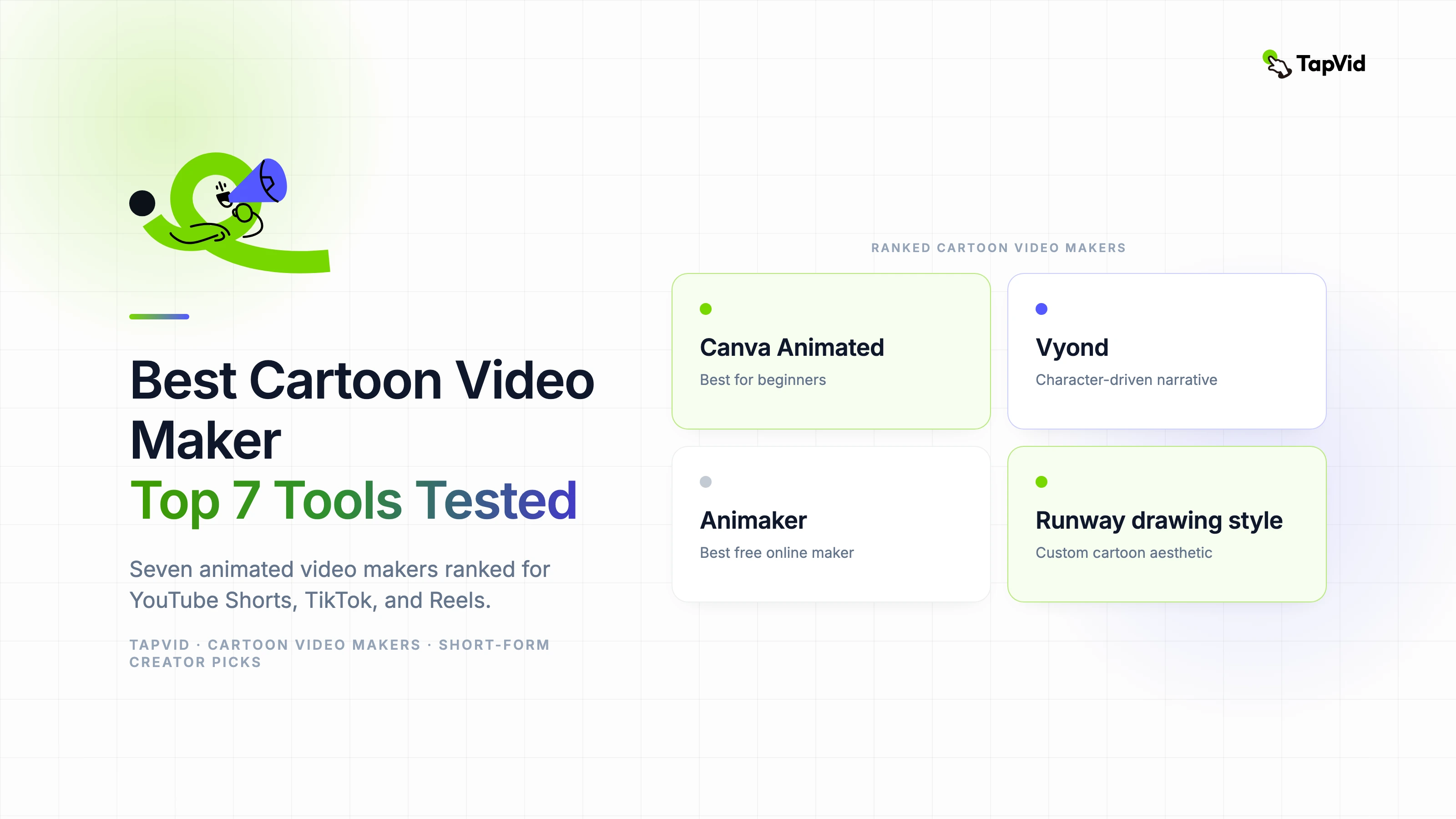
- 1. Canva Animated Videos — Best for beginners. The animated character library and template system produce polished cartoon content with minimal skill requirement. Free tier is generous. The aesthetic is recognizably Canva, but it's a clean, professional look.
- 2. Vyond — Best for character-driven narrative content. The character animation rigging system is the most capable of any template-based cartoon tool. Better for education and explainer content than trend-driven social posts.
- 3. Animaker — Best free online animation maker for character-heavy content. The free tier is usable for real content production. The 2.5D character system produces animation that reads well on mobile screens.
- 4. Renderforest — Best for logo and brand animation as part of short-form content. Strong on the animated intro and outro elements that frame creator content. Template library skews professional.
- 5. Biteable — Best for fast infographic-style cartoon content. If your short-form content is data-driven or explainer-style, Biteable's template system produces clean animated video in minutes.
- 6. Powtoon — Best for presentation-to-short-form repurposing. If you're turning slide-based content into animated video, Powtoon's workflow is specifically designed for that use case.
- 7. AI drawing animation via Runway: for a more custom cartoon aesthetic, generating a drawing animation style through Runway with style-locked prompts produces output that looks genuinely unique rather than template-derived.
03
What I actually use and why
My primary stack is Vyond for planned educational content and Canva for quick reactive posts. Vyond takes more time but the character animation quality makes longer-format content more watchable. Canva is fast enough to respond to a trending topic the same day.
The thing I'd tell creators starting with cartoon content: commit to a visual style and stick with it. Audience recognition of your cartoon aesthetic builds over time and contributes to retention. Switching tools — and therefore visual styles — every few months resets that. Pick one tool that fits your content type and learn it deeply before evaluating alternatives.
04
Free options worth trying first
Animaker's free tier is the most generous of the template-based cartoon tools — you can produce real, usable content without paying. Canva's free animated video features are similarly capable for basic content. Both put watermarks on free exports, but both watermarks are small enough that they don't significantly affect content performance.
For a truly free online animation maker with no watermark requirement, the open-source options — Blender for custom 2D animation, Synfig Studio for drawing-based animation — are capable tools that require a much steeper learning investment. They're worth considering if you're committed to a unique cartoon aesthetic that template tools can't produce.