
I've made over 300 videos for my YouTube channel and TikTok, and the shift to AI-assisted production completely changed my output rate. Not because AI replaced the creative work — it didn't — but because it removed the bottlenecks that were slowing me down. Here's the exact process I use, step by step.
01
Step 1: Write your script before touching any tool
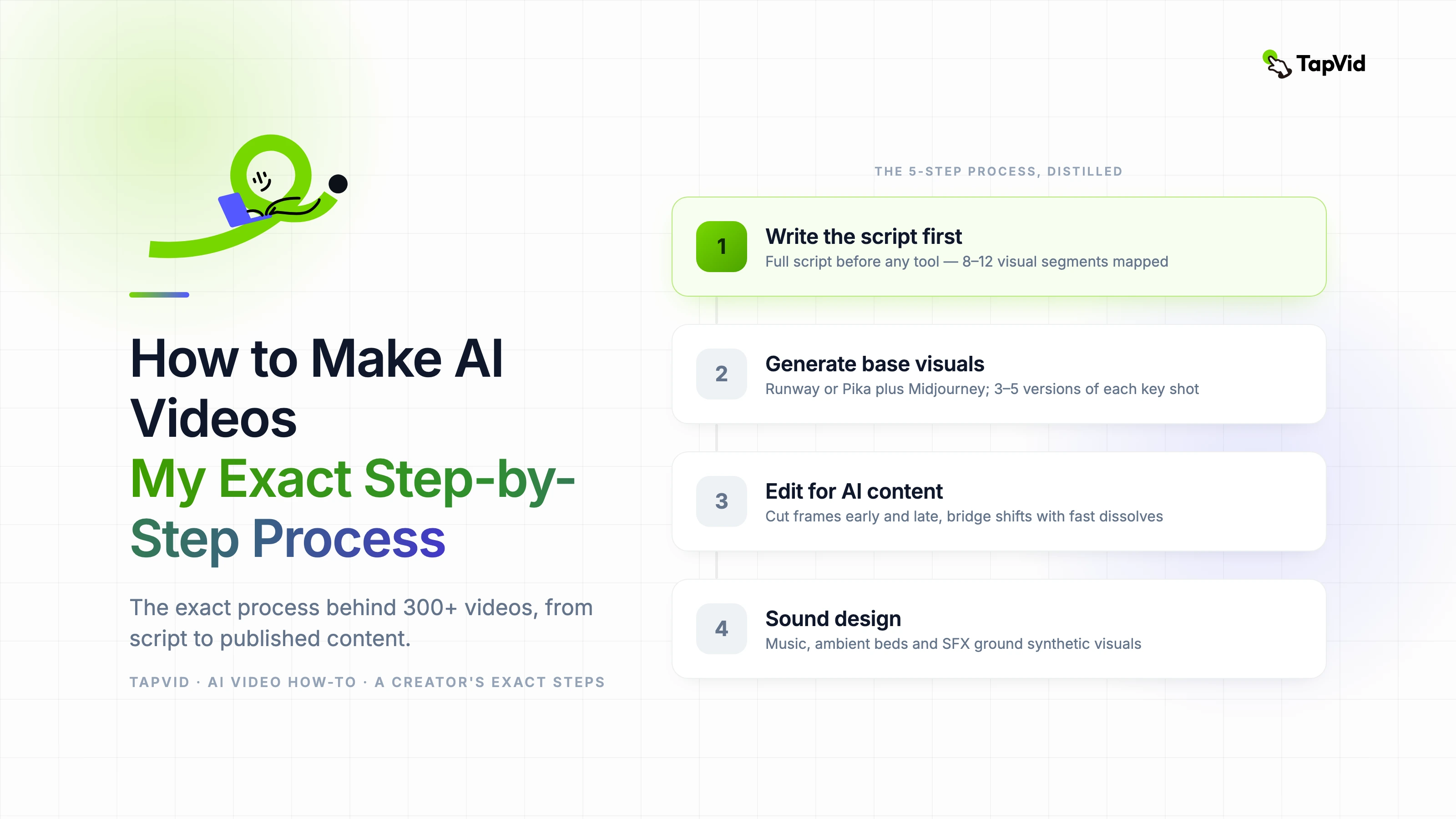
I know this sounds obvious, but I've watched so many creators try to build videos from AI tool outputs first and write the script around them. It produces weak content every time. The script is the spine. Everything else attaches to it.
For a YouTube video, I write a full script — not bullet points, a real script — before I generate a single image or video clip. For TikTok, I write at least a clear three-part structure: hook, core insight, call to action. That structure tells me exactly what visuals I need and in what order.
A 10-minute YouTube video typically has between 8 and 12 distinct visual segments. I identify all of them in the script before I open any AI tool. This prevents the trap of generating beautiful clips that don't fit the narrative you end up writing.
02
Step 2: Generate your base visuals
With my script mapped, I go into Runway or Pika depending on the content type. For talking-head content with b-roll, Runway's image-to-video feature is my primary tool — I feed it still images I shoot myself and let it generate the motion. This keeps the visual style consistent with my brand.
For animated explainer segments within a video, I use a combination of Midjourney for the base graphics and Runway for animating them. The workflow is: script segment → Midjourney prompt for the key frame → Runway to add motion. Each of those steps takes maybe five minutes once you know the tools.
- Match your AI tool to your content type — don't use the same tool for everything
- Generate 3–5 versions of each key visual and pick the best one
- Keep a prompt log — good prompts from one project transfer to others
- Generate visuals in order of the script — it's easier to maintain consistency
- Budget 1.5x the clips you need — some won't make the cut
03
Step 3: Edit with AI-generated content in mind
AI-generated video has specific editing considerations. The clips often don't have natural entry and exit points the way filmed footage does. I start almost every AI clip a few frames late and cut a few frames early — this hides the slightly unnatural beginning and end states most generation tools produce.
Transition work matters more with AI content. Hard cuts between AI-generated clips can feel jarring because the visual style may shift slightly even with consistent prompting. I use either very fast dissolves or bridging shots — a close-up, a texture shot, a title card — to manage those transitions.
04
Step 4: Sound design ties everything together
AI video has no native sound. This sounds obvious but creators underestimate how much sound design contributes to whether AI video feels polished or synthetic. Music, ambient sound, and sound effects all do heavy lifting in making AI visuals feel grounded and real.
For YouTube, I use a combination of licensed music from Epidemic Sound and custom ambient beds I generate with Suno. For TikTok, I trend-match music to current sounds when relevant, and use silence strategically for emphasis — silence cuts through on TikTok in a way it doesn't on YouTube.
05
Step 5: Review, adjust, and publish consistently
The last step that most tutorials skip: build a consistent review process. I watch every video at 1.5x speed before publishing, specifically looking for temporal artifacts in AI clips, any pacing sections that drag, and whether the thumbnail moment is strong. If I find an AI clip with artifacts, I regenerate it — I never publish a clip I know has obvious AI errors.
Consistency matters more than perfection on any single video. I publish on a schedule and that schedule doesn't move. The tools have made it possible to maintain a publication rate that would have been impossible for me without help, and that consistency compounds over time in ways that occasional perfect videos don't.