
Loading...
Loading...
Make motion graphics without After Effects. TapVid generates animated charts, typography, and diagrams from a prompt, with no keyframing, no timeline, and no monthly After Effects license.
No credit card required. Start free.
For motion graphics, the best AI alternative to After Effects is a tool that generates animated scenes from a prompt instead of keyframing them by hand. TapVid does this: you describe the motion graphics or paste a document, and it produces animated charts, typography, and diagrams in minutes, with no timeline and no After Effects license.
After Effects is the industry standard for a reason. It gives frame-level control over every layer. The cost is a steep learning curve, a monthly Adobe subscription, and hours of keyframing per scene, usually done by a specialist. For most motion-graphics work, an explainer, a data animation, a kinetic-typography clip, that control is more than the job needs.
The AI alternatives split into two camps. Photoreal video generators like Runway make cinematic AI clips, not motion graphics. Prompt-to-motion-graphics tools like TapVid and Hera generate the animated design itself. Jitter sits closer to After Effects as a browser-based, template-driven motion design tool. The table below lays out where each one fits.
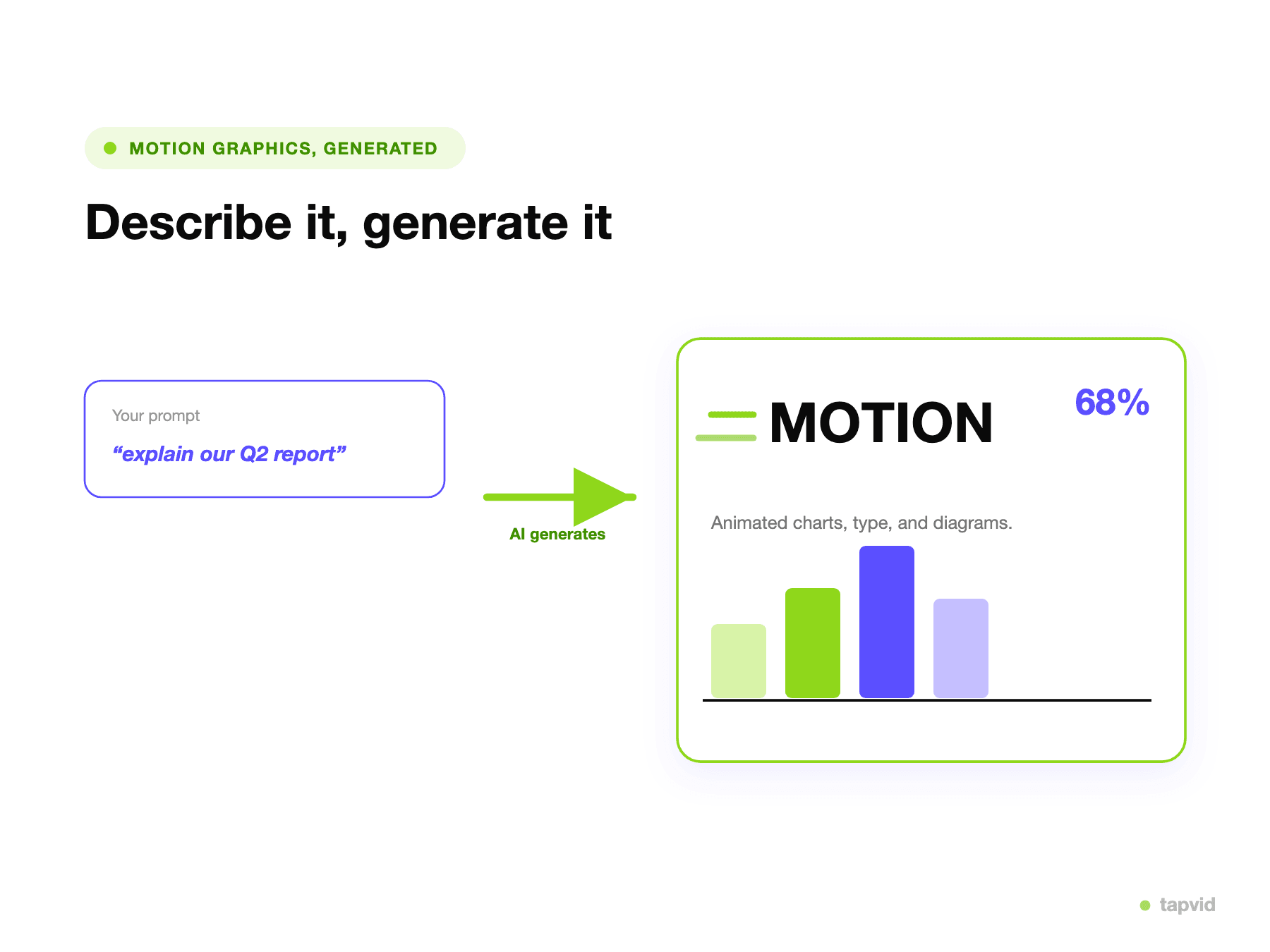
Instead of a blank composition, you describe the motion graphics you need or paste a doc. TapVid plans the scenes and generates the animation.
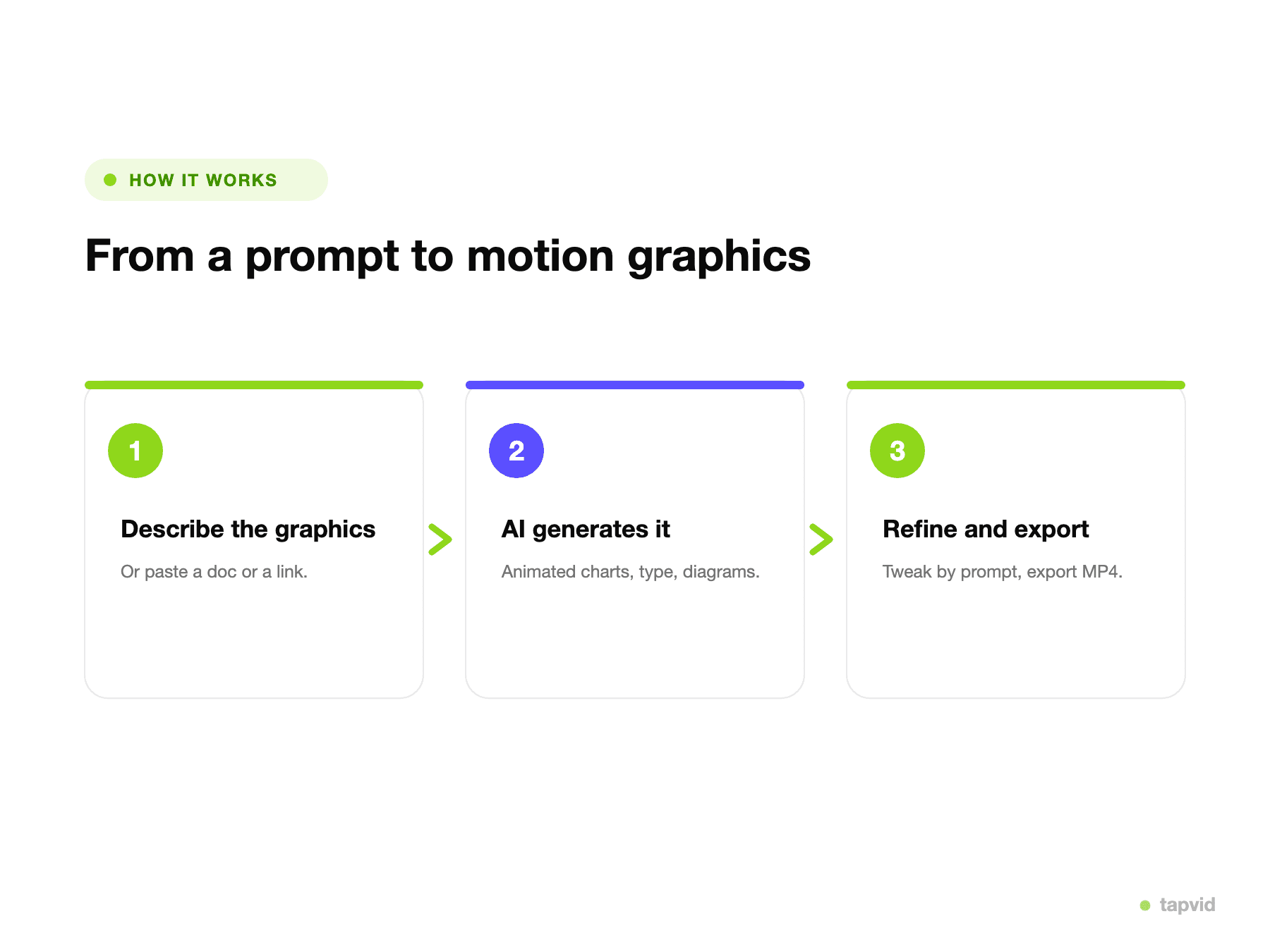
Describe the graphics, TapVid generates the animated scenes, then you refine by prompt and export.
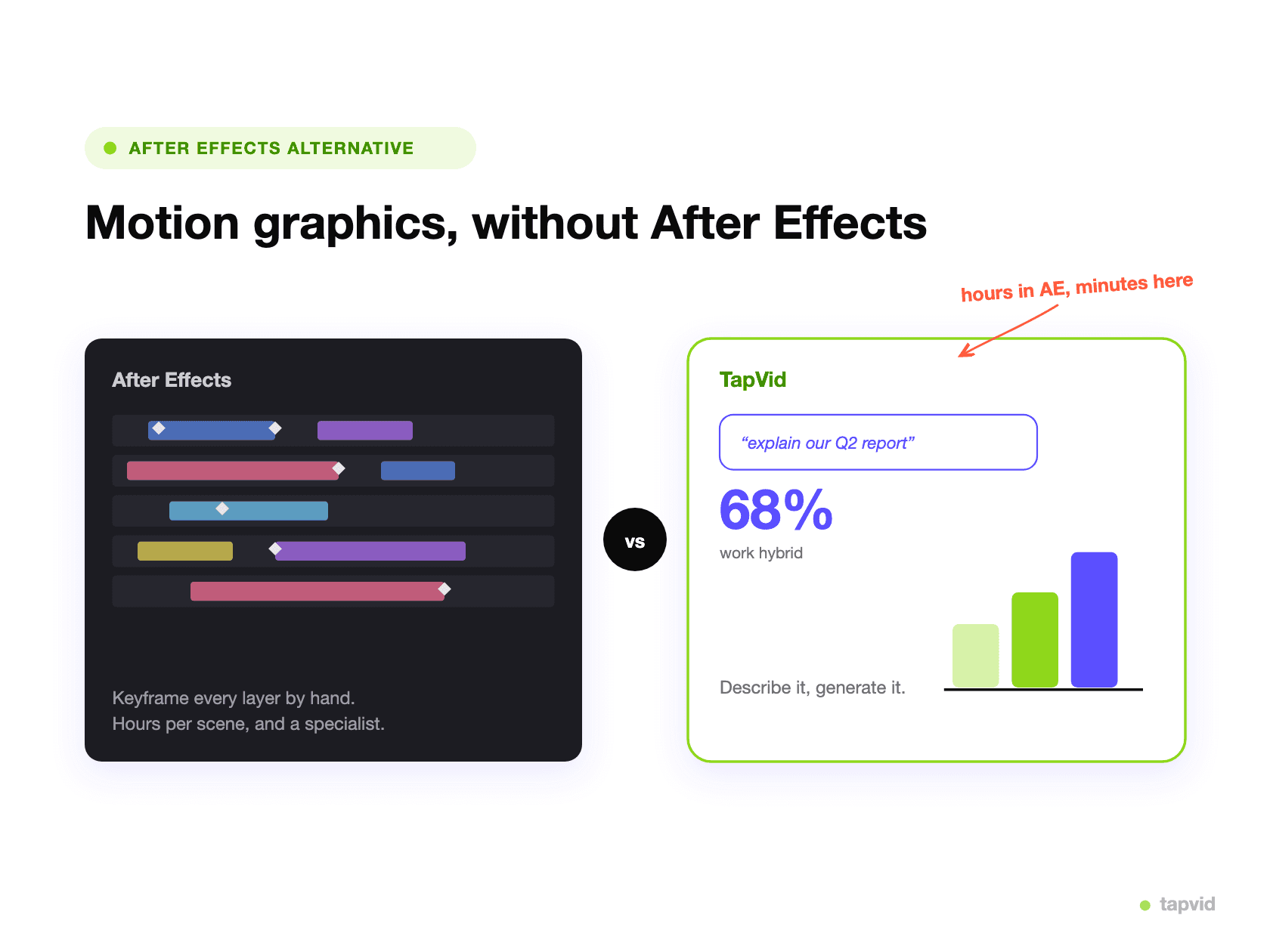
Instead of keyframing every layer, you describe what you need. No plugins, no render queue, no specialist.
Say what you need, or paste a doc or a link. No keyframes.
TapVid plans the scenes and builds the animation from your prompt.
Adjust the look or pacing by prompt, then export an MP4.
Skip the timeline, the plugins, and the monthly After Effects subscription. Describe the result and generate it.
Charts, typography, and diagrams come from your prompt, document, or data, not a blank composition.
A scene that took a motion designer hours in After Effects comes back in one generation pass.
Teams without an animator can still ship motion graphics on their own.
Change the look, pacing, or emphasis in plain language, with no keyframes to redo.
Export an MP4 ready for social, a landing page, an ad, or a deck.
Generated from prompts and documents, no After Effects.
This is an honest comparison, so here is the limit. If you need frame-perfect VFX, bespoke compositing, or a highly custom animation with precise control over every layer, After Effects still wins, and a skilled motion designer will get further with it than any prompt. TapVid is built for the other 90 percent: the explainers, data animations, kinetic typography, and infographic videos that teams need often and cannot justify a multi-day After Effects project for. For that work, generating it from a prompt is faster, cheaper, and does not need a specialist.
How the main options compare for making motion graphics. Competitor facts are from public sources as of July 2026; verify current pricing on each vendor site.
| TapVid | After Effects | Runway | Hera | Jitter | |
|---|---|---|---|---|---|
| Motion graphics from a prompt | ✓ | — | Photoreal video | ✓ | — |
| No keyframing or timeline | ✓ | — | ✓ | ✓ | — |
| Animates your data and docs | ✓ | Manual | — | Partial | — |
| Learning curve | Minutes | Steep | Low | Low | Medium |
| Best for | Motion graphics explainers | Full-control VFX | Photoreal AI video | Template motion graphics | Team motion design |
| Starting price | See pricing | $22.99/mo | $15/mo | From ~$19/mo | Free, Pro $18/mo |
On-brand motion graphics and kinetic-typography clips from a brief.
Animated charts and infographic video from numbers and documents.
Animated diagrams and process flows that make a complex idea clear.
3 credits = 1 second, so you only pay for what actually renders. Start free, upgrade anytime.
$19/mo
900 credits / mo
$39/mo
2,000 credits / mo
$99/mo
6,000 credits / mo
$199/mo
14,000 credits / mo
Join thousands of product teams using AI to create professional videos in minutes.