Loading...
Turn a slide deck into a narrated motion-graphics video, not your slides on autoplay. TapVid restructures the deck, writes narration, and renders it.
No credit card required. Start free.
PowerPoint has a built-in "Export as video," but it just plays your static slides on a timer. The result is dense, slow, and something most people click away from, because slides are designed to be presented in a room, not watched on their own. Exporting them one-to-one keeps every reason they do not work as video.
PPT to video, done well, restructures the deck. TapVid reads your slides, breaks the content into scenes, writes voiceover-ready narration, and rebuilds bullet lists and tables as motion graphics. Instead of your slides on autoplay, you get a paced, narrated video made to be watched.
Because the video is generated from your deck, it keeps your content and message while improving the form. You choose the depth and style, and regenerate any scene by describing the change, so a deck becomes a video without a designer or an editor.

Start from your slides. TapVid reads the structure and content and plans a scene-by-scene video, so you do not rebuild it by hand.

TapVid repaces the content, turns bullets and tables into motion graphics, and writes narration, so a deck becomes a watchable video.

Change depth, style, or length by describing it, then export an MP4 or share a link when it reads right.
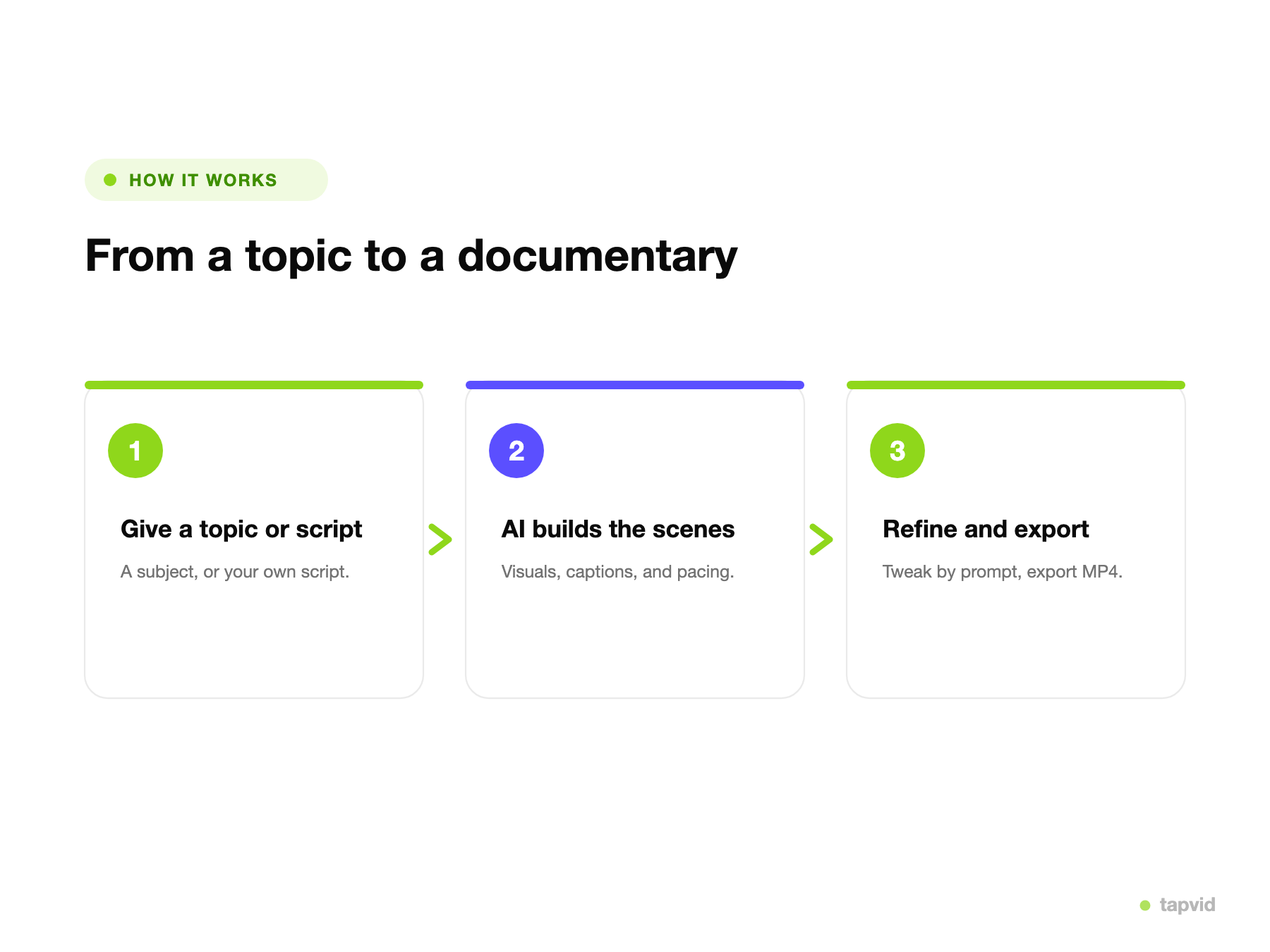
Upload your deck or paste a link as the source.
TapVid restructures the slides, writes narration, and animates the content.
Adjust depth, style, or length by prompt, then export an MP4 or share a link.
One converter covers the decks teams most want people to watch instead of sit through.
Turn a training deck into a video employees can watch and replay on their own time.
Convert a sales deck into a video you can send instead of presenting live.
Turn lecture slides into a narrated lesson students can follow.
Turn an all-hands deck into a recap video for anyone who missed it.
Turn a pitch deck into an animated video for investors.
Repurpose a webinar deck into a short on-demand video.
TapVid rebuilds the deck into scenes and narration instead of playing static slides on a timer.
Lists, tables, and charts are rebuilt as animation, so the content reads clearly as video.
Voiceover-ready narration is generated from the deck, and you can edit it before it renders.
Change depth, wording, or style by describing it. No keyframes.
Export an MP4 for training, sales, or on-demand, or share a link.
Turn a deck into a video the same day, without recreating it in an editor.
Real motion-graphics output generated from slide decks.
Drag to compare: the original slide on the left, the restructured motion-graphics scene on the right.
TapVid
SlideTurn training decks into on-demand videos employees actually finish.
Send a deck as a narrated video instead of presenting it live.
Convert lecture slides into narrated lessons students can replay.
3 credits = 1 second, so you only pay for what actually renders. Start free, upgrade anytime.
$0/mo
300 credits, one-time
$39/mo
2,000 credits / mo
$99/mo
6,000 credits / mo
$199/mo
14,000 credits / mo
Join thousands of product teams using AI to create professional videos in minutes.