Reference-locked product shot
Assign one job to every product reference, then preserve identity, geometry, materials, and approved branding.
Study promptsTapVid 編輯提示詞庫
100 條面向實際製作的影片編輯、產品鏡頭、UI 示範、解說與多參考工作流程範本。
4 source-audited community examples + 100 editorial-unbenchmarked templates. Desired community target: 100; remaining gap: 96. X engagement is not a model benchmark.
Official capability source如果你要分析既有影片, 閱讀 Gemini 3.7 影片理解指南.

Prompt builder
Choose the official input pattern, name only the references you can verify, then inspect the result before copying.
BUILT PROMPT
Choose an input mode, describe the verified subject and action, then build a prompt you can inspect before copying.
ON-DEMAND AGENT ACCESS
Point Codex or Claude Code at the public feed to search 4 source-audited community examples and the same 100 editorial templates without pasting the full library into every session.
Agents read the feed only when requested. This does not train the agent or grant native Gemini Omni access.
Read /video-prompts/gemini-omni/skill.md.

Find a prompt for my verified inputs, explain which reference controls each element, and list what I must inspect before use.
LEARN BY WORKFLOW
Gemini Omni prompts work best when each reference has one explicit role, changes stay narrow, and the final frame has a visible acceptance test.
Assign one job to every product reference, then preserve identity, geometry, materials, and approved branding.
Study promptsName the one element that changes and explicitly freeze timing, camera movement, audio, and everything around it.
Study promptsDefine a physically plausible transition between supplied endpoints without inventing a second story beat.
Study promptsKeep approved interface pixels outside generation whenever wording, numbers, and controls must remain exact.
Study promptsGEMINI OMNI → TAPVID
No. They are TapVid editorial templates derived from publicly documented Gemini Omni capabilities and prompt patterns. The official sources are linked above.
Not yet. They are labeled as editorial and unbenchmarked. Treat them as structured starting points and inspect every output against the supplied references.
Use the prompt to reserve space and describe placement. Add prices, specifications, legal wording, and final branding as verified production assets when exact characters matter.
Give every reference one job: identity, motion, composition, style, audio, or an endpoint. If two references compete for the same job, state which one wins.
RELATED TAPVID TOOLS
ACCURATE ASSETS · EDITABLE STRUCTURE
Gemini Omni 面向生成式影片創作與編輯;TapVid 是解說影片引擎,把已核准素材和文案編排成可繼續修改的影片結構。
ORIGINAL COMMUNITY MEDIA
Only posts with an explicit Gemini Omni 1.1 Flash identity, a complete same-post prompt, public media, and traceable creator attribution are included.
A single-shot perfume reveal with a precise ten-second timeline, lens changes, practical audio, and no generated copy.
{
  "model": "gemini-omni-1.1-flash",
  "duration": "10s",
  "aspect_ratio": "16:9",
  "shot": {
    "structure": "single continuous unbroken shot, no scene cuts",
    "composition": "starts extreme macro on a tall faceted crystal perfume bottle, follows silk and gold dust swirling around it, ends on a centered floating hero shot",
    "lens": "100mm macro for glass detail, then 50mm for the product reveal",
    "frame_rate": "24fps cinematic",
    "camera_movement": "slow push-in across the bottle, gentle orbital drift as petals and silk rise, hold steady on the final hero frame"
  },
  "timeline": {
    "0-2s": "Dim luxury studio on black marble. Tall faceted crystal perfume bottle with deep amber-gold liquid. Warm candlelight gliding across sharp glass edges, ultra-realistic reflections and caustics.",
    "2-4s": "Sheer champagne silk and fine gold dust swirl around the bottle in slow motion. Soft warm mist rises. Particles catch the light beams.",
    "4-6s": "Liquid inside the bottle gently swirls as if alive. Golden particles rise. The gold cap lifts slightly with a subtle magical realism glow.",
    "6-8s": "Perfume spray bursts in slow motion and transforms into flowing silk ribbons and night-blooming jasmine and tuberose petals that dissolve into golden vapor.",
    "8-10s": "Final hero shot. Bottle centered on black marble, surrounded by glowing mist, silk folds and scattered petals. Warm spotlight and candlelight. Luxury brand focus."
  },
  "subject": {
    "description": "a tall faceted crystal perfume bottle with amber-gold liquid, silk fabric, gold dust, and night-blooming flowers assembling around it",
    "props": "crystal bottle, gold cap, champagne silk, jasmine and tuberose petals, warm mist"
  },
  "scene": {
    "location": "dark elegant studio with glossy black marble",
    "time_of_day": "timeless night, warm candlelight",
    "environment": "quiet luxury set, reflective surface, soft haze, no people"
  },
  "visual_details": {
    "action": "light glides across glass, silk and petals swirl, cap lifts, spray becomes vapor and floral forms, bottle settles into a floating hero pose",
    "special_effects": "slow-motion gold dust, liquid caustics, mid-air silk morph, subtle levitation shimmer"
  },
  "cinematography": {
    "lighting": "warm candlelight key, dramatic spotlight beams, glossy marble reflections, soft gold rim light",
    "color_palette": "deep black, champagne gold, amber, ivory petals",
    "tone": "intimate, heritage luxury, quiet sensuality"
  },
  "audio": {
    "music": "subtle warm ambient drone with a faint crystal chime",
    "ambient": "soft silk rustle, candle flicker, still studio air",
    "sound_effects": "delicate spray burst, petals settling, quiet glass resonance",
    "mix": "intimate, refined, product-forward, no voice"
  },
  "constraints": {
    "dialogue": "none",
    "voiceover": "none",
    "on_screen_text": "none",
    "captions": "none",
    "subtitles": false
  }
}Prompt and preview come from the same public X post. Media remains on X; rights remain with the original creator.

A realistic miniature oasis animation with wind, water ripples, a camel caravan, and restrained camera movement.
A realistic animation of the miniature desert oasis scene emerging from the open book. Soft wind gently sweeps across the golden sand dunes and sways the leaves of the palm trees. Subtle, realistic ripples move across the surface of the clear blue oasis water. The camel caravan walks slowly in a line across the sandy path beside the water, creating a lifelike, mesmerizing scene. Smooth camera zoom and cinematic lighting.
Prompt and preview come from the same public X post. Media remains on X; rights remain with the original creator.

A reference-to-video test that assigns separate character roles and holds a tense, non-violent live-action scene.
Use the uploaded images as visual references for the characters. Create a 10-second cinematic live-action scene in a desert at sunset. One masked ninja stands alone facing three dark warriors several meters away. Use Image 2 as the visual reference for the masked ninja. Use Image 1 as inspiration for the three opposing warriors, making them three distinct characters from the same faction. Keep everyone still and focused on each other. Wind moves dust gently across the desert. Subtle fabric movement. Strong cinematic tension. The lead warrior looks at the ninja and says: “You came here alone.” The ninja looks back calmly and replies: “I came for you.” Hold on the silence after the reply for a moment. No combat. No attack. No sword movement. No physical contact. No injury. No violence. Cinematic live-action realism, natural body language, realistic lip sync, subtle camera movement, dramatic sunset light, grounded desert atmosphere.
Prompt and preview come from the same public X post. Media remains on X; rights remain with the original creator.

A deliberately narrow conversational edit that changes one subject while leaving the rest of the source clip intact.
Change the butterfly to a bee.
Prompt and preview come from the same public X post. Media remains on X; rights remain with the original creator.
Only 4 qualified posts have comparable, known view counts. The launch rule requires at least 6, so no item is labeled Trending.
4 source-audited community examples appear beside their original X media. The existing 100 TapVid editorial templates remain separate and unbenchmarked. Community target gap: 96.
AI illustration covers make these TapVid-authored templates easier to browse; every cover is labeled and is not claimed Gemini output.
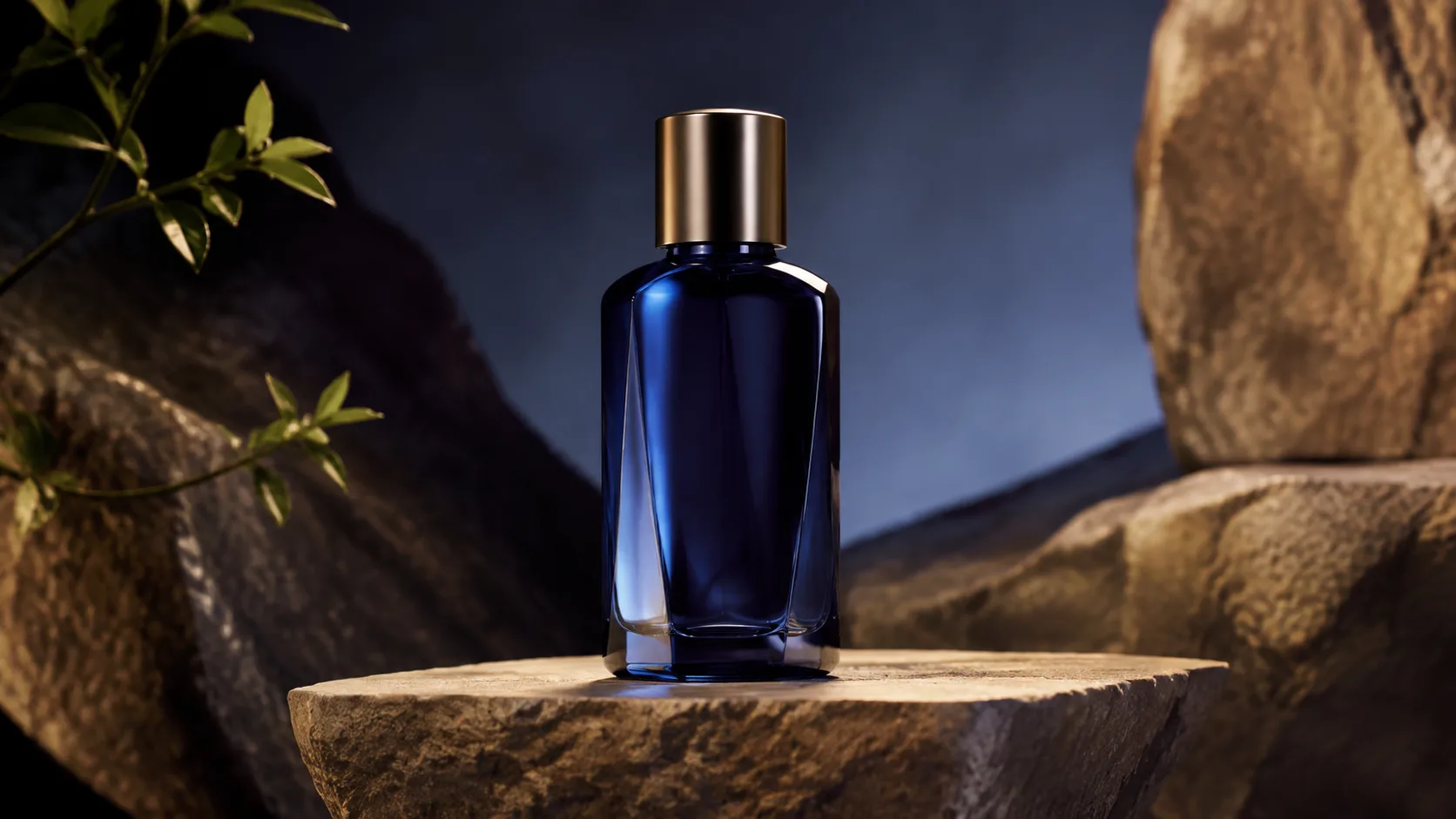
Animate a supplied packshot while keeping the product as the visual source of truth.
This is a writing template, not a claimed Gemini Omni result.
Assign front, side, and detail references distinct jobs instead of blending them.
This is a writing template, not a claimed Gemini Omni result.
Demonstrate one physical feature without changing the product or adding unsupported claims.
This is a writing template, not a claimed Gemini Omni result.
Change one approved surface color while preserving every other part of an existing clip.
This is a writing template, not a claimed Gemini Omni result.

Keep supplied interface pixels readable while adding environmental motion around them.
This is a writing template, not a claimed Gemini Omni result.
Connect approved app screens without asking the model to invent intermediate UI.
This is a writing template, not a claimed Gemini Omni result.
Build a transition between two approved states while keeping both endpoints exact.
This is a writing template, not a claimed Gemini Omni result.
Wrap an exact screen recording in useful contextual B-roll without replacing it.
This is a writing template, not a claimed Gemini Omni result.
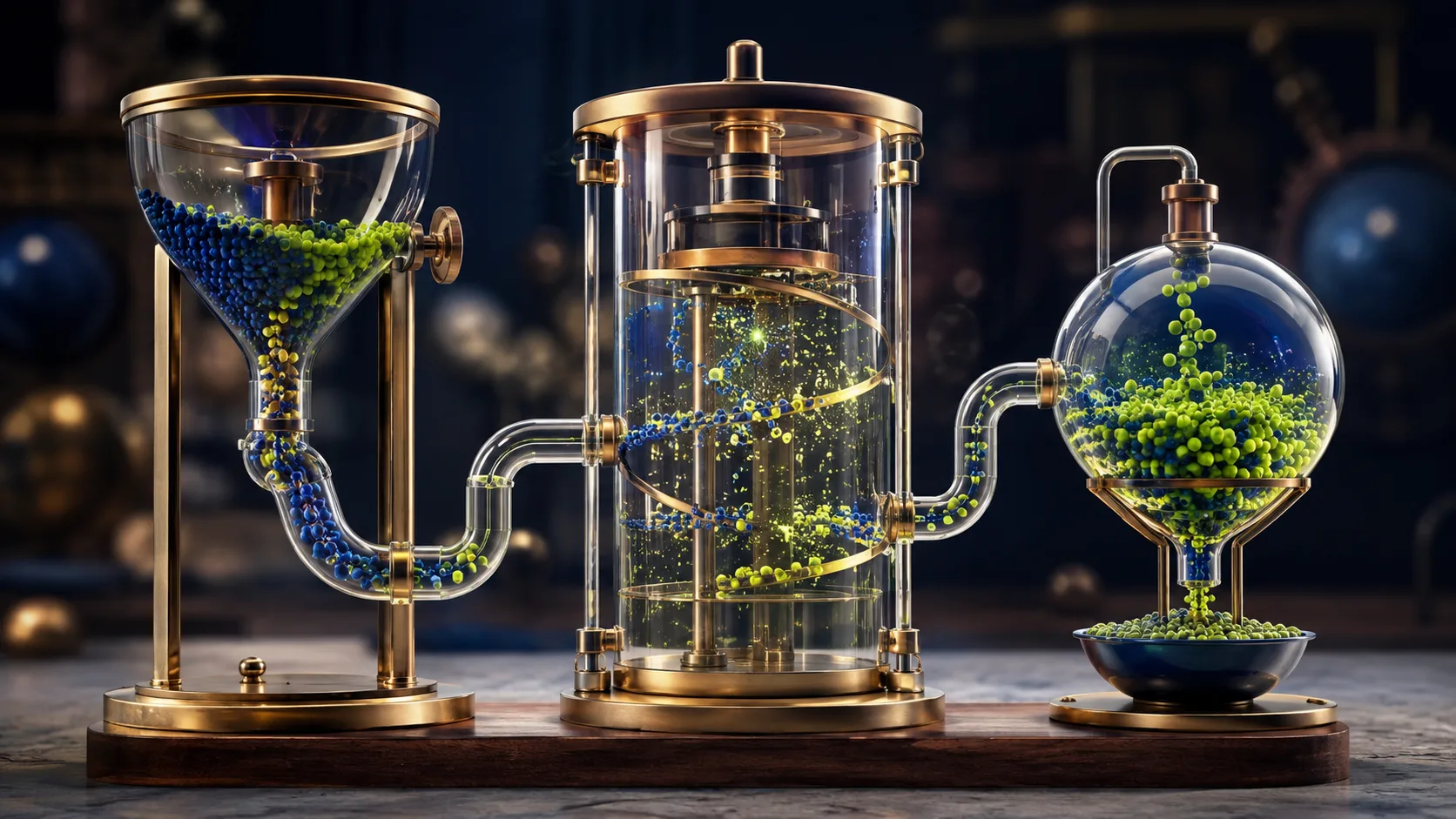
Turn one mechanism into a causal visual sequence instead of a montage.
This is a writing template, not a claimed Gemini Omni result.
Use a verified diagram to control relationships while animation explains motion.
This is a writing template, not a claimed Gemini Omni result.
Animate attention around an approved chart without regenerating its values.
This is a writing template, not a claimed Gemini Omni result.
Separate factual dates from generated atmosphere in a short history sequence.
This is a writing template, not a claimed Gemini Omni result.
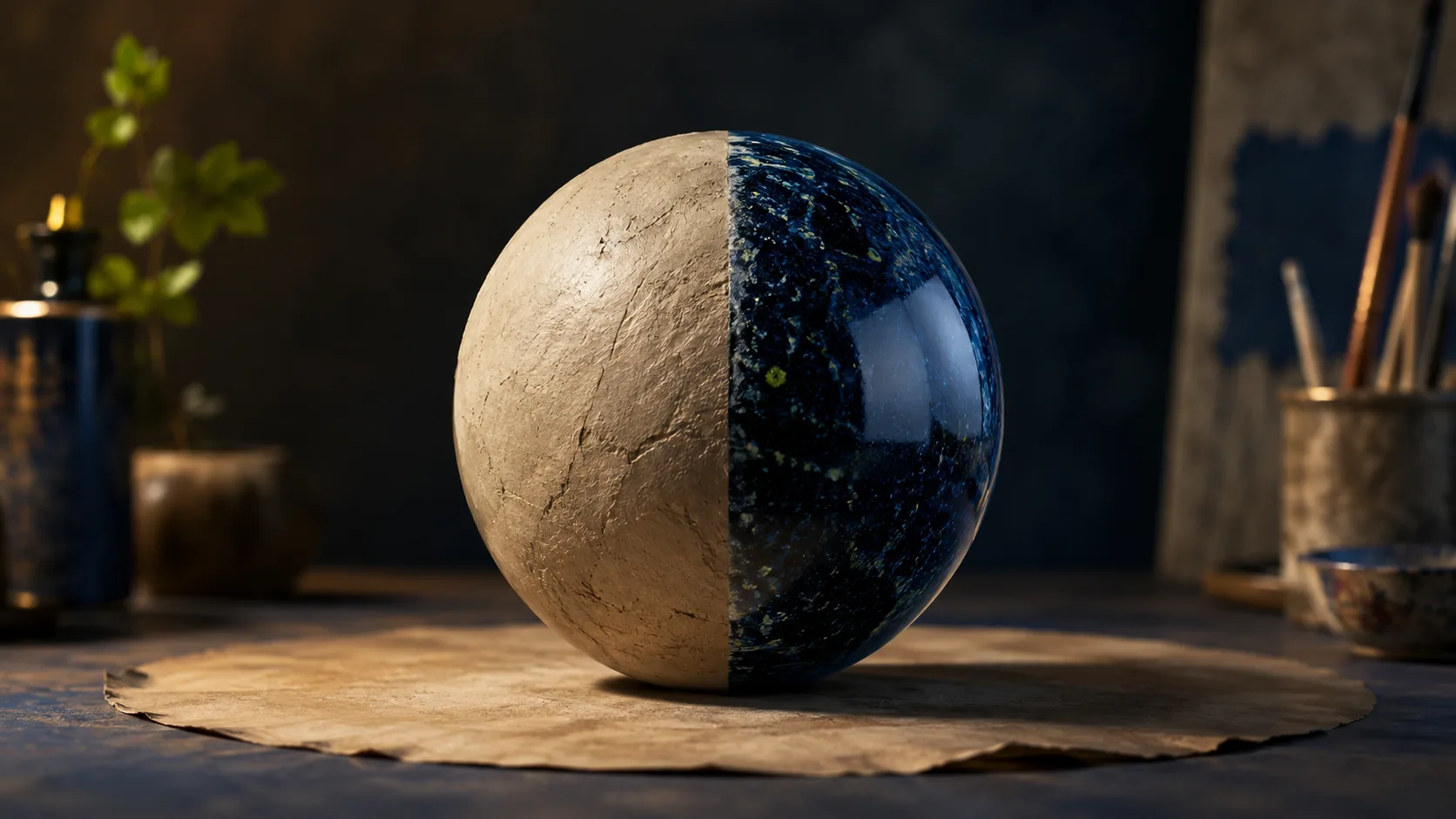
Move an existing subject into a new setting while freezing identity, action, and timing.
This is a writing template, not a claimed Gemini Omni result.
Define a narrow removal so the rest of the shot does not drift.
This is a writing template, not a claimed Gemini Omni result.
Apply one visual effect while preserving scene structure and action.
This is a writing template, not a claimed Gemini Omni result.
Change viewpoint after the scene is established without rewriting the scene itself.
This is a writing template, not a claimed Gemini Omni result.
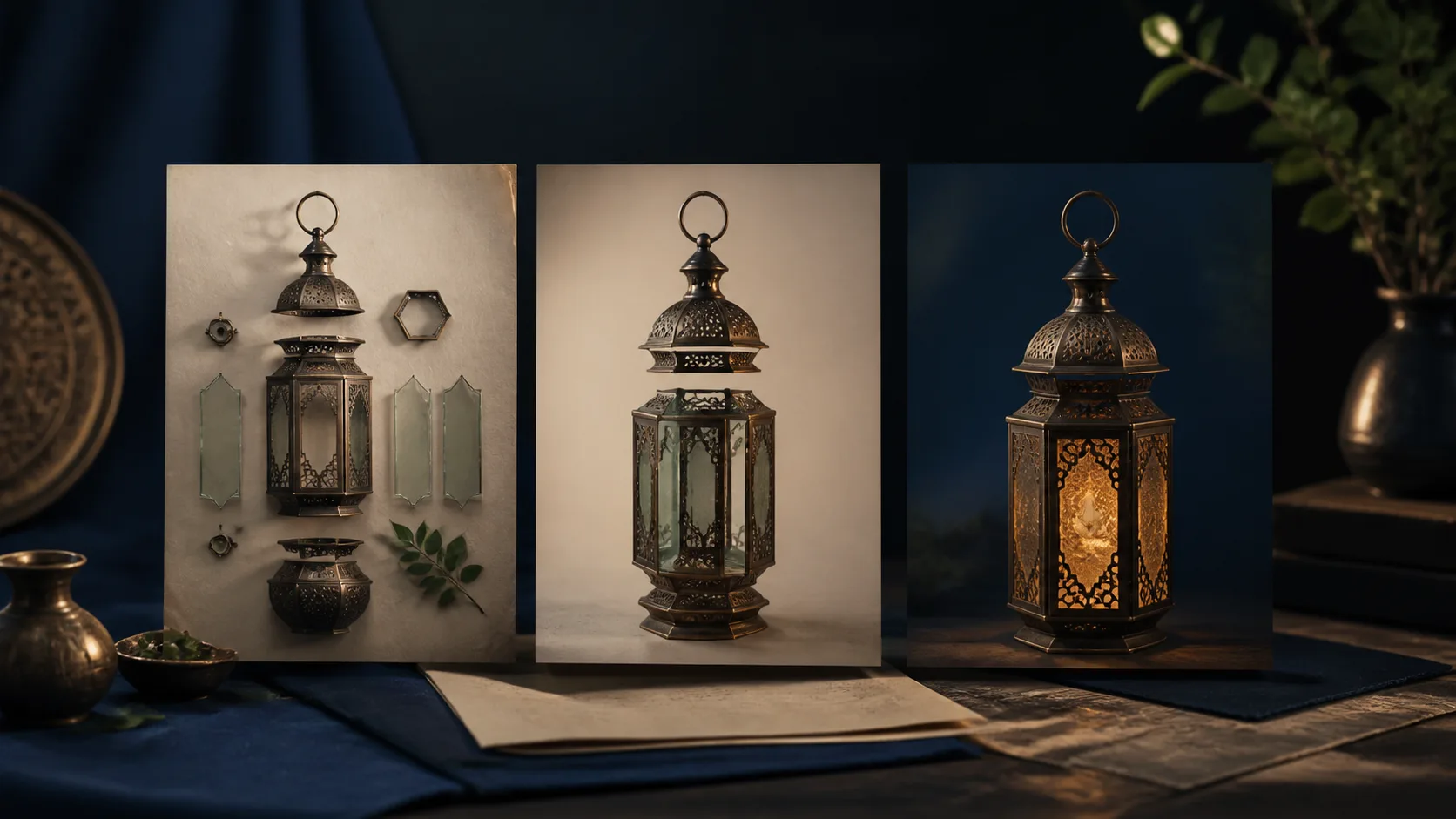
Borrow movement from one source and appearance from another without mixing identities.
This is a writing template, not a claimed Gemini Omni result.
Give the product and soundtrack separate control roles.
This is a writing template, not a claimed Gemini Omni result.
Use one reference for motion and another only for finish.
This is a writing template, not a claimed Gemini Omni result.
Use a drawing as a movement map rather than a visual element in the output.
This is a writing template, not a claimed Gemini Omni result.