
Grok lanzó la generación de vídeo y el interés de búsqueda se disparó de la noche a la mañana. Casi todo lo que se ha escrito desde entonces es o bien puro hype o una copia de la ficha técnica. Ninguno te dice lo que de verdad necesitas saber: para qué trabajo es buena la función de vídeo de Grok y cuándo te conviene más otro tipo de herramienta.
01
¿Qué es la generación de vídeo de Grok?
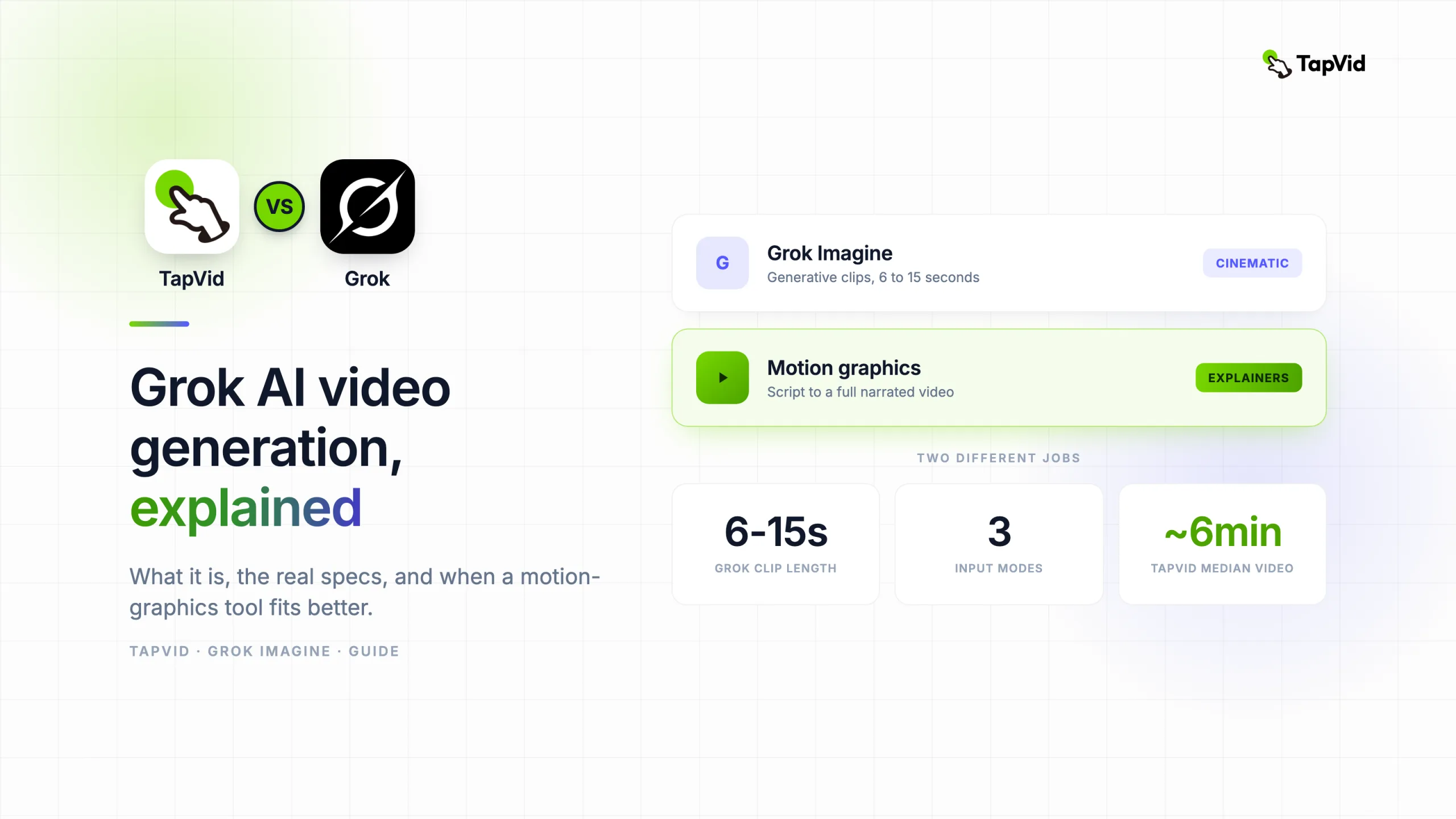
Me dedico a crear vídeos de motion graphics, así que esta distinción me importa más que a la mayoría. Aquí va la versión directa. Grok Imagine es el modelo de xAI para convertir texto, una imagen o una nota de voz en un clip corto y cinematográfico con sonido. Es rápido y de verdad divertido. Pero no es un motor de explainers, y usarlo como tal es la forma de perder una tarde entera. Déjame repasar qué hace, los números reales y dónde encaja.
La generación de vídeo de Grok funciona con un modelo que xAI llama Grok Imagine, integrado en el asistente Grok en la web y en las apps móviles. Le das un prompt o una imagen y devuelve un vídeo corto. Lo que lo diferencia de la mayoría de modelos es que genera el audio a la vez que la imagen, así que la música, los efectos de sonido y el ruido ambiente vienen incorporados en lugar de añadirse después.
El modelo lee más que el sujeto literal de tu prompt. Capta el movimiento de cámara que describes, la iluminación, el ambiente y el estilo, y luego renderiza un clip que intenta acertar con todo a la vez. No estás montando escenas en una línea de tiempo. Estás describiendo un momento y dejando que el modelo invente el metraje.
Ese encuadre importa, porque te dice para qué sirve Grok. Es un generador de clips creativos. En espíritu está más cerca de Sora, Kling y Veo que de las herramientas de explainers y demos con las que la gente suele confundirlo.
02
Cómo funciona: tres formas de entrar
Grok Imagine admite tres tipos de entrada, y cada una encaja con un punto de partida distinto.
- Texto a vídeo. Describe una escena en una o dos frases y obtén un clip. Es la vía más rápida y la que casi todos prueban primero.
- Imagen a vídeo. Sube una imagen fija y deja que el modelo la anime, añadiendo movimiento de cámara y vida a un fotograma que ya tienes. Es el modo al que más recurren los creadores, porque da más control sobre el aspecto.
- Voz a vídeo. Di la idea en vez de escribirla. Útil en el móvil, donde hablar es más rápido que teclear un prompt.
Las tres acaban en el mismo sitio: un clip corto con audio generado. También hay una API de xAI para desarrolladores que quieren llamar al modelo de forma programática en lugar de por la app.
03
Specs de Grok Imagine de un vistazo
Los números de abajo reflejan lo que xAI y análisis de terceros reportaron al momento de escribir. Las specs de Grok cambian rápido, así que tómalo como una foto fija y confírmalo con la documentación de xAI antes de construir nada encima.
| Spec | Grok Imagine |
|---|---|
| Entradas | Texto, imagen, voz |
| Duración del clip | Unos 6 a 15 segundos |
| Velocidad | Clips estándar en unos 5 a 20 segundos, los complejos por debajo de 30 |
| Frames por segundo | 24 fps |
| Resolución | Hasta 1080p |
| Relaciones de aspecto | 16:9, 9:16, 1:1 |
| Audio | Audio y vídeo nativos, generados juntos |
Dos de estos números importan más que el resto. La velocidad es el titular: un clip en segundos significa que puedes iterar una docena de veces en lo que un modelo antiguo tarda en renderizar una sola, y iterar rápido cambia cómo trabajas. La duración del clip es la trampa silenciosa. De seis a quince segundos es un único momento, no una historia. Cualquier cosa más larga implica unir clips tú mismo, y ahí es donde se cae el plan de "usar Grok para todo".
El audio nativo también merece mención. La mayoría de modelos te entregan un render mudo y te dejan el sonido a ti. Grok genera ambos juntos, lo que ahorra un paso y, por los clips que he visto compartidos en público, se sostiene bastante. No he hecho una prueba controlada de sincronía de audio en un lote, así que tómalo como una impresión, no como un benchmark.
04
En qué es realmente bueno el vídeo de Grok
Quiero ser justo con la herramienta, porque es buena en cosas reales.
- Clips cinematográficos y estilizados. Un plano dramático, una escena surrealista, una pieza de ambiente. Cuando quieres algo que parezca un fotograma de una película, Grok cumple.
- Dar vida a una imagen fija. El modo imagen a vídeo es el uso más fuerte que he visto. Dale un buen fotograma y le añade movimiento sin que toques software de edición.
- Velocidad que cambia el flujo de trabajo. Como un clip llega en segundos, dejas de tratar cada generación como algo precioso. Pruebas diez prompts, te quedas con uno y sigues. Ese bucle es la verdadera ventaja.
- Experimentos para redes. Cortes cortos y llamativos para un feed, donde el vídeo entero dura menos de quince segundos de todos modos y un visual impactante es todo el objetivo.
Si tu resultado es un clip creativo corto y el aspecto es el mensaje, Grok es una gran elección, y no te disuadiría.
05
Dónde se queda corto el vídeo de Grok
Los límites no son fallos. Son lo que es un modelo generativo de clips, y importan en cuanto tu objetivo pasa de "que quede chulo" a "explicar algo".
- Sin narración estructurada. Grok no toma un guion completo ni construye un explainer de varias escenas y ritmo pautado donde una voz en off sigue tus puntos en orden. Hace un momento, no un argumento.
- Solo clips cortos. El techo de seis a quince segundos hace que cualquier explainer o demo real se convierta en un trabajo de unión, y los clips generativos unidos rara vez se sienten como un solo vídeo coherente.
- Poco control sobre el mensaje. El vídeo generativo es genial para una vibra y flojo para "di exactamente estas tres cosas en este orden". Si la redacción y la secuencia cargan tu punto, peleas contra el modelo todo el camino.
- No está hecho para demos de producto. No guiará al espectador por lo que hace tu producto y por qué importa. Ese es otro tipo de vídeo con otra forma.
Nada de esto es una crítica. Grok es una herramienta creativa haciendo bien cosas de herramienta creativa. Simplemente no es un motor de explainers ni de demos, y ningún prompt lo convierte en uno.
06
Grok frente a una herramienta de motion graphics: dos trabajos distintos
Aquí está la confusión que veo más a menudo. Alguien necesita un explainer de producto o un vídeo de lanzamiento, oye que Grok hace vídeo e intenta llegar a una demo a base de prompts. No funciona, y le echa la culpa al prompt. El problema real es de categoría. Grok genera metraje cinematográfico. Un explainer necesita motion graphics estructurados, que es un oficio completamente distinto.
El motion graphics construye un vídeo a partir de tu guion con texto animado, iconos e ilustración que siguen tus puntos desde la primera línea hasta la llamada a la acción. Ese es el trabajo para el que está hecho TapVid. Escribes un guion o un prompt y produce un vídeo narrado y subtitulado con principio, medio y final, no un único momento onírico.
El compromiso honesto es la velocidad. Grok devuelve un clip en segundos. Un vídeo de motion graphics estructurado tarda más, porque está montando un vídeo entero en lugar de un solo plano. Para poner un número real: según la propia analítica de producto de TapVid, el usuario nuevo mediano consigue su primer vídeo terminado en unos seis minutos, con la cola más lenta cerca de quince. Eso son minutos para un explainer completo y narrado, frente a segundos para un único clip cinematográfico. Distintos resultados, distintos relojes.
07
Cuándo usar cada uno
No tienes que elegir un favorito. Tienes que ajustar la herramienta al vídeo que tienes delante. Esta es la decisión que sigo:
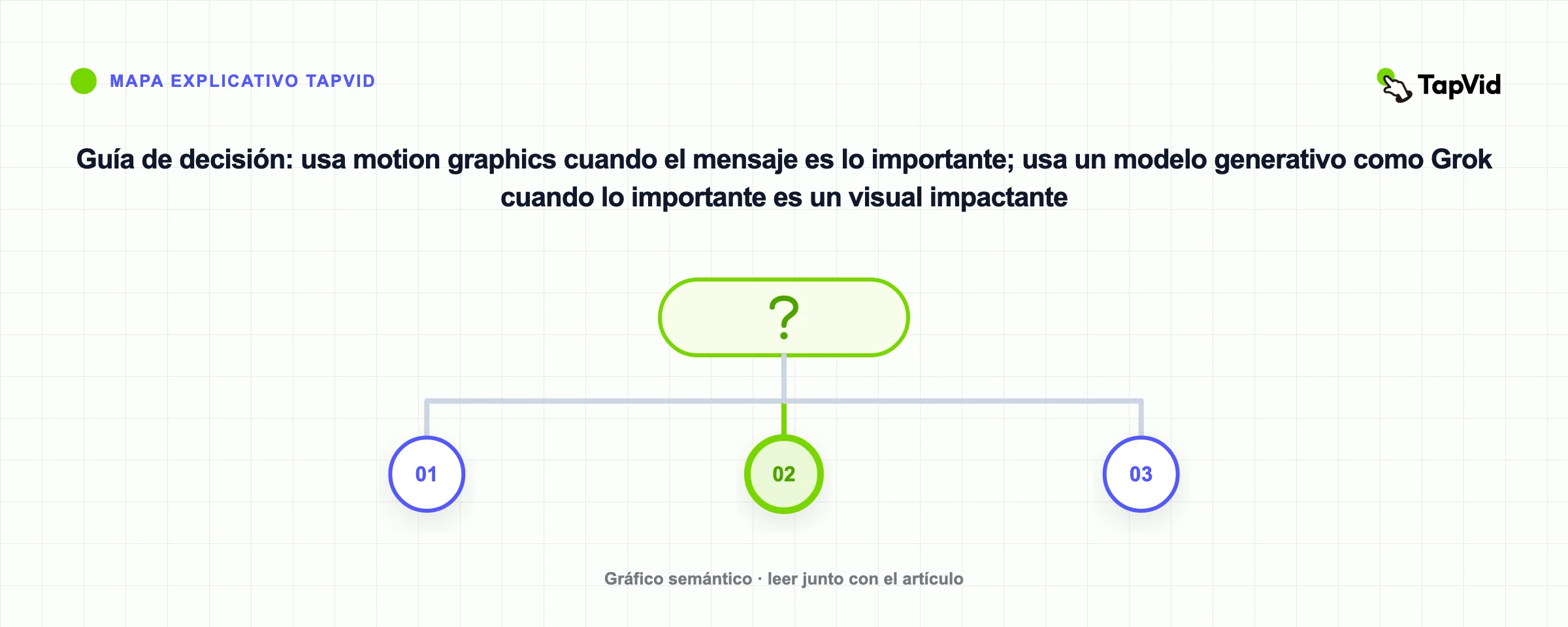
- El mensaje es lo importante. Necesitas explicar, enseñar o hacer una demo, y las palabras y el orden importan. Usa motion graphics y mira las guías de TapVid sobre cómo hacer un vídeo explainer o un vídeo de demo de producto.
- Un visual impactante es lo importante. Quieres un ambiente, un plano estilizado, un momento que detenga el scroll por debajo de quince segundos. Usa Grok u otro modelo generativo como Sora, Kling o Veo.
- Necesitas ambos. Muchos lanzamientos lo necesitan. Un clip generativo para el plano estrella y un explainer de motion graphics para la parte que de verdad vende el producto. Nada obliga a pasarlo todo por una sola herramienta.
08
La conclusión
La generación de vídeo de Grok es un creador de clips rápido y creativo con audio nativo, y en eso es realmente bueno. No es una herramienta de explainers ni de demos, y no pretende serlo. Recurre a Grok cuando quieras un momento cinematográfico corto. Recurre a un generador de motion graphics cuando necesites un explainer completo y narrado o una demo de producto.
09
Frequently asked questions
¿La generación de vídeo de Grok es gratis?
Puedes probar Grok en la web y en las apps sin coste, con límites en cuánto puedes generar. Confirma precios y cuotas actuales en el sitio de xAI, porque cambian a menudo.
¿Cuánto duran los vídeos de Grok Imagine?
Los clips duran unos 6 a 15 segundos. Para algo más largo combinas varios clips, lo cual es viable pero rara vez se siente como un vídeo continuo.
¿Grok genera audio con el vídeo?
Sí. Grok Imagine crea audio sincronizado, incluida música y efectos de sonido, a la vez que la imagen, así que no musicalizas el clip por separado.
¿Puede Grok hacer un vídeo explainer o de demo de producto?
La verdad, no. Hace clips creativos cortos, no explainers narrados de varias escenas. Para eso, una herramienta de motion graphics como TapVid encaja, porque construye un vídeo completo a partir de tu guion.
¿Cuáles son buenas alternativas a Grok Imagine?
Para clips generativos cinematográficos, Sora, Kling y Veo juegan en el mismo terreno. Para explainers y demos estructurados, una herramienta de motion graphics como TapVid es la alternativa, porque resuelve un problema distinto al de Grok.
¿Qué tan rápido es Grok frente a otras herramientas de vídeo con IA?
La velocidad es su fuerte. Los clips estándar se generan en segundos, más rápido que la mayoría de modelos cinematográficos. La pega es la duración, ya que esos clips rápidos no pasan de unos quince segundos.